






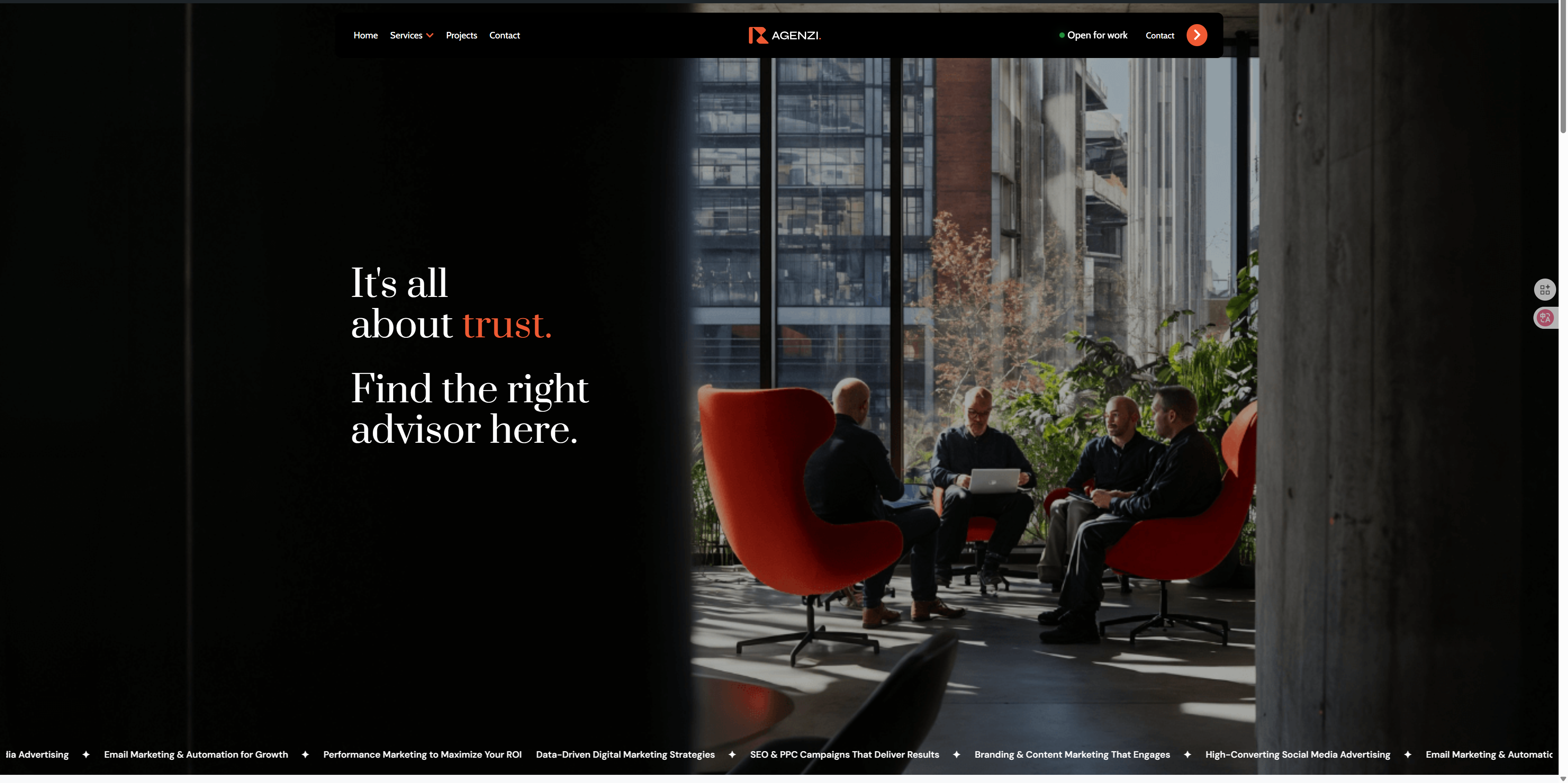
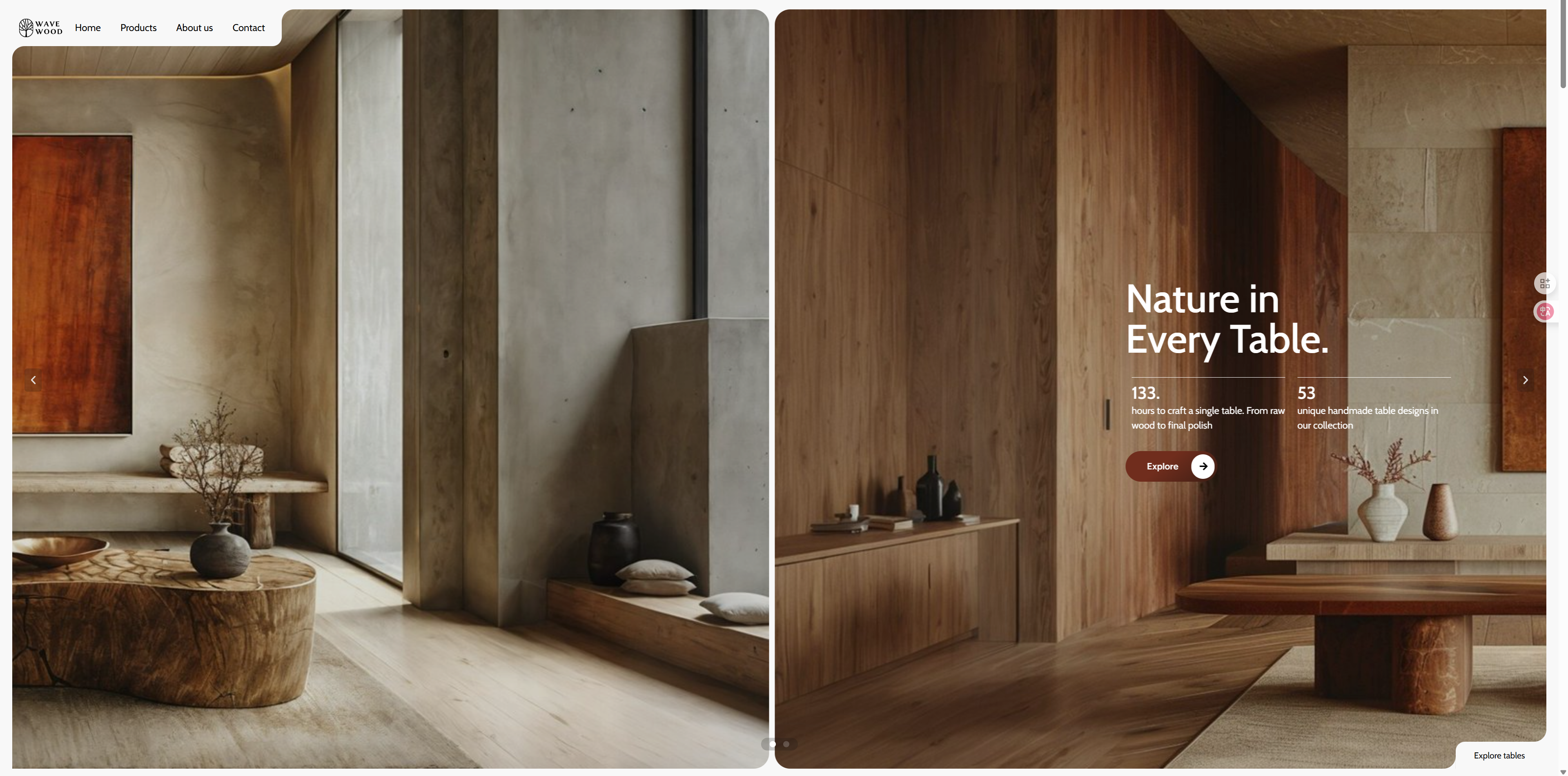
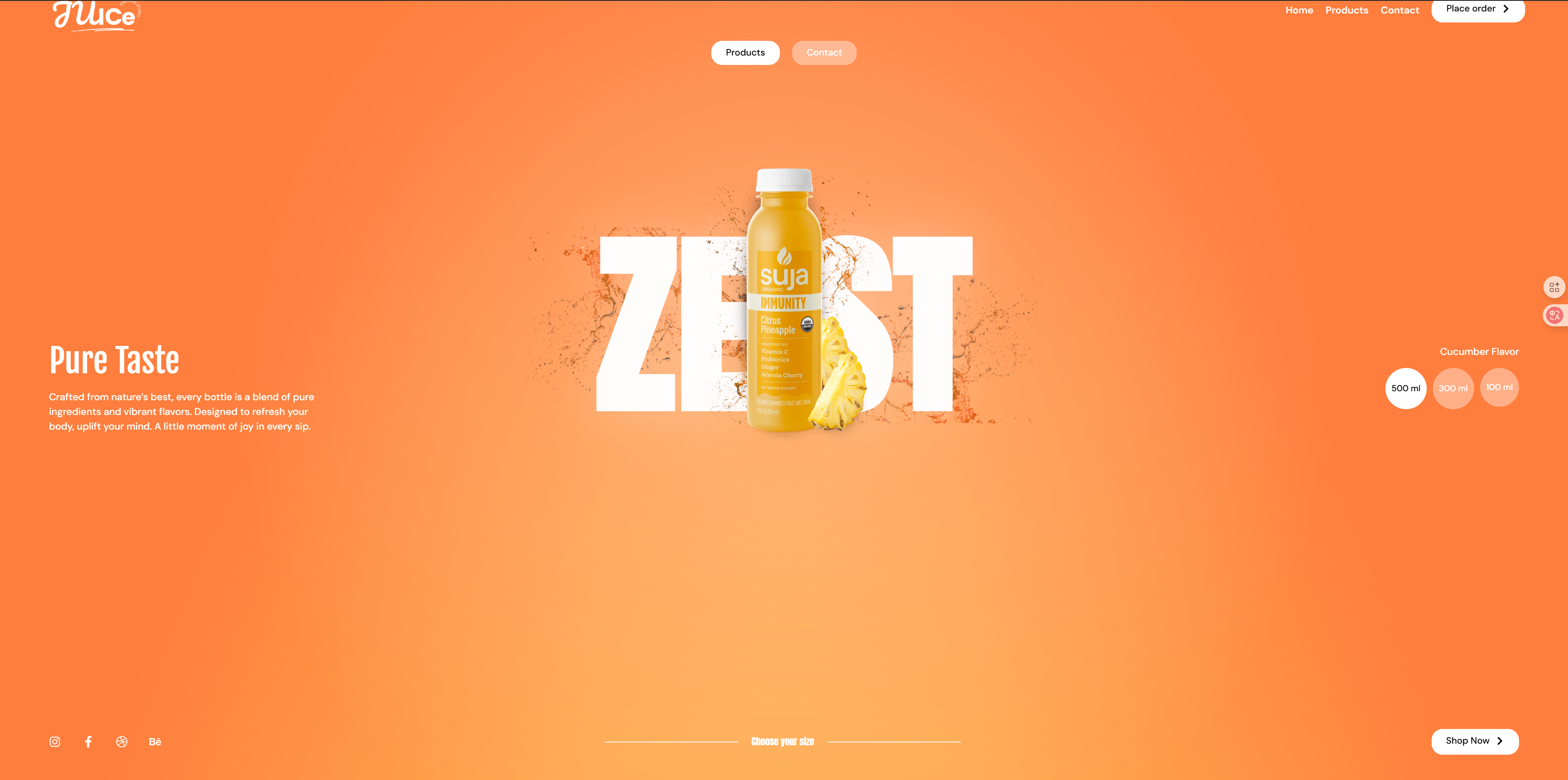
pass (a bill or inspection etc) GSAP respond in singing Elementor The powerful features of the ScrollTrigger library, which creates stunning scroll-triggered effects, especially for the Full 360-degree rotating video library grid. When the user scrolls the page, the video or image will present a 360-degree rotating effect, bringing an immersive browsing experience to the user. This effect not only enhances the interactivity of the web page, but also adds a unique visual appeal to your website, making it stand out from the rest. Whether you are showcasing products, video content or artwork, the rotation effect while scrolling will attract users' attention and enhance the appeal of the content and user experience.
Application Scenarios:
Product Showcase::
Applicable to e-commerce websites, through the 360-degree rotating effect to display every angle of the product, so that users can browse to understand all aspects of the product details, to enhance the desire to buy.
Video Work Showcase::
Artists, filmmakers or video content creators can use this effect to showcase their work. Users who see the video or image rotate as they scroll are better able to immerse themselves in the work.
Creative Projects & Design Showcase::
Designers, architects and other creative industry professionals can display their design works or creative projects through this effect, bringing users visual freshness and innovative experience.
Entertainment and Gaming Sites::
In an entertainment or gaming website, use 360-degree rotation effect to display game characters, props or scenes to enhance the interactivity of the website, attract game lovers to participate and retain them.
Corporate Presentation & Brand Story::
Corporate websites can use this effect to display product portfolios, service introductions or brand stories, highlighting the brand's features and values by scrolling through different images or videos, and enhancing the website's brand image.
Demo Address:https://demo-show.361sale.com/elementor-effects-5
File download address↓
After clicking on Get Download File, you will get two files.
![Image [1] - 360 degree rotating video grid: creating scroll trigger effects with GSAP and Elementor](https://www.361sale.com/wp-content/uploads/2024/12/20241204161806607-image.png)
Full Version Template
If you want to use the full template please select the360 video 2.jsonDocumentation.
Please ensure thatmountingIt's already installed.Elementor Free Edition and Elementor Pro Edition. OnlyElementor Pro versiononly thenTemplate ImportFunction.
![Image [2] - Elementor FX Template 2 - Photon Flux Network | Professional WordPress repair service, worldwide, fast response](https://www.361sale.com/wp-content/uploads/2024/12/20241204105446497-image.png)
Please use the original version of Elementor, using a cracked version will have any other effect.
![Image [3] - Elementor FX Template 1 - Photon Flux Network | Professional WordPress repair service, worldwide, fast response](https://www.361sale.com/wp-content/uploads/2024/12/20241203162515250-image.png)
The back end of the site findsweb pageClick to addnew page. As pictured above:
![Image [4] - Elementor FX Template 1 - Photon Flux | Professional WordPress repair service, worldwide, fast response](https://www.361sale.com/wp-content/uploads/2024/12/20241203162704190-image.png)
start usingElementor Editor. As pictured above:
![Image [5] - Elementor FX Template 1 - Photon Flux Network | Professional WordPress repair service, worldwide, fast response](https://www.361sale.com/wp-content/uploads/2024/12/20241203162820150-image.png)
Click to add the file next to theicon (computing)That is.stencil. As pictured above:
![Image [6] - Elementor FX Template 1 - Photon Flux Network | Professional WordPress repair service, worldwide, fast response](https://www.361sale.com/wp-content/uploads/2024/12/20241203163025214-image.png)
Click on the upper right corner of theuploadflag, and then click theSelect Fileand then select the local file you've justDownloaded files. As pictured above:
![Image [7] - 360 Degree Rotating Video Grid: Creating Scroll Trigger Effects with GSAP and Elementor](https://www.361sale.com/wp-content/uploads/2024/12/20241204162234201-image.png)
Then go back to My Templates to see the template we just imported and click on thepreviewsView the effect before selecting thestick. As pictured above:
View the results after the import is complete, it is possible that thefooterrespond in singingfootersThen it is necessary to choose the correspondingstencilUp.
![Image [8]-Elementor FX Template 1 - Photon Flux Network | Professional WordPress repair service, worldwide, fast response](https://www.361sale.com/wp-content/uploads/2024/12/20241203165642489-image.png)
Click on the template we just imported in theweb pageand then clickcompiler. As pictured above:
![Image [9] - Elementor FX Template 1 - Photon Flux Network | Professional WordPress repair service, worldwide, fast response](https://www.361sale.com/wp-content/uploads/2024/12/20241203170156167-image.png)
Select the template and chooseelementor canvasI chose this one becauseDo not show header and footerThe display will only show theTemplate content. As shown above.
![Image [10] - Elementor FX Template 2 - Photon Flux Network | Professional WordPress repair service, worldwide, fast response](https://www.361sale.com/wp-content/uploads/2024/12/20241204111245847-image.png)
at the same timeEditing pages with elmentorSelectionSite SettingsIn the selection ofopening (chess jargon). As pictured above:
![Image [11] - Elementor FX Template 2 - Photon Flux Network | Professional WordPress repair service, worldwide, fast response](https://www.361sale.com/wp-content/uploads/2024/12/20241204111351718-image.png)
Also make sure that the same isElementorCanvas template. This way there will be no(sth. or sb) elseContent. As above:
![Image [12]-Elementor FX Template 2 - Photon Flux Network | Professional WordPress repair service, worldwide, fast response](https://www.361sale.com/wp-content/uploads/2024/12/20241204111422999-image.png)
![Image [13] - Elementor FX Template 2 - Photon Flux Network | Professional WordPress repair service, worldwide, fast response](https://www.361sale.com/wp-content/uploads/2024/12/20241204111449899-image.png)
![Image [14]-Elementor FX Template 2 - Photon Flux Network | Professional WordPress repair service, worldwide, fast response](https://www.361sale.com/wp-content/uploads/2024/12/20241204111524836-image.png)
Please closeHeaders and footersInside, after clickingharbor (i.e. keep sth hidden)Inside, it's pictured above:
Use your own background
When selecting a file to upload choose360 video 1.jsonDocumentation.
![Image [15] - 360 Degree Rotating Video Grid: Creating Scroll Trigger Effects with GSAP and Elementor](https://www.361sale.com/wp-content/uploads/2024/12/20241204162604244-image.png)
choosepreviewsthen (after sth, and not until then)optionInsert. Figure below:
![Image [16] - 360 Degree Rotating Video Grid: Creating Scroll Trigger Effects with GSAP and Elementor](https://www.361sale.com/wp-content/uploads/2024/12/20241204162740796-image.png)
The difference is that it can be replaced withOwn backgroundInstead of using a templatein itselfThe.
![Image [17] - 360 Degree Rotating Video Grid: Creating Scroll Trigger Effects with GSAP and Elementor](https://www.361sale.com/wp-content/uploads/2024/12/20241204162904767-image.png)
(sth. or sb) elsemoverespond in singingComplete EditionSame.
If the template displays incorrectly, please replace it with the new file.

Link to this article:https://www.361sale.com/en/28922The article is copyrighted and must be reproduced with attribution.















![Emoji[wozuimei]-Photonflux.com | Professional WordPress repair service, worldwide, rapid response](https://www.361sale.com/wp-content/themes/zibll/img/smilies/wozuimei.gif)

![Emoticon[baoquan] - Photon Wave Network | Professional WordPress Repair Services, Worldwide Coverage, Rapid Response](https://www.361sale.com/wp-content/themes/zibll/img/smilies/baoquan.gif)


 简体中文
简体中文  English
  日本語
日本語  Français
  Español


No comments