






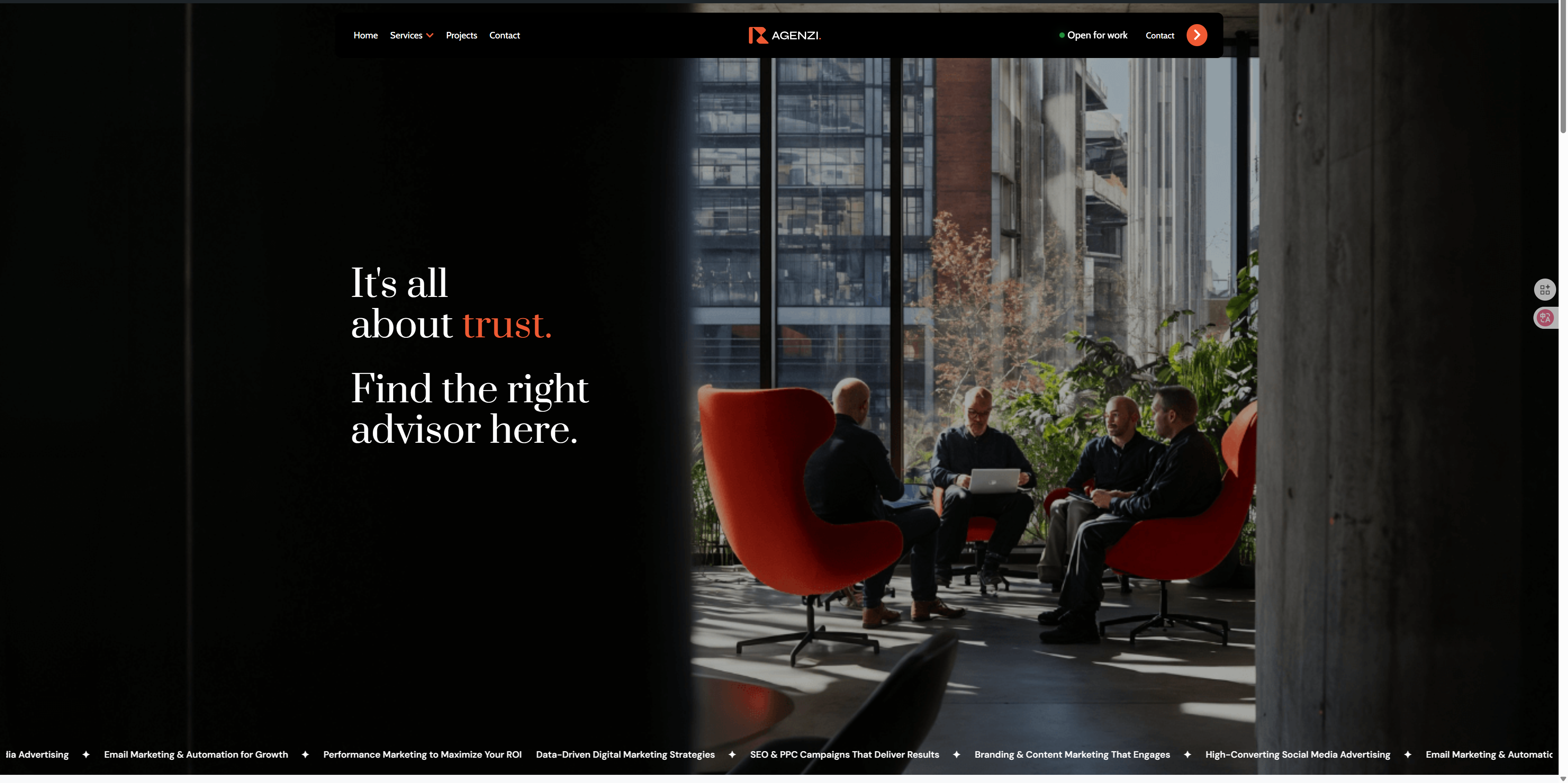
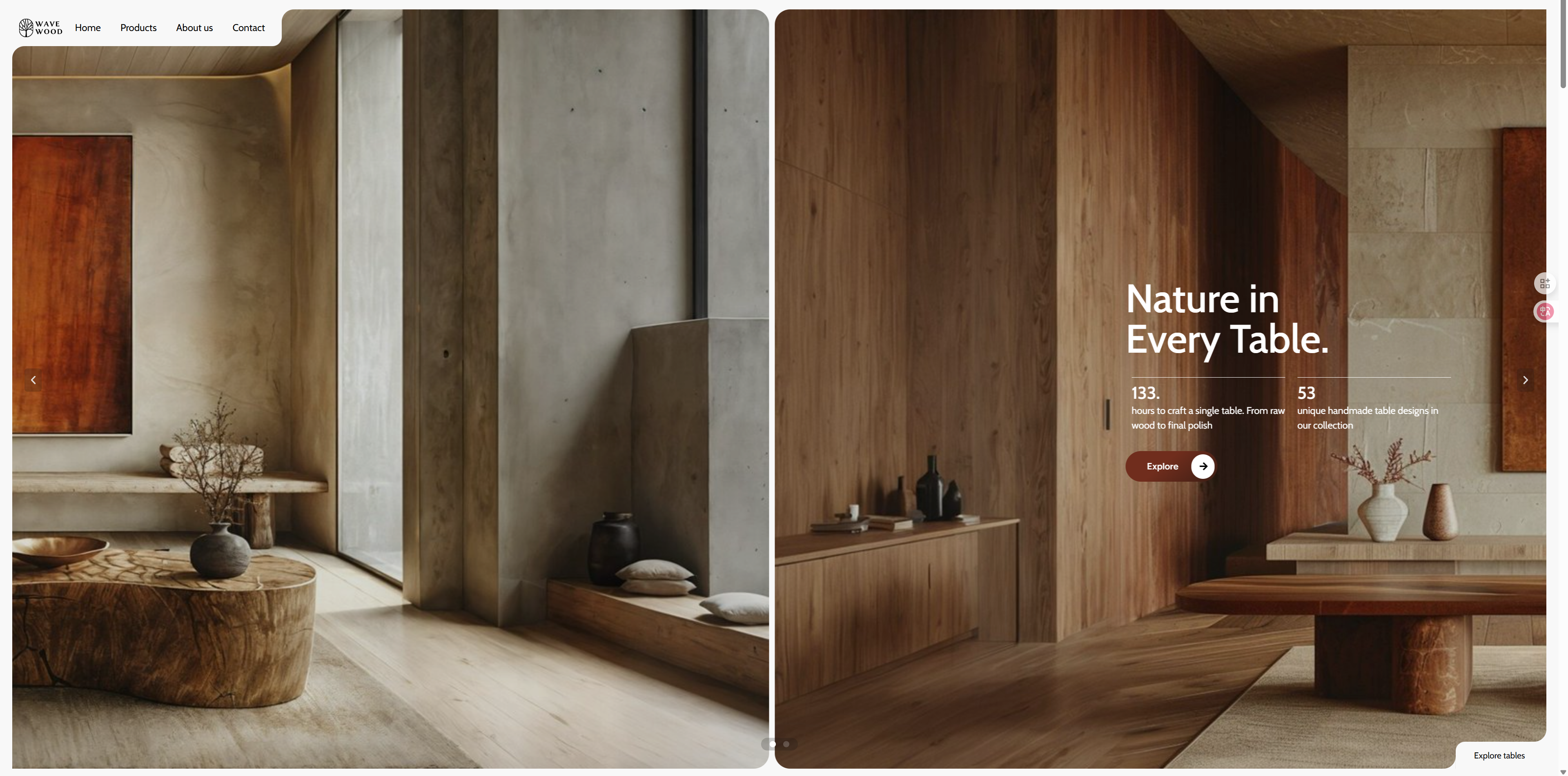
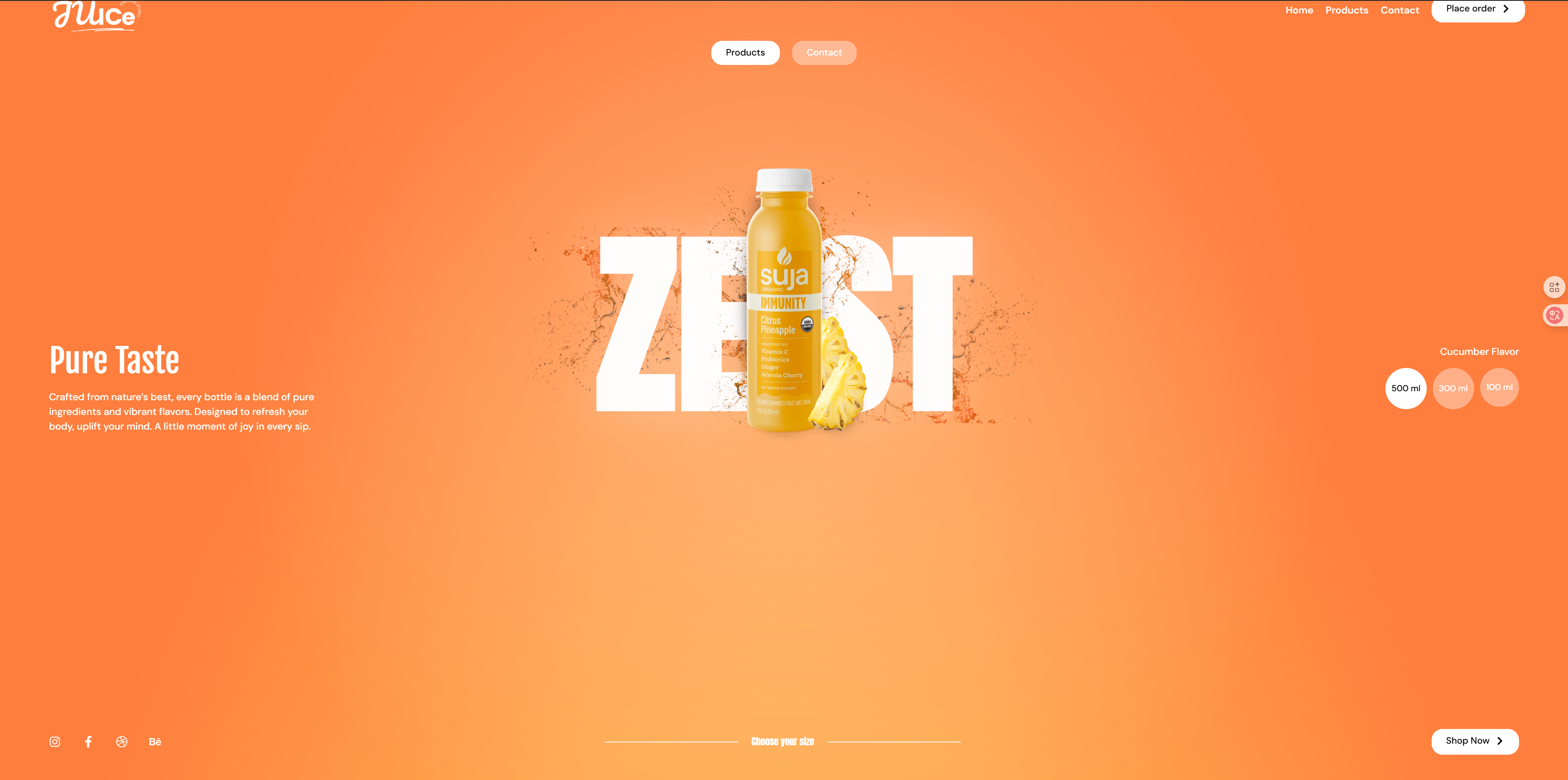
utilization GSAP respond in singing Elementor hit the nail on the head ScrollTrigger The click-to-scroll effect created by the library provides an extremely high degree of control over your website while maintaining lightweight performance. Users can progressively switch between four different content blocks as they scroll, each with not only a smooth sliding effect, but also a hovering animation effect for a cool interactive experience. This effect adds a great sense of dynamism to web design and is especially suitable for design projects that require an advanced interactive experience, enhancing the attractiveness of the site and user engagement.
Application Scenarios:
Creative Design Showcase::
Artists, designers or creative workers of the work of the display site, you can click scrolling and hovering mobile effects, so that each creative display more dynamic sense and interactivity, to enhance the user's browsing experience.
E-commerce Product Showcase::
Suitable for e-commerce websites, users can gradually view different products or product features by sliding. Combined with the click-and-scroll effect, it can enhance the user experience while displaying more product details and enhancing the desire to buy.
Project or Case Show::
In a company website or creative agency website, you can use this effect to display multiple projects or cases. Switch between different projects by clicking and scrolling to show different creative ideas or solutions to enhance brand image and professionalism.
Education and training website::
In an educational website, multiple learning modules or teaching content are presented using a click-and-scroll effect. Each module can be scrolled to present more knowledge points, enhancing interactivity and helping students better absorb the content.
Brand Story & Corporate Presentation::
Corporate websites can utilize this scrolling effect to showcase brand stories, product features or service descriptions. Switching between different paragraphs and content by clicking on scrolling makes users more immersed in the brand's story and values.
Demo Address:https://demo-show.361sale.com/elementor-effects-6
File download address↓
After clicking on Get Download File, you will get a file.
![Image[1]-Elementor GSAP ScrollTrigger Click to Scroll Effect Tutorial | Advanced Scroll and Slider Design](https://www.361sale.com/wp-content/uploads/2024/12/20241204164705380-image.png)
Please ensure thatmountingIt's already installed.Elementor Free Edition and Elementor Pro Edition. OnlyElementor Pro versiononly thenTemplate ImportFunction.
![Image [2] - Elementor FX Template 2 - Photon Flux Network | Professional WordPress repair service, worldwide, fast response](https://www.361sale.com/wp-content/uploads/2024/12/20241204105446497-image.png)
![Image [3] - Elementor FX Template 1 - Photon Flux Network | Professional WordPress repair service, worldwide, fast response](https://www.361sale.com/wp-content/uploads/2024/12/20241203162515250-image.png)
The back end of the site findsweb pageClick to addnew page. As pictured above:
![Image [4] - Elementor FX Template 1 - Photon Flux | Professional WordPress repair service, worldwide, fast response](https://www.361sale.com/wp-content/uploads/2024/12/20241203162704190-image.png)
start usingElementor Editor. As pictured above:
![Image [5] - Elementor FX Template 1 - Photon Flux Network | Professional WordPress repair service, worldwide, fast response](https://www.361sale.com/wp-content/uploads/2024/12/20241203162820150-image.png)
Click to add the file next to theicon (computing)That is.stencil. As pictured above:
![Image [6] - Elementor FX Template 1 - Photon Flux Network | Professional WordPress repair service, worldwide, fast response](https://www.361sale.com/wp-content/uploads/2024/12/20241203163025214-image.png)
Click on the upper right corner of theuploadflag, and then click theSelect Fileand then select the local file you've justDownloaded files. As pictured above:
![Image [7]-Elementor GSAP ScrollTrigger Click Scroll Effect Tutorial | Advanced Scroll and Slider Design](https://www.361sale.com/wp-content/uploads/2024/12/20241204164909684-image.png)
Then go back to My Templates to see the template we just imported and click on thepreviewsView the effect before selecting thestick. As shown above.
View the results after the import is complete, it is possible that thefooterrespond in singingfootersThen it is necessary to choose the correspondingstencilUp.
![Image [8]-Elementor FX Template 1 - Photon Flux Network | Professional WordPress repair service, worldwide, fast response](https://www.361sale.com/wp-content/uploads/2024/12/20241203165642489-image.png)
Click on the template we just imported in theweb pageand then clickcompiler. As pictured above:
![Image [9] - Elementor FX Template 1 - Photon Flux Network | Professional WordPress repair service, worldwide, fast response](https://www.361sale.com/wp-content/uploads/2024/12/20241203170156167-image.png)
Select the template and chooseelementor canvasI chose this one becauseDo not show header and footerThe display will only show theTemplate content. As shown above.
![Image [10] - Elementor FX Template 2 - Photon Flux Network | Professional WordPress repair service, worldwide, fast response](https://www.361sale.com/wp-content/uploads/2024/12/20241204111245847-image.png)
at the same timeEditing pages with elmentorSelectionSite SettingsIn the selection ofopening (chess jargon). As pictured above:
![Image [11] - Elementor FX Template 2 - Photon Flux Network | Professional WordPress repair service, worldwide, fast response](https://www.361sale.com/wp-content/uploads/2024/12/20241204111351718-image.png)
Also make sure that the same isElementorCanvas template. This way there will be no(sth. or sb) elseContent. As above:
![Image [12]-Elementor FX Template 2 - Photon Flux Network | Professional WordPress repair service, worldwide, fast response](https://www.361sale.com/wp-content/uploads/2024/12/20241204111422999-image.png)
![Image [13] - Elementor FX Template 2 - Photon Flux Network | Professional WordPress repair service, worldwide, fast response](https://www.361sale.com/wp-content/uploads/2024/12/20241204111449899-image.png)
![Image [14]-Elementor FX Template 2 - Photon Flux Network | Professional WordPress repair service, worldwide, fast response](https://www.361sale.com/wp-content/uploads/2024/12/20241204111524836-image.png)
Please closeHeaders and footersInside, after clickingharbor (i.e. keep sth hidden)Inside, it's pictured above:
Lastly, check the front-end of the site to see if it's working properlyThe

Link to this article:https://www.361sale.com/en/28984The article is copyrighted and must be reproduced with attribution.















![Emoji[wozuimei]-Photonflux.com | Professional WordPress repair service, worldwide, rapid response](https://www.361sale.com/wp-content/themes/zibll/img/smilies/wozuimei.gif)

![Emoticon[baoquan] - Photon Wave Network | Professional WordPress Repair Services, Worldwide Coverage, Rapid Response](https://www.361sale.com/wp-content/themes/zibll/img/smilies/baoquan.gif)


 简体中文
简体中文  English
  日本語
日本語  Français
  Español


No comments