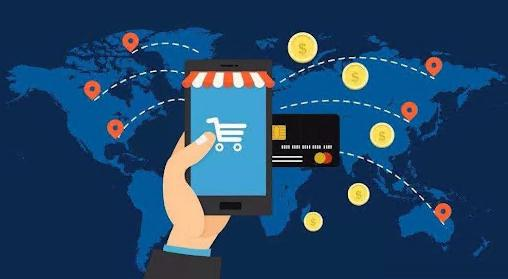





One of the core aspects of cross-border e-commerce is the payment system. A stable, secure payment solution that meets the habits of the target market directly affects the order conversion rate and customer satisfaction. In this article, we will deeply analyze the process from the selection of payment service providers to the ultimateThe whole process of going liveIt covers key steps such as qualification application, technology interface, wind control configuration and test optimization.

1. Assessment and selection of payment service providers
1.1 Comparison of mainstream international payment schemes
| payment service provider | coverage area | Core Advantages | Applicable Scenarios |
|---|---|---|---|
| PayPal | 200+ countries worldwide | High brand trust and good refusal protection | Retail in Europe and America |
| Stripe | 40+ countries | Well-documented technology and support for subscription payments | SaaS, digital goods |
| Alipay Global | China and Southeast Asia | Direct payment for Alipay users | Chinese-oriented e-commerce |
| local payment | particular country | Compliance with local payment practices (e.g., bank transfers) | Localized operations in Germany, Brazil, etc. |
Supplementary Programs:
- Credit Card Acquiring: Visa/Mastercard processing through Adyen, Checkout.com, etc.
- digital wallet: GrabPay in Southeast Asia, Klarna in Europe
- cryptocurrency: BitPay, etc. (for specific customer segments)

1.2 Selection of key indicators
Fee structure: Comparison of examples
- PayPal standard rate: 2.9% + $0.3/stroke
- Stripe International Card: 3.4% + £0.20 (UK)
- Local payment methods: usually at lower rates (e.g. Brazilian Boleto around 1.51 TP3T)
settlement cycle::
- Regular: T+3 to T+7 business days
- Express billing services: additional fees apply (e.g. Stripe's Instant Payouts)
Denial of payment processing::
- Differences in dispute resolution mechanisms across platforms
2. Merchant account application and qualification
2.1 Breakdown of the registration process
in order toStripeStep-by-step instructions as an example:
- Visit the official website and select "Create Account".
- Fill in the enterprise information (need to be consistent with the business license)
- Submission of validation materials:
- Certificate of Incorporation (notarized in English)
- Scanned copy of the passport of the legal person
- Bank account certificates (SWIFT/IBAN)
- Website URL and business description

Common Audit Questions:
- Hong Kong companies need to provide BR, CR forms
- EU businesses need a VAT tax code
- Additional qualifications required for high-risk industries (e.g. e-cigarettes)
2.2 Special area requirements
- Middle East: local bank account may be required
- Latin America: some countries require local entities
- Mainland China: ICP filing required to access WeChat Pay
3. Detailed description of the technical interface program
3.1 Three Mainstream Integration Approaches
Option A: Direct API integration (recommended with a technical team)
// Example of a Stripe payment request
const stripe = require('stripe')('sk_test_xxx');
const paymentIntent = await stripe.paymentIntents.create({
  amount: 1999, currency: 'usd', {
  currency: 'usd', payment_method_types
  payment_method_types: ['card']
}).
Option B: Platform plug-in (rapid deployment)
- Shopify: Built-in PayPal/Stripe
- WooCommerce: WooCommerce Payments Plugin
- Magento: Official Payment Module
Option C: Payment aggregation platform
- Applicable scenarios: the need to unify the management of multiple payment channels
- Representative service providers: Adyen, Checkout.com

3.2 Payment functions that must be implemented
1.Dynamic currency conversion(DCC)
- Front-end display of local currency prices
- Back-end settlement at real-time exchange rates
2.Payment Status Callback
- Success: order status update + email notification
- Failure: automatic stock release
- Controversy: triggering a wind warning
3.Mobile Adaptation
- 3D Secure 2.0 Certification Process Optimization
- Apple Pay/Google Pay button integration
4. Wind control and compliance configurations
4.1 Basic risk control settings
- Transaction limits: set by country/region
- Example: Russian credit card single ≤ $500
- AVS Verification: Matching Billing Addresses
- IP Geolocation Check: Preventing Proxy Server Fraud
4.2 Advanced protective measures
- Machine learning wind control (e.g. Stripe Radar)
- Manual review queue: secondary validation for large transactions
- Blacklist management: banning of users with multiple refusals to pay
4.3 Compliance requirements
- GDPR Data Protection (EU)
- PSD2 Strong Certification (SCA)
- PCI DSS Certification
5. Full-flow testing program
5.1 Sandbox environment test checklist
| Test Type | test case | Expected results |
|---|---|---|
| normal payment | Use card number 4242424242424242424242 | Show payment success |
| The balance is insufficient. | Enter 4000000000000002 | Returns "insufficient_funds". |
| 3D Certification | Use 4000002500003155 | Bank verification page pops up |
5.2 Real Environment Validation
1.Small test transactions(
2.Full link check::
- Payment page→Cashier→Bank debit→Order system→Email notification
3.Refund Test::
- Partial and Full Refund Process
- Refund to original method of payment/alternative method
6. Post-launch operations and maintenance management
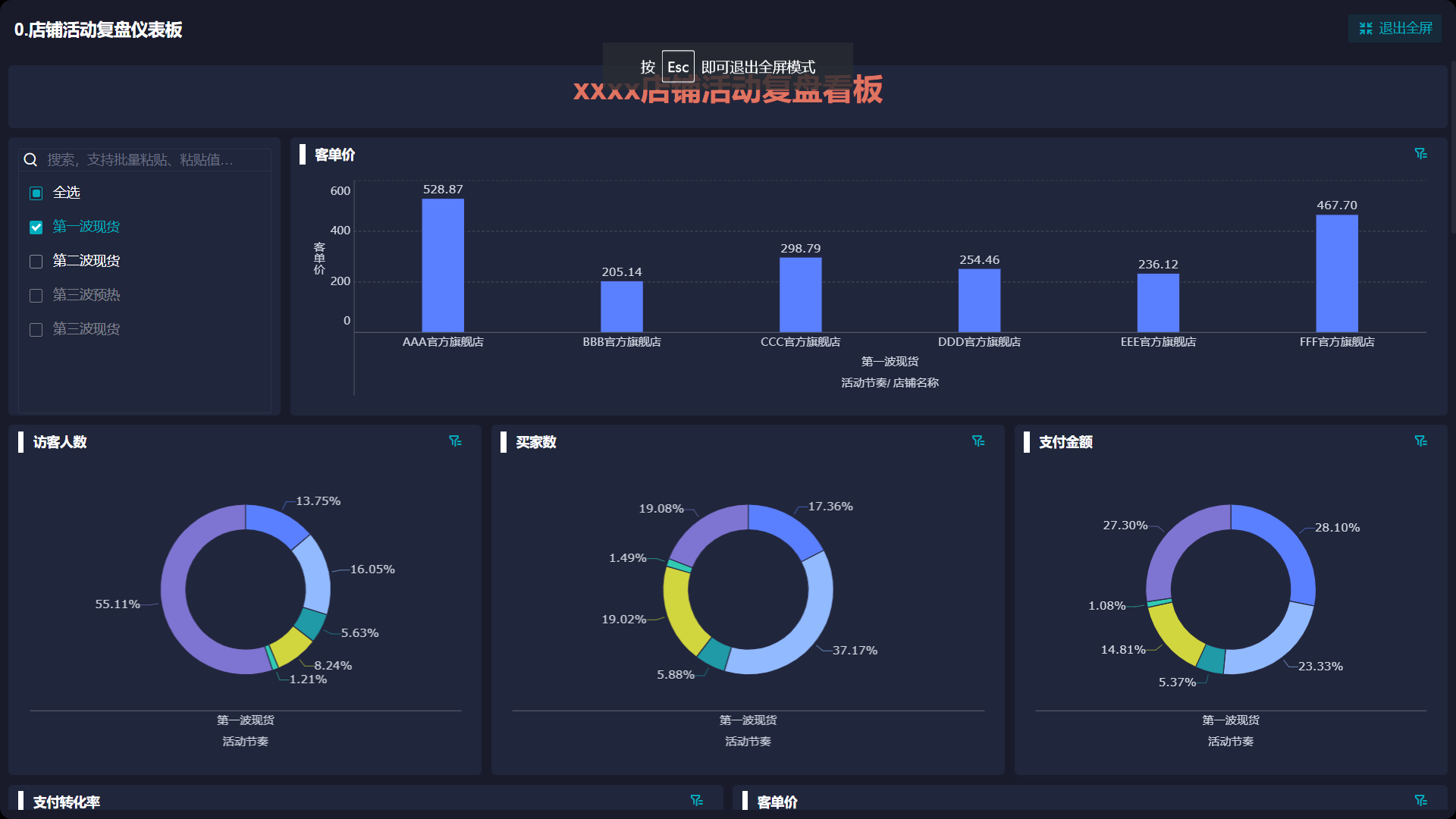
6.1 Monitoring Indicator Kanban
- Real-time payment success rate (by country/payment method)
- Average processing time (from click to pay to completion)
- Denial rate (needs to be kept below 0.51 TP3T)
6.2 Handling of Frequently Asked Questions
- Payment interruptions: Check the validity of certificates (especiallyHTTPS)
- Exchange rate deviation: Setting the exchange rate buffer (+/-1%)
- Bank refuses to pay: Retaining proof of shipment to respond to disputes
6.3 Continuous optimization direction
- A/B Test Payment Button Location
- Analyze the reasons for abandonment (payment link)
- Add popular local payment methods
concluding remarks
Cross-border e-commerce payment access is a systematic project that requires:
- Fully research the payment habits of the target market in advance
- Rigorous preparation of compliance materials
- Technical realization considering scalability
- Establishment of a perfect wind control system
- Continuous optimization through real transactions
It is recommended that the new platform have access to 2-3 core payment methods in the first phase, with subsequent gradual expansion based on business data. Regularly review the payment cost structure and renegotiate rate agreements if necessary.

Link to this article:https://www.361sale.com/en/53570The article is copyrighted and must be reproduced with attribution.










![Emoji[wozuimei]-Photonflux.com | Professional WordPress repair service, worldwide, rapid response](https://www.361sale.com/wp-content/themes/zibll/img/smilies/wozuimei.gif)

![Emoticon[baoquan] - Photon Wave Network | Professional WordPress Repair Services, Worldwide Coverage, Rapid Response](https://www.361sale.com/wp-content/themes/zibll/img/smilies/baoquan.gif)


 简体中文
简体中文  English
  日本語
日本語  Français
  Español


No comments