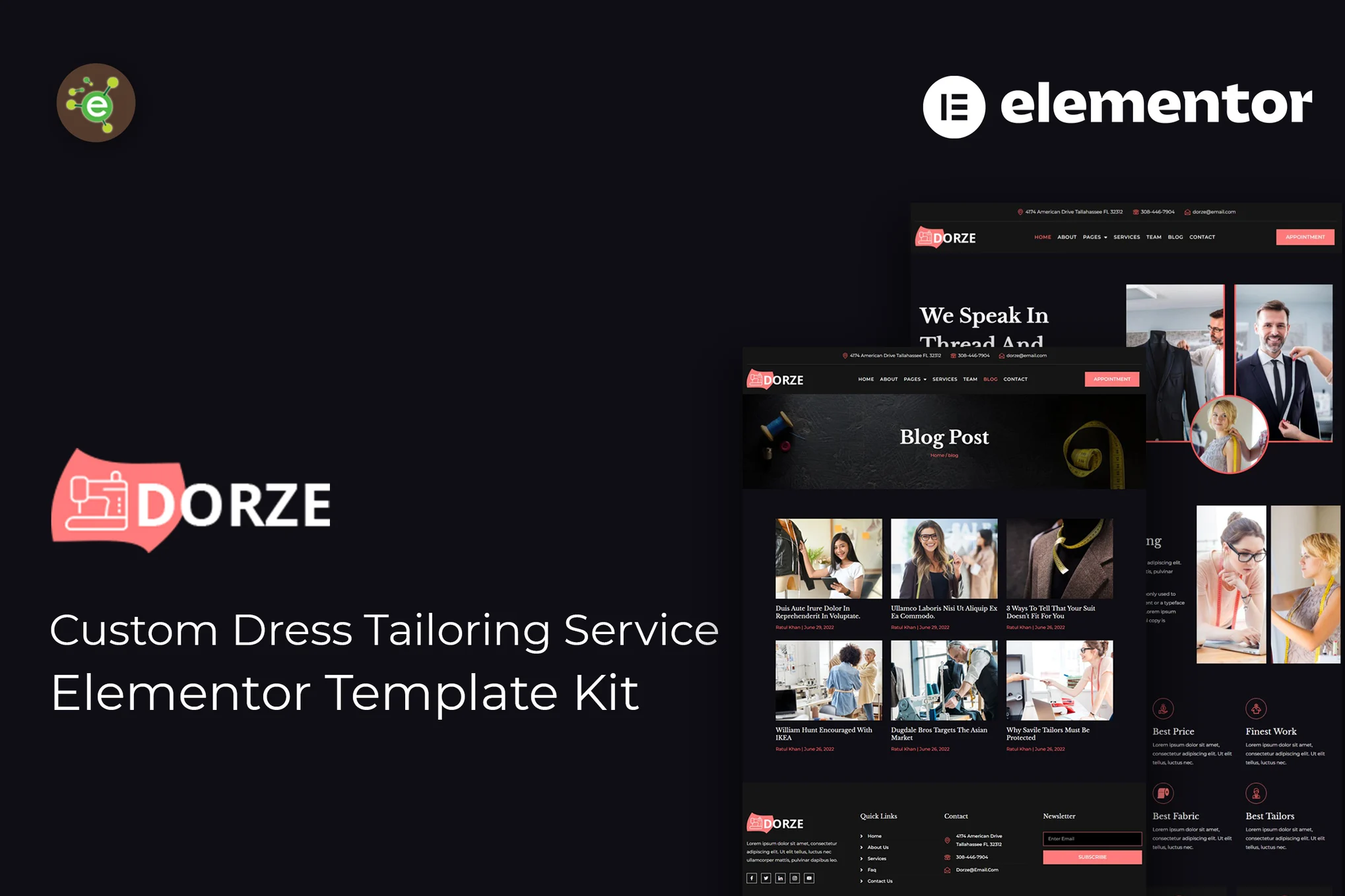





Dorze is an Elementor Pro template suite designed for custom apparel and tailoring services, offering pre-built pages and content modules for all screen sizes, including desktop, tablet and mobile, to help you quickly build a professional, easy-to-use business website, with no coding required to build the entire site.
![Image[1]-Dorze - Custom Clothing Tailoring Service Elementor Pro Template Kit - Photon Fluctuation Network | Professional WordPress Repair Service, Global Reach, Fast Response](https://www.361sale.com/wp-content/uploads/2025/07/20250730112115822-02_Dorze_about_page.webp)
![Image [2]-Dorze - Custom Clothing Tailoring Service Elementor Pro Template Kit - Photon Flux.com | Professional WordPress Repair Service, Global Reach, Fast Response](https://www.361sale.com/wp-content/uploads/2025/07/20250730112115810-04_Dorze_service_details_page.avif)
Note: Some of the templates and features are supported by the Elementor Pro plug-in (sold separately and not included in the kit).
Includes page templates:
fig. beginning
About Us
Services Overview
Service Details
Team Introduction
Team Details Page
Reservation page
Testimonials page
Blogroll
Blog Details Page
Contact Us
404 Error Page
Contains module blocks:
Header Templates
Footer templates
Template Features:
Total 12 full page templates
Clean, professional and unique design
Google Fonts support, extended to 600+ fonts
Responsive layout for all devices
Required plug-ins:
Elementor (requires upgrade to Elementor Pro)
ElementsKit Lite
Instructions for use:
- Install and enable "Envato Elements" plugin in WordPress backend plugins
- Download the template package (ZIP format), do not unzip it!
- Go to Elements > Installed Kits and click on "Upload Template Kit" to upload a template.
- Click on the orange banner at the top "Install Requirements" to install the required plugin.
- First import Global Kit Styles
- Import page templates sequentially (saved in Elementor > Templates > Saved Templates)
- Create a new page and click "Edit with Elementor".
- Click the gear icon in the lower left corner to set the page to Elementor Full Width and hide the page title
- Click on the gray folder icon and go to "My Templates" to import the desired pages and start customizing them.

Link to this article:https://www.361sale.com/en/71424The article is copyrighted and must be reproduced with attribution.












![Emoji[wozuimei]-Photonflux.com | Professional WordPress repair service, worldwide, rapid response](https://www.361sale.com/wp-content/themes/zibll/img/smilies/wozuimei.gif)

![Emoticon[baoquan] - Photon Wave Network | Professional WordPress Repair Services, Worldwide Coverage, Rapid Response](https://www.361sale.com/wp-content/themes/zibll/img/smilies/baoquan.gif)


 简体中文
简体中文  English
  日本語
日本語  Français
  Español


No comments