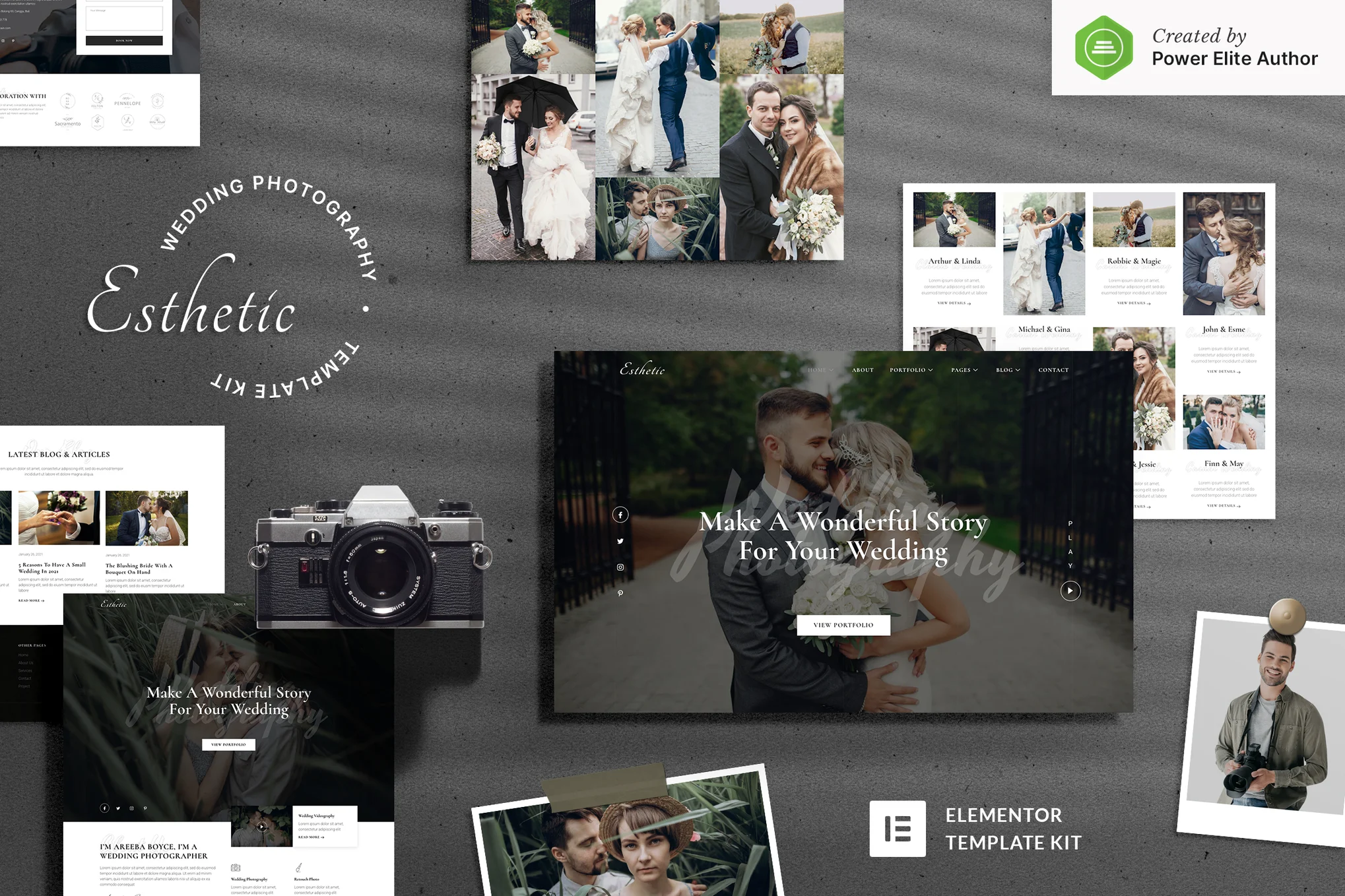





Easily create an elegant and beautiful wedding photography portfolio website with our well-designed Esthetic template suite. This suite includes a variety of ready-to-use page templates for portfolio displays, galleries, price lists, blogs, service descriptions, contact forms, and more, with 100% responsive layouts, retina support, and built with Elementor for customization and modification without any coding.
![Image [1] - Esthetic - Wedding Photography Elementor Template Suite - Photonflux.com | Professional WordPress Repair Service, Global Reach, Fast Response](https://www.361sale.com/wp-content/uploads/2025/07/20250731112215586-blog-6.webp)
![Image [2] - Esthetic - Wedding Photography Elementor Template Suite - Photon Fluctuation Network | Professional WordPress repair service, worldwide, fast response](https://www.361sale.com/wp-content/uploads/2025/07/20250731112215371-portfolio.webp)
The template suite contains over 19 beautiful templates to build professional and attractive photography websites in just a few steps.
Template Features
Use of free plug-ins (Elementor Pro not required)
Modern and clean design style
19+ ready-to-use templates available
Fully responsive layout and mobile friendly
Support for HD screens (Retina Ready)
All visual customization, no programming required
Compatible with major browsers: Chrome, Firefox, Safari, Opera
The template page contains
Home 1
Home 2
About Us
service page
Team Introduction
Price program
collection
Portfolio 2
Artwork details page
common problems
blog (loanword)
Blog Details Page
Contact Us
Reservation Form (MetForm)
Contact form (MetForm)
404 Page
footer
footers
Global Style Settings
Required plug-ins
Elementor
ElementsKit Lite
Essential Addons for Elementor
Stratum - Elementor Widgets
Jeg Elementor Kit
MetForm
Installation Instructions
Search for and install the "Envato Elements" plugin in the WordPress Backend Plugin Center and activate your subscription.
Use Premium Kits to load directly from the Premium Kits library.
If importing manually, do not unzip the zip file.
Go to Elements > Installed Kits and click the "Import Template Kit" button to upload the zip file.
Click "Install required plugins" to enable all dependent plugins before importing.
For best results, it is recommended to import only one template page at a time for editing purposes.

Link to this article:https://www.361sale.com/en/71807The article is copyrighted and must be reproduced with attribution.












![Emoji[wozuimei]-Photonflux.com | Professional WordPress repair service, worldwide, rapid response](https://www.361sale.com/wp-content/themes/zibll/img/smilies/wozuimei.gif)

![Emoticon[baoquan] - Photon Wave Network | Professional WordPress Repair Services, Worldwide Coverage, Rapid Response](https://www.361sale.com/wp-content/themes/zibll/img/smilies/baoquan.gif)


 简体中文
简体中文  English
  日本語
日本語  Français
  Español


No comments