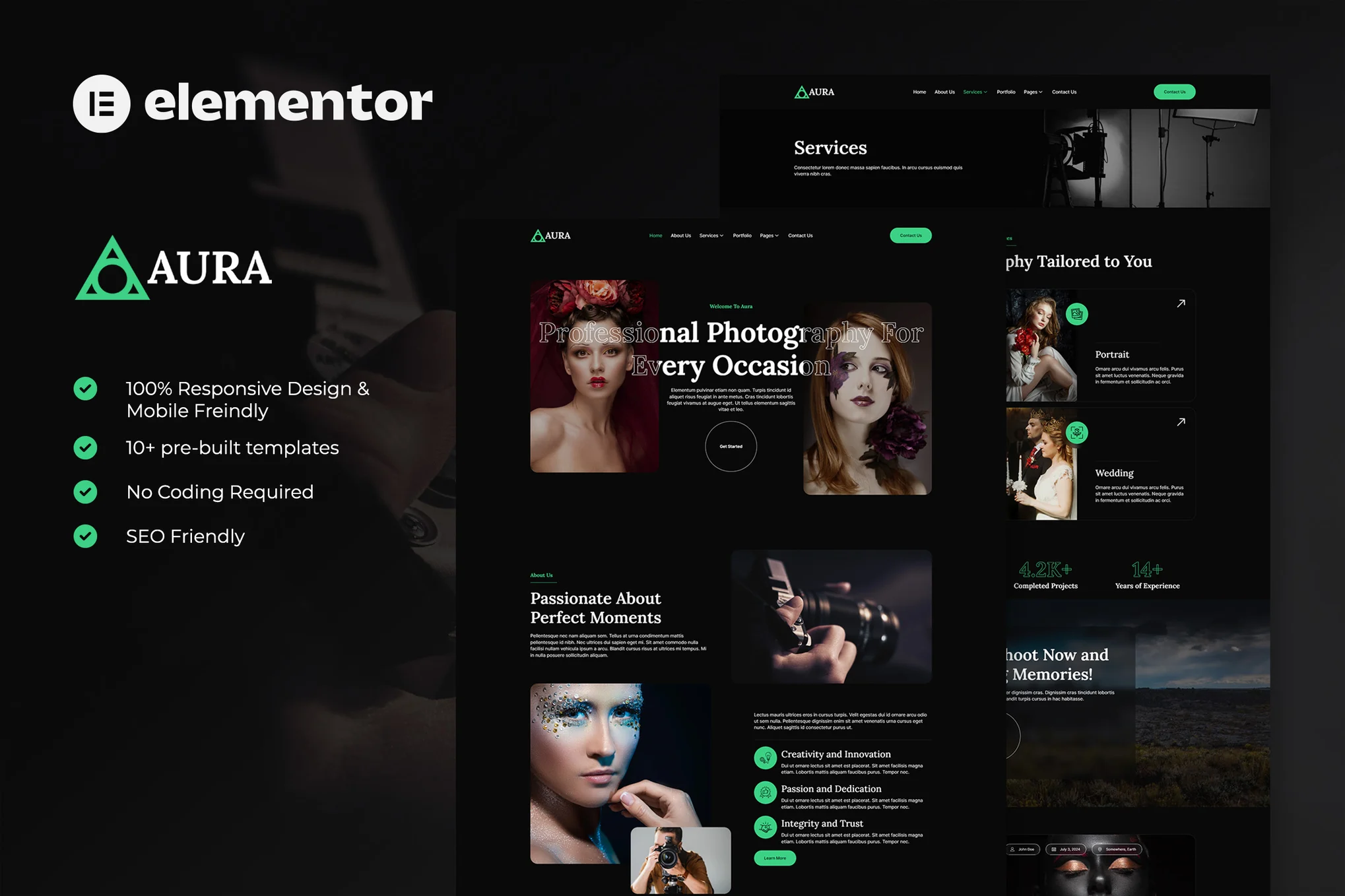





Aura is a modern and elegant Elementor template suite for creative and photography portfolio websites. It's also perfect for photographers, creative agencies, designers, video production companies, photography studios and other related industries to help you easily showcase the strengths of your work and services.
![Image [1] - Aura - Photography & Portfolio Elementor Template Suite - Photon Flux Network | Professional WordPress repair service, worldwide, fast response](https://www.361sale.com/wp-content/uploads/2025/08/20250801103116763-Blog-Archive.avif)
![Image [2] - Aura - Photography & Portfolio Elementor Template Suite - Photon Flux | Professional WordPress Repair Service, Global Reach, Fast Response](https://www.361sale.com/wp-content/uploads/2025/08/20250801103116894-FAQs-3.avif)
This template kit is adapted to Elementor page builder and is recommended to be used with Hello Elementor free theme and is also compatible with most WordPress themes that support Elementor.
Layout features:
- 100% Responsive design and mobile friendly
- Modern and clean visual style
- Easy to edit and customize
- 12+ pre-built page templates included
- Developed based on Hello Elementor theme
Contains templates:
- fig. beginning
- About Us
- service page
- Service Details Page
- collection
- Price Plan Page
- Team Introduction Page
- common problems
- 404 Error Page
- Blog Archive Page
- Single article page
- Contact Us
- footer
- footers
- MetForm News Subscription Form
- MetForm Comment Form
- MetForm Contact Form
Required plug-ins:
- Elementor
- ElementsKit Lite
- MetForm
- Jeg Elementor Kit
- Skyboot Custom Icons for Elementor
Instructions for use:
This template kit is not a WordPress theme and contains only page content for use with the Elementor page builder. It can be imported and used directly through the Envato Elements plugin or Elementor.
Installation Steps:
- Download the template kit files from Envato (Do not unzip). If you are using Safari, turn off the "Automatically open files after downloading" feature.
- WordPress Backend > Settings > Fixed Links, make sure "Post Name" is selected.
- Appearance > Themes > Add New Theme, make sure the Hello Elementor theme is installed and enabled (you will be prompted to install the Elementor plug-in)
- Plugins > Add Plugins, install and enable the Elementor and Envato Elements plugins, make sure the versions are up to date!
- If the template requires Elementor Pro, please install and log in to your account first!
- If Elementor is enabled, go to Elementor > Settings > Features and make sure the "Flexbox Container" feature is enabled.
- Open Elements > Installed Kits and click "Upload Template Kit ZIP File" or select the kit you want to import.
- Click on "Install Requirements" at the top of the page to install the required plugins for the template, if there is an orange prompt.
- Configure the site base settings by importing Global Kit Styles.
- Import the page templates one by one in order and they will be saved in Elementor > Saved Templates (Please do not modify these templates directly)

Link to this article:https://www.361sale.com/en/72123The article is copyrighted and must be reproduced with attribution.












![Emoji[wozuimei]-Photonflux.com | Professional WordPress repair service, worldwide, rapid response](https://www.361sale.com/wp-content/themes/zibll/img/smilies/wozuimei.gif)

![Emoticon[baoquan] - Photon Wave Network | Professional WordPress Repair Services, Worldwide Coverage, Rapid Response](https://www.361sale.com/wp-content/themes/zibll/img/smilies/baoquan.gif)


 简体中文
简体中文  English
  日本語
日本語  Français
  Español


No comments