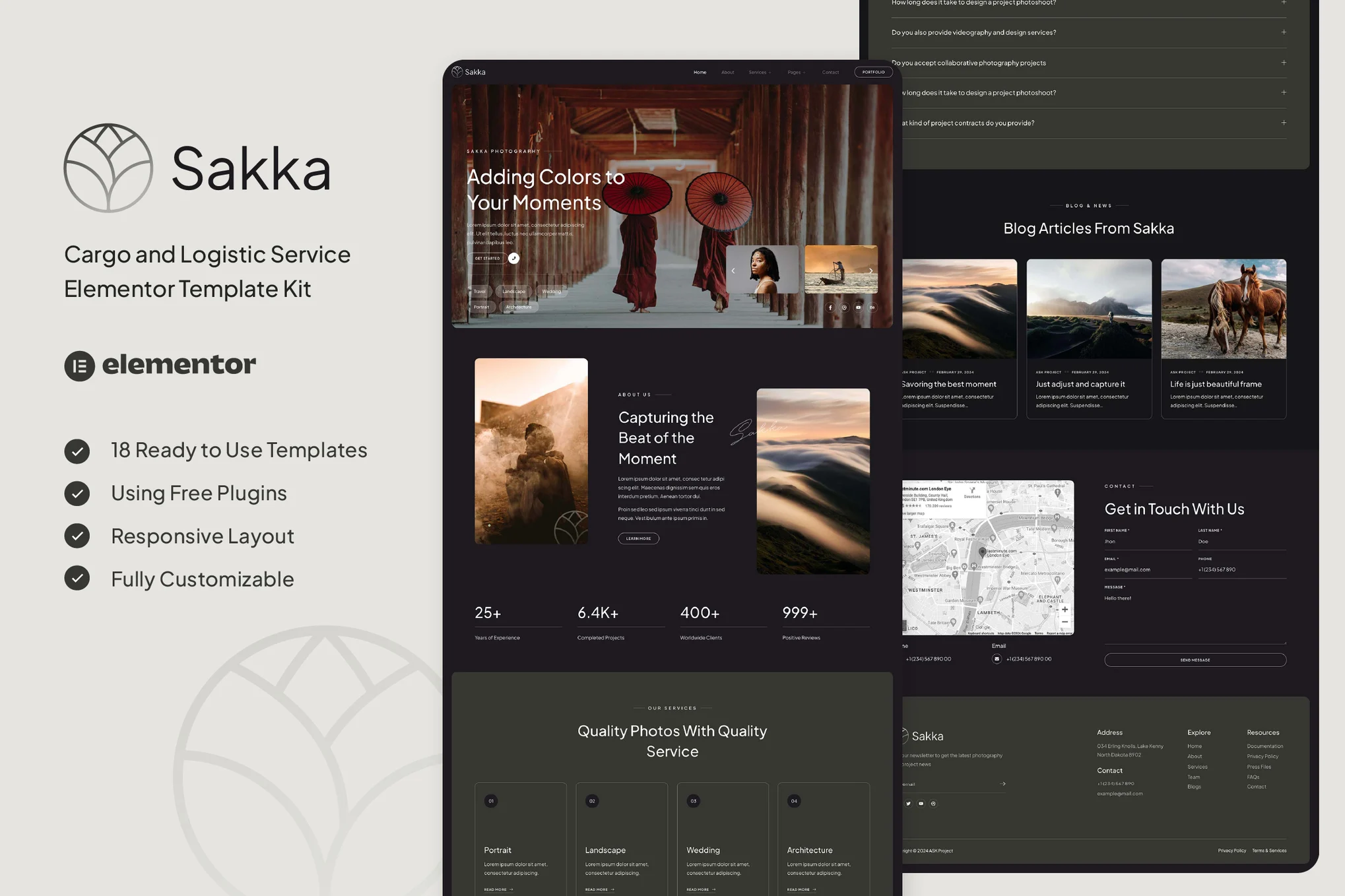





Sakka is a suite of Elementor templates designed for photography-related industries (Non-WordPress Themes) for photographers, photography blogs, photography showcases, albums, photography agencies and studios and other usage scenarios. The design is clean and modern, the layout is responsive, no coding knowledge is required, and anyone can easily use and customize it.
![Image[1] - Sakka - Photography Services & Portfolio Elementor Template Suite - Photon Flux Network | Professional WordPress Repair Service, Global Reach, Fast Response](https://www.361sale.com/wp-content/uploads/2025/08/20250801112135582-Portfolio-Detail.webp)
![Image [2] - Sakka - Photography Services & Portfolio Elementor Template Suite - Photon Flux Network | Professional WordPress Repair Service, Global Reach, Fast Response](https://www.361sale.com/wp-content/uploads/2025/08/20250801112135366-Contact-7.webp)
The kit contains 14 pages and 18 templates carefully designed to help you quickly build a professional photography website.
Template Features:
- Using the free version of Elementor (no Pro required)
- Unique and simple design style
- Provides 14 pages and 18 templates
- 100% Responsive Layout
- All pages are customizable
- Compatible with major browsers: Chrome, Firefox, Safari, Opera
Contains template pages:
- Global Style Settings
- fig. beginning
- About Us
- service page
- Service Details Page
- collection
- Artwork details page
- common problems
- Team Introduction
- Testimonials
- price page
- Blogroll
- Blog Details
- Contact Us
- 404 Error Page
- footer
- footers
- Contact form
- Subscription Form
Required plug-ins:
- Elementor
- ElementsKit Lite
- MetForm
- Gum Elementor Addon
Installation method:
- Install and enable the "Envato Elements" plugin in the WordPress backend Plugins > Add Plugin
- Download the template ZIP file (No need to unzip)
- Go to Elements > Installed Kits and click the "Upload Template Kit" button.
- If an orange prompt appears at the top of the page, click on "Install Requirements" to install the required plugin.
- Import Global Kit Styles first.
- Import page templates one by one (will be saved in Elementor > Saved Templates)
- Go to Page > New Page and click "Edit with Elementor".
- The gear icon in the lower left corner sets the page to "Elementor Full Width" and hides the page title.
- Click on the gray folder icon to go to "My Templates", import the desired pages and start customizing them.

© Reprint statement
This article was written by Zhong
Link to this article:https://www.361sale.com/en/72224The article is copyrighted and must be reproduced with attribution.
THE END












![Emoji[wozuimei]-Photonflux.com | Professional WordPress repair service, worldwide, rapid response](https://www.361sale.com/wp-content/themes/zibll/img/smilies/wozuimei.gif)

![Emoticon[baoquan] - Photon Wave Network | Professional WordPress Repair Services, Worldwide Coverage, Rapid Response](https://www.361sale.com/wp-content/themes/zibll/img/smilies/baoquan.gif)


 简体中文
简体中文  English
  日本語
日本語  Français
  Español


No comments