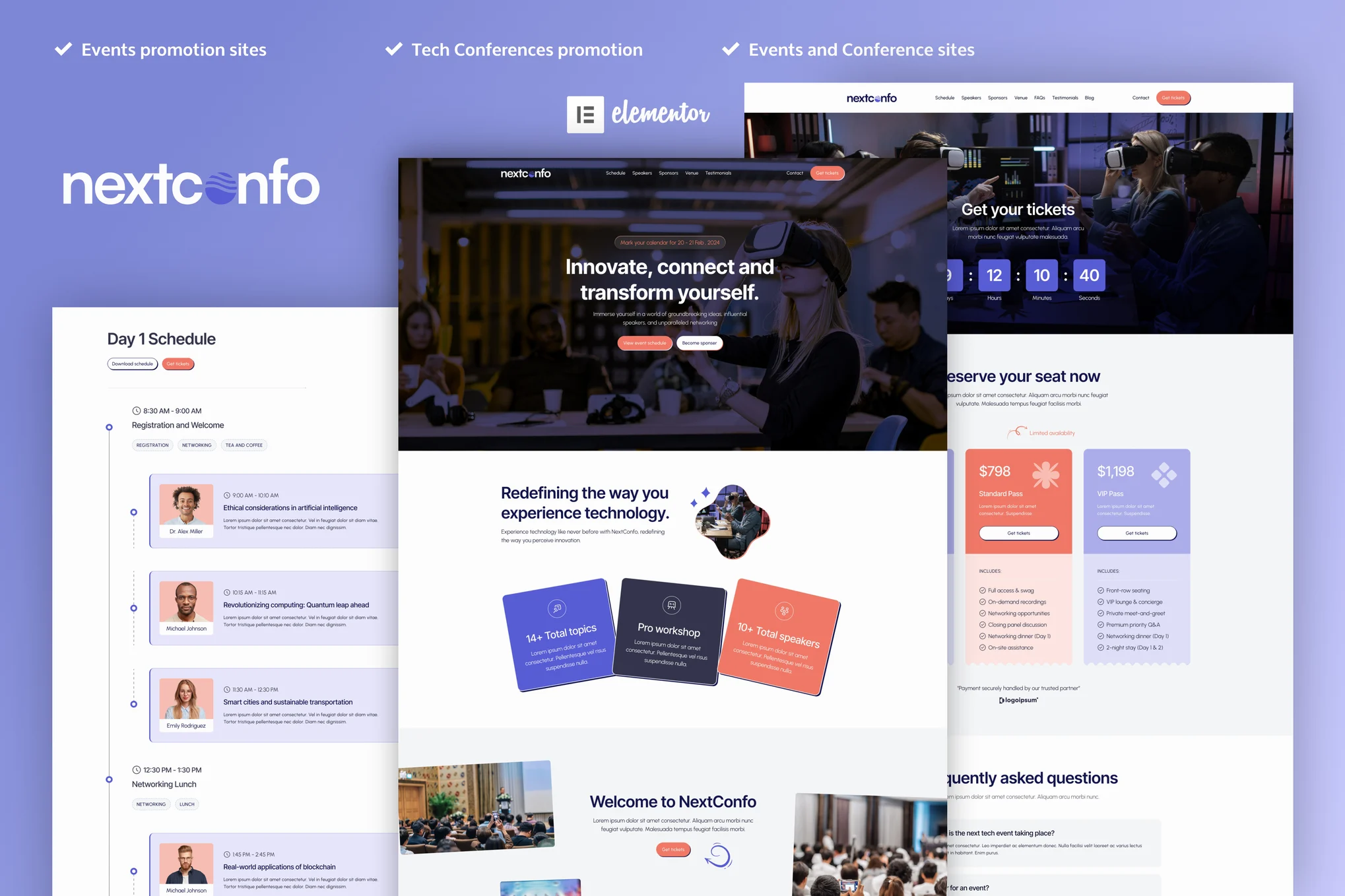





NextConfo is an Elementor Pro template suite designed for event promotion with a modern and elegant design to help you present and promote conferences, seminars, workshops and other events in a visually appealing way. This kit provides the perfect platform to engage attendees and generate enthusiasm.
![Image [1] - NextConfo - Events & Conferences Elementor Pro Template Suite - Photon Fluctuation Network | Professional WordPress Repair Service, Global Reach, Fast Response](https://www.361sale.com/wp-content/uploads/2025/08/20250802113720166-03-Speakers-Page.webp)
![Image [2] - NextConfo - Events & Conferences Elementor Pro Template Suite - Photon Volatility Network | Professional WordPress Repair Service, Global Reach, Fast Response](https://www.361sale.com/wp-content/uploads/2025/08/20250802113720278-07-Venue.webp)
NextConfo offers professionally designed layouts for speaker profiles, sponsor presentations and a smooth ticketing experience with great flexibility and convenience. The user-friendly interface and intuitive customization options help you easily adapt various parts of your website to match your brand's needs.
In addition, NextConfo is fully responsive, ensuring that your website displays perfectly on a variety of devices and screen sizes.
Features:
- Full no-code customization with drag-and-drop visualization builder support
- Set fonts and colors in one place, or fine-tune individual elements
- Modern professional design
- Quick Load
- Compatible with most Elementor themes
Contains templates:
- fig. beginning
- Calendar Page
- Speaker Page
- Sponsor Page
- Ticketing page
- Venue page
- Customer Testimonials Page
- blog page
- Single blog page
- Contact Us Page
- Frequently Asked Questions page
- Header and footer
Required plug-ins:
- Elementor Pro (some templates and features required, not included)
Installation method:
- Install and enable the "Envato Elements" plugin in the WordPress backend plugins.
- Download the template file and keep it zipped
- Go to Elements > Installed Kits and click on the Upload Template Kit button
- Before importing the template, make sure to activate the plugin by clicking on "Install Required Plugin".
- For best results, it is recommended to import one template at a time
- Go to Page > Create New Page and click "Edit with Elementor".
- In the Elementor editor, set the page to Elementor full width and hide the page title
- Click on the folder icon and go to the "My Templates" tab to import the desired template for customization.

Link to this article:https://www.361sale.com/en/72711The article is copyrighted and must be reproduced with attribution.












![Emoji[wozuimei]-Photonflux.com | Professional WordPress repair service, worldwide, rapid response](https://www.361sale.com/wp-content/themes/zibll/img/smilies/wozuimei.gif)

![Emoticon[baoquan] - Photon Wave Network | Professional WordPress Repair Services, Worldwide Coverage, Rapid Response](https://www.361sale.com/wp-content/themes/zibll/img/smilies/baoquan.gif)


 简体中文
简体中文  English
  日本語
日本語  Français
  Español


No comments