






In the daily work of e-commerce operations, merchandise management is the most basic but the most energy-consuming part. When the store scale expands from dozens of products to thousands ofSKUTraditional management methods often become the bottleneck that restricts development. The basic editing functions are overwhelmed in the face of large-scale commodity data, and theAdvanced Batch EditingIt is the key technology to break this dilemma.

I. The pain point of scale operation: the efficiency bottleneck of traditional editing methods
1.1 Exponential increase in time costs
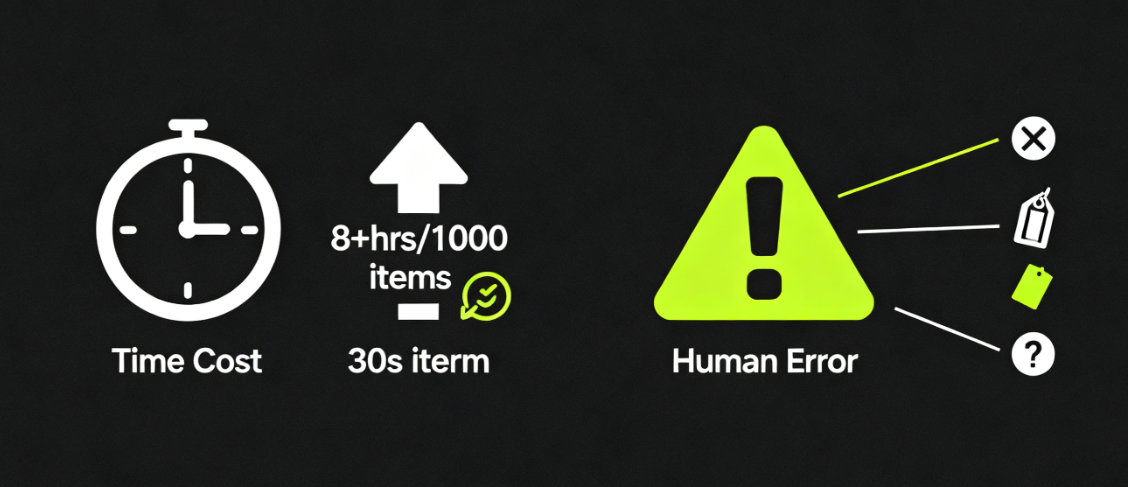
The model of manually editing individual items faces serious challenges when the number of items grows. Modifying the price of 1,000 items, assuming that each operation takes 30 seconds, requires a total of more than 8 hours of continuous work. This kind of repetitive labor not only consumes the time and energy of operation staff, but also seriously slows down the store's response to market changes.
1.2 Accumulation of risk of human error
In a large number of repetitive operations, the probability of human error rises significantly. Wrong price setting, inaccurate stock quantity or confusing product categorization can directly lead to sales loss and customer complaints. Each editing process is a potential risk point, and the number of errors accumulates with the frequency of operations.

1.3 Dilemma of maintaining data consistency
Maintaining consistency of product information becomes a huge challenge. Items in the same category may have different shipping settings, and similar products use contradictory attribute descriptions, and this data confusion directly affects the store's professional image and search engine indexing results.
II. Reconfiguration of core values: from basic functions to strategic infrastructure
The value of advanced batch editing has moved beyond the realm of ordinary tools to become the core infrastructure of e-commerce operations. This shift is reflected in two key dimensions.
2.1 Qualitative leap in operational efficiency
Modern advanced batch editing (woocommerce advanced bulk edit) tool realizes the dimension upgrade of operation efficiency. With precise filtering conditions, operators can quickly locate target product groups and perform bulk update operations. Global price adjustment can be completed within minutes, inventory data can be synchronized and updated in real time, and product classification supports bulk re-planning.
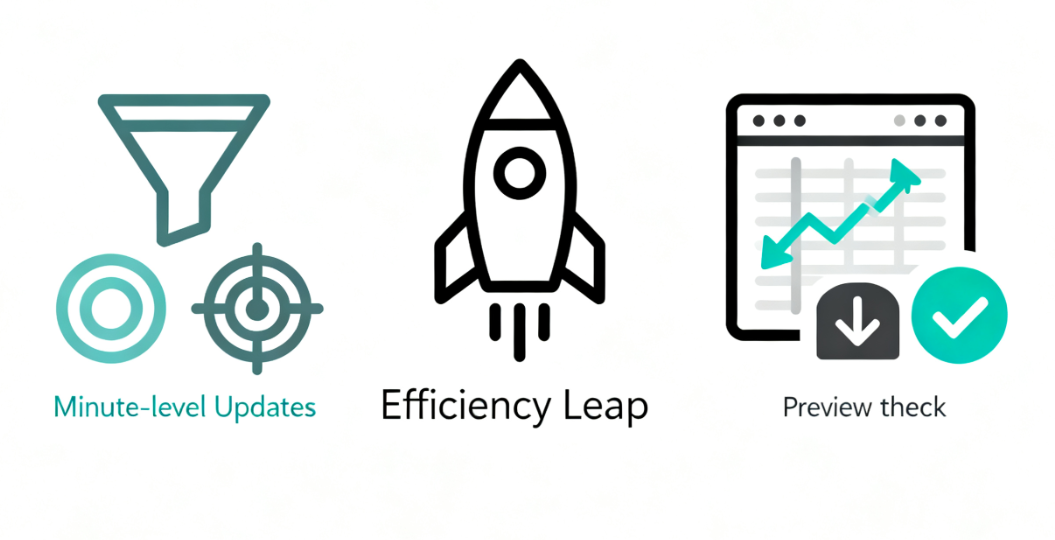
These tools often provide an intuitive spreadsheet-like interface and support importing and exporting of multiple data formats. The process is reversible, with previews to confirm important changes before they are made, ensuring that every batch operation is safe and secure. Efficiency gains translate directly into cost savings and increased access to opportunities.
2.2 Systematic assurance of data consistency
Establishing uniform data standards is the foundation of e-commerce professionalization. Advanced Bulk Edit ensures that all product information follows the same canonical standards through preset rules and templates. Shipping rules, attribute descriptions,SEO Metadataand other key messages are highly consistent.
This consistency not only enhances the professional image of the store, but also optimizes the search engine's inclusion results. The standardized data structure provides a reliable basis for subsequent data analysis and business decisions, and becomes an important support for the store's continuous development.
III. Comparison of functional dimensions: the gap between basic editing and advanced solutions
3.1 Essential differences in operational depth
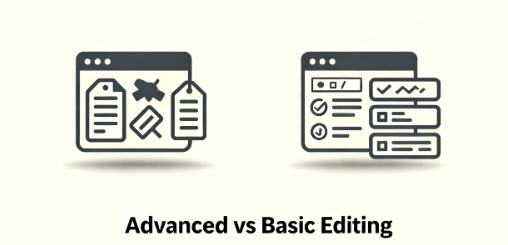
The bulk editing functionality provided by WooCommerce natively is relatively basic, mainly supporting simple modification of limited fields. While specialized advanced editing plugins such asWP Sheet EditormaybeProduct Import Exports advanced mode, providing in-depth editing capabilities. These tools support editing of all attributes of variable goods and can handle complex product metadata for truly comprehensive batch management.
3.2 Technical generation differences in screening accuracy
The filtering conditions of basic batch editing are relatively simple and usually limited to basic dimensions such as product categories and labels. The advanced solution provides multi-dimensional and precise filtering, supporting combined queries by price range, stock quantity, sales data, custom fields and other complex conditions. This precise targeting capability ensures that each operation targets the right group of products.
3.3 Hierarchy of operational security
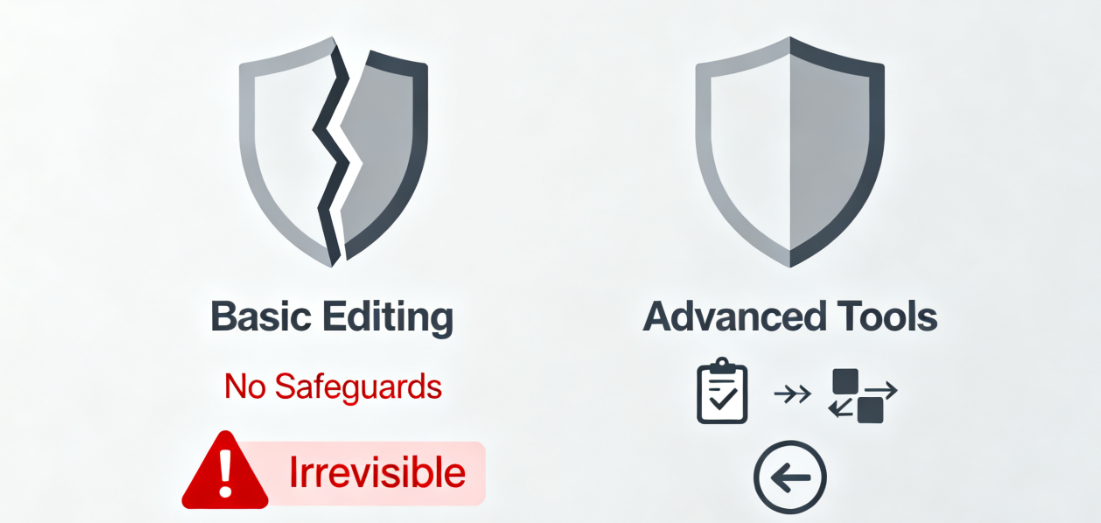
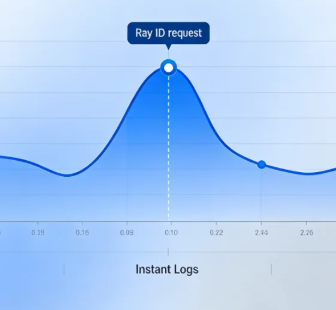
The basic editing function lacks a perfect operation security mechanism, and it is often difficult to trace and recover from erroneous operations. Advanced editing tools are usually equipped with operation logs, version comparisons and fast rollback functions, providing a comprehensive security system. These security mechanisms significantly reduce operational risks and provide reliable protection for large-scale data operations.
IV. Strategic significance: the inevitable choice of digital operation
In the increasingly competitive e-commerce environment, operational efficiency directly determines the market competitiveness of enterprises. Advanced batch editing is not only a tool to improve efficiency, but also a strategic choice to realize refined operation.

Stores adopting the advanced batch editing solution show significant advantages in key operational aspects such as promotion preparation, inventory management optimization, and seasonal adjustment. These stores are able to respond to market changes faster, execute operation strategies more accurately, and gain a head start in the fiercely competitive market.
From the perspective of long-term development, the establishment of an efficient batch editing system is a must for e-commerce enterprises to scale up. This system can support the continuous growth of the number of products, adapt to the continuous evolution of the business model, and provide a solid technical guarantee for the long-term development of the store. In the era of digital operation, investing in advanced batch editing is investing in the future growth potential of the store.
V. Practical operation: 5 minutes to complete the batch price adjustment
Here are the exact steps to perform conditional price adjustments using the WooCommerce Advanced Bulk Edit plugin:
5.1 Plugin Installation and Activation
Login to WordPress background, search "Advanced Bulk Edit" or "WP Sheet Editor" in the plugin market, complete the installation and activation. After activation, there will be a corresponding Bulk Edit entry in the left management menu.
![Image [1] - WooCommerce Advanced Bulk Editing: The Ultimate Solution for Ecommerce Scaling Operations](https://www.361sale.com/wp-content/uploads/2025/11/20251110191310148-6df0e1446750d0d54bb76d98e7b19242.png)
5.2 Entering the product batch editing interface
Click into the batch edit interface, the system will load all the product data. The interface presents an Excel-like spreadsheet style, with each product occupying one row and each attribute corresponding to a different column.
![Image [2] - WooCommerce Advanced Bulk Editing: The Ultimate Solution for Ecommerce Scale Operations](https://www.361sale.com/wp-content/uploads/2025/11/20251110191338438-image.png)
5.3 Setting price filter conditions
In the top filter, find the Price Filter option. Set the filter condition as "Price less than 100″, the system will automatically filter out all the products that meet the condition. The filtering result will be displayed in real time, so that you can confirm the target product range.
![Image [3] - WooCommerce Advanced Bulk Editing: The Ultimate Solution for Ecommerce Scale Operations](https://www.361sale.com/wp-content/uploads/2025/11/20251110191409299-image.png)
5.4 Perform batch price updates
Select all the filtered items and choose "Edit Price" in the Batch Operation menu. Select "Increase Fixed Amount" or "Adjust by Percentage" as the price update method. Enter the specific adjustment value, for example, select "Increase by 10%" or "Increase by $5".
5.5 Confirmation and implementation of changes
The system will display a preview showing the price comparison before and after the modification. After confirming that there is no error, click "Execute Batch Update". The system will start processing, and after completion, it will display the statistics of the number of products successfully updated.
With WooCommerce Advanced Bulk Editing, your store can flexibly adjust product prices and inventory, respond to market changes in time and maintain a competitive edge.

Link to this article:https://www.361sale.com/en/80389/The article is copyrighted and must be reproduced with attribution.




















![Emoji[wozuimei]-Photonflux.com | Professional WordPress repair service, worldwide, rapid response](https://www.361sale.com/wp-content/themes/zibll/img/smilies/wozuimei.gif)

![Emoticon[baoquan] - Photon Wave Network | Professional WordPress Repair Services, Worldwide Coverage, Rapid Response](https://www.361sale.com/wp-content/themes/zibll/img/smilies/baoquan.gif)


 简体中文
简体中文  English
  日本語
日本語  Français
  Español


No comments