






In WordPress site development, dynamic content displays—whether blog post lists, product galleries, or custom post type aggregations—form the core interactive elements of modern websites.Gutenberg EditorThe introduced native "Query LoopThis milestone marks a significant step forward for the official initiative in this direction, but practice has shown that its default interface presents a steep learning curve, and advanced customization options often require developer intervention.
Statistics indicate that over 601 website administrators encounter difficulties when attempting to create non-standard dynamic layouts. This complexity directly leads many sites to revert to using static content or limited-functionality widgets, sacrificing the timeliness and appeal of their content.
Nexter Blocks' "Query Loop" block is specifically designed to bridge this gap. While preserving its fundamental advantage of seamless integration with WordPress' core data layer, it transforms dynamic content construction from a coding task into an intuitive design process through its revolutionary visual control layer.
I. Beyond Native: Deconstructing the Core Enhancements of Nexter Blocks Query Loops
Nexter Blocks' query loop is not a simple replacement, but a systematic enhancement across three dimensions: compatibility, control, and ease of use. It is built directly upon WordPress's powerfulWP_QueryAbove the class level, it ensures standardized and efficient data queries while completely overhauling the front-end configuration and output methods.
1.1 Intuitive Query Builder and Visual Filter
The configuration parameters for native query loops are scattered across multiple sidebar panels, making them as difficult to decipher as code for non-technical users. Nexter Blocks transforms this into a centralized, wizard-style "Query Builder" interface.
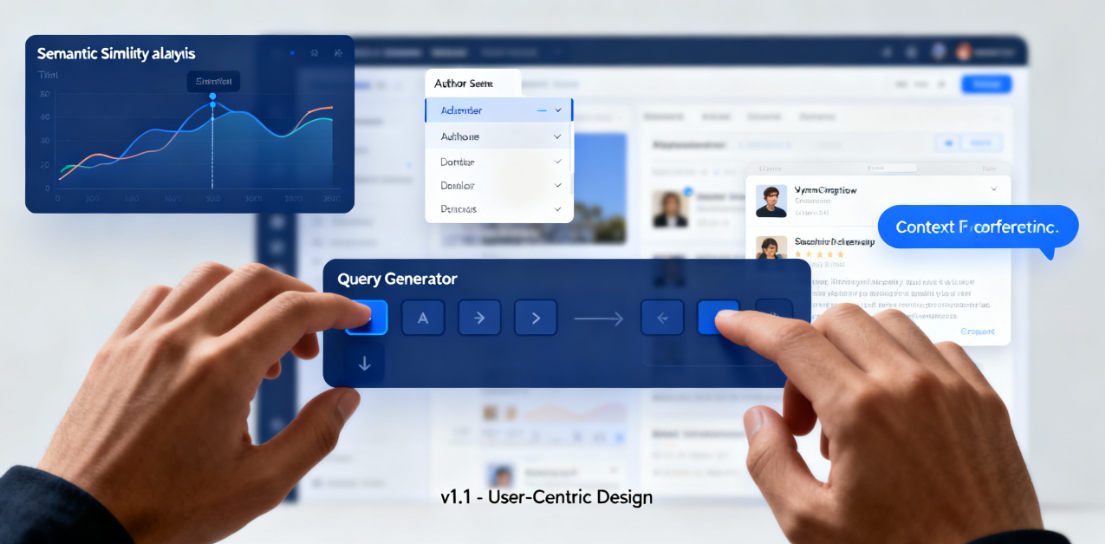
- Multi-dimensional filter controlUsers can combine multiple query conditions through clear point-and-click operations. For example, exclude specific articles from particular categories or tags; display articles written by the current author that contain specific custom field values; or create a "related articles" query based not only on category tags but also on semantic similarity analysis of article content.
- Real-time preview with context awarenessConfiguration changes are reflected in real time within the block editor's canvas preview, even when the content itself is dynamic. Blocks can sense their context (such as whether they appear on a single post page or an archive page), enabling smart preset options like "Relevant to Current Post" or "Within This Category."
1.2 Seamless Integration with Custom Post Types and Fields
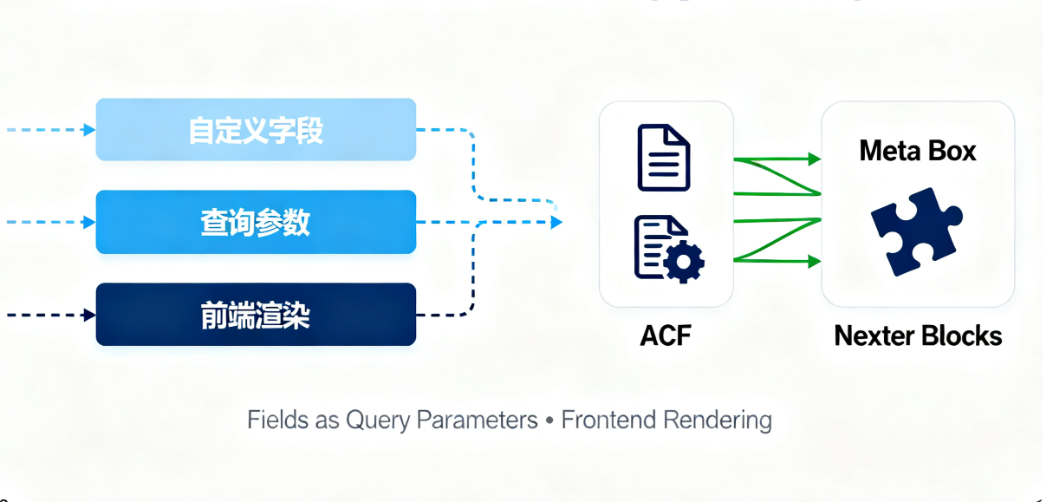
Native blocks require additional processing to support advanced data types. Nexter Blocks' query loop natively supports all registered custom post types and fields created by mainstream custom field plugins (such as Advanced Custom Fields and Meta Box).
- Field as a query parameterYou can directly use custom field values (such as product price, event date, or project status) as sorting criteria or filter conditions.
- Front-end rendering of field contentIn the query result template, you can easily insert and format the values of these custom fields without writing any template code, achieving direct connectivity between the data layer and the presentation layer.
II. No-Code Fine-Grained Control Over Layout and Styling
The visual presentation of query results is key to the appeal of dynamic content. Nexter Blocks' capabilities in this area elevate it from a data extraction tool to a complete layout design system.
2.1 Modular Item Templates with Unlimited Layout Combinations
At the core of each query loop block lies a fully customizable "item template." This template itself is composed of other Nexter Blocks, such as advanced headers, featured images, summary text, and metadata.
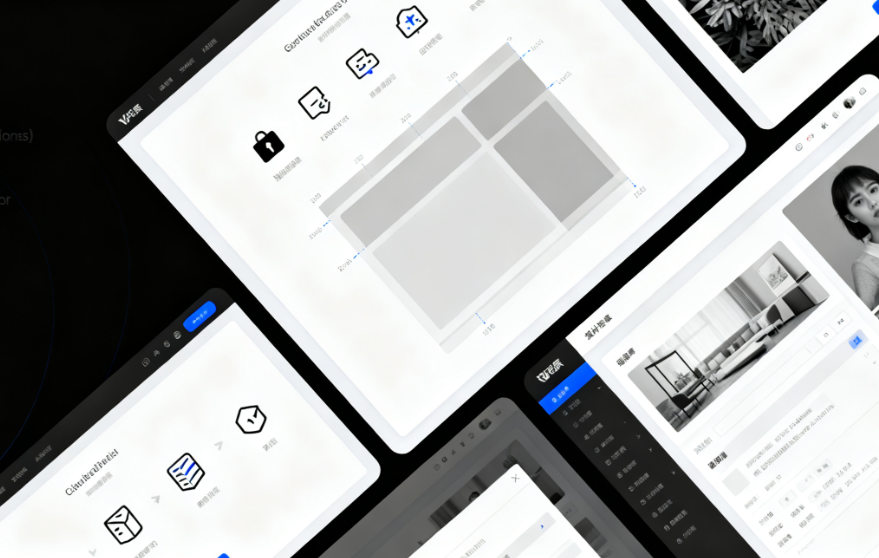
- Drag-and-Drop Construction and Structural ControlUsers can define the structure of each item through drag-and-drop, just like building a static page. Should it include images? Place the title above or to the left? How many characters should the summary display? Should metadata show the author, date, or number of comments? All of this is accomplished within the visual interface.
- Diverse Layout ContainersItem templates can be placed within layout containers such as grids, carousels, masonry, or lists. Grid layouts offer precise control over column counts, gap adjustments, and responsive breakpoint settings, ensuring optimal performance across mobile, tablet, and desktop devices.
2.2 Designing Conditional Styles at the Global and Item Levels
Style control extends beyond simple colors and fonts, introducing content-based logical conditions.
- Dynamic Style BindingYou can add unique border colors to articles categorized under specific journals; apply distinct background highlights to articles tagged as "featured." These styling rules are configured directly within the block style panel, with conditions based on article attributes returned by queries.
- Hover and Animation StatesDefine hover effects (such as shadows, zooming, or color changes) for the entire list or individual items, and integrate smooth animations.CSS animationsTransitions give dynamic lists a highly interactive feel.
III. Advanced Features and Performance Optimization Practices
Powerful functionality must be accompanied by rigorous performance considerations. Nexter Blocks' query loop blocks deliver rich features while incorporating multiple built-in optimization mechanisms.
3.1 Smart Pagination and Loading Mechanism
For queries returning large volumes of results, this block provides multiple content distribution solutions.
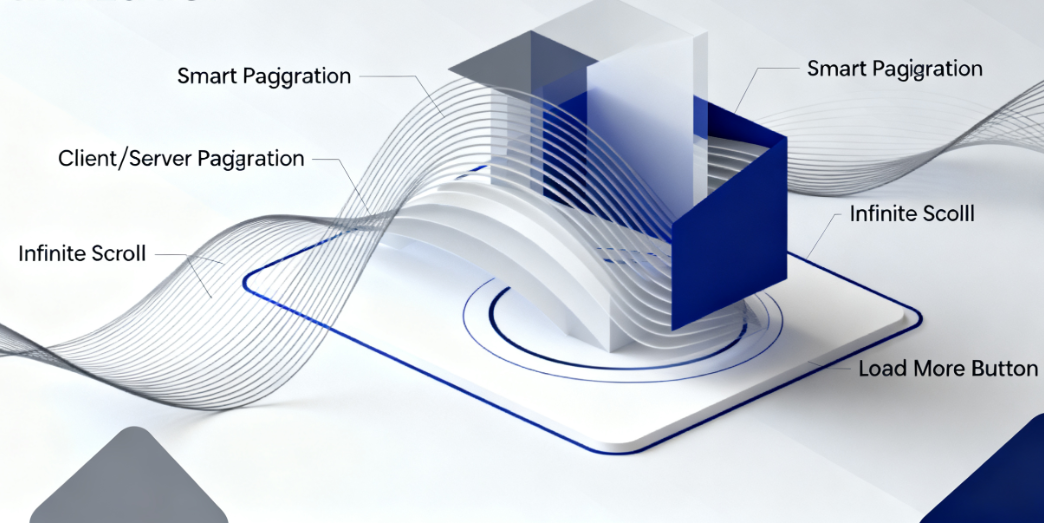
- Client-side and Server-side PaginationUsers can choose between traditional server-side pagination (generating new pages) or enable AJAX-driven client-side pagination to achieve refresh-free loading while maintaining page state.
- Infinite scrolling and "Load More" buttonTo enhance the browsing experience for long lists, you can enable infinite scrolling or a "Load More" button to dynamically load content in batches, reducing the initial page load.
3.2 Query Caching and Rendering Efficiency
Dynamic queries represent a potential drain on server resources. Nexter Blocks implements an intelligent caching strategy.
- Hierarchical Cache SupportBlock outputs can work in tandem with WordPress's transient caching or object caching solutions. For infrequently changing queries (such as "Weekly Top Posts"), caching can significantly reduce database query load.
- Server-Side Rendering OptimizationDeeply integrated with the theme's block template system, ensuring dynamic content is delivered to browsers as pre-rendered HTML during initial page load. This approach is search engine-friendly and guarantees extremely fast first-screen content delivery.
Conclusion: A Paradigm Shift from Data Query to Dynamic Experience Design

Nexter Blocks' query loop block represents an evolution in philosophy: projecting WordPress's powerful backend content management capabilities onto the frontend in an unprecedentedly intuitive and expressive manner. It bridges the gap between content managers and dynamic website design, enabling the creation of complex, personalized, high-performance dynamic content areas without relying on custom development or short-term code snippets.
By encapsulating deep control within a user-friendly interface, it allows website builders to shift their focus from "how to implement" to "what experience to design." For any developer or content team seeking to fully leverage WordPress's potential as an application platform and committed to elevating content presentation professionalism and user engagement, mastering this tool means gaining a critical ability to transform data into compelling narratives—truly unlocking the full potential of the Block Editor and modern WordPress.

Link to this article:https://www.361sale.com/en/81898/The article is copyrighted and must be reproduced with attribution.





















![Emoji[wozuimei]-Photonflux.com | Professional WordPress repair service, worldwide, rapid response](https://www.361sale.com/wp-content/themes/zibll/img/smilies/wozuimei.gif)

![Emoticon[baoquan] - Photon Wave Network | Professional WordPress Repair Services, Worldwide Coverage, Rapid Response](https://www.361sale.com/wp-content/themes/zibll/img/smilies/baoquan.gif)


 简体中文
简体中文  English
  日本語
日本語  Français
  Español


No comments