






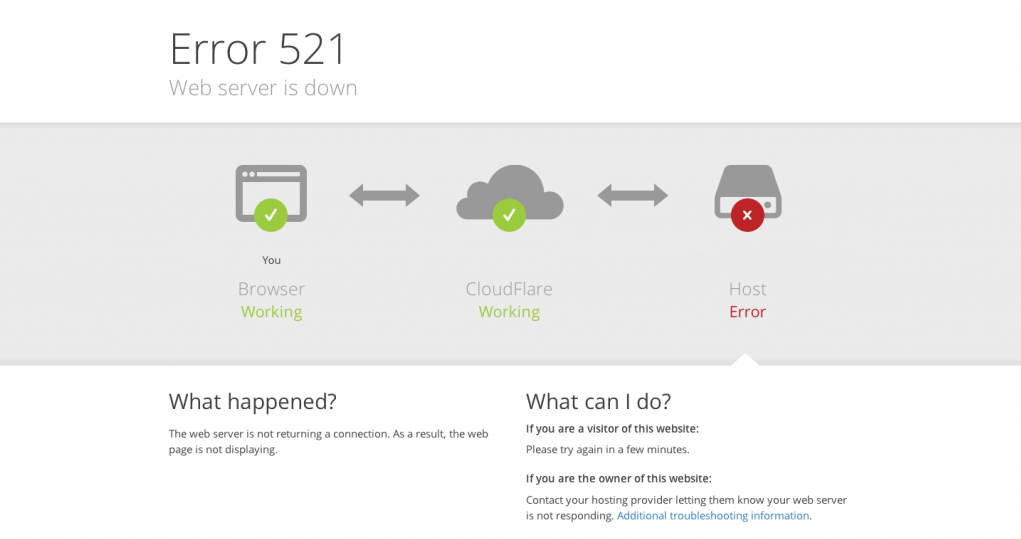
appeared HTTP 521 Situations causing website inaccessibility typically indicate that the web server is not responding properly, preventing users from browsing pages. This can also lead to lost traffic, interrupted orders, or indexing anomalies. When facing an HTTP 521 error, you must not only diagnose the cause but also have an emergency plan capable of quickly restoring access.
This article will focus on the "HTTP 521 causing website inaccessibility" issue, helping you understand its causes, set up a temporary emergency page, and implement controlled output through access degradation to minimize losses.
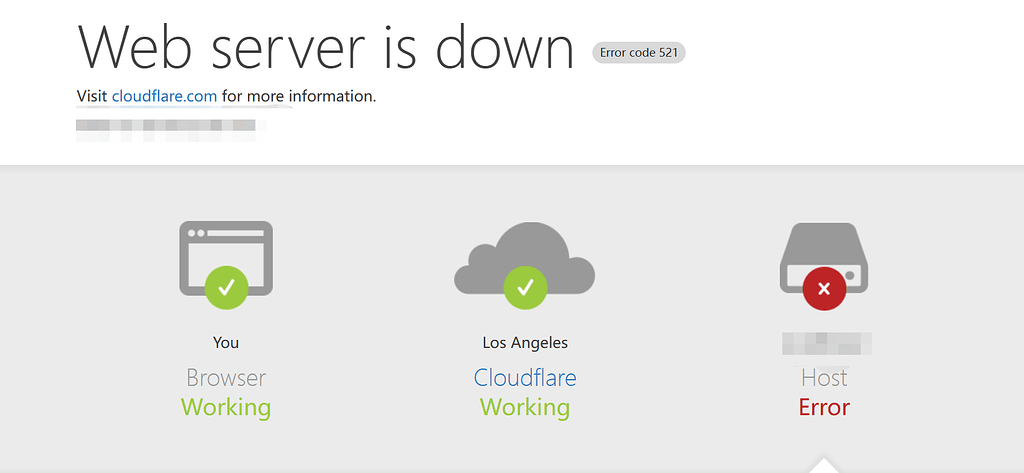
1. How to determine The Real Reason Behind HTTP 521 Causing Website Unavailability?
To resolve the issue, the first step is to accurately identify the source of the problem. Site administrators can begin with the following steps.
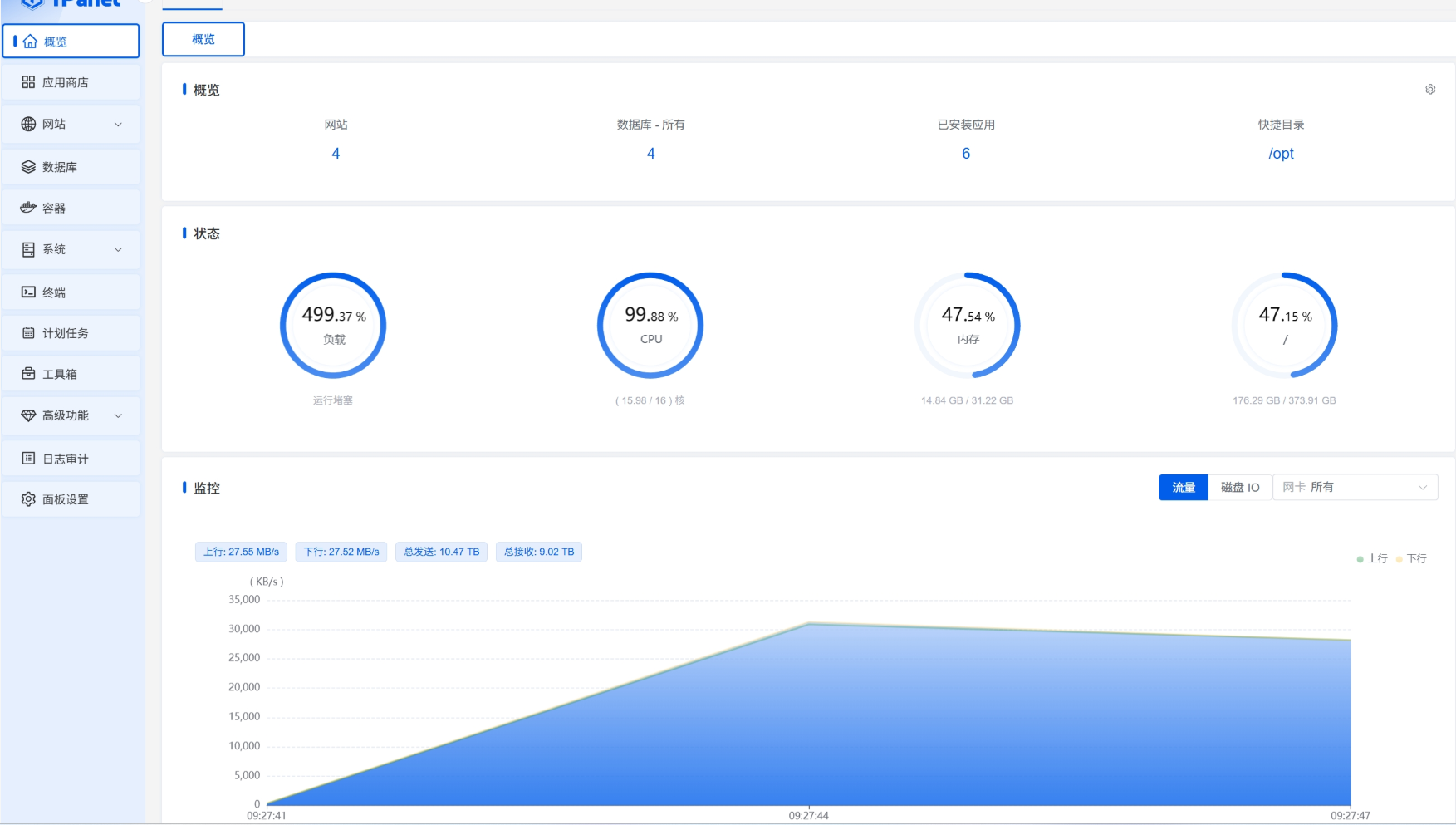
1.1 View Server Status
Monitor CPU, memory, and disk usage via SSH or the management panel. If metrics spike abnormally high, it likely indicates insufficient resources causing service failure.
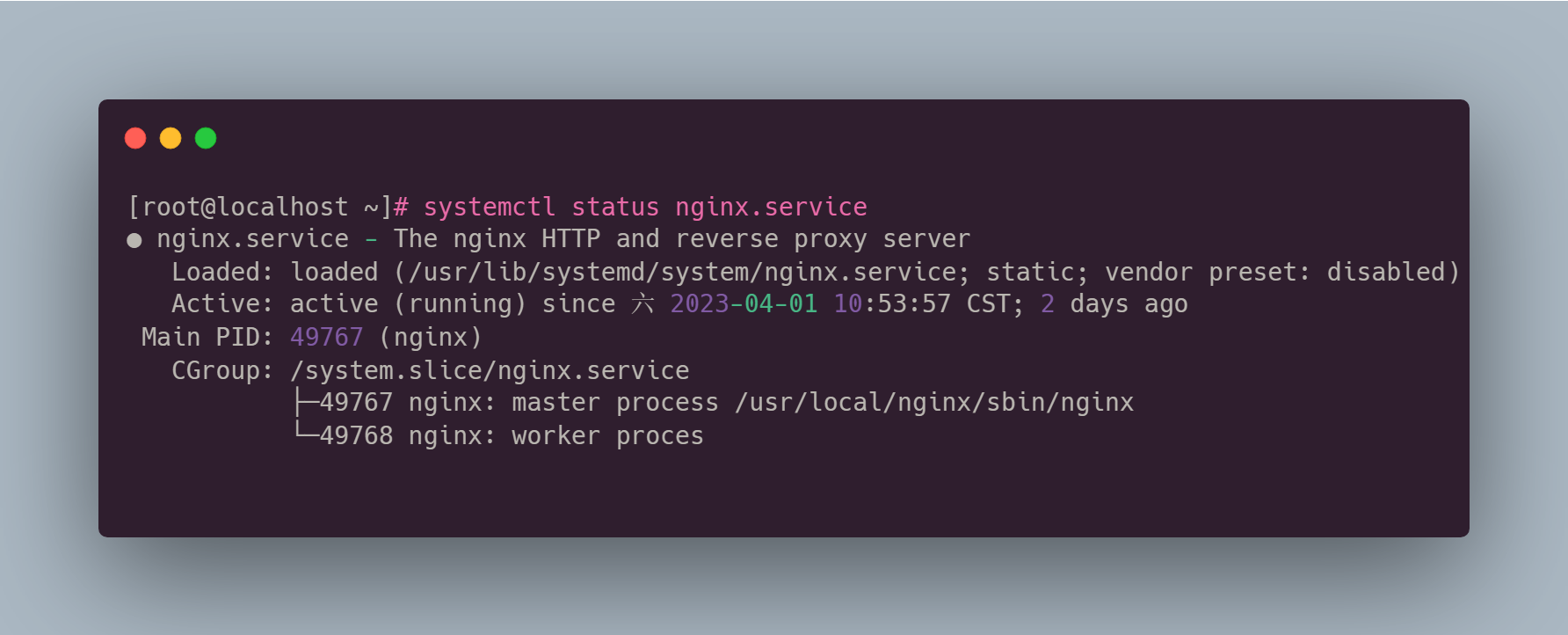
1.2 Checking Web Service Availability
Execute as systemctl status nginx maybe systemctl status apache2 Wait for command, confirm Is the web service running?If the status is failed or stopped, restarting the service will restore it.
1.3 Checking Firewall and Port Status
Ensure that ports 80 and 443 are properly open to the outside and not blocked by security policies. Cloudflare's official documentation also explicitly states that if the origin server's firewall blocks Cloudflare, requests will result in a 521 error.
1.4 Verify DNS and IP Synchronization
If the server migrates its IP address but fails to update the DNS, the CDN will continue to request the old IP. Naturally, it will receive no response, triggering an HTTP 521 error that renders the website inaccessible.
Once accurately identified, repairs can be performed. However, the real challenge lies in the potentially lengthy recovery time, requiring the site to maintain basic accessibility during the outage.
2. Why is it necessary to set up an emergency page when an HTTP 521 error occurs?
When users visit a website and are immediately presented with an error code page, it creates a negative impression and can easily increase bounce rates. More critically, in e-commerce, membership systems, and content websites, interrupted access leads to tangible losses. Therefore, webmasters need to prepare emergency pages so that visitors can still see a friendly, controlled information display when the site becomes inaccessible due to an HTTP 521 error.
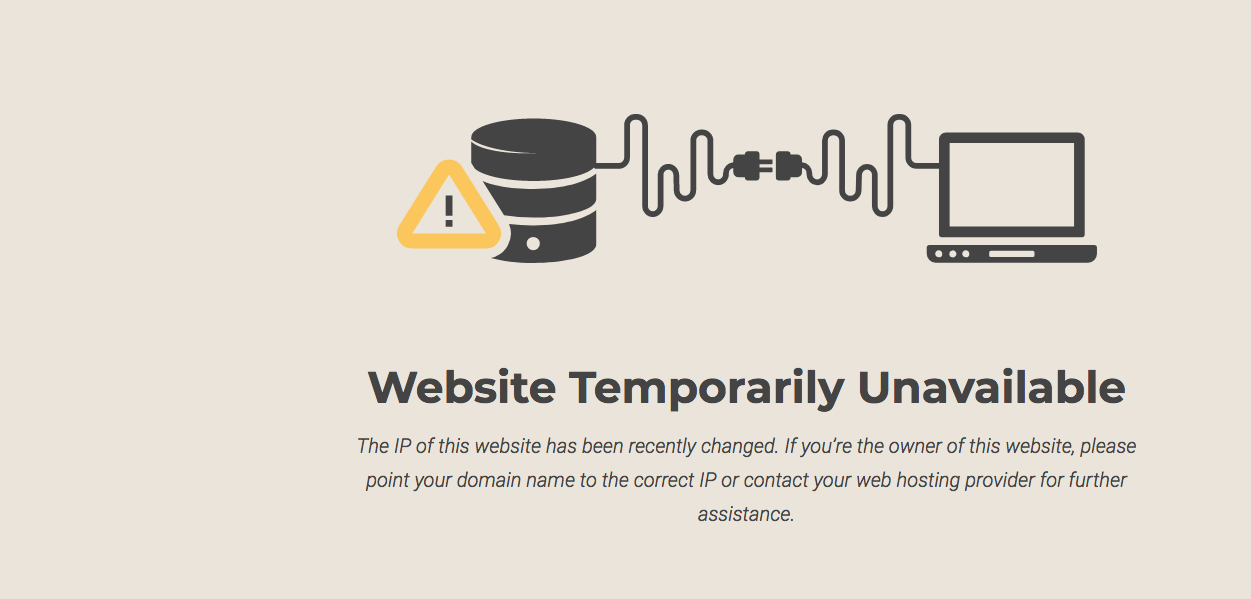
The functions of the emergency page include:
1) Prevent users from seeing server errors directly
2) Maintain brand image and reduce visitor churn
3) Provide the latest status update and estimated time of recovery
4) Guide users to utilize other channels, such as social media or customer service.
A professional website never exposes users to error codes directly; instead, it employs degradation strategies to maintain availability during failures.
3. How to create an emergency page that can be activated immediately?
Emergency pages must be lightweight, stable, and capable of rapid activation during server failures. Here are the implementation strategies.
3.1 Using Local Static Pages as Emergency Entry Points
Prepare a completely static HTML file containing the following information:
- Temporary Website Maintenance Notice
- Estimated time to recovery
- Available customer service contact methods
- Social Media Update Channels
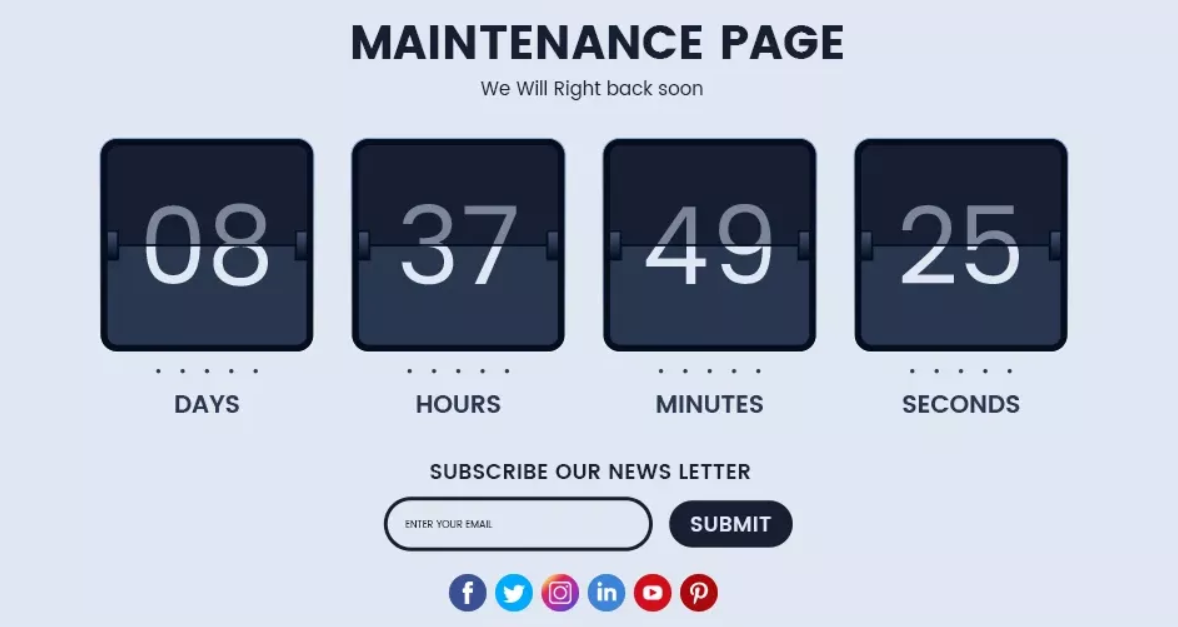
Since static pages can run without PHP or databases, they remain fully functional even when HTTP 521 errors prevent website access.
3.2 Using the "Custom Error Pages" Feature of a CDN
CDN providers like Cloudflare and Akamai offer custom error page functionality. When the origin server fails to respond, the CDN automatically displays your emergency page content instead of showing error 521. This approach significantly reduces user churn.
3.3 Deploy the emergency page to the backup storage
Optional carriers include:
- Object storage (such as AWS S3, Alibaba Cloud OSS)
- Static site hosting (such as Netlify, Vercel)
- Lightweight Virtual Hosting
Ensure the emergency page operates independently of the main server, thereby avoiding website inaccessibility caused by HTTP 521 errors.
4. How to implement access degradation to prevent complete unavailability?
The purpose of access degradation is to "prevent service interruption." Even if primary operations cease, partial content display must be maintained. For scenarios where HTTP 521 errors render websites inaccessible, degradation can be achieved through the following strategies.
4.1 CDN Cache Retains Access Capability
Many CDNs offer an "Always Online" feature that caches portions of web pages at CDN nodes. When the origin server goes down, users can still access the cached version. For content-heavy sites, the effect is particularly noticeable.
4.2 Business Module Decomposition
Split highly usable pages into "
- Homepage Static Content
- Service Description Page
- Frequently Asked Questions page
Staticize these pages and host them on a CDN or backup server. Even if the primary service experiences an HTTP 521 error causing the website to become inaccessible, critical pages will remain accessible.
4.3 Separation of the API Layer and Frontend Layer
For complex systems, the frontend can be deployed on independent nodes. When the backend fails to provide services due to HTTP 521 errors, the frontend can still display partial functionality and prompt messages, enabling controlled degradation.
concluding remarks
HTTP 521 errors that render websites inaccessible not only compromise user experience but may also damage SEO rankings, conversion rates, and brand reputation. Rapidly identifying root causes, preparing emergency pages ready for immediate deployment, and ensuring minimal accessibility through fallback solutions are essential capabilities for professional website operations.

Link to this article:https://www.361sale.com/en/82212/The article is copyrighted and must be reproduced with attribution.
















![Emoji[wozuimei]-Photonflux.com | Professional WordPress repair service, worldwide, rapid response](https://www.361sale.com/wp-content/themes/zibll/img/smilies/wozuimei.gif)

![Emoticon[baoquan] - Photon Wave Network | Professional WordPress Repair Services, Worldwide Coverage, Rapid Response](https://www.361sale.com/wp-content/themes/zibll/img/smilies/baoquan.gif)


 简体中文
简体中文  English
  日本語
日本語  Français
  Español


No comments