


 Harry.



Making the Complicated Simple





WordPress source code - jquery-ui (1.8.20 - jquery.effects.bounce.js)
1 /*! 2 * jQuery UI Effects Bounce @VERSION 3 * 4 * Copyright 2012, AUTHORS.txt (http://jqueryui.com/about) 5 * Dually licensed under the MIT or GPL Version 2 licenses. 6 * http://jq...
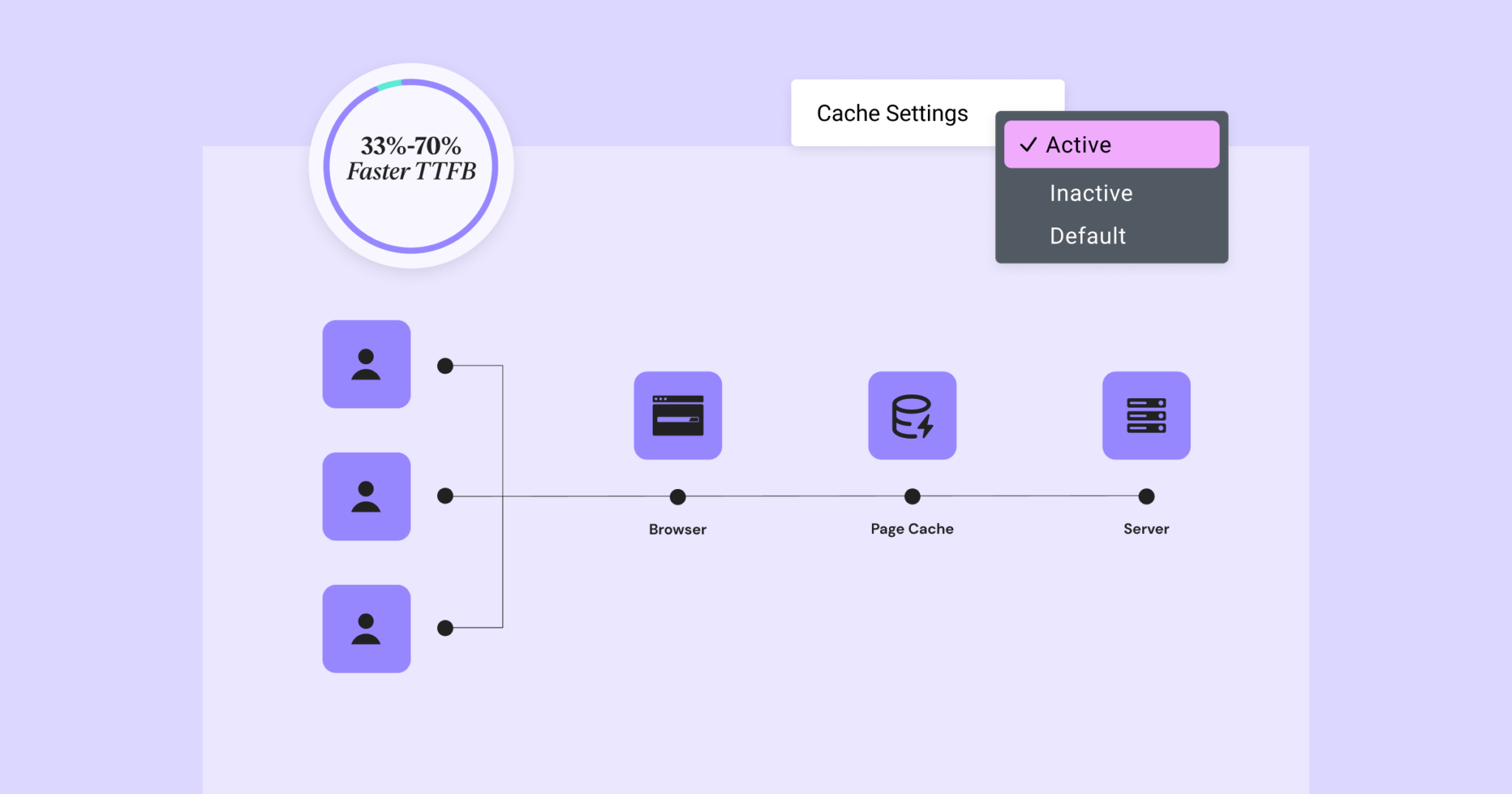
Elementor 3.22 Update: New Off-Canvas Widget and Caching Improve Site Performance
What's New: Off-Canvas Widget Elementor 3.22 introduces Off-Canvas Widget, a new professional design tool that creates interactive page layouts and enhances user experience. Features: Interactive Layout: Open and close containers by clicking on links that can...

How to Write Quality SEO Friendly Articles
Writing high-quality SEO-friendly articles is crucial to boosting website traffic and search engine rankings. A good SEO article should not only cater to the search engine algorithms, but also to the needs of the readers. Let's take a look at how to write high-quality SEO-friendly articles, including key...

Creating a Personalized Website: Advanced Use of the Elementor Editor and WoodMart Theme (05)
The last installment introduced a basic introduction to the Elementor editor paired with the WoodMart theme, and today we're going to dive into how to use the Elementor editor with the WoodMart theme for more advanced website design customization. Whether you're new to design or looking for a more refined layout...

How to Optimize WordPress Website SEO with Google Search Console
Google Search Console (GSC) is a free tool that we often refer to as Google Webmaster. It is provided by Google and can be used to help webmasters monitor and optimize their websites. For those who use WordPress to build their websites, utilizing Google Search Console...

How to Bulk Compress Existing Images in WordPress
When managing a WordPress website, images are one of the most common resources. A large number of uncompressed images will not only take up server space, but also affect the loading speed of the website, which in turn affects user experience and SEO ranking. Therefore, batch compression of existing images is one of the ways to improve website performance...

What a blog post that is easily indexed by Google includes
Having high quality blog posts that are easily indexed by Google is essential for natural traffic to any website. Being indexed by Google not only improves the online visibility of your website, but also brings you more traffic and leads. However, creating such an easily indexed blog post...

A complete guide to quickly build a professional online store using BoxShop e-commerce theme (01)
In modern e-commerce, it is vital to have a fully functional and visually pleasing online store.BoxShop e-commerce theme is a comprehensive e-commerce template with rich functionality and support for visual editing using WPBakery Page Builder, which greatly simplifies the net...

Detailed explanation of BoxShop theme footer settings: to create a professional e-commerce site bottom design (07)
In this installment, we will delve into how to set up the footer section of BoxShop theme. Footer is a part of website design that cannot be ignored, not only does it take on important navigational functions, but it also enhances the overall professionalism and user experience of your website. With this guide, you will learn how to...

Explanation of the difference between the regular and Pro versions of the Astra theme: reasons for upgrading to the Pro version (03)
Welcome to this installment of WordPress tutorials! Today we're going to dive into the main differences between the regular and Pro versions of the Astra theme. If you're using the Astra theme or thinking about upgrading to the Pro version, then this post will provide you with a clear guide. With some practical...

How to Fix "Upload: Unable to write file to disk" Error in WordPress
When uploading files in WordPress, sometimes you will see "Upload: Unable to write file to disk" error. This is a headache for newbies, as this error prevents you from uploading files to your WordPress site. Let's see how to fix this error you...

How to Fix WordPress "Unable to Load Resource" Error
Why do I get an 'Unable to load resource' error? The 'Unable to load resource' error occurs when WordPress fails to load a file that should be loaded. Basically, when WordPress generates a page, it includes multiple files in the code such as images, scripts,...

 简体中文
简体中文  English
  日本語
日本語  Français
  Español



