






Making the Complicated Simple





How to collect and manage submission data using Elementor forms
Backup, access and management of form submission data is very important in website management. With Elementor Forms, it's easy to collect and manage visitor submissions from the WordPress admin backend. This not only helps to gather valuable user insights and analyze campaign data...

What dynamic tags are available for Elementor?
Dynamic content takes content from a website or current page/post and dynamically changes it based on the page or post it is on. Not all dynamic tags apply to all dynamic content fields. Only applicable tags are listed as options in the field's drop-down selection list. Post (POST) ...

WordPress reset password in many ways, prevent you forget the backend password
Forgetting your password is something that happens to everyone. If you haven't logged into your WordPress site for a long time, as an administrator, you may accidentally forget your password. The good news is that there are several ways to retrieve or reset your WordPress user password. 1. Through other admin...

How to Add Age Verification Popup on WordPress Website with Elementor?
If the content of your website is not suitable for minors, then you can introduce an age verification popup. How to quickly add such a popup to your Elementor website is necessary to ensure that your visitors are properly taken care of. Follow the steps, it's easy to do! Why...
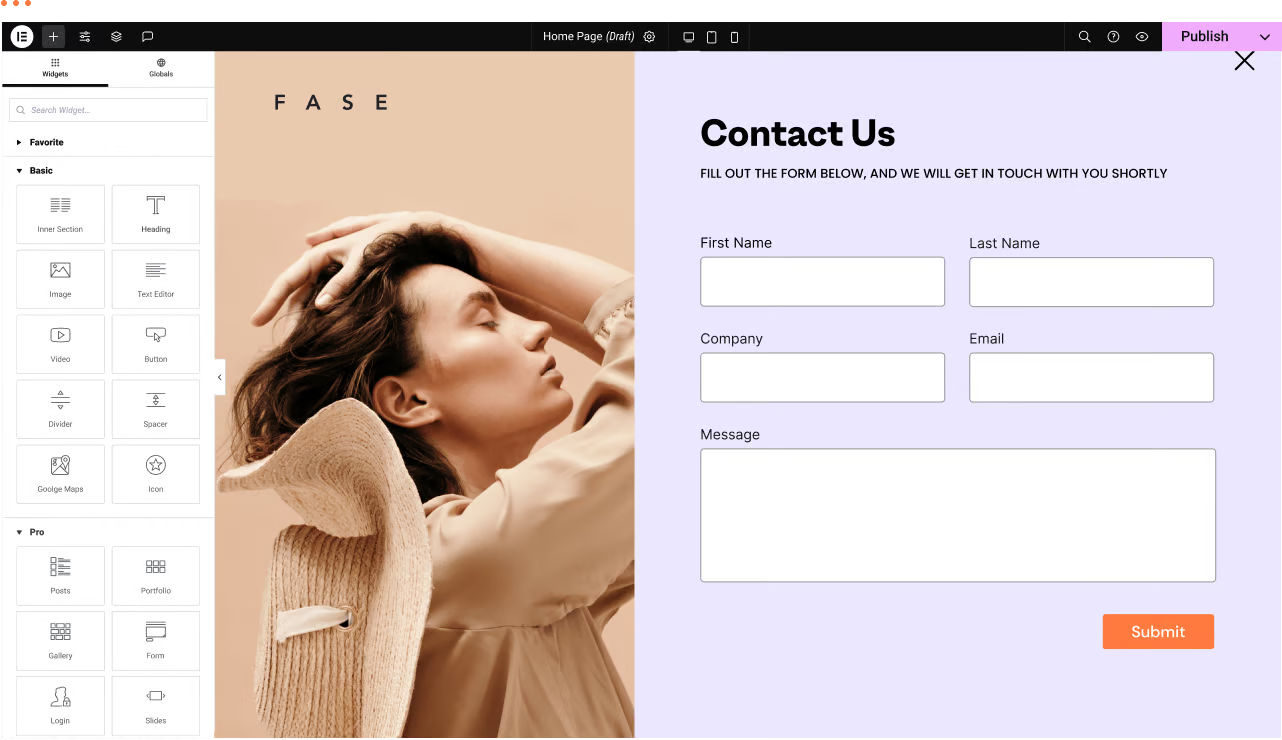
WordPress Troubleshooting: Page Not Found or 404 Page Error
We have a WordPress website with the Elementor editor. Sometimes there are malfunctions, for example: a page not found or 404 page error when trying to navigate to a certain page. Let's analyze the reasons and how to fix it! Possible reasons ...

Comparison of the most popular CMS open source programs in 2024 (WordPress, Joomla, Drupal, Squarespace, Wix)
What is a Content Management System: things to look out for in a CMS platform A CMS is software that allows people who don't know how to program to create, edit and publish online content such as articles, images and videos through a simple interface. To manage your content marketing, you have to make sure...

WordPress Site Acceleration: A Guide to Caching Settings
WordPress website running slow? This problem has been around since the inception of WordPress. But now, we have a standardized solution. 6 Factors of Slow WordPress Website Choose a good server provider 2. Use a lightweight WordPr...

How to Create a WordPress Child Theme (Beginner's Guide)
Child themes are WordPress themes that inherit functionality from other WordPress themes. Many administrators create child themes for their current theme so they can safely customize their site design without losing pre-update settings when the theme is updated. How do child themes work? To ...

Astra Theme Nanny Tutorial
Get an in-depth look at how to use the Astra theme, from installation to customization settings, with a full breakdown of Astra and Astra Pro features. With this tutorial, you will learn how to build a professional website using Astra theme with Elementor, explore the template library, navigation menu settings, header and footer...

Magento Basic Setup and Store Information Configuration: Detailed Step-by-Step & Flowchart Guide
Magento is a powerful and flexible e-commerce platform that allows users to configure the store in detail according to their needs. Below are the detailed steps to configure Magento and the related flowchart. Step by Step Operation Description 1 Log in to the Magento backend admin panel in your browser and enter...

How to Hide Page Titles in WordPress Using Elementor
To hide page title in WordPress, use Elementor; the operation is relatively simple, just one click to hide the title, do not need to use any code or other plug-ins. Steps 1. Go to the page and click "Edit with Elementor". Here...

WordPress | How to Add Product Parameters Form to WooCommerce Product Detail Page
In the age of e-commerce, providing detailed and accurate product information has become a key part of enhancing the customer shopping experience. Especially in the apparel and accessories industry, the accuracy of size charts is directly related to customers' purchasing decisions. Today, we will explore how WooCommerce product details...
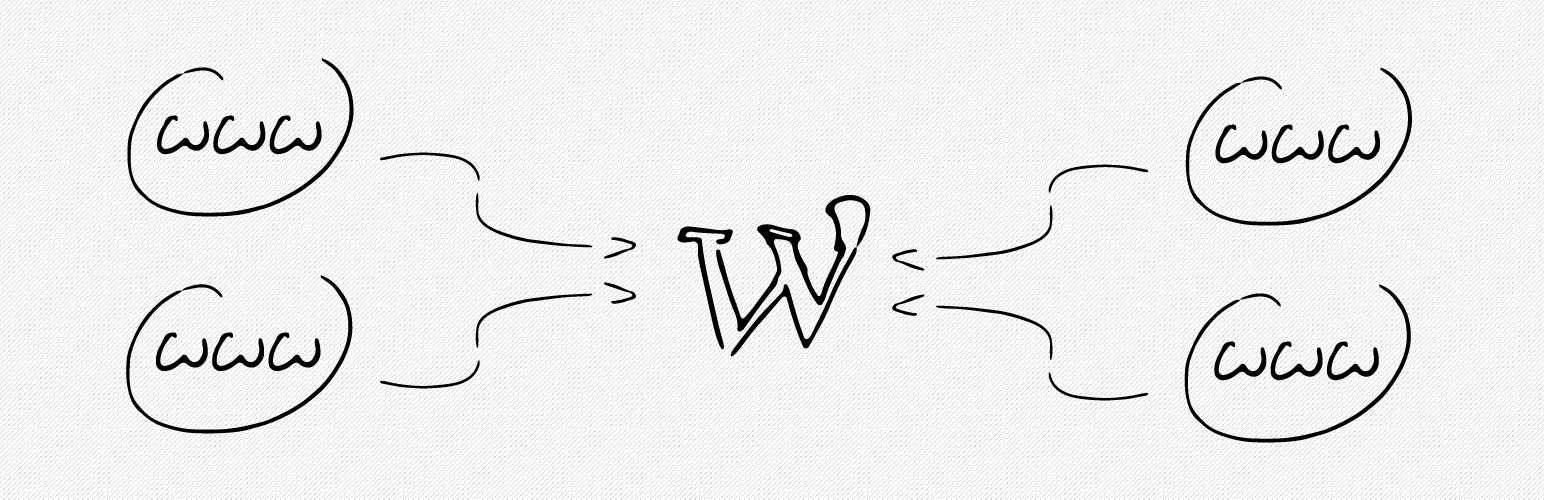
How to bind multiple domains on a WordPress site with a plugin?
Creating a site with WordPress is very easy and WordPress supports binding one domain name by default. If you have more than one domain name and want to point them to the same WordPress site, you can do it by using a domain mapping plugin. Not only that, but these plugins also support the use of domains that are not...

Special goods how to collect payment: cross-border e-commerce in a detailed analysis of the commonly used collection methods
In the rapid development of cross-border e-commerce, "how to collect payment for special goods" has become a key concern for merchants. Specialty goods refers to special cross-border goods, the transaction and collection of such goods often need to take into account the regulations of different countries, currency exchange, transaction security and other factors. The following...

How to Paste a Code Snippet from a Web Page into WordPress for Newbies
Hello everyone! Today's tutorial focuses on teaching you how to safely paste various custom code snippets into WordPress. Below is mainly to share some of our team's experience in pasting custom code snippets. The best way to add code snippets to WordPress is...

How to Fix WooCommerce Not Sending Order Emails
What causes WooCommerce emails not to be sent? Being an online store, then emails can be used to help the business run smoothly. For example, if a customer hasn't paid after they have already added to their cart, you can send an email to remind them of the order, etc. Use email to welcome new customers. Send ...

How do I change the sidebar in WordPress?
When to Change the Default Sidebar in WordPress A sidebar is a column on a WordPress website, usually located to the left or right of the main content area. In classic WordPress themes, this sidebar is essentially a widget area in which wor...

WooCommerce REST API Manual: Comprehensive Explanation and Real-World Case Studies
Managing an online store is usually costly and often involves dealing with a bunch of tedious manual processes. But the good news is that the advent of the WooCommerce REST API simplifies it all. It's like a smart assistant that allows you to programmatically control the e...

How to parse Gutenberg content in WordPress
Gutenberg is the default editor for WordPress. This editor allows content to be created and designed using discrete blocks of text, images, video, and other website elements through a drag-and-drop interface. This approach enhances the flexibility and design capabilities of WordPress. Using the REST API ...
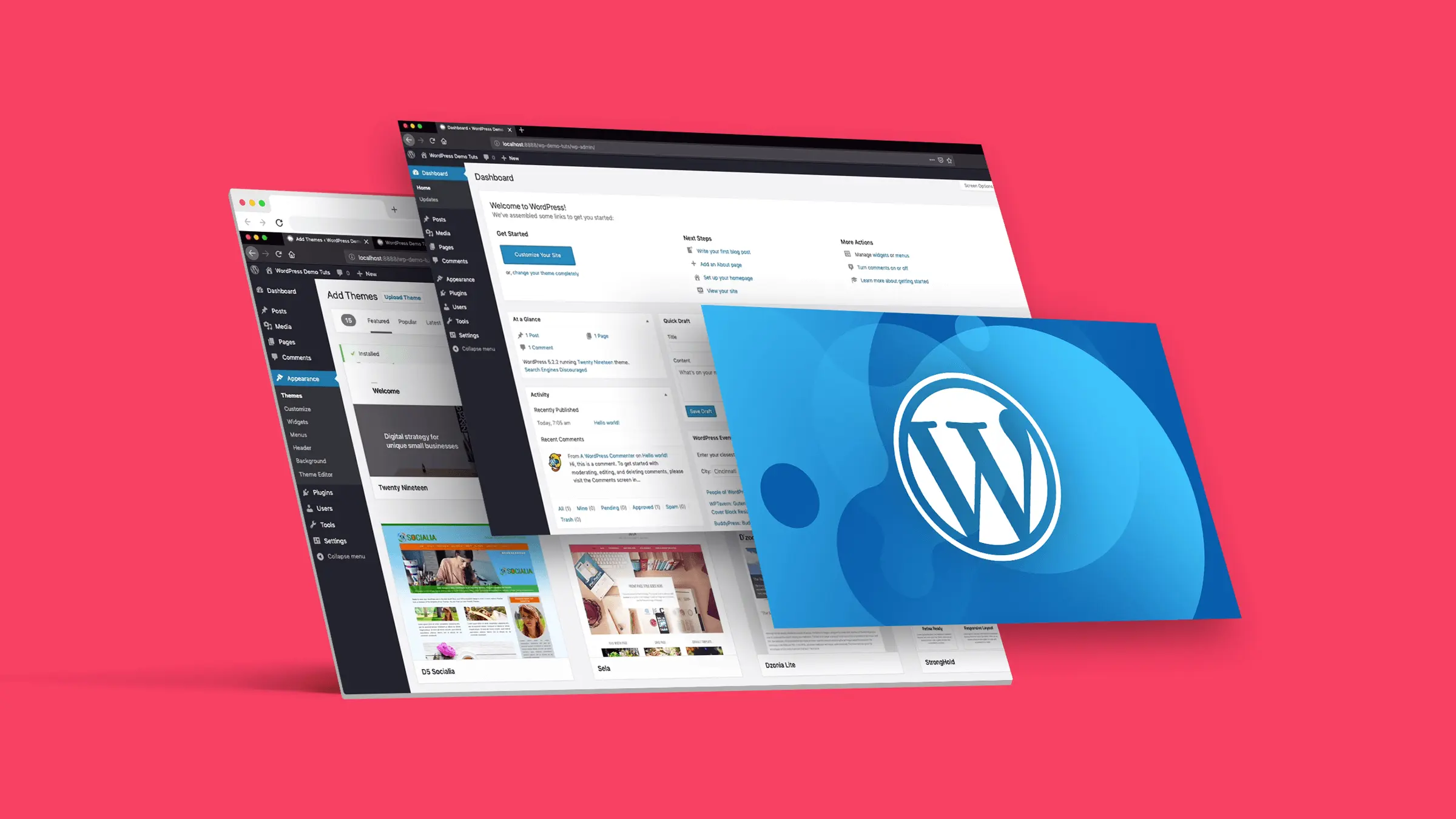
How to Fix "The Link You Followed is Expired" Error in WordPress
What causes the "The link you follow has expired" error? When trying to upload a WordPress theme or plugin that is larger than the file size limit set by the server WordPress is running on, it is common to get a "The link you follow is outdated" error. The message is shown below...

How to Build WordPress Themes with React
Creating a Basic WordPress Theme Structure Creating a basic WordPress theme structure involves setting up a series of files and directories that WordPress uses to apply the theme's styling, functionality, and layout to your WordPress site. 1. In your website runtime loop...

An in-depth look at price and tax settings in WooCommerce: a comprehensive look at taxed and untaxed pricing strategies
In this article, I am going to mainly explain you the settings available in WooCommerce. Once you go to the 'WooCommerce' > 'Settings' page, you will see that there are different types of settings tabs available throughout the page.There are many settings tabs included in the WooCommerce plugin, so let's together...
WordPress SEO "Crawl Budget" Problem and Its Solution: Improving SEO Results
Hello everyone! Today's tutorial will have a new vocabulary - crawl budget. He is a direct translation of Google's term, you do not need to be overly obsessed with it, just need to understand what it means. Crawl budget" in WordPress SEO refers to the amount of time a search engine allocates to a web...

Nanny tutorial on using WoodMart theme
'Explore the powerful features of the WoodMart theme for e-commerce, including advanced product filtering, wishlists, product comparisons, and more. Detailed tutorials cover purchasing, installation, importing templates, menu settings, and more, allowing you to quickly master and optimize the SEO performance of your e-commerce site.'
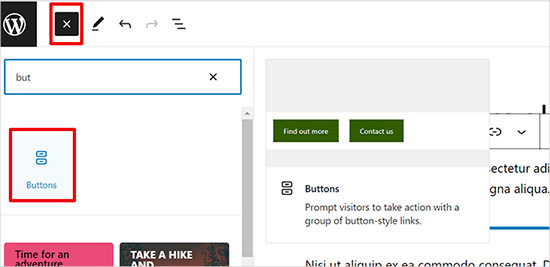
How to Add Buttons in WordPress without Code
Adding buttons to WordPress posts and pages WordPress has a built-in button block that makes adding buttons relatively simple. This is a feature of the Gutenberg WordPress block editor. Let's take a look at some of the ways to do this! Use the default editor in WordP...

WooPayments vs. Stripe plugin: which is better for your WordPress site?
WooPayments is built in partnership with Stripe. So, many of you are having a hard time deciding whether to use WooPayments or Stripe itself. To help you guys choose well, we've compiled some important differences. It's also possible to use both plugins at the same time, but sometimes it does lead...

WordPress Security In-Depth Analysis: Understanding Its True Security
How secure is WordPress? Many newbies may worry about this, especially when they hear that WordPress is an open source project. So, is there some data that can help us understand how secure WordPress is? The answer is yes. In this article...

Website weight query tool detailed analysis
Website weight checking tools play a central role in SEO (Search Engine Optimization). They help users to evaluate the performance of a website in search engines, and then develop more effective optimization strategies. Below are some of the commonly used website weighting tools in the Chinese and foreign language markets, and it...
How to Configure Popups in a WordPress Site with Elementor
Pop-ups are call-to-action mode windows that pop up and cover a page at a specific moment or under specific triggers and conditions. Popups primarily capture the attention of the user after they have taken an action. First, go to Templates > Popups. Control the popup window layout, conditions, rules...

Four Ways to Extend WordPress Functionality: A Guide to Adding Custom Functions
Discover how to add customization to WordPress: a practical guide As someone with years of experience developing the backend of WordPress, I've tried a number of ways to customize WordPress to meet my own and others' specific needs. One of the most common ways is to create...

 简体中文
简体中文  English
  日本語
日本語  Français
  Español



