






Making the Complicated Simple





Why are YouTube bloggers able to directly promote knockoff products with good results?
The problem is multi-faceted and here are the possible reasons: Lax legal regulation: In some areas, the production and sale of copycat products may not be regulated by strict laws. This means that bloggers can legally promote knock-off products without being subject to legal sanctions. Of course, in...

Three ways to teach you to install WordPress themes
One of the great things about WordPress compared to other content management systems (CMS) is that it allows you to change themes easily, making it simple to customize the look of your website without having to write code. So how do you install a WordPress theme for your website? In this article, we'll cover a few common installation methods...

Automated Testing and Continuous Integration in WordPress Development
Why WordPress development should move from manual to automated testing? Gone are the days when manual testing was the norm in software development, including the WordPress space. The shift from manual to automated testing is a result of the demand for software developers over time...

How to solve the problem that importing Elementor templates does not work
When it comes to building websites with WordPress, the Elementor plugin is popular for its great features and ease of use. However, when it comes to importing or exporting an Elementor website from one site to another, some issues may arise, especially when importing templates encountered...

5 Best WordPress Slider Plugins - Performance + Quality (Comparison)
There are dozens of WordPress slider plugins available to you on the market. However, not all plugins are created equal. We found that most of them perform poorly or have limited customization options. What makes a good WordPress slider plugin? A good WordPress ...
How to Reset Password via WordPress Command Line Tool (WP-CLI)
WP-CLI is a command line tool for WordPress that provides developers and webmasters with a fast and efficient way to manage WordPress websites. With WP-CLI, many operations can be performed, including installing plugins, updating WordPress core, creating users, and more. A. Sh...

Why open my domain name into someone else's website - domain hijacking
The appearance of someone else's website when you open your own domain name may be due to the following reasons: DNS hijacking: the attacker has tampered with the DNS server or the DNS cache of the local host, which makes the domain name resolution of the IP address pointing to the wrong address. Resulting in users accessing the domain name is redirected...

The impact of internal adjustments to the official website on traffic and improvement measures
In the digital age, a company's official website acts as the digital face of the brand and is an important channel to connect potential customers with the company. Therefore, any internal adjustments to a website will inevitably affect its website traffic and user experience. The purpose of this paper is to explore the possible impact of internal adjustments of official websites on traffic...
Mastering the Gutenberg Editor: Practical Tips and Advanced Features (03)
In this post, we're going to continue our deep dive into WordPress' Gutenberg editor, highlighting some advanced features and useful tips to help you further improve your content creation. From adding anchors and custom styles to Blocks, to using different types of re...

Should a small e-commerce team choose a standalone site or a platform?
When choosing a sales channel, small e-commerce companies should consider their own resources and capabilities as well as market demand and other factors. The following are the advantages and disadvantages of independent websites and platforms for your reference: Advantages of independent websites include: strong independence, more autonomy and control, the ability to freely design...

What are the better SEO optimization plugins for WordPress websites?
There are various SEO optimization plugins for WordPress websites, here are some of the more popular ones:Yoast SEO: Yoast SEO is one of the most popular SEO plugins for WordPress. It helps you optimize your website's title, description, keywords, and other elements, providing real-time analytics and building...

WordPress source code - jquery (jquery-1.2.3.js)
1(function(){ 2 /* 3 * jQuery 1.2.3 - New Wave Javascript 4 * 5 * Copyright (c) 2008 John Resig (jquery.com) 6 * Dually licensed under the MIT (MIT-LICENSE.txt) 7 * and GPL (GPL-LICE... 7 * and GPL (GPL-LICE...

How can I see how many physical CPUs and the number of cores per CPU there are on my current Linux system?
You can use the command line tool lscpu to view the CPU information of the current Linux system, including the number of physical CPUs, the number of cores of each physical CPU, the CPU model, etc. Open a terminal and enter the following command to view the CPU information: copy codelscpu. Open a terminal and enter the following command to view CPU information: copy codelscpu Execute this command...

Enhancing Customer Service Experience with Paypal Collections for Independent Sites: A Complete Guide and Proven Strategies
With the rapid development of the e-commerce industry, PayPal, as a commonly used online payment method, provides convenience and security for merchants and customers. However, with it comes the inevitable problem of customer complaints. As a responsible merchant, it is important to understand how to effectively handle these issues to...

WordPress source code - trunk (underscore-1.4.4.js)
1 // Underscore.js 1.4.4 2 // http://underscorejs.org 3 // (c) 2009-2013 Jeremy Ashkenas, DocumentCloud Inc. 4 // Underscore may be freely distributed under the MIT license. 5 6 (f....

WordPress source code - jquery (jquery-1.10.2.js)
1 /*! 2 * jQuery JavaScript Library v1.10.2 3 * http://jquery.com/ 4 * 5 * Includes Sizzle.js 6 * http://sizzlejs.com/ 7 * 8 * Copyright 2005, 2013 jQuery Foundation, Inc. and othe....
Common WordPress Errors and How to Fix Them
WordPress is widely used all over the world, but there are many problems that often arise. Let's take a look at some of the issues that come up often and how to fix them! Important note: It's still a cliché that before any changes are made to a website, data preparation must be...
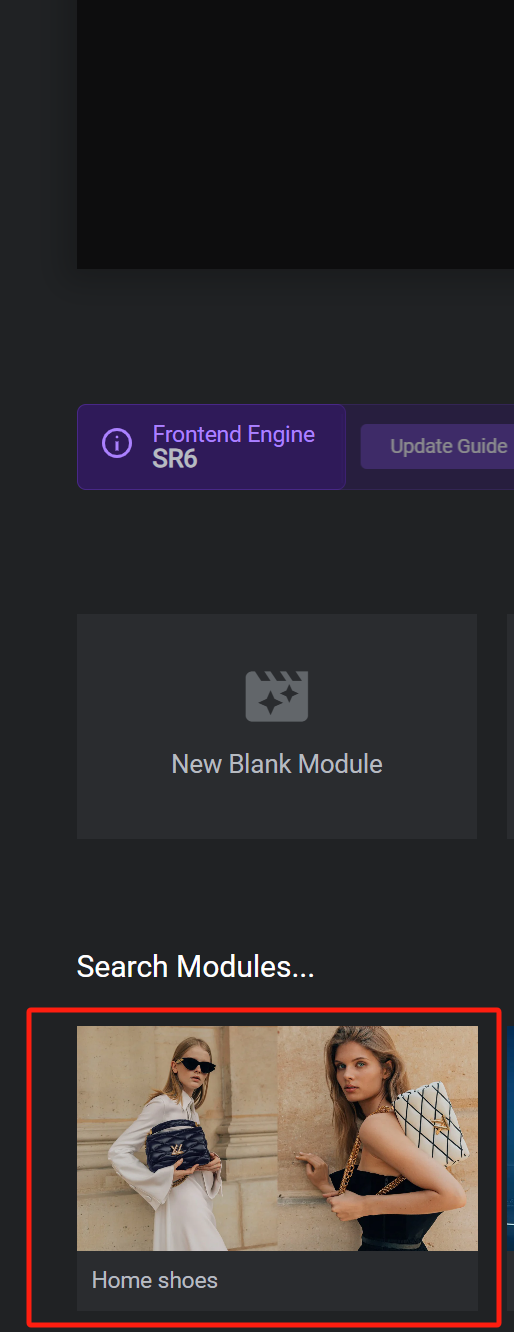
How to Create Dynamic Website Posters with Slider Revolution in BoxShop Theme (03)
In this installment, we talk about setting up a poster (banner) for the BoxShop theme, which is actually quite simple, and like the previously mentioned Basel theme setup, this tool not only provides an easy-to-use interface, but also ensures that the poster is displayed perfectly on a variety of devices. Next, we will detail ...
How to Update WordPress Themes Without Losing Customizations
One of the great things about WordPress is the ease of customization. However, there is a downside, and that is that when updating a theme, there is a high risk of losing some of the customization settings that have been changed. In this tutorial, we'll show how to easily update a WordPress theme without losing customizations. WordPre...

A Comprehensive Guide to Creating Effective Navigation Menus with WordPress
A website's navigation menu allows users to quickly jump to different parts of the site. Menu items usually link to the most important pages, such as the home page, contact us, blog, etc. WordPress itself comes with its own menu functionality, which can be created through the WordPress dashboard. Of course...

Detailed tutorial: reset WordPress password via pagoda panel and phpMyAdmin
Step 1: Login to Pagoda Panel Open your browser, access and login to Pagoda Panel. Step 2: Access phpMyAdmin On the main interface of Pagoda Panel, locate and click on the "Databases" menu, and then select phpMyAdmin. Step 3: Log in to phpMyAdmin Using the database...

A comprehensive look at the Gutenberg editor: from default theme integration to feature optimization (01)
Before we officially start the tutorials for the default theme and the tutorials for the Gutenberg blog, let's take a deeper look at the Gutenberg editor. As the default content editor for WordPress, Gutenberg, since its release in 2018, has become a heavyweight in web design and content management...

The Complete Guide: How to Optimize and Customize WoodMart Theme Settings in WordPress (08)
The last installment covered all the editing and setup of Elementor's WoodMart theme, so welcome back to our series of tutorials, and today we're going to dive into how to effectively utilize the WoodMart theme for WordPress for website design optimization. Whether you're a newbie or an experienced developer,...
WordPress 6.7 Release Candidate 2 Released!
The second release candidate (RC2) of WordPress 6.7 has been released and is now available for WordPress users to download and test! Like the previous beta version! WordPress 6.7 version of the WordPress software is still under development. Do not install it on critical sites,...

How to Customize Page Sorting in WordPress with Elementor Editor
By default, WordPress sorts the pages on the site alphabetically or by publish date. However, as the site grew in content, it became clear that this default sorting did not meet the expectations of the site's structure. Wanting pages to be sorted in a certain logical order, such as by content of...

How to Fix WordPress Not Sending Emails Issue
I don't know if you have encountered WordPress website can't send email, contact form submission disappeared, important notification email did not deliver and so on. In fact, the problem does not lie in WordPress, but in the way the website sends emails. Let's see what are the...

Elementor Gadget Panel not loading causes and solutions
When we are editing wordPress pages using Elementor editor, sometimes we encounter Elementor widget panel not loading and it has a continuously rotating "loading" icon. As shown below: Possible Reasons The widget panel fails to load may be due to the following...

WordPress Multi-Domain Redirection Setup Guide
When running a WordPress website, you come across situations where you need to redirect multiple domains to one main domain. Whether it's for SEO optimization, to unify your brand image, or to avoid user confusion, it's important to set up your redirects correctly. Why do you need multiple domain redirects? 1. to unify...

A Complete Guide to Creating Custom URL Links in WordPress
Would you like to have unique link addresses for posts, pages or other types of content in WordPress? Not long ago, a WordPress newbie asked us a question: is it possible to customize the link structure of a post or page in WordPress? In this post...

How to Write Quality SEO Friendly Articles
Writing high-quality SEO-friendly articles is crucial to boosting website traffic and search engine rankings. A good SEO article should not only cater to the search engine algorithms, but also to the needs of the readers. Let's take a look at how to write high-quality SEO-friendly articles, including key...

 简体中文
简体中文  English
  日本語
日本語  Français
  Español



