








Recommended: 5 mainstream WordPress graphic bed plugin performance evaluation
This article on the five mainstream WordPress graphic bed plug-ins for real reviews, comparing them in the upload speed, loading speed, image compression and optimization, ease of use and compatibility and other aspects of performance, to help users choose the most appropriate plug-ins to enhance site performance and user experience.

Enhance WordPress Business Website Experience with Hello Biz Theme
This article explains how to enhance your WordPress business website experience by using the Hello Biz theme. Explore the theme's professional design, highly customizable options, responsive layout, and SEO-optimized features to help businesses quickly build efficient, modern online platforms!

Does WordPress have a built-in SEO tool?
This article explores the built-in SEO features of WordPress and describes how to optimize your website's SEO performance through plugins, including key steps such as URL settings, title customization, and website performance improvement.

Can you do SEO on WordPress?
This article explores how to boost your website rankings with WordPress SEO features and plugins such as Yoast SEO, including optimizing URL structure, titles, meta descriptions, image ALT text, as well as improving site performance and mobile optimization.
Which is the best SEO on WordPress?
This guide provides a comprehensive introduction to WordPress core features and useful plugins for search engine optimization, including Yoast SEO, All in One SEO and Rank Math. By reasonably configuring plugins, optimizing website performance and improving mobile experience, you can effectively improve website ranking and...

How to build an official business website quickly with Hello Biz theme?
Hello Biz is a WordPress theme specially designed for enterprises, supporting responsive design, visual page editing and one-click import demo content, helping users to quickly build a professional official website, displaying brand image, service projects and team information, improving website performance and user experience....

Graph Bed Plugin + WebP Optimization: Accelerating WordPress Image Loading Across the Board
Hosting images in a graph bed and enabling WebP format compression, combined with CDN acceleration and lazy loading, dramatically improves WordPress site load speeds and mobile user experience, while optimizing SEO performance.
Who is the best search engine indexing tool? Three major WordPress Sitemap plugin hardcore competition!
Generating a well-structured Sitemap for WordPress website is a key step to improve SEO. This article compares three major plugins: Rank Math, Yoast SEO and AIOSEO, and analyzes their differences in terms of feature configuration, map type support and application scenarios, to help...
Use Rank Math to fine-tune WordPress Sitemap output.
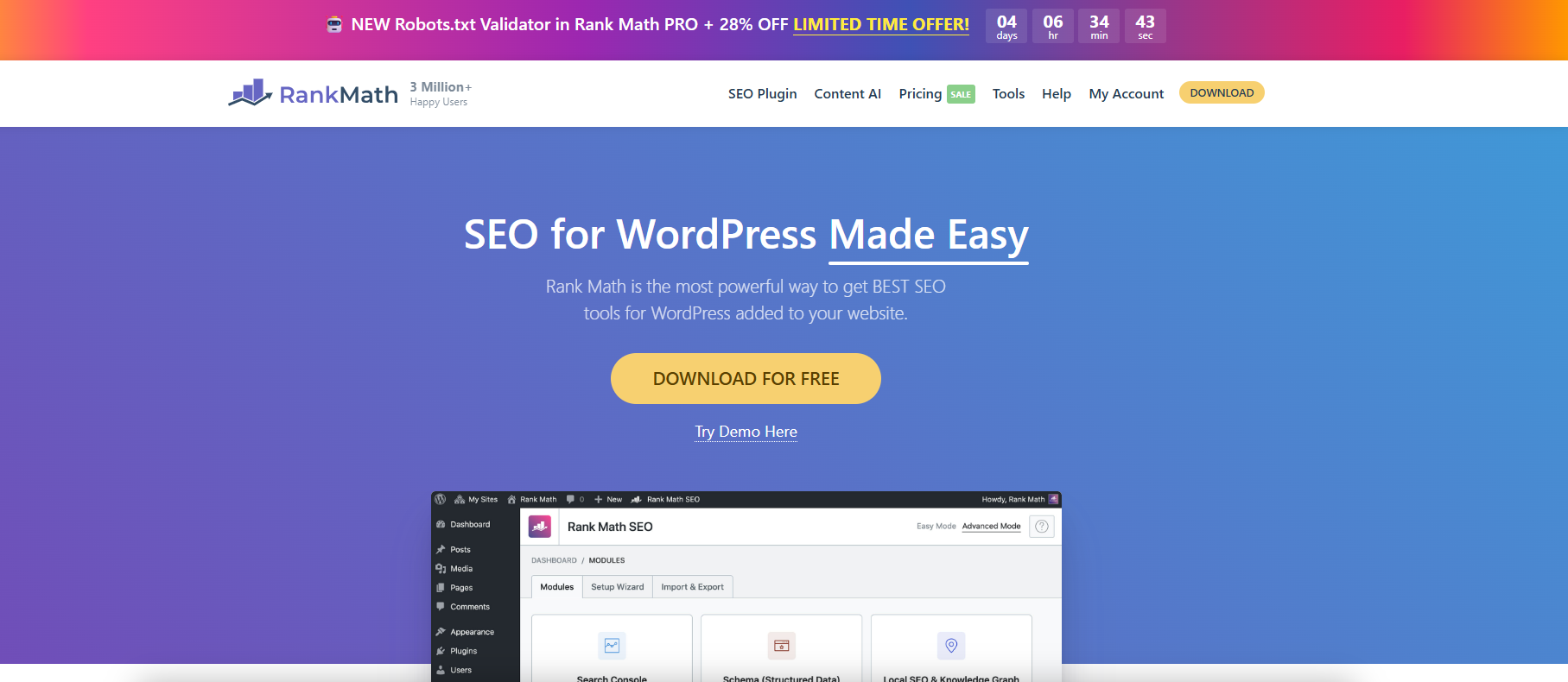
With Rank Math, you can finely configure WordPress sitemaps, customize page indexing and category filtering to improve search engine crawling and SEO efficiency.
Improving Crawl Efficiency Across the Board: A Guide to Configuring WordPress XML Sitemaps
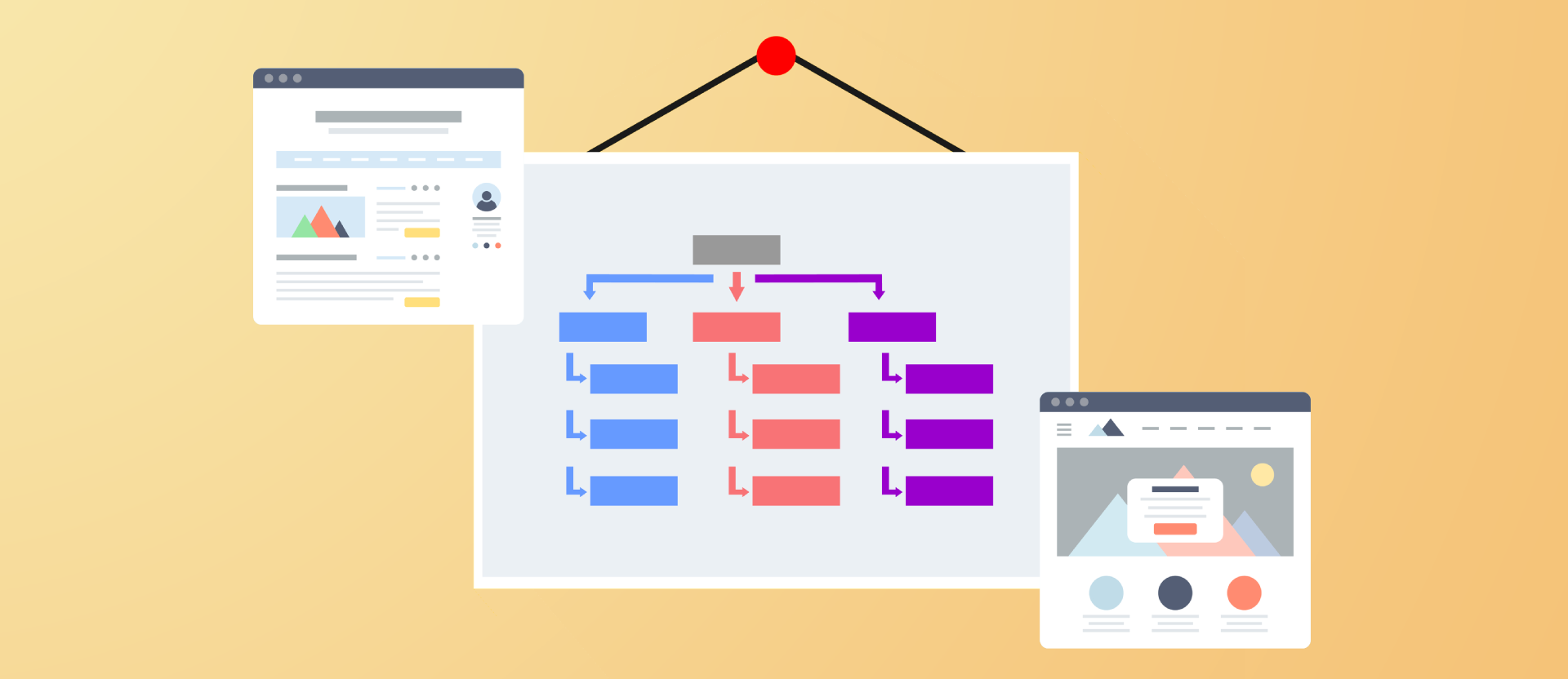
Comprehensively introduce how to generate, configure and submit XML sitemaps for WordPress websites, improve crawling efficiency and indexing performance, and adapt Rank Math and Yoast SEO.

WordPress Performance Optimization: Managing WordPress Heartbeat Request Frequency with Plugins
The WordPress Heartbeat API sends frequent background requests, which can lead to high server resource consumption. By using the Heartbeat Control plugin to set the request frequency, you can optimize the site performance and ease the background lag while preserving features such as autosave.
WordPress Heartbeat's Relationship with Autosave and Session Synchronization
The WordPress Heartbeat API is closely related to backend autosave, session synchronization, and multi-person editing. By controlling the frequency of requests, you can improve performance while maintaining functional integrity.

What is WordPress Heartbeat? Why It Affects Your Site Speed
In-depth analysis of the role of the WordPress Heartbeat API and optimization methods, to solve the background lag and high CPU occupation problems, to improve the overall site performance.

Heartbeat Plugin Review: Comparative Analysis of WordPress Performance Optimization Tools
Compare three mainstream WordPress Heartbeat management plugins to help you reduce your backend resource usage, improve your website performance, and choose the most suitable optimization tool.
WordPress Sidebar Setup Tutorial: From Getting Started to Custom Layouts
Comprehensive analysis of WordPress sidebar settings and customization techniques, covering widget management, page template selection, Elementor custom layout and conditional display methods.
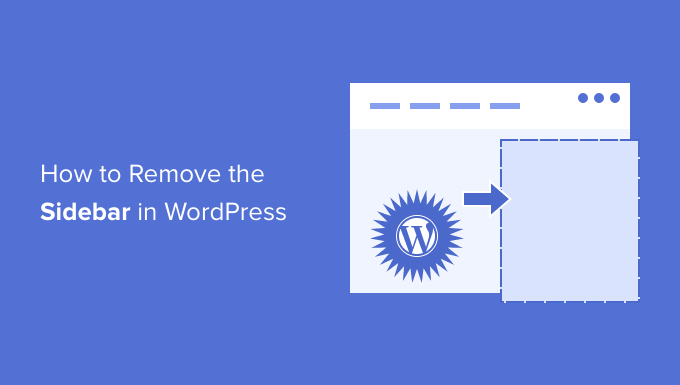
How to Add, Remove or Rename WordPress Sidebar Widgets
A comprehensive tutorial on how to add, remove and rename widgets in WordPress to optimize the sidebar layout and improve website usability and stylistic uniformity

WordPress auto-generated Sitemap and plugin generation what is the difference between
Compare the difference in functionality between the WordPress Sitemap and the SEO plugin to help you choose the most suitable configuration for your website.

3 Useful Plugins to Extend WordPress Sidebar Functionality
Featured 3 plugins to easily extend WordPress sidebar functionality, support sticky layouts, custom display conditions, and improve page utility and conversion rates.

WordPress Caching Plugin Comparison: WP Super Cache vs W3 Total Cache
In-depth comparison of WP Super Cache and W3 Total Cache plug-ins, to understand the caching mechanism, functional differences and suitable scenarios, to help improve the performance of the website.
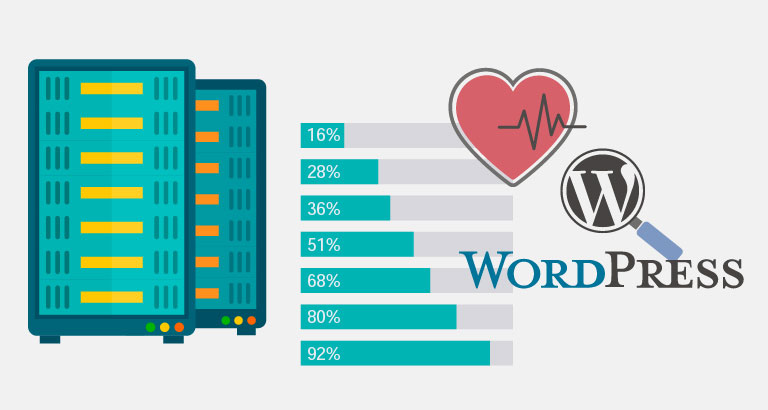
How can I view and monitor the frequency of WordPress Heartbeat activity?
In-depth analysis of the role of WordPress Heartbeat API and performance impact, teach you how to view the frequency of requests and optimize through plug-ins to improve site efficiency, reduce server load

How to choose the right WordPress theme for you? Practical Tips and Tricks
For first-time site users, this article from the type of site, layout and structure, plug-in compatibility, responsive design and update frequency and other aspects of the theme to provide practical advice, and recommend four high-quality free WordPress themes.
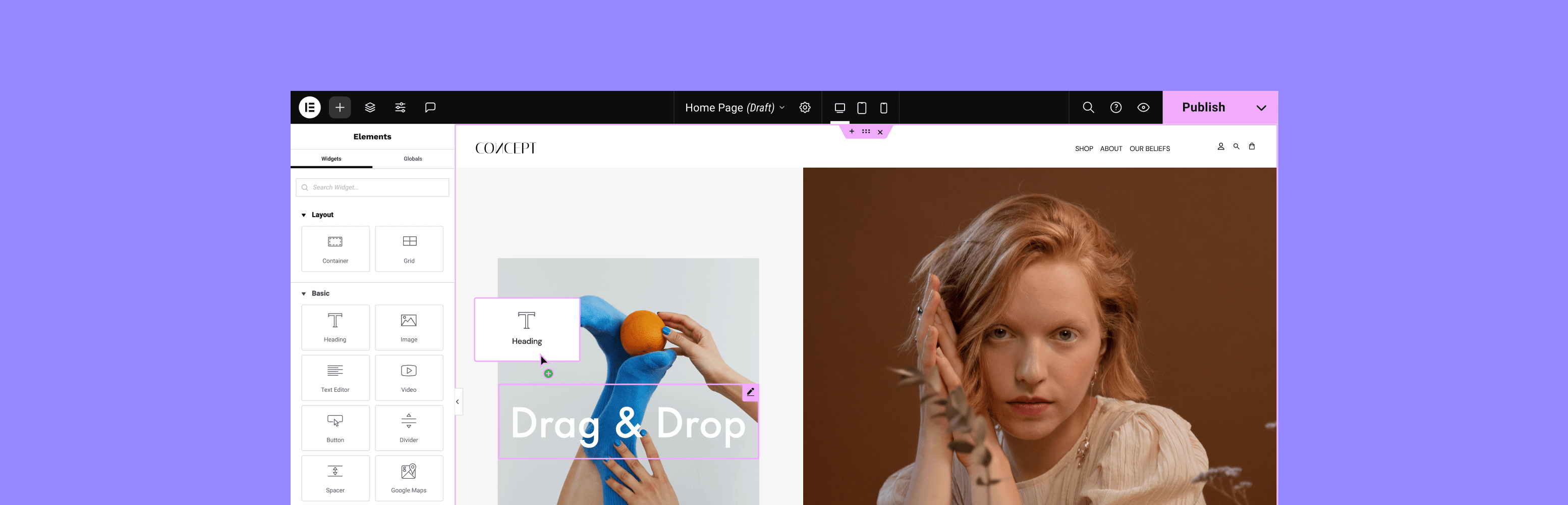
Customizing WordPress Sidebar Appearance and Content with Elementor
Build a flexible and beautiful WordPress sidebar with Elementor, with drag-and-drop editing, custom layouts and mobile optimization, without writing code, to improve user experience and conversion rates.
How can I automate WebP format output with the Chartbed plugin?
Achieve automatic WebP format output and optimize image loading speed with WordPress graphic bed plugins. EWWW, ImageKit and Smush Pro plugins are recommended to improve website performance and maintain compatibility.

Does WordPress graph bed plugin help with SEO?
The Graph Bed plugin reduces server stress, speeds up loading, and automatically outputs WebP formats, making it an important tool for improving WordPress website performance and SEO performance.
How to Optimize WordPress Editing Experience?3 Efficiency Plugin Recommendations
Three recommended plugins optimize the WordPress editing experience, improve writing and management efficiency, and make content creation and page management more efficient.

Rank Math vs Yoast SEO Sitemap Features Comparison: Which is better for your site?
Compare and contrast the differences between Rank Math and Yoast SEO in terms of Sitemap functionality, covering how to generate it, the details of setting it up, and who it's for, to help you choose the SEO plugin that suits you better.
A few practical ways to hide the WordPress sidebar on mobile
Introducing multiple ways to hide WordPress mobile sidebar, including CSS, theme settings and plugin tips to improve page loading speed and reading experience.
Mainstream WordPress graphic bed plugin features comparison
Graph bed plugins not only save hosting space, but also improve website loading speed. This article compares WP Offload Media, Media Cloud, ImageKit and Sync QCloud COS to help you choose the most suitable solution.

How to build an internationalized corporate website with multilingual support using Hello Biz?
Want to make your company website multilingual? This article shows you how to use Hello Biz with WPML or Polylang plugin to easily build an internationalized WordPress website to enhance your brand image and global coverage.
How to Customize WordPress Header and Footer? You can do it without changing the code
Want to customize your WordPress header and footer but don't know how to code? This guide teaches you how to do it quickly with theme features, plugins, or Elementor to easily enhance your brand image.

 简体中文
简体中文  English
  日本語
日本語  Français
  Español



