










How to Send Email Confirmations with Elementor Forms: A Detailed Guide
Elementor Forms in Elementor Pro is a powerful tool that not only allows you to create custom forms, but also to enhance the user experience by sending email confirmations. Since Elementor Forms is an exclusive feature of Elementor Pro, this article will...
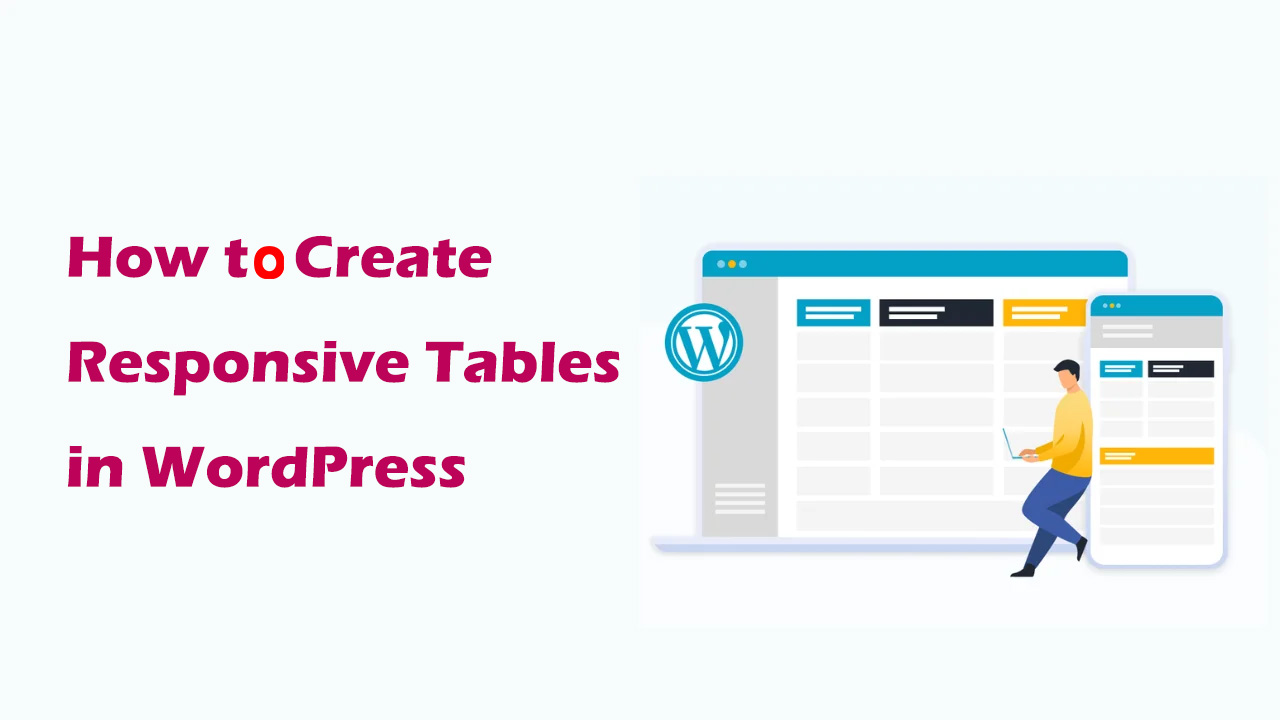
How to Create Responsive Tables in WordPress: Plugin and Manual Methods Explained
Learn how to create responsive tables in WordPress, including the easy way to use the TablePress plugin and the manual HTML+CSS customization method. Whether you're a beginner or a developer, it's easy to create tables that adapt to different screen sizes.
WordPress 301 Redirects: Best Practices for Fixing Dead Links and Improving User Experience
If a user clicks on an invalid link, they may encounter a 404 error page, which not only affects the user experience, but may also have a negative impact on SEO. To solve these problems, 301 redirects are a simple and effective way. In this article, we'll give you details on how to wo...
How to Optimize admin-ajax.php in WordPress: Reduce Performance Issues Caused by High Usage
The file admin-ajax.php plays a key role in WordPress websites, it is the core file that manages AJAX requests and allows you to implement dynamic features such as real-time notifications, asynchronous form submissions, infinite scrolling, and more without having to refresh the entire page. When admin-ajax.p...

WooCommerce Getting Started Guide: Adding External/Associated Products
In WooCommerce, external/affiliated products are products that are not sold directly in your store and are usually linked to other websites. In this way, you can offer more choices to your customers and also earn referral commissions. In this article, we'll go over how you can link products in WooCo...

How to Optimize WordPress Database to Improve Website Performance
Learn how to use the WP-Optimize plugin and phpMyAdmin to optimize your WordPress database, clean up useless data, improve site performance and reduce load times.

How to Create and Manage a Multilingual Knowledge Base with the Translation Plugin
Why Multilingual Support is Critical for International Business In today's globalized world, businesses have customers and potential team members all over the world, speaking different languages. While many can communicate in English, providing multilingual support can significantly enhance the customer experience and become a competitive...

Filtering WooCommerce Products Using Custom Fields: A Detailed Guide
When building an online store in WordPress, the WooCommerce plugin provides users with a wide range of product management and display options. While the product filters that come with WooCommerce are already very powerful, sometimes we need more customized filtering criteria, especially when we...

Social Media Login in WordPress with OAuth
In today's digital age, user experience is one of the keys to a successful website. Simplifying the user login process is one of the most important aspects of improving user experience. Social media login, through the OAuth protocol, allows users to quickly log in to your website using their existing social media accounts, greatly...

How to Prevent Content Theft with the Best WordPress Content Protection Plugin
Why do you need the Content Protection WordPress plugin? As a website owner, you may encounter people who steal your content (including blog posts, images or videos) and use it for their own websites. This can damage your reputation, affect your search engine optimization (SEO) ...

AbeloHost - AbeloHost - Free Website Builder
🛡️ Secure Hosting - True Freedom - Censorship-Free Environment Since 2012, Abelohost has been focusing on providing offshore hosting and privacy-first solutions to help customers around the globe realize true internet freedom and data autonomy. We are not just a hosting provider, we are your digital...

How to Add Parallax Effects to Your WordPress Website: From Manual Coding to Using Elementor
A comprehensive breakdown of how to add parallax effects to your WordPress website, including detailed methods for manual coding, using plugins and Elementor, to help you create dynamic and attractive web designs with ease.

Creating Clean and Efficient Single-Page Websites in WordPress: A Comprehensive Guide
Sometimes, a simple design can have more impact than a complex structure. This is why single page websites are becoming increasingly popular in WordPress development. By simplifying and centralizing their design, single page websites not only provide a smoother user experience, but also more effective...

Elementor Display Errors: Case Studies and Practical Fixes
Elementor is a very popular WordPress page builder plugin, loved by users for its intuitive drag-and-drop interface and rich functionality. In this article, we'll explore the common causes of Elementor display errors and provide practical fixes to help you quickly resolve these issues...

How to choose and optimize the best image size for WooCommerce products
For WooCommerce users, choosing the right image size not only improves the user experience, but also increases sales. Images that are too small do not showcase products effectively, while images that are too large slow down the site and cause potential customers to leave before making a purchase. Therefore, implementing image sizes...

How to Improve SEO with Link Options in the WordPress Editor
The use of internal and external links is crucial in optimizing your website's SEO.The WordPress editor provides powerful linking options that can help you improve user experience while optimizing SEO. Here are some effective ways to improve SEO. 1. Use internal links to boost web...

How to Identify, Remove and Prevent Malware from WordPress Websites
What is Malware in WordPress? Malware is any harmful software designed to damage a computer system or website. It can infect your website through viruses, worms or spyware. For WordPress websites, malware attacks can affect the performance of your website,...

How to Create and Manage WooCommerce Product Categories
WooCommerce Overview WooCommerce's product management interface is very similar to WordPress' post and page management, making the product management process more intuitive. Once you're in WooCommerce, you can access products from the Products menu. If you are a new user, the menu...

How to Disable JSON REST API in WordPress for Better Security
The advent of the JSON REST API in Wordpress has provided developers with more functionality to easily interact with website data through the API. This is undoubtedly a powerful tool for developers, but for some website owners, it may bring no...

Optimizing WordPress Website Load Speed: A Comprehensive Guide to Improving Elementor Performance (Part II)
For WordPress website loading speed: Improving Elementor performance can be improved by optimizing the following 10 areas: 1. Optimize Server and Basic Configuration Before doing any speed optimization, make sure that your server and PHP/MySQL version are in the best condition. Now that Elementor...
14 Solid Tips to Speed Up Your WordPress Admin Dashboard
What is WordPress Admin Console or WP-Admin Panel? The WordPress Administration Console (also known as the WP-Admin panel) is a centralized panel for creating, administering and maintaining WordPress websites. Only authorized users can access and manage this password protected...
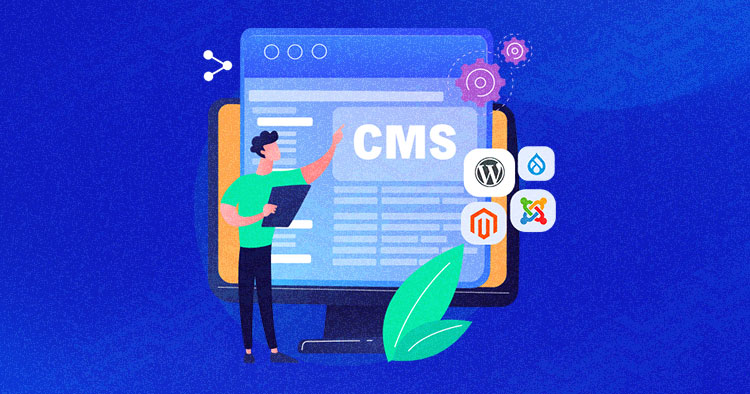
Comparison of the five major open source CMS platform: which best suits your site needs?
Comparison of mainstream open source CMS such as WordPress, Drupal, Joomla, etc., to help you choose the most appropriate platform according to the goal of building a website, and efficiently build a website.
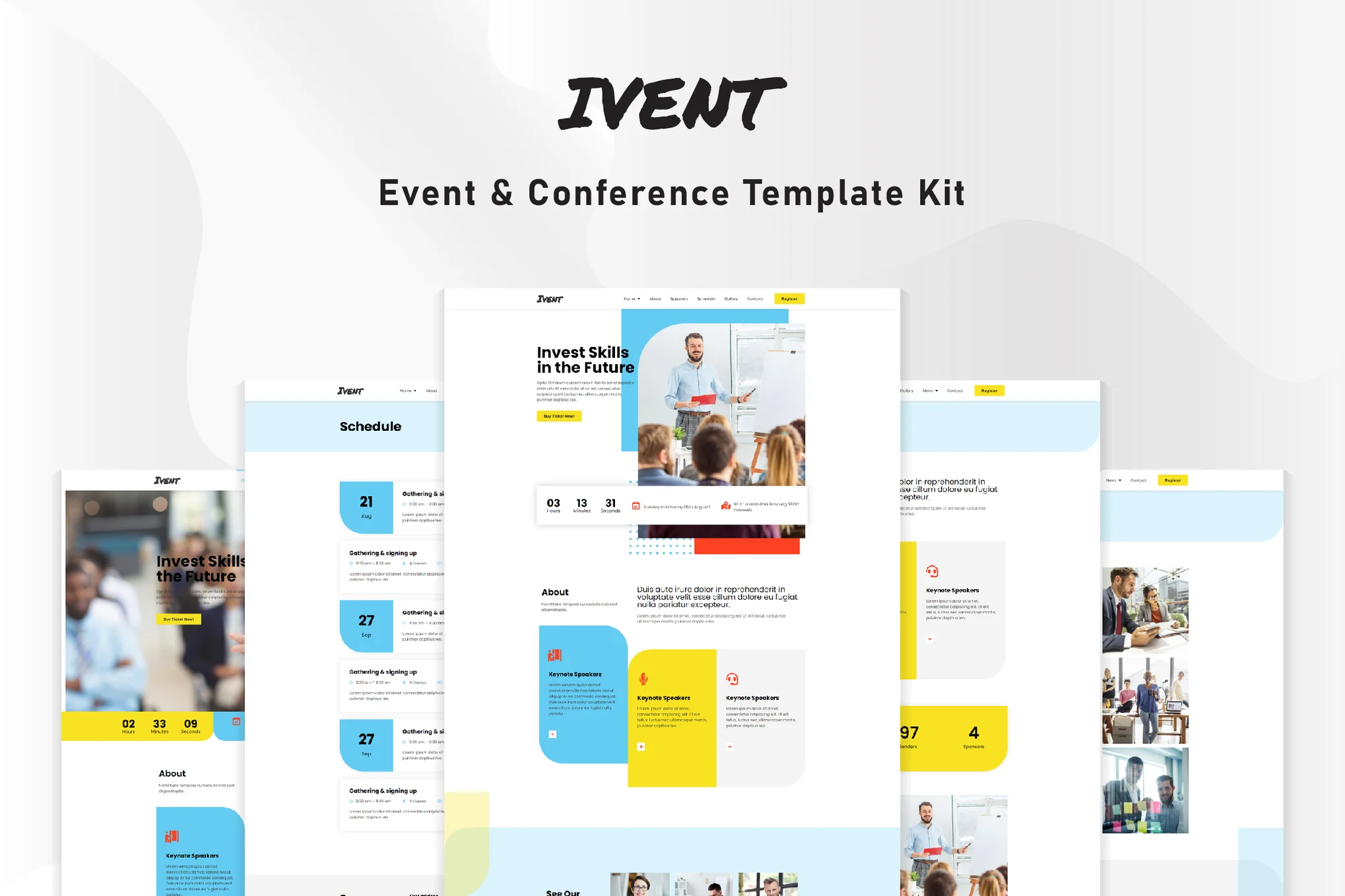
Ivent Events and Meetings Elementor Template Suite
This article will guide you on how to install the Ivent event and meeting template suite to build modern event websites on WordPress using Elementor and Elementor Pro, providing detailed installation and setup steps.

E-Commerce Platform Selection Guide: Shopify vs WooCommerce
Shopify is a full-service platform that is very easy to use and is suitable for less tech-savvy users. WooCommerce, on the other hand, is a plugin that needs to be installed on WordPress itself, for those who like to control all aspects of their online store themselves, but this requires...
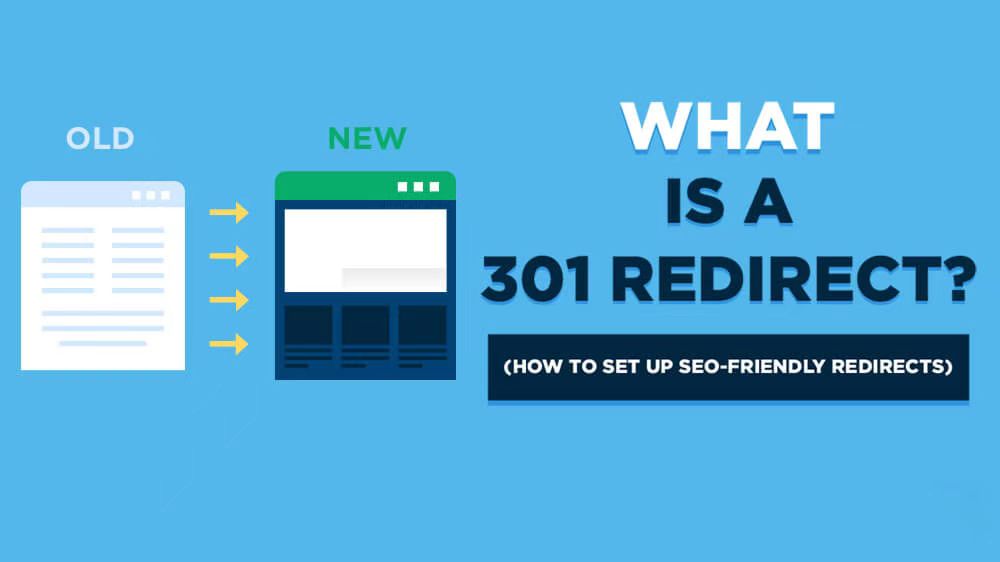
Domain name 301 jump (redirection): explain the importance and realization of the method
In the field of Internet marketing and website building, "domain name 301 jump" is a very important concept. Understanding and mastering its meaning and application is crucial for a webmaster or an internet marketer. In this article, we will explain in detail the "Domain 301 Jump"...
Mailchimp Integration with WordPress: Quickly Expand Your Email Subscriber List
This article explains how to integrate Mailchimp with WordPress to quickly expand your subscriber list and boost website traffic and conversions through email marketing and automation strategies.

Improving WordPress Site Loading Speed: Image Sizing and Optimization Tips
Learn how to improve your site's performance by setting WordPress image sizes wisely, optimizing image formats, and enabling lazy loading to ensure faster page loads and a better user experience.

How to Create Sticky Headers with Elementor: An Exhaustive Guide
Headers are one of the first elements users see when they visit a website, and are a key navigation tool for them to navigate the site. Sticky headers are a major trend in web design, as they keep the header visible as the page scrolls, greatly enhancing the user's...

How to Boost Conversions by Customizing WooCommerce Checkout Pages
Why Customize WooCommerce Checkout Page? WooCommerce checkout pages provide customers with a smooth checkout process. However, customizing the checkout page is a necessary step if you want to provide users with a richer shopping experience and increase conversions. Customizing the checkout page...

A Quick Guide to Fixing WordPress "Another Update is Currently in Progress" Errors
When updating a core, plugin, or theme in WordPress, you will sometimes encounter an error message that says "Another update is currently in progress". This prevents you from continuing with the update and leaves your site in an unmodifiable state. This article will detail the cause of this error and provide...

 简体中文
简体中文  English
  日本語
日本語  Français
  Español



