









5 Best Translation Plugins for Elementor Websites: A Detailed Guide
Elementor serves as a powerful WordPress page builder, however, the page builder alone is not enough to make a website available in multiple languages. A powerful translation plugin is required to achieve this goal. In this article, we'll dive into five of the best Elementor...

How to Create Richly Structured and Beautifully Designed Mega Menus with Elementor
Super Menu is a tool that gives you the flexibility to create stylish, powerful menus that are perfect for adding more navigation options and visual elements to your website. If you're looking to add creativity and personality to your website's navigation system, Super Menu is an excellent choice. In this...

A Complete Guide to Creating and Editing Titles in WordPress with Elementor
The headline is an integral part of every website design. It usually appears at the top of a web page and contains the website's logo, navigation menu, search bar, social media links and other important elements. Whether your website is a corporate website, a blog or an e-commerce platform, the headline provides users with...

How to fix "Unable to create directory wp-content/uploads.Is its parent directory writable by the server."
When using WordPress, many users may encounter the common error "Unable to create directory wp-content/uploads.Is its parent directory writable by the server. "Is its parent directory writable by the server. This issue prevents you from adding blog posts...
How to Fix Elementor Contact Form Not Sending Emails
When editing a website using Elementor, you may encounter issues with the contact form not sending emails. This article will detail how to resolve this issue by using FluentSMTP and Zoho ZeptoMail to ensure that emails are sent successfully. Why Ele...

The Complete Guide to Creating Multilingual Websites with TranslatePress and Elementor
A multilingual website is a great way to increase your brand's reach. By combining Elementor, WordPress' powerful page builder, with TranslatePress, a powerful translation plugin, it's easy to create and manage a multilingual website. I. Why Choose Translate...

A Guide to Choosing the Top Plugins to Boost WooCommerce Ecommerce Efficiency
WooCommerce is one of the most popular WordPress e-commerce plugins, offering a wide range of must-have plugins that make building an e-commerce website easy and efficient. These top-notch WooCommerce plugins not only have all the core features required for an e-commerce website, but also simplify the entire operation...

A comprehensive guide to using the Elementor editor to improve the navigation menu of foreign trade independent websites
When working on a foreign trade standalone site, we often need to add more menu functionality, which allows the various pages of the site to link more closely to each other. While we usually think of the main navigation menu at the top, some people use in-page anchor text for page jumps. However,...

How to Optimize Your Website Navigation Menu with Elementor Pro and WordPress
If you want to design a nice menu for your website, there are a couple of different methods you can choose from. One is to use WordPress' default menu editor, which is simple and practical. Another is to utilize Elementor's navigation menu widget, which allows you to highly customize your menu,...
The Complete Guide to Releasing Dynamic Content with Elementor
The Importance of Dynamic Content According to McKinsey research, 71% consumers expect companies to provide personalized interactions. Dynamic content is an effective way to accomplish this goal by adapting to user interactions, keeping the page fresh and up-to-date. Dynamic content makes a page look more...
WordPress Page Password Protection: Why It's Important and How to Achieve It
WordPress is the world's most popular Content Management System (CMS) and has become the platform of choice for many websites due to its flexibility and wide range of features. However, with the growing number of Internet security threats, it has become crucial to protect website content from unauthorized access...

How to Automatically Associate Keywords with Affiliate Links in WordPress: a Complete Guide
Affiliate marketing has become one of the most important ways for content creators and bloggers to make money online. With the increasing amount of content on your website, manually adding affiliate links to each post is not only time-consuming and laborious, but it is also prone to omissions, which can lead to loss of revenue. To solve this problem, automating the off...

How to Convert Your WooCommerce Store to Multi-Language
Want to expand your WooCommerce store to the global market and attract more international customers? It's a task that requires careful planning and execution. With multi-language support, you can attract more customers globally and dramatically increase sales. In this article, we'll take a deeper look at how...
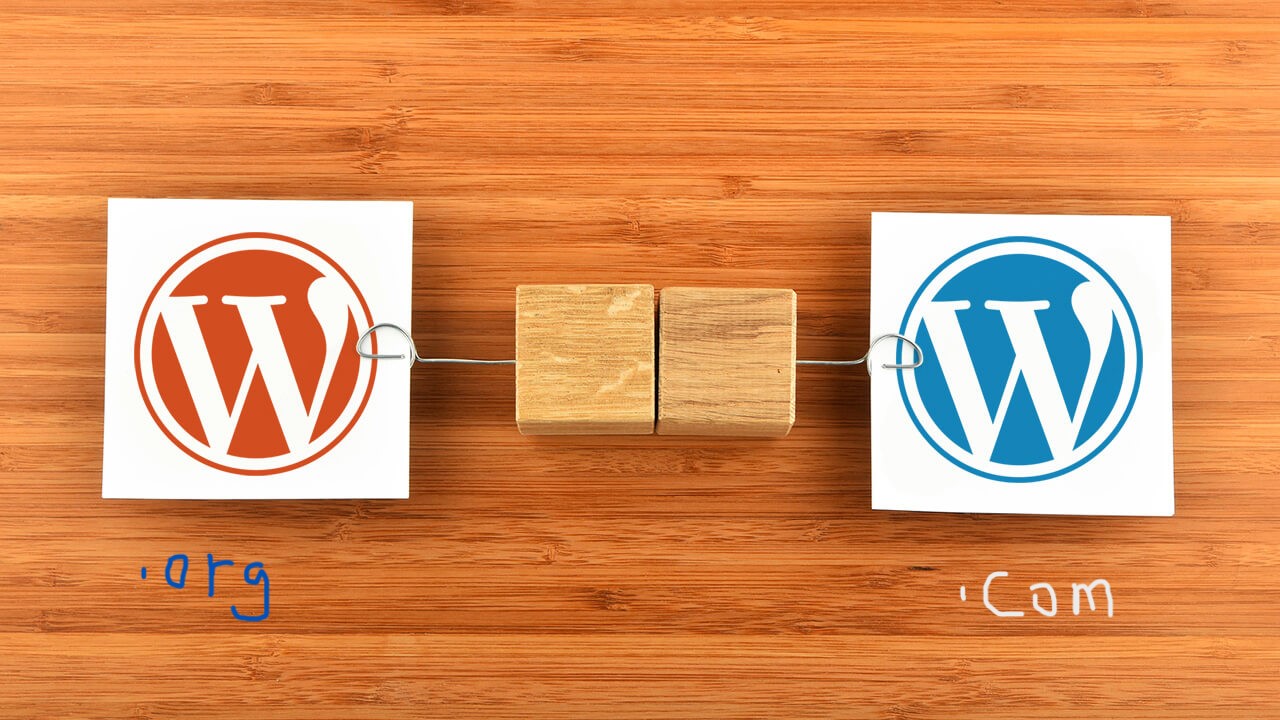
Full Explanation: Difference between WordPress.Org and WordPress.com, which one is better for your website or blog?
If you're planning to create a website or blog, chances are you've heard of WordPress, the world's most popular content management system (CMS) powering millions of websites and blogs around the globe, according to Google Trends below. The top three content management system apps...
Multilingual Plugin of Choice for WooCommerce Stores: A Full Comparison of WPML vs Polylang
Choosing the right translation plugin is crucial when building a multilingual website.Woocommerce offers two popular translation plugins: WPML and Polylang.They differ in terms of functionality, SEO options, translation process and price. In this article, we will make an in-depth comparison of these...

Optimizing the WooCommerce Checkout Page: How to Increase Sales Conversions with Plugin Custom Forms
This article will provide you with a detailed guide on how to customize the checkout page using the free WooCommerce plugin to speed up the checkout process and increase sales by optimizing the form. A. What is WooCommerce Checkout Page By default, WooCommerce raises...

A comprehensive look at the Speculation Rules API in WordPress and its implications
To take advantage of the Speculation Rules API in WordPress, the WordPress performance team (including developers from Google) recently released a speculation loading plugin. This plugin preloads the front-end URLs of links on a page from...

Filtering WooCommerce Products Using Custom Fields: A Detailed Guide
When building an online store in WordPress, the WooCommerce plugin provides users with a wide range of product management and display options. While the product filters that come with WooCommerce are already very powerful, sometimes we need more customized filtering criteria, especially when we...
Best Practices for Customizing WooCommerce Product Pages: Key Tips for Improving User Experience and Conversion Rates
This article will detail how to customize product pages in WooCommerce, including the use of plugins, CSS, page builders, and many other methods. Whether you are a beginner or an experienced developer, this article can provide you with a useful reference. Method 1: Use plugin to customize ...

How to Change and Customize Permalinks in WordPress
Changing and customizing the structure of permalinks in WordPress is an important but infrequent operation. Changing the URL structure without proper planning can result in 404 errors, which can negatively impact visitor experience and SEO. In this detailed article...
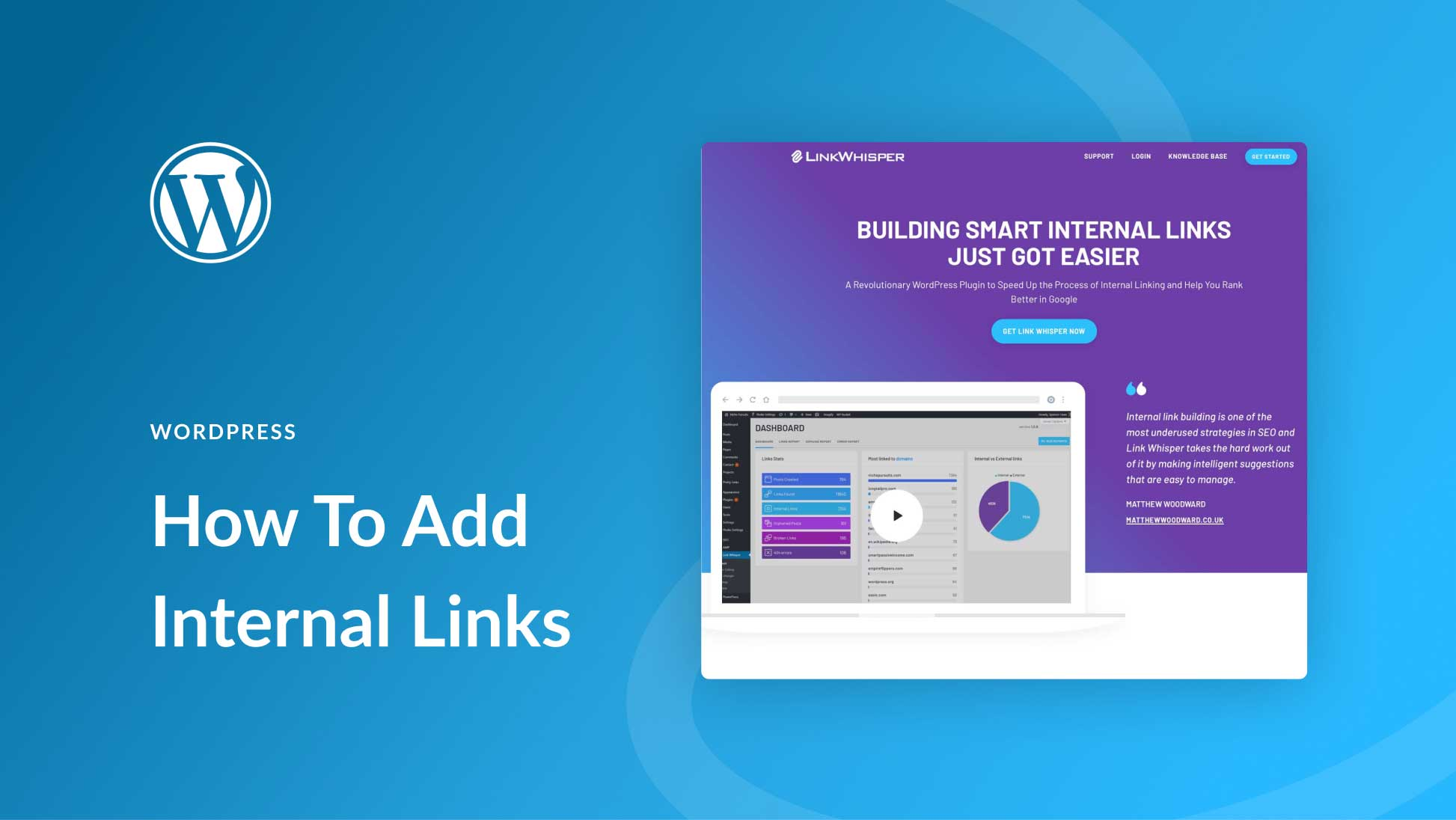
How to Add and Manage Internal Links in WordPress: A Comprehensive Guide
Adding and managing internal links in WordPress is a crucial step in improving your website's SEO and user experience. Not only do internal links help improve the accessibility of your website, but they also enhance the relevance of pages to each other, which in turn improves search engine rankings. In this article, we will delve...

How to Improve Your WordPress Website Performance and Visuals by Optimizing and Editing Images
Why Image Optimization is Crucial for Your Website? Optimizing images isn't just about aesthetics, it also has a direct impact on your website's performance and SEO results. Correctly edited and optimized images can significantly reduce file size, resulting in faster page loads and improved user experience. What's more...

How to Secure Your WordPress Administrator Login
WordPress has become the dominant platform for content management systems (CMS). However, this popularity has also made WordPress a popular target for hackers and malicious actors. They usually try to gain unauthorized access to your website to perform data theft, plant malware, or disrupt web...

How to Build an Effective WordPress Landing Page with Elementor
Creating an effective landing page is one of the keys to the success of any website.Elementor, a powerful page builder, provides a wealth of tools and templates to help users easily build visually appealing landing pages with great user experience. In this article, we will delve into how to use...

How to use Elementor's call-to-action (CTA) widgets
Call to Action (CTA) is an integral part of website design. It is effective in directing visitors to take a specific action, such as registering, purchasing, or contacting.Elementor provides powerful CTA widgets to help web designers and...

How to add Elementor menu hover effect
If you're using the Elementor editor, you can add a custom CSS menu hover effect by following these steps: Open the page or template: Log in to the WordPress dashboard. Navigate to the page you want to edit with Elementor. Edit the "Header", "Footer" or...
How to Add Custom CSS to Your WordPress Site: An Exhaustive Guide
Custom CSS is a powerful tool when building and managing your WordPress website, giving you the freedom to go beyond the standard options and adjust the layout and appearance of your website. By using custom CSS, you can take full control of your site's design, from fonts and colors to spacing and animation...

How to Add Video Backgrounds to Your WordPress Site with Elementor: An Exhaustive Guide
In this article, we will explore in detail how to add a video background to your WordPress website using Elementor Page Builder. Every step from choosing the right video to optimizing performance will be learned, ensuring a background video that is not only aesthetically pleasing, but also enhances the site's overall...

A Complete Guide on How to Add, Remove and Customize Sidebars in WordPress
What is a WordPress Sidebar A WordPress sidebar (Sidebar) is an area of a website layout that is usually located on the left or right side of a page, but can also be located at the top or bottom of a page. The main function of a sidebar is to display additional content, provide navigation, enhance user...
How to Use Elementor for Responsive Design and Optimization for WordPress Websites
Elementor builder can be for the tablet end and cell phone end separately for responsive debugging, can better meet the different devices user experience. Go to the page and use Elementor for visual editing Go to the Elementor frontend for visual editing: Click on the top black navigation...

 简体中文
简体中文  English
  日本語
日本語  Français
  Español



