






The guy was lazy and didn't write anything...



How does Astra Register & Login prevent spam registrations? Plugin Recommendations (Free Programs)
When building a membership or e-commerce site with Astra, it's crucial to prevent spam signups. In this article, we recommend 4 free plugins, including CAPTCHA verification, email activation, brute force login prevention and cloud protection solutions to help you quickly build a secure and efficient registration system.

Customize Astra login page URLs for improved security and branding
Customizing the Astra login page URL not only improves the security of your WordPress site, but also creates a more branded and professional login experience.

Astra Login Registration FAQs and Solutions
Compile the common problems and solutions when Astra theme works with WooCommerce to implement user login and registration, and quickly optimize the account page and user experience.

How does Astra work with WooCommerce to add user login functionality? The Complete How-To Guide
Use Astra and WooCommerce to add user login functionality without code, support registration, login and more, setup in minutes, suitable for e-commerce sites.

How to set up multilingual registration/login page for Astra multilingual site?
Learn how to add multi-language login/registration pages to Astra theme WordPress websites with TranslatePress, solve language jumping issues, and improve user experience and conversion rates.

How to add user registration and login functionality to Astra Theme? Full Tutorial
Learn how to quickly implement front-end user registration and login in Astra theme without programming, with plugins to achieve a complete user system, suitable for newbie webmasters.

How to set product promotional price in bulk in WooCommerce? A Complete Practical Guide
Teach you to batch set WooCommerce product promotional price with multiple methods, support discount setting, time management and plugin recommendation, suitable for big promotion or clearance scenarios.

WordPress 4.1-4.6 security update support will end soon: please upgrade your site as soon as possible!
WordPress will discontinue security support for versions 4.1-4.6 in July 2025. Check and upgrade your site now to avoid security risks.

No need to write code, no paid plug-ins, easy to realize WooCommerce products batch upload and download!
Teach you to use WooCommerce comes with features and free plug-ins, do not write code can also easily batch upload and download products, suitable for e-commerce operations daily management.

A Practical Guide to Setting Shipping and Delivery Rules in Bulk for WooCommerce
Teach you how to set up WooCommerce shipping and delivery rules in bulk using categories, plug-ins, form editing, etc. to adapt to multi-region and multi-warehouse shipping needs.

WooCommerce A Practical Way to Bulk Update Commodity Tax Rates and Tax Categories
Detailed explanation of WooCommerce how to batch modify the commodity tax rate and tax category, including CSV, plug-in and table editing three methods, suitable for small and medium-sized e-commerce quickly adjust the tax configuration.

Batch Cleanup of Unstocked Items: Improve WooCommerce Page Load Speed
Teaches you how to batch filter and process WooCommerce unavailable items, improve page load speed, optimize database performance and user experience.

WooCommerce Bulk Enable or Disable Product Review Feature
Teaches you how to quickly batch enable or disable WooCommerce product reviews with WP Sheet Editor or SQL to improve efficiency and optimize content interaction strategy.

WooCommerce Batch Operation Common Errors and Solutions
Summarize the common error types and solutions in WooCommerce batch operations to help you avoid import failures, misplaced fields and plugin conflicts, and efficiently manage product data.

How to Efficiently Manage Product Inventory with WooCommerce Batch Tool (Hands-on Guide to WP Sheet Editor Plugin)
With the WP Sheet Editor plugin, you can batch edit WooCommerce product inventory just like Excel, which saves time and makes it easy to manage variants and inventory status.

Top WooCommerce Bulk Edit Plugins Recommended & Comparison
We recommend many popular WooCommerce Bulk Edit plugins, with detailed comparison of features, advantages and disadvantages and applicable scenarios, to help you efficiently manage products, orders and inventory.

ERR_TOO_MANY_REDIRECTS after turning on HTTPS? one article on solving SSL round tripping issues
Encounter ERR_TOO_MANY_REDIRECTS error after opening HTTPS? This post analyzes the causes of circular jumps in detail, and provides a multi-faceted solution for WordPress, CDN, and servers.

Error err_to_many_redirects after opening Rank Math SEO plugin?Check these settings
Website not opening after enabling Rank Math? Error "err_too_many_redirects"? This article explains 6 common reasons and steps to solve the problem, and quickly restore site access and SEO crawling.

Will the page retain its original SEO weight if it is inaccessible due to err_too_many_redirects?
Pages with err_too_many_redirects errors not only affect access, but also lead to loss of SEO weight and removal from the index. Understand the causes and remedies to quickly restore page rankings.

Gutenberg 20.6 and 20.7 Update Integration Content
Gutenberg 20.6 and 20.7 were released, bringing updates such as navigation menu transparency controls, startup mode support for all article types, and significant improvements to the editing experience and performance.
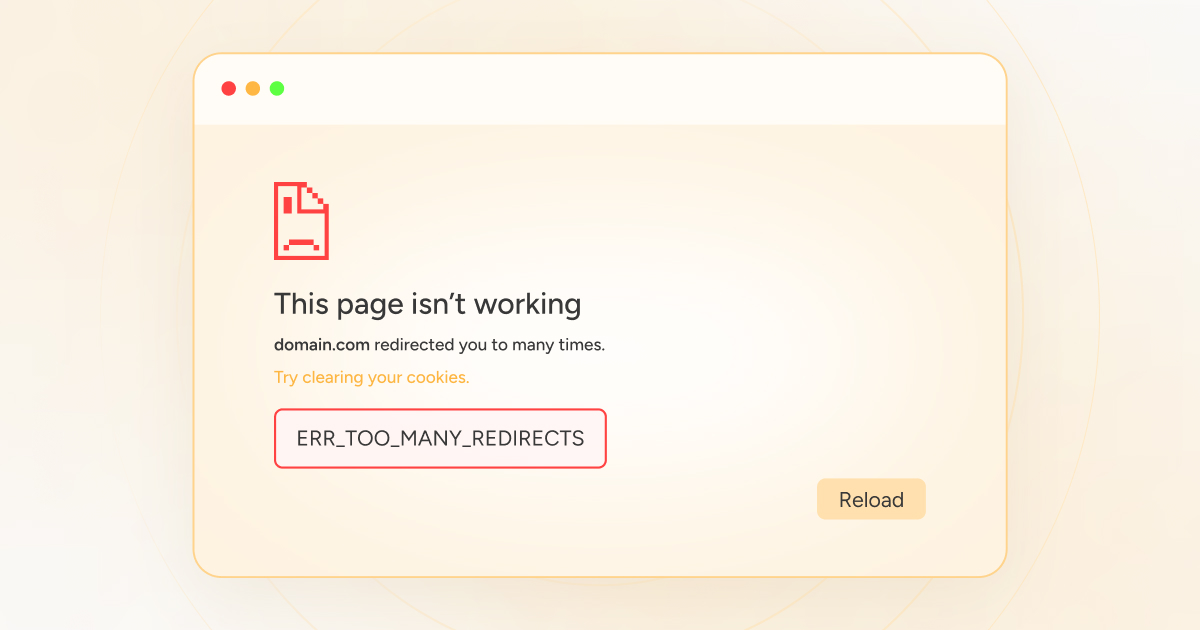
What to do with err_to_many_redirects? A complete guide to fixing it even for newbies
WordPress page jump error? This guide teaches you to solve the problem of "ERR_TOO_MANY_REDIRECTS" redirects too much, even newbies can quickly fix it!

How to Add Text, Images, and Media Files to the Gutenberg Editor
The complete guide teaches you to add text, images, and videos to the WordPress Gutenberg editor to make content creation more intuitive and efficient.

How to Insert Links and Buttons in Gutenberg: A Practical How-to Guide for WordPress
Graphic explanation of how to add text links, image links and buttons in the Gutenberg editor to improve page navigation and user interaction experience.

How to Configure Free Shipping Full Value Conditions and Discount Rules after WooCommerce Activation
Quickly master how to set up WooCommerce's free shipping and discounts for full price, increase conversion rate and customer unit price, and create an efficient e-commerce promotion system.

Frequently Asked Questions and Solutions for the Gutenberg Editor
Summarize common problems and solutions of Gutenberg editor, help you quickly troubleshoot loading failures, wrong styles, block anomalies and other editing faults.

How to Activate and Setup Appointment Delivery Time Selection via WooCommerce
Add delivery appointment function for WooCommerce, support date and time selection, holiday exclusion and time period setting, improve customer experience and logistics efficiency.
How to Activate and Support Regional Tax and Compliance Requirements with WooCommerce
A comprehensive guide that teaches you how to configure multi-region tax rates, VAT compliance, automated invoicing, and checkout experience optimization through WooCommerce to help B2B and cross-border e-commerce companies easily cope with global tax requirements.

How WooCommerce Activates and Supports VAT VAT Rule Settings (e.g. in the EU)
Detailed explanation of how to set up VAT VAT for WooCommerce, including EU tax rates, VAT ID verification and OSS support for cross-border e-commerce sellers.

How to activate WooCommerce and set up cross-border return rules and policies
Learn how to set up clear cross-border return policies and operational procedures in WooCommerce to boost international customer trust and repurchase rates.

How to Enable Customer Behavior Heatmap & Analytics Tool after WooCommerce Activation
Integrate heatmap tools like Hotjar or Clarity into WooCommerce to track click, scroll, and stay behaviors to gain deeper insights into customer paths, optimize page layouts, and increase conversions.

 简体中文
简体中文  English
  日本語
日本語  Français
  Español



