



Posted March 8, 22:200 reads


Posted March 14th at 23:361 reading

Posted March 16th at 14:280 reads

Posted April 2, 16:540 reads
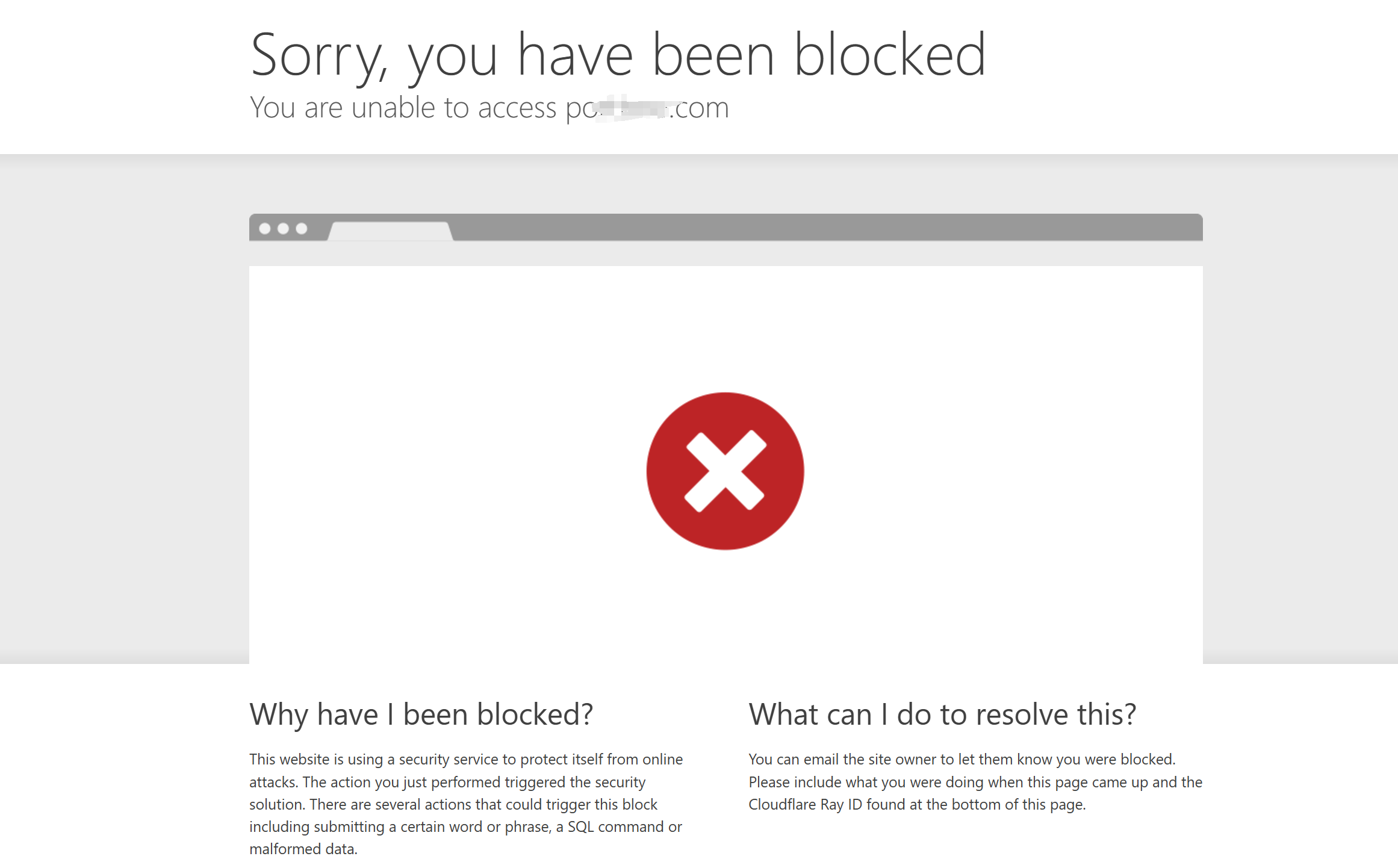



Check for inappropriate information, clear your browser cache, contact the webmaster or use a VPN.
Posted April 3, 17:270 reads
Posted April 4 at 21:182 reads

Posted May 1, 20:050 reads

Posted May 19 at 14:430 reads



There are two ways, one with code snippets, write code to hide the header and footer of the woodmart theme
The other, in elmentor theme editor, inside the header and page to enable the header you want to use, so that he will override the theme, if you think it's useful give me a like, thanks!![Emoji[koubi]-Photonflux.com | Professional WordPress Repair Service, Worldwide, Fast Response](https://www.361sale.com/wp-content/themes/zibll/img/thumbnail.svg)
![Emoji[koubi]-Photonflux.com | Professional WordPress Repair Service, Worldwide, Fast Response](https://www.361sale.com/wp-content/themes/zibll/img/smilies/koubi.gif)

Posted May 26 at 17:591 reading

Posted May 29 at 15:211 reading


Plugin or theme conflict: safe mode can be opened indicates compatibility issues
Insufficient server configuration: memory, execution time and other limits are too low
Cache or CDN interference: caching plugin or Cloudflare settings affect JS loading
Browser or local issues: Browser plugins, network anomalies, etc. may also affect loading
We suggest checking plugins, switching themes, checking server configurations, and temporarily disabling cache and CDN compression.

Posted June 14 at 23:370 reads
Posted June 20 at 10:32pm2 reads


Posted June 21st at 23:310 reads

Posted on June 22, 09:350 reads
Posted June 23rd at 23:430 reads

Posted June 25th at 10:03pm0 reads

Posted June 29th at 23:540 reads

Posted July 1, 23:280 reads
Posted July 4th 00:000 reads

Posted July 15 at 23:480 reads


Community Popularity

 简体中文
简体中文  English
  日本語
日本語  Français
  Español



