





arrange in order

Using the WPCode plugin to create code snippets for front-end calls to custom fields
Learn to use WPCode plugin in the front-end call WordPress custom fields, do not change the template can also display the subtitle, price and other content, suitable for beginners to quickly master.

Yoast SEO Tutorial: adding structured data to articles (FAQ Schema, How-to Schema)
Learn how to add FAQ Schema and How-to Schema to WordPress using Yoast SEO to improve post search presentation, increase click-through rate and user experience.
Rank Math AMP SEO Setup Method: Accelerated Mobile Page Optimization
Learn how to set up Rank Math and AMP plugin to make WordPress website load faster on mobile, improve SEO ranking and user reading experience.

How to make more professional Elementor forms? A complete guide to optimization, from color schemes to borders
Comprehensive analysis of professional Elementor form how to achieve uniform color scheme, border details and responsive optimization, to help improve readability and overall design quality, suitable for all kinds of websites.
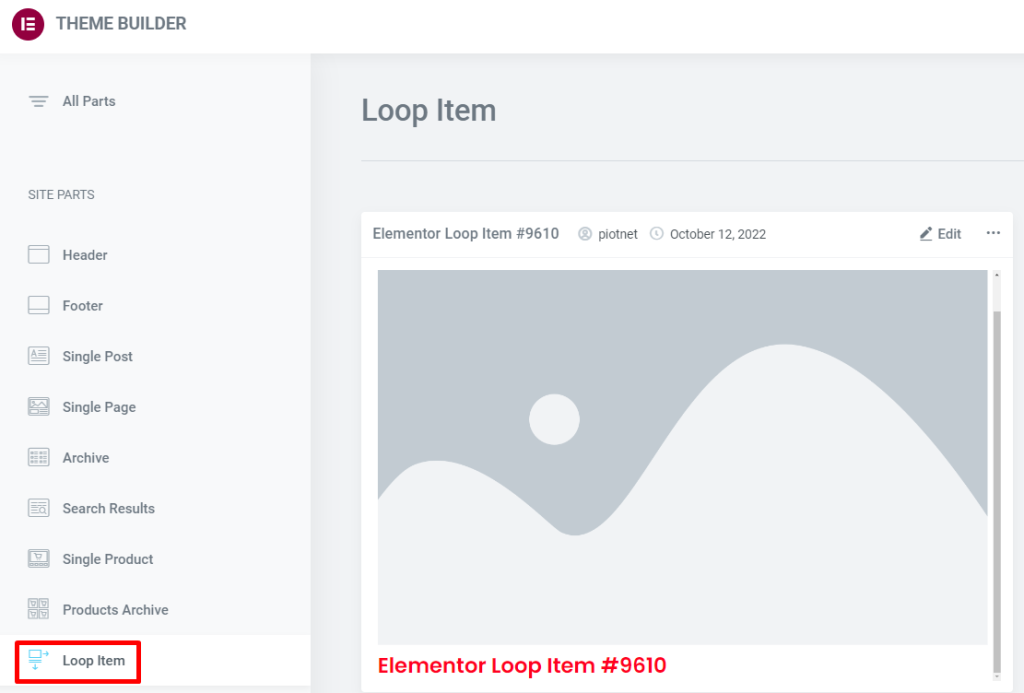
Product List Page with Loop Grid: How to Arrange Price, Rating, and Promotion Labels (Including Settings Location and Steps)
How to Create a WooCommerce Product Listing Page with Elementor Loop Grid: Add price, rating, and Sale Flash badges to Loop Items, set column count, spacing, and responsive layout. Includes solutions for common issues like inconsistent card heights and badge misalignment.
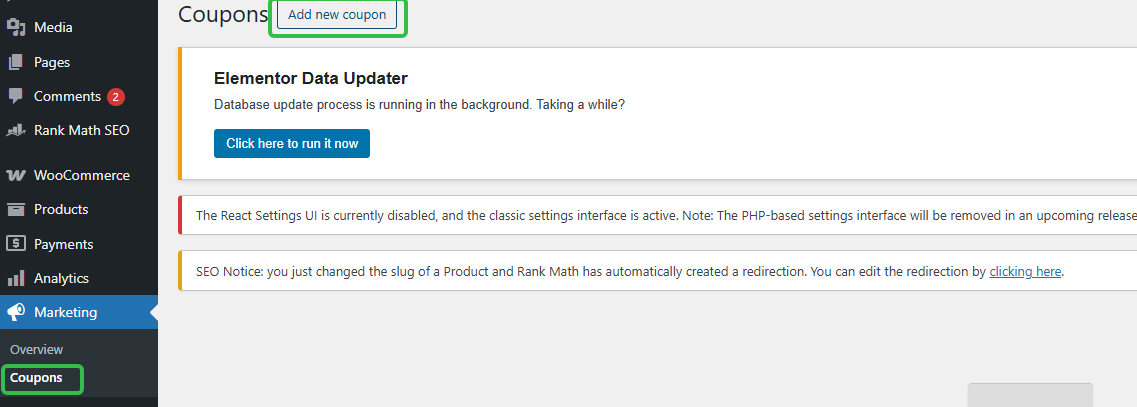
Can I use coupons for subscriptions? Where to set up WordPress subscription coupons (short version)
How to Set Up WooCommerce Subscription Coupons? Locate the backend path in one step, clearly define rules, usage limits, expiration dates, and whether they affect renewals to avoid pitfalls.

Why SMBs Need a WordPress Knowledge Base
Why do SMEs need to build a WordPress knowledge base? This article analyzes the role of the knowledge base, common pain points and WordPress building advantages, to help companies reduce costs, improve efficiency, content asset management.
![Prevent WordPress auto-compression of images leading to blurred settings [Zero Basic Practical Tutorial] - Photon Fluctuations | Professional WordPress repair services, worldwide, rapid response](https://www.361sale.com/wp-content/uploads/2025/07/20250716094410355-image.png)
Prevent WordPress auto-compression of images leading to blurred settings [Zero Basic Practical Tutorials].
WordPress Upload Images Blurry?3 ways to turn off auto-compression, use Imsanity plugin or WebP format, keep your images displaying in high definition, and improve the professionalism of your website!

WordPress SEO Basic Setup Guide: 8 Steps to Getting Started Quickly
A must-do WordPress SEO setup before launching a new site, covering key actions such as plugin installation, sitemap submission, title templates and SSL configuration.

WooCommerce API Methods for Updating Product Inventory: A Practical Guide for Developers
Through the WooCommerce REST API, developers can achieve single or batch update of product inventory, reduce manual operations and improve the efficiency of inventory synchronization. This article describes in detail the API Endpoint for updating inventory, PHP sample code, Postman test methods and notes to help ...

Which is better for e-commerce websites, logical forms or regular forms?
Which is more suitable for e-commerce website: logical form or common form? This article analyzes the difference between the two, applicable scenarios and advantages and disadvantages, to help e-commerce platforms to improve the efficiency of form filling and customer information collection quality.

How to choose a WordPress backup recovery plugin? A comparison and pitfall avoidance checklist that even a novice can understand
Newbies can also understand the WordPress backup recovery plugin shopping guide: free and paid differences, must-see indicators, UpdraftPlus/WPvivid recommendations, timed backup + cloud backup + retention number setting steps, with a list of common pitfalls.
Elementor Fonts not changing? Clearing the Cache and Hard Refreshing the Browser
Elementor fonts not working after modification? This article analyzes the cause with cache cleanup, hard refresh and troubleshooting methods to quickly solve the font not updating problem.

Elementor Product Page Layout Recommendations: Tips for Increasing Conversions
Recommend a variety of Elementor product detail page layout, optimize information display and purchase path, help conversion rate increase.

A complete guide to setting download limits for different membership levels
Teach you how to set daily or monthly download limits for different members, protect resources, prevent abuse, enhance paid conversion, one-stop realization of permission control.
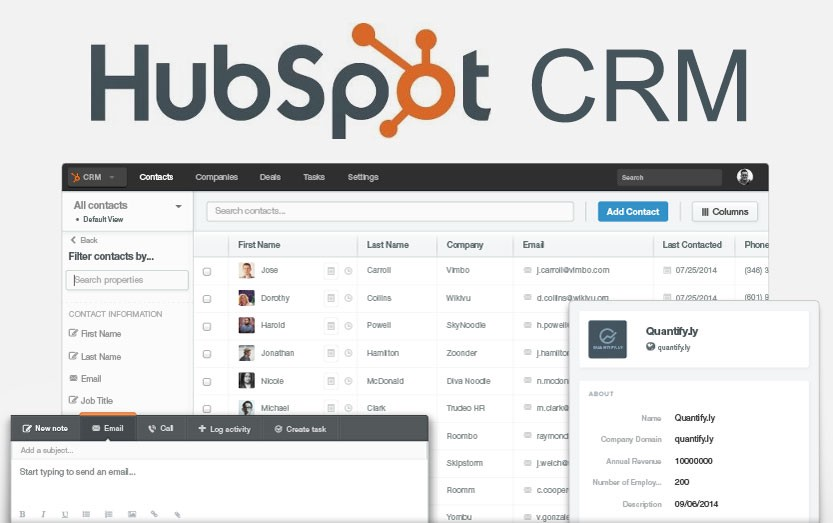
2026 Recommended List of WordPress CRM Plugins: which one is the most hassle-free from lead to close?
Organize 2026 years of saving WordPress CRM plugin: HubSpot, Jetpack CRM, FluentCRM, Groundhogg, etc., with installation and configuration steps, form into the lead, abandonment salvage and automated email templates, suitable for e-commerce and inquiries station fast landing.
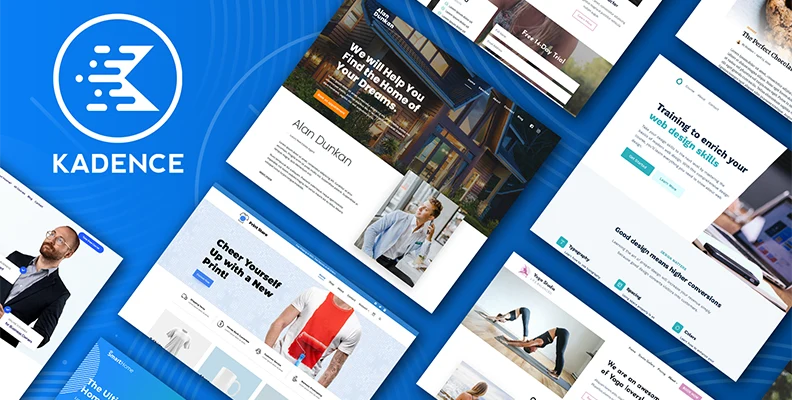
The Complete Guide to Optimizing Image Loading Speed with Kadence Themes: Make your site faster than you can imagine!
Optimize image loading speed with Kadence theme! Boost your website's performance, improve SEO rankings and give your visitors an extremely fast experience, try it now!

WordPress automatic classification and tag management practical method of full analysis
How to Automatically Categorize and Tag WordPress Posts? This post organizes TaxoPress and WPForms operation tips to manage content structure easily.

CDN with Lazy Load Performance Improvement in WordPress
Combine CDN and Lazy Load technology to optimize WordPress loading speed, reduce hosting pressure and improve access efficiency. Suitable for graphic blogs, e-commerce display and other high-performance needs of the site.

WoodMart footer can not be folded causes and solutions
A detailed explanation of common reasons why WoodMart theme footers don't collapse, including missing settings, cache interference, and builder conflicts, with ideas for resolving them.

How to Insert Links and Buttons in Gutenberg: A Practical How-to Guide for WordPress
Graphic explanation of how to add text links, image links and buttons in the Gutenberg editor to improve page navigation and user interaction experience.

Avada Timeline Performance Optimization Guide: Core Techniques for Achieving 90+ Speed Scores
In-Depth Analysis of Avada Timeline Performance Optimization Solutions Covering Core Web Vitals optimization, image lazy loading, code minification, and other techniques to achieve a speed score of 90+.

Troubleshooting Nginx Configuration Error Causing TOO_MANY_REDIRECTS
This article describes in detail how to troubleshoot and resolve Nginx configuration errors caused by TOO_MANY_REDIRECTS error, covering HTTP and HTTPS, www and non-www redirect conflicts, reverse proxy configuration issues, etc., to help you quickly locate the problem and fix it to improve the stability of the site access ...
How to display more friendly on mobile when there are too many fields? Scrolling and Collapsing Tips Explained
When displaying a large number of custom fields on mobile, the page may look crowded and confusing. This article introduces a variety of WordPress no-code field collapsing and scrolling display methods to improve structural clarity and readability.
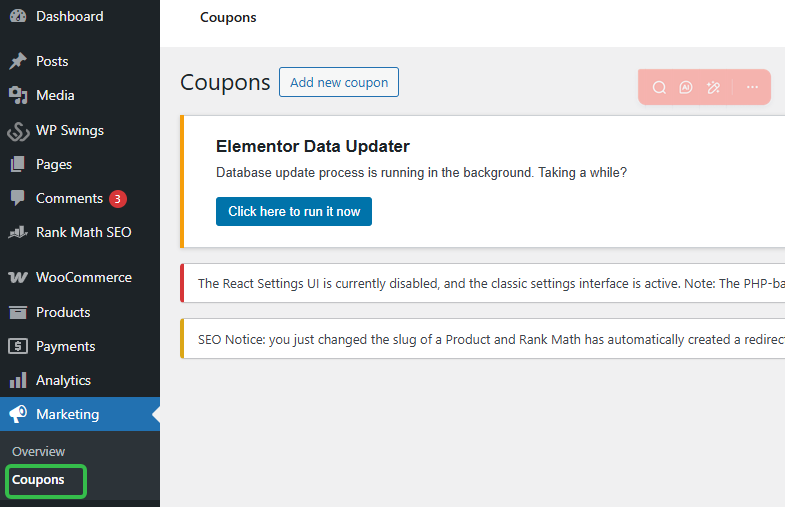
How to Prevent WordPress Coupons from Being Abused? Subscription Coupon Usage Limits and User Restrictions Settings
Learn how to prevent coupon abuse and maximize business profits by setting usage limits and user restrictions on your WordPress site.

WordPress vs Drupal How to choose a newbie website? Comparison Guide
Comparison of WordPress vs Drupal in terms of functionality, cost, maintenance difficulty of the differences between the novice site quickly determine which one is more worry-free, with simple steps to get started.
Determine if your WordPress site requires a CDN for the region you are visiting?
Analyzes access distribution, loading speed, traffic conditions, and other factors to help you determine if a WordPress site is a good candidate for a CDN.

Polylang vs WPML, TranslatePress: Who is better for you?
Before choosing a WordPress multilingual plugin, think about whether you'd prefer to build pages independently or translate content uniformly, which will determine the most suitable architecture for your site.
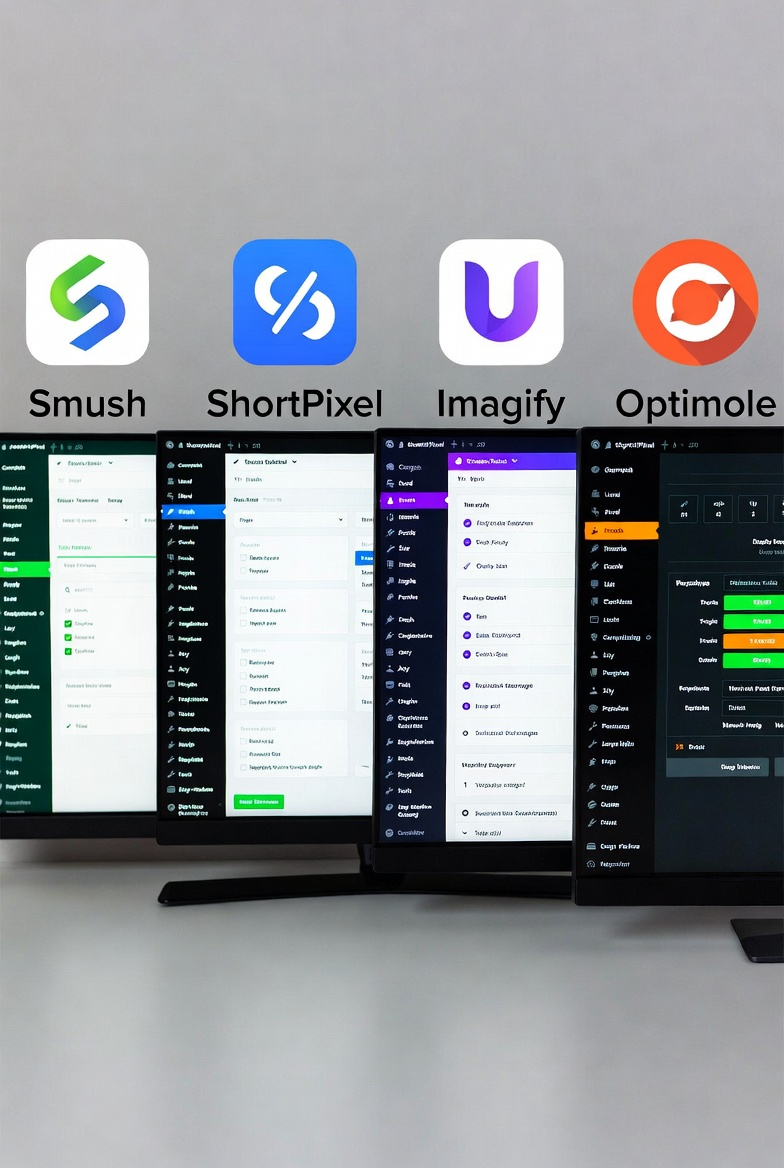
A Practical Guide to WordPress Image Compression Plugin to Easily Improve Website Loading Speed
Detailed explanation of the role of WordPress image compression plug-ins and settings, covering plug-in selection, automatic compression, size control and batch processing techniques to help reduce the size of the site images, improve page load performance, suitable for novice webmasters to quickly get started using.

Configure SEO data and indexing permissions for attached pages such as PDFs using Rank Math
WordPress auto-generated attachment pages may affect the site SEO. this article describes how to use Rank Math to set up indexing permissions and redirection of PDF and other media pages, to avoid low-quality content being included.

 简体中文
简体中文  English
  日本語
日本語  Français
  Español



