





arrange in order

How to choose the right WordPress theme for you? Practical Tips and Tricks
For first-time site users, this article from the type of site, layout and structure, plug-in compatibility, responsive design and update frequency and other aspects of the theme to provide practical advice, and recommend four high-quality free WordPress themes.

WP Super Cache: How to choose between Simple and Expert modes?
Analyze the difference between Simple and Expert modes of WP Super Cache, help you choose the most suitable caching method according to the type of website, improve loading speed and stability.

5 Practical Tips for Optimizing Your WooCommerce Site's Loading Speed
5 Practical Tips to Speed Up Your WooCommerce Site, including cache configuration, image compression, using a CDN, plugin streamlining, and database optimization to effectively improve user experience and conversion rates.
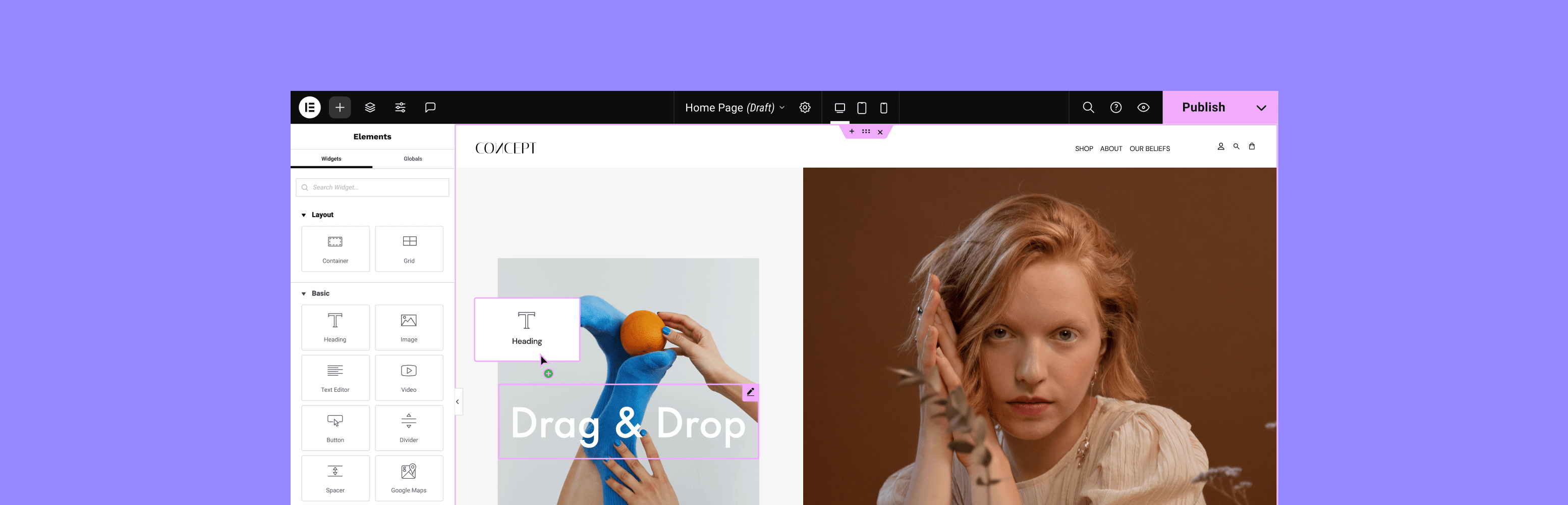
Customizing WordPress Sidebar Appearance and Content with Elementor
Build a flexible and beautiful WordPress sidebar with Elementor, with drag-and-drop editing, custom layouts and mobile optimization, without writing code, to improve user experience and conversion rates.

Polylang vs WPML, TranslatePress: Who is better for you?
Before choosing a WordPress multilingual plugin, think about whether you'd prefer to build pages independently or translate content uniformly, which will determine the most suitable architecture for your site.

Top 3 Content Security Concerns You Need to Have When Offering Member-Only Downloadable Resources
Prevent WordPress member resources from being leaked or misused, improve content security, and protect download links and member-only values.

High Definition Pictures are Blurry Too? The Technical Misconceptions and Common Perception Errors Behind
Obviously high-definition pictures are still blurred? This article analyzes the technical reasons why HD ≠ clear, and reveals the common misconceptions about resolution, compression, and display methods.
How can I automate WebP format output with the Chartbed plugin?
Achieve automatic WebP format output and optimize image loading speed with WordPress graphic bed plugins. EWWW, ImageKit and Smush Pro plugins are recommended to improve website performance and maintain compatibility.
WebP Express, Imagify, ShortPixel: which is better for your WordPress site?
Compare WebP Express, Imagify and ShortPixel to help you pick the best WordPress image optimization plugin for your budget and needs.

How to set up a membership system and reward points in WooCommerce?
Want to add membership levels and points reward system in WooCommerce? This tutorial teaches you how to use the plugin to set up a membership system and points redemption mechanism to improve customer loyalty and repurchase rate, and create an efficient e-commerce user growth flywheel.
Does Using Caching Plugins Affect SEO - W3 Total Cache vs.
Do Caching Plugins Really Affect SEO? This article explains how W3 Total Cache and WP Super Cache can indirectly enhance search ranking performance by improving website speed and stability.
Does WordPress graph bed plugin help with SEO?
The Graph Bed plugin reduces server stress, speeds up loading, and automatically outputs WebP formats, making it an important tool for improving WordPress website performance and SEO performance.
W3 Total Cache common error code summary and solutions (301/502/white screen)
What should I do if I get 301 loop, 502 error or white screen after W3 Total Cache is enabled? This article systematically analyzes the causes and solutions of these common errors, to help you stabilize the use of caching plug-ins.
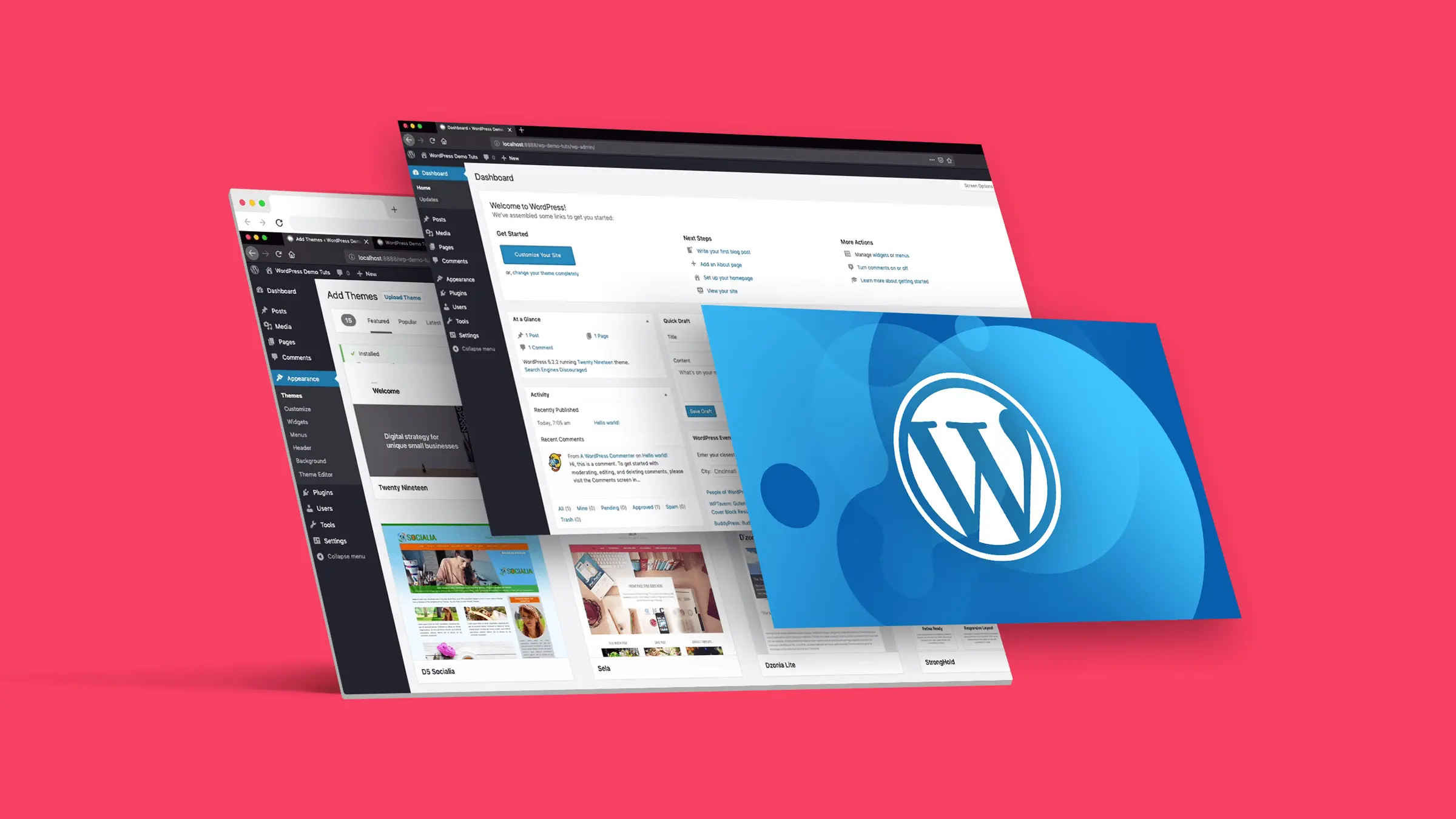
How to Optimize WordPress Editing Experience?3 Efficiency Plugin Recommendations
Three recommended plugins optimize the WordPress editing experience, improve writing and management efficiency, and make content creation and page management more efficient.

WordPress Website Performance Improvement with WP-Optimize
Clean up your database, speed up page caching and optimize images with the WP-Optimize plugin to improve the loading speed and performance of your WordPress site, even for newbies.

Rank Math vs Yoast SEO Sitemap Features Comparison: Which is better for your site?
Compare and contrast the differences between Rank Math and Yoast SEO in terms of Sitemap functionality, covering how to generate it, the details of setting it up, and who it's for, to help you choose the SEO plugin that suits you better.
How to set up SEO friendly multilingual URL structure for Polylang?
Want to make your WordPress multilingual website more crawlable by Google? This article explains how to use Polylang to set up SEO-friendly multilingual URL structure to improve indexing and ranking results.
A few practical ways to hide the WordPress sidebar on mobile
Introducing multiple ways to hide WordPress mobile sidebar, including CSS, theme settings and plugin tips to improve page loading speed and reading experience.

How to avoid WP-Optimize cleanup for accidentally deleting important content? Recommended Settings
How to prevent accidental deletion of posts and comments when cleaning up your database with WP-Optimize? This guide provides security setup options and backup suggestions to help you optimize WordPress site performance with confidence.
Preventing Stolen Downloads by Non-Members: 4 Free Ways to Protect WordPress Download Resources
Master the 4 free ways to prevent non-members from stealing chain downloads in WordPress, including user role restriction, anti-stealing chain rules, hiding real path, generating temporary links, and comprehensively protect your download resources.

WordPress Open WebP Format Browser Compatibility Problem Solution
Teach you how to safely enable WebP images in WordPress, solve compatibility issues, and improve website speed and user experience.

Elementor affects page speed after changing fonts? Optimization Methods
Page slowdown after modifying Elementor fonts? This tutorial details the impact of font loading on speed and optimization methods, including local caching, font preloading and plugin configuration tips.

How to build an internationalized corporate website with multilingual support using Hello Biz?
Want to make your company website multilingual? This article shows you how to use Hello Biz with WPML or Polylang plugin to easily build an internationalized WordPress website to enhance your brand image and global coverage.
Is WP Super Cache or W3 Total Cache suitable for small websites?
Should you choose WP Super Cache or W3 Total Cache for your small WordPress site? Help you make the right choice from the perspective of functionality, compatibility and ease of use.

WP Super Cache with Cloudflare Guide: Double Speed Your WordPress Website
Combine WP Super Cache and Cloudflare for local caching and global distribution to improve WordPress website loading speed and access efficiency.
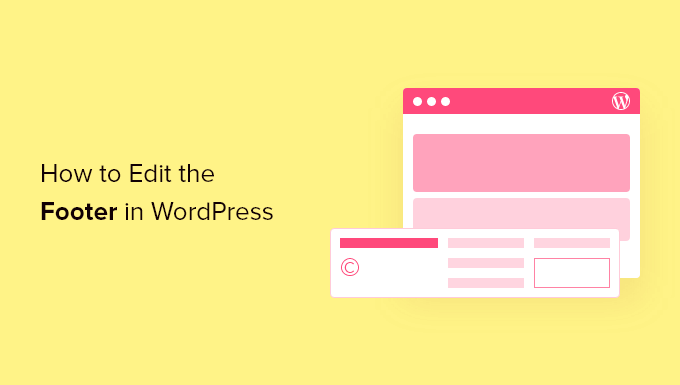
How to Customize WordPress Header and Footer? You can do it without changing the code
Want to customize your WordPress header and footer but don't know how to code? This guide teaches you how to do it quickly with theme features, plugins, or Elementor to easily enhance your brand image.

Don't let the "retrieve password" has become an invitation to hackers! WordPress security vulnerabilities and protection guide to reveal!
Understand the common security vulnerabilities of the WordPress password recovery tool and learn how to improve the security of your website by strengthening your email security, enabling multi-factor authentication, configuring CAPTCHA, and setting a recovery link expiration date.

How to Use Multilingual Features in Elementor with Polylang
Want to build a WordPress multilingual website? This article teaches you how to use Elementor with Polylang plugin, to create language-independent pages and menus, and quickly realize multi-language switching and content translation, the whole process does not need to pay for plug-ins, suitable for beginners and enterprise website use.

Don't let the sidebar waste the golden position! WordPress website high conversion sidebar setup full strategy
Understand the role of WordPress website sidebar, common components and optimization techniques, master the management of widgets and mobile display strategy, to help you improve the page structure, user experience and conversion effect.
Exactly what types of websites are suitable for the WordPress Member Download feature?
WordPress member download function is not only applicable to commercial sites, but also suitable for resource-based, educational, community-based websites. This article analyzes the application of member download scenarios, core advantages and free methods to help you improve resource management efficiency and user stickiness.

 简体中文
简体中文  English
  日本語
日本語  Français
  Español



