





arrange in order

WoodMart Conditional Sidebar Setup Tutorial: Easy Page Control with Plugins
Want your WoodMart store page to display different sidebars based on categories? This tutorial teaches you to customize conditional sidebar settings with the Content Aware Sidebars plugin, which is easy to use and improves conversion results.
Who is the best search engine indexing tool? Three major WordPress Sitemap plugin hardcore competition!
Generating a well-structured Sitemap for WordPress website is a key step to improve SEO. This article compares three major plugins: Rank Math, Yoast SEO and AIOSEO, and analyzes their differences in terms of feature configuration, map type support and application scenarios, to help...

Pros and cons of WebP format: is it suitable for all WordPress sites?
An in-depth analysis of the pros and cons of the WebP format, combined with performance, compatibility, and content type to determine if your WordPress site should enable it.
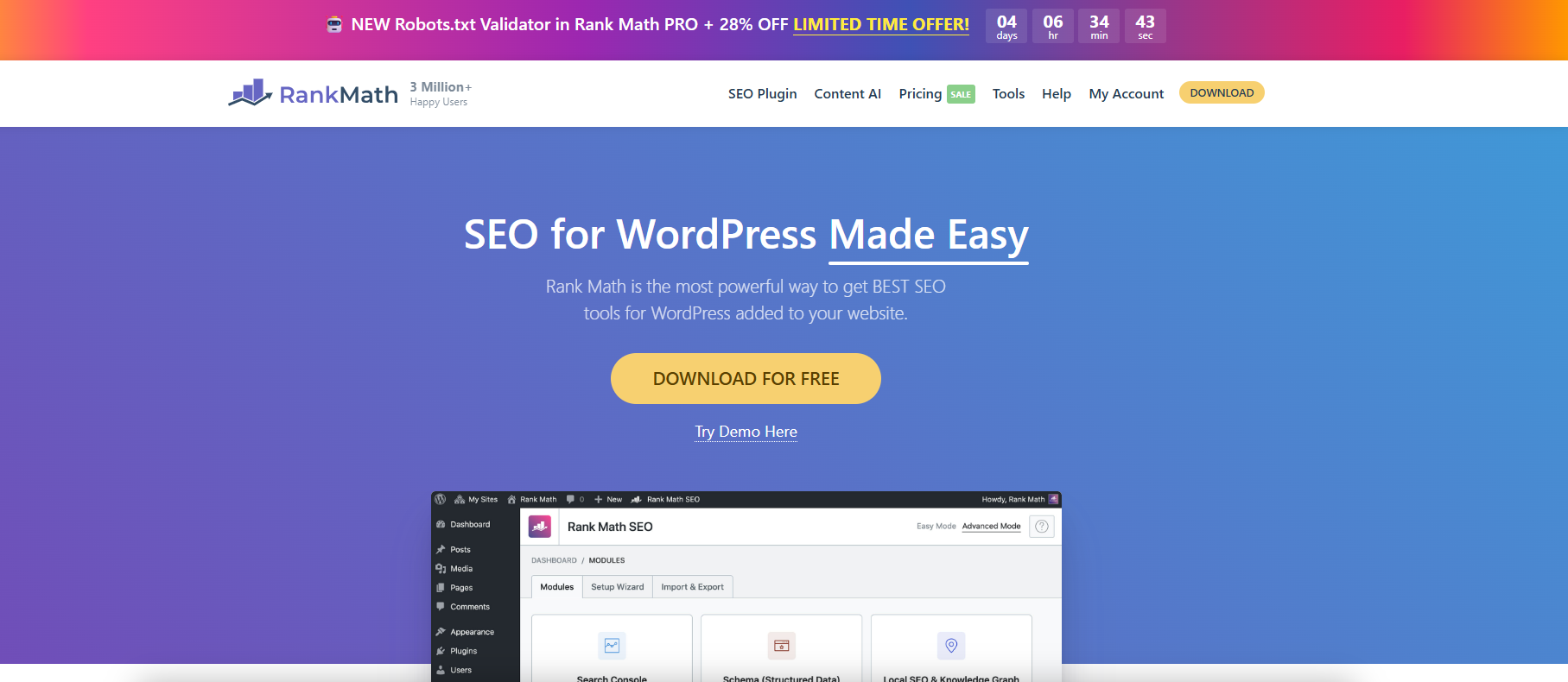
Use Rank Math to fine-tune WordPress Sitemap output.
With Rank Math, you can finely configure WordPress sitemaps, customize page indexing and category filtering to improve search engine crawling and SEO efficiency.

W3 Total Cache's CDN Functionality Configuration Explained: Improving Performance or Increasing Complexity?
Analyze W3 Total Cache's CDN module features, performance performance and configuration challenges to determine if it is suitable for your WordPress website.
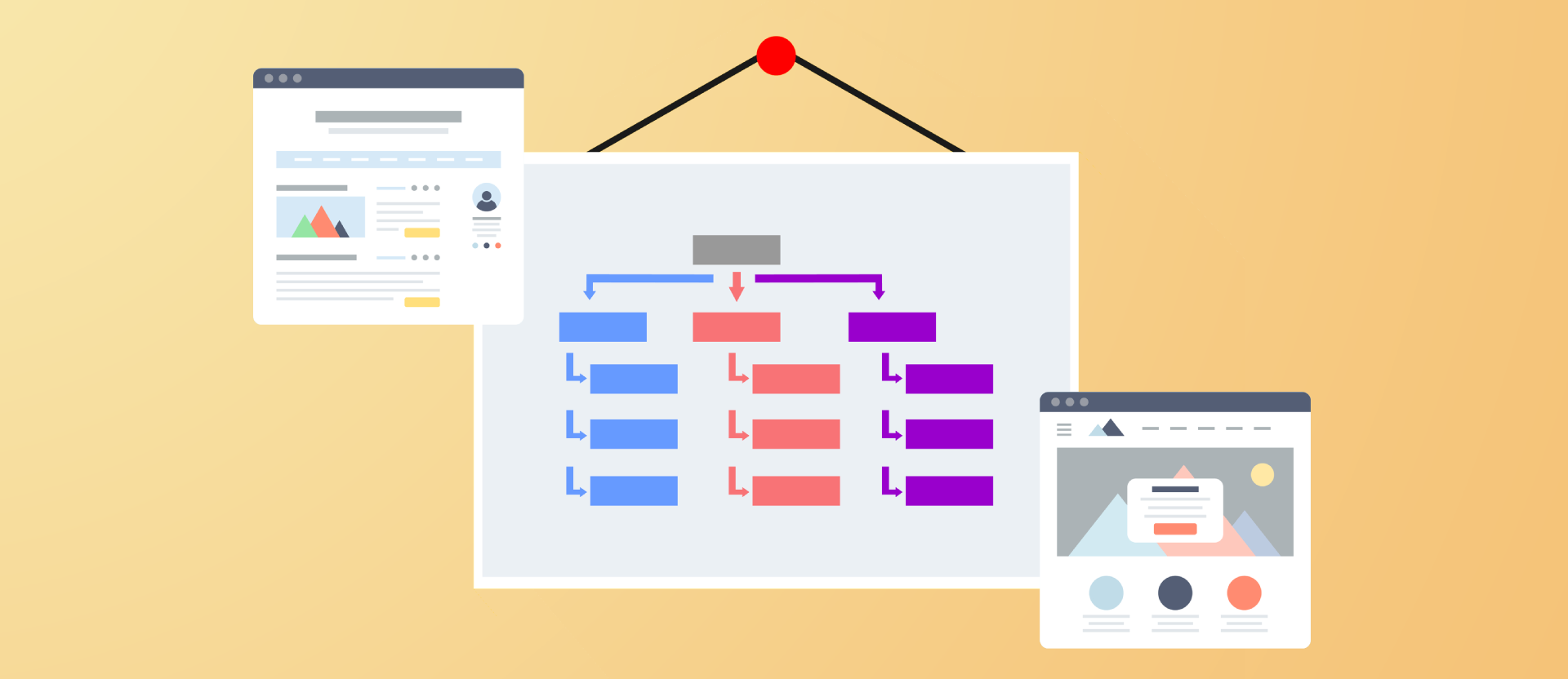
Improving Crawl Efficiency Across the Board: A Guide to Configuring WordPress XML Sitemaps
Comprehensively introduce how to generate, configure and submit XML sitemaps for WordPress websites, improve crawling efficiency and indexing performance, and adapt Rank Math and Yoast SEO.
W3 Total Cache Deep Setup Guide: Best Practices for Maximizing Plugin Performance
In-depth analysis of W3 Total Cache module setup methods, sub-scenario configuration recommendations, fully utilize the acceleration potential and stability of the cache plug-in.

WordPress Performance Optimization: Managing WordPress Heartbeat Request Frequency with Plugins
The WordPress Heartbeat API sends frequent background requests, which can lead to high server resource consumption. By using the Heartbeat Control plugin to set the request frequency, you can optimize the site performance and ease the background lag while preserving features such as autosave.
WordPress Heartbeat's Relationship with Autosave and Session Synchronization
The WordPress Heartbeat API is closely related to backend autosave, session synchronization, and multi-person editing. By controlling the frequency of requests, you can improve performance while maintaining functional integrity.

Is it necessary to have both PayPal and Stripe enabled on a WooCommerce site?
Do you need to enable both PayPal and Stripe in WooCommerce? This article compares the advantages, scenarios, and integration methods of the two to help merchants increase the success rate of payment collection.
Creating a Fast WordPress Image Experience: WebP and Cloudflare Technology Integration Explained
By combining the WebP image format with Cloudflare CDN, WordPress website images are loaded extremely fast, improving page performance and SEO results.

What is WordPress Heartbeat? Why It Affects Your Site Speed
In-depth analysis of the role of the WordPress Heartbeat API and optimization methods, to solve the background lag and high CPU occupation problems, to improve the overall site performance.

Heartbeat Plugin Review: Comparative Analysis of WordPress Performance Optimization Tools
Compare three mainstream WordPress Heartbeat management plugins to help you reduce your backend resource usage, improve your website performance, and choose the most suitable optimization tool.

EWWW plugin for WebP image optimization!
Newbies can easily use EWWW Image Optimizer plugin to convert WordPress images to WebP, improve website loading speed and SEO performance, and optimize user experience.

How to add a "members only" download feature to a WordPress website? Full Tutorial
Quickly implement members-only downloads for your WordPress site with the Simple Membership and Download Monitor plugins, no coding required.
WordPress Sidebar Setup Tutorial: From Getting Started to Custom Layouts
Comprehensive analysis of WordPress sidebar settings and customization techniques, covering widget management, page template selection, Elementor custom layout and conditional display methods.
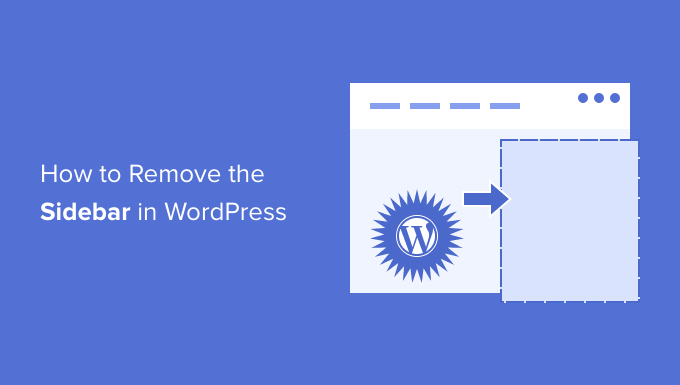
How to Add, Remove or Rename WordPress Sidebar Widgets
A comprehensive tutorial on how to add, remove and rename widgets in WordPress to optimize the sidebar layout and improve website usability and stylistic uniformity
WP Super Cache Troubleshooting and FAQ Guide
WP Super Cache explains common caching problems and optimization techniques to help you safely speed up your WordPress website and improve access experience and stability.

WordPress auto-generated Sitemap and plugin generation what is the difference between
Compare the difference in functionality between the WordPress Sitemap and the SEO plugin to help you choose the most suitable configuration for your website.

A complete guide to setting download limits for different membership levels
Teach you how to set daily or monthly download limits for different members, protect resources, prevent abuse, enhance paid conversion, one-stop realization of permission control.

How WebP Can Improve Your WordPress Performance Scores and SEO Performance
Enabling the WebP image format significantly optimizes WordPress site speed, boosts PageSpeed scores, improves Core Web Vitals metrics, and enhances SEO performance and user experience.

How does TranslatePress work with Rank Math for multilingual SEO?
Learn how to combine TranslatePress and Rank Math for multilingual SEO optimization of WordPress to improve global search engine rankings and user experience.

3 Useful Plugins to Extend WordPress Sidebar Functionality
Featured 3 plugins to easily extend WordPress sidebar functionality, support sticky layouts, custom display conditions, and improve page utility and conversion rates.

Enhance WordPress Password Recovery with Free Plugin
Optimize WordPress forget password function! 5 free plug-ins to fix email sending, anti-robot, beautify the interface, limit violent crack, support multi-language, improve user experience.

Common scenarios where Nginx misconfiguration leads to ERR_TOO_MANY_REDIRECTS
This article describes common configuration issues that cause ERR_TOO_MANY_REDIRECTS errors in Nginx, such as HTTP to HTTPS redirects, X-Forwarded-Proto header delivery errors, and proxy protocol conflicts, and provides solutions.

WordPress Caching Plugin Comparison: WP Super Cache vs W3 Total Cache
In-depth comparison of WP Super Cache and W3 Total Cache plug-ins, to understand the caching mechanism, functional differences and suitable scenarios, to help improve the performance of the website.

5 Must-Do Settings After Yoast SEO Installation
Learn the 5 settings you must make after installing Yoast SEO to help boost your website's search engine rankings and optimize SEO results, including XML sitemaps, breadcrumb navigation, and social media configuration.
How can I view and monitor the frequency of WordPress Heartbeat activity?
In-depth analysis of the role of WordPress Heartbeat API and performance impact, teach you how to view the frequency of requests and optimize through plug-ins to improve site efficiency, reduce server load

Practical Configuration and Optimization Suggestions for W3 Total Cache with Cloudflare
Combine W3 Total Cache with Cloudflare to dramatically improve WordPress site load speed and stability, optimizing PageSpeed metrics and user experience.

WordPress Website Backup and Restore: How to Prevent Data Loss
Master WordPress website backup and recovery techniques to prevent data loss. Detailed explanation of plug-in recommendations, manual operation, backup strategy and security to protect the stable operation of the site.

 简体中文
简体中文  English
  日本語
日本語  Français
  Español



