





arrange in order
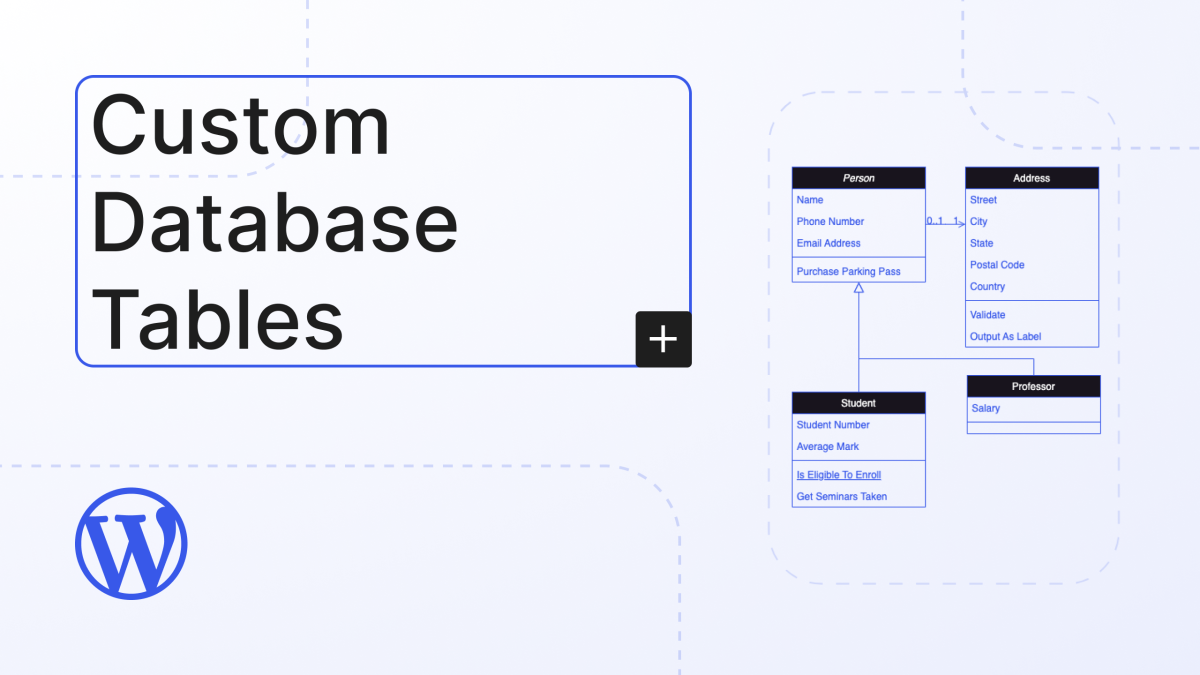
Introduction to WordPress Custom Tables: Fundamental Concepts and Applications
Understand the fundamental concepts of WordPress custom tables and their application in plugin development. Learn how to create and manage custom tables to enhance data management efficiency, suitable for e-commerce websites and advanced feature development.

Pros and cons of WebP format: is it suitable for all WordPress sites?
An in-depth analysis of the pros and cons of the WebP format, combined with performance, compatibility, and content type to determine if your WordPress site should enable it.

Yoast SEO vs SEOPress: Compatibility Comparison of Multilingual Websites (WPML/Polylang), How to Match without Duplicating and Cluttering Indexes
Multi-language site GSC keeps reporting Duplicate, Canonical mess, hreflang missing? This article completely dismantles the real compatibility differences between Yoast SEO and SEOPress in WPML / Polylang scenarios, with a complete troubleshooting checklist to help you get Google ...

Will users come back if they encounter a 502 while shopping online?
Does a 502 Bad Gateway error on an e-commerce site during a shopping session affect user return visits? The article analyzes behavioral patterns, brand trust, response methods, and other key influences.

Webmaster cries: not using Kadence theme, the site is too dangerous!
An in-depth analysis of Kadence WordPress theme security and practical protection tips to keep your website fast and solid, away from hacker threats!

A few practical ways to hide the WordPress sidebar on mobile
Introducing multiple ways to hide WordPress mobile sidebar, including CSS, theme settings and plugin tips to improve page loading speed and reading experience.

Which is better, open source CMS or SaaS website building system? Analyze from security, scalability, cost
Compare and contrast open source CMS and SaaS website building system, analyze from the perspective of security, scalability and cost to help you find the most suitable way to build a website.
WooCommerce "Add to Cart" Button with Double Border Effect
Add double border to WooCommerce add to cart button to improve visual effect and click through rate. Tutorial introduces outline, box-shadow, pseudo-element three methods of implementation.

Automatic Coupon Generation with WooCommerce API: Building an Efficient E-commerce Operation System
Automatically generate coupons through the WooCommerce REST API interface, and realize automated marketing strategies such as registering coupons, recovering abandoned orders, and VIP promotions. With PHP live code, no plug-ins, efficiently improve the conversion rate and operational efficiency.
Server 301/302 Configuration Causes TOO_MANY_REDIRECTS Processing
A 301/302 misconfiguration of the server may result in TOO_MANY_REDIRECTS errors. This article explains in detail how to resolve redirection loops, including methods such as checking SSL settings, clearing the cache, and correctly configuring HTTP to HTTPS redirection.

Shared hosting vs. Dedicated server: who is more likely to trigger Error 521?
Is Shared Hosting More Likely to Cause Error 521 and Is Dedicated Server More Stable? Compare the difference between the two, help you choose the right hosting plan, reduce the website error rate.

What is Wordfence Security plugin? Full Features Explained
Wordfence Security plugin provides firewall, malware scanning, login protection and real-time monitoring to create total security for WordPress websites.

Avada Timeline Typesetting Not Neat? Here's a quick fix
Solve the problem of untidy Avada Timeline layout, quickly optimize the timeline layout, make your website more professional and neat, improve user experience!

Gutenberg (Query Loop) vs Elementor Loop Grid: Pros, Cons, and Migration Recommendations
Comparing the pros and cons of Gutenberg Query Loop and Elementor Loop Grid, this guide provides selection strategies and migration recommendations for list pages, archive pages, and feature pages—helping you avoid pitfalls and build more reliably.
How to Add an Author Info Box to the Sidebar with Kadence Theme Pro
With Kadence Theme Pro's Hooked Elements feature, you can easily add a personalized author information box to your blog post sidebar.
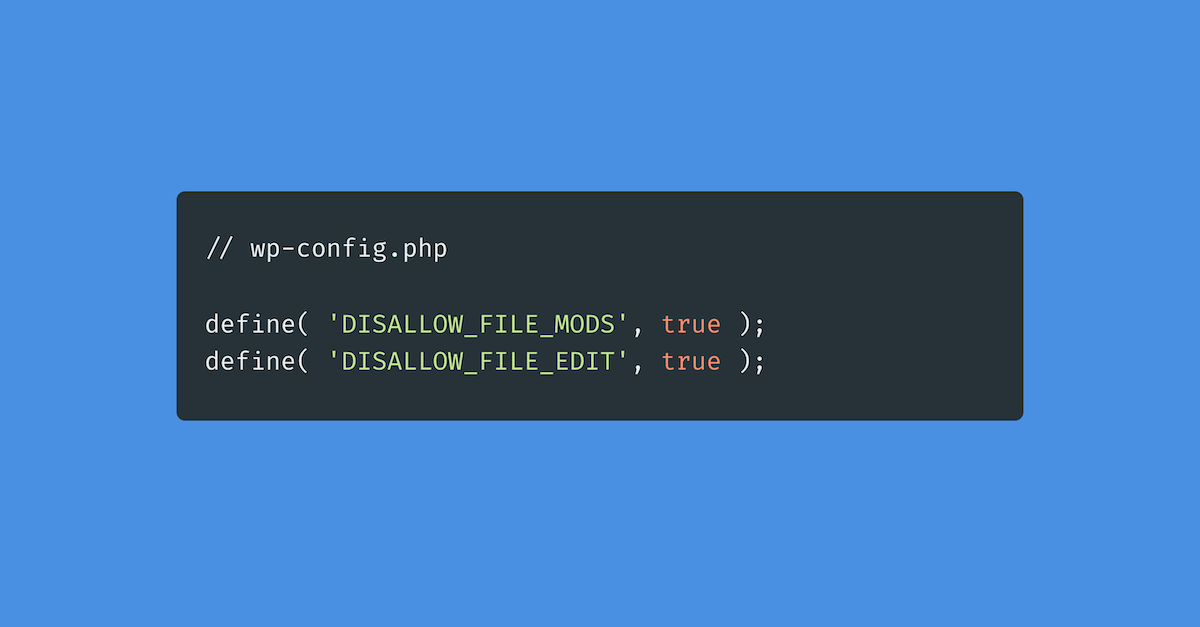
Disallow_file_edit is turned on by mistake and you can't modify the code? Quick Troubleshooting and Recovery
WordPress Theme/Plugin Editor Suddenly Disappeared? Don't panic! An article to teach you to locate DISALLOW_FILE_EDIT / DISALLOW_FILE_MODS misopen cause, step by step troubleshooting wp-config.php, security plug-ins, 1Panel / Pagoda restrictions, and quickly restore the background code editing,...

What is WordPress Heartbeat? Why It Affects Your Site Speed
In-depth analysis of the role of the WordPress Heartbeat API and optimization methods, to solve the background lag and high CPU occupation problems, to improve the overall site performance.

Comprehensive Analysis of the Four Core Features of Kadence Hooked Elements
Comprehensive analysis of the four core functions of Kadence Hooked Elements, detailed explanation of the display settings, user settings, device settings and expiration settings, to help WordPress users quickly master the use of Kadence skills, improve the layout of the site and conversion.
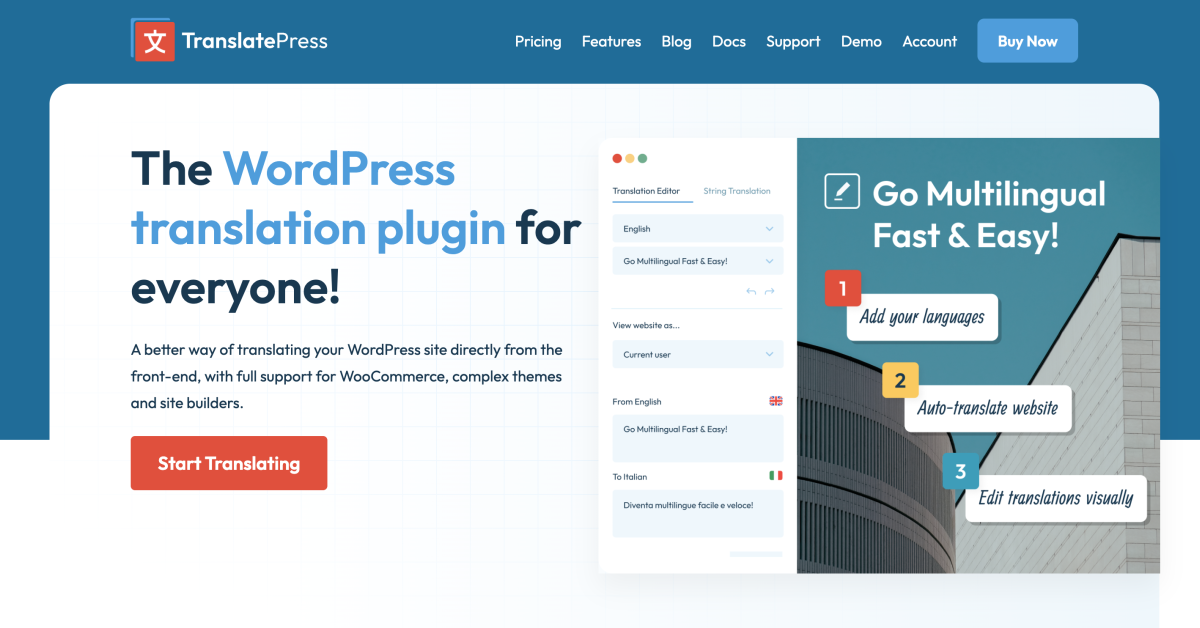
5 TranslatePress Tips for Easy Visual Translation of WordPress Multilingual Websites
Master 5 efficient TranslatePress tips to quickly enable WordPress visual translation with auto-translation, hidden text recognition and multi-language SEO settings, and easily build a professional internationalized website.
How to Create a Personal Blog with WordPress: Hottest Features and Plugins for 2025
Learn how to build your personal blog with the new 2025 WordPress features and plugins to improve SEO, interactivity, and user experience to help your blog succeed.

WoodMart Page Sidebar Layout Switching Full Tutorial
Teach you how to switch left and right sidebars in WoodMart, adapt different page layouts, and optimize the effect of store and blog page display.

Avada timeline messed up after upgrade? Detailed steps to solve the problem
Detailed analysis of Avada theme upgrade timeline style messy reasons and fixes, to help you quickly solve the layout problem, to protect the beauty and stability of the site.
Perfmatters vs. WP Rocket: Which is better for your WordPress site?
Compare the features and scenarios of Perfmatters and WP Rocket to help you choose the best optimization solution for improving the speed and performance of your WordPress website.
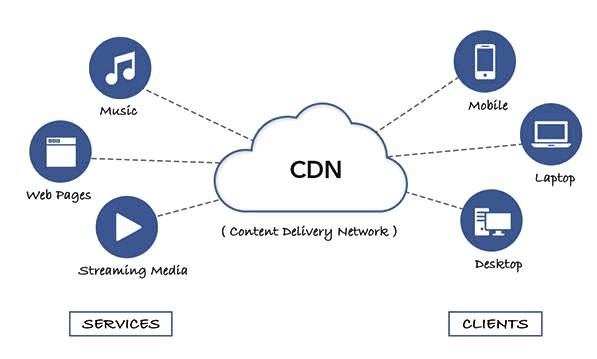
How to accelerate WordPress image loading via CDN and reduce image blurring problems
Reduce WordPress upload image blurring issues by accelerating image loading via CDN. Learn how to optimize image quality, increase loading speeds, and improve website performance and visuals.
How to Fix Cloudflare Error 521: Fix Web Server Configuration Error
Learn how to resolve Cloudflare error 521, ensure that your web server, ports, and SSL certificates are properly configured, and restore normal access.

WordPress Block Editor Implementing Responsive Layout Tips
Use WordPress block editor to make responsive pages, easy to realize the layout of cell phones, tablets and computers to adapt, suitable for newbies to get started quickly.
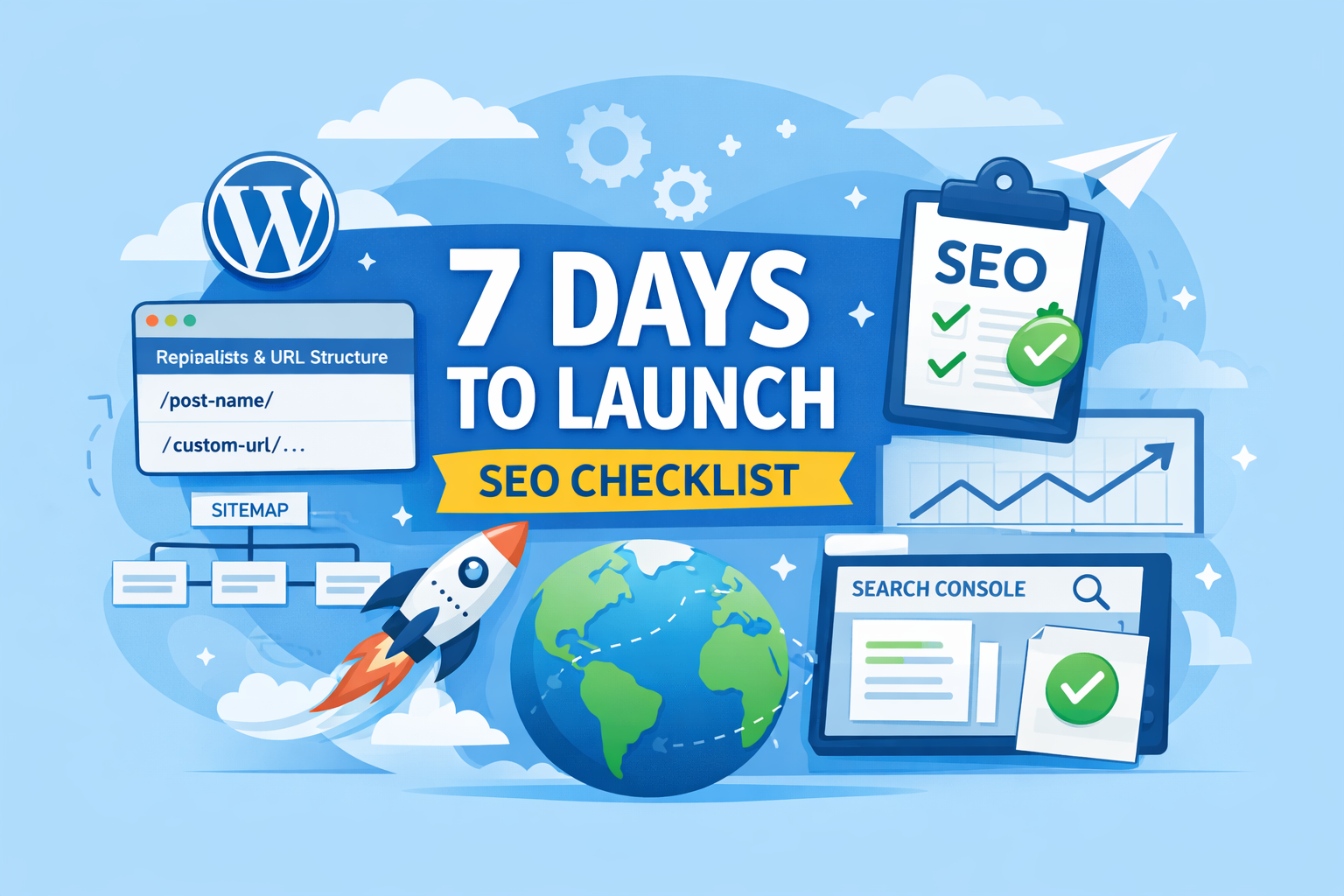
New WordPress Site SEO: 20 Must-Do Tasks Before Launching
SEO Pre-Launch Checklist for the First 7 Days: Complete URL structure, sitemap, cache optimization, and Search Console submission on your new WordPress site to minimize rework and lay a solid foundation for indexing and ranking.

How to Create Beautiful Graphic Layouts in Gutenberg
Learn how to use the WordPress Gutenberg editor to create beautiful graphic typography, from basic blocks to advanced techniques to create professional page layouts that enhance the user experience and visual impact.
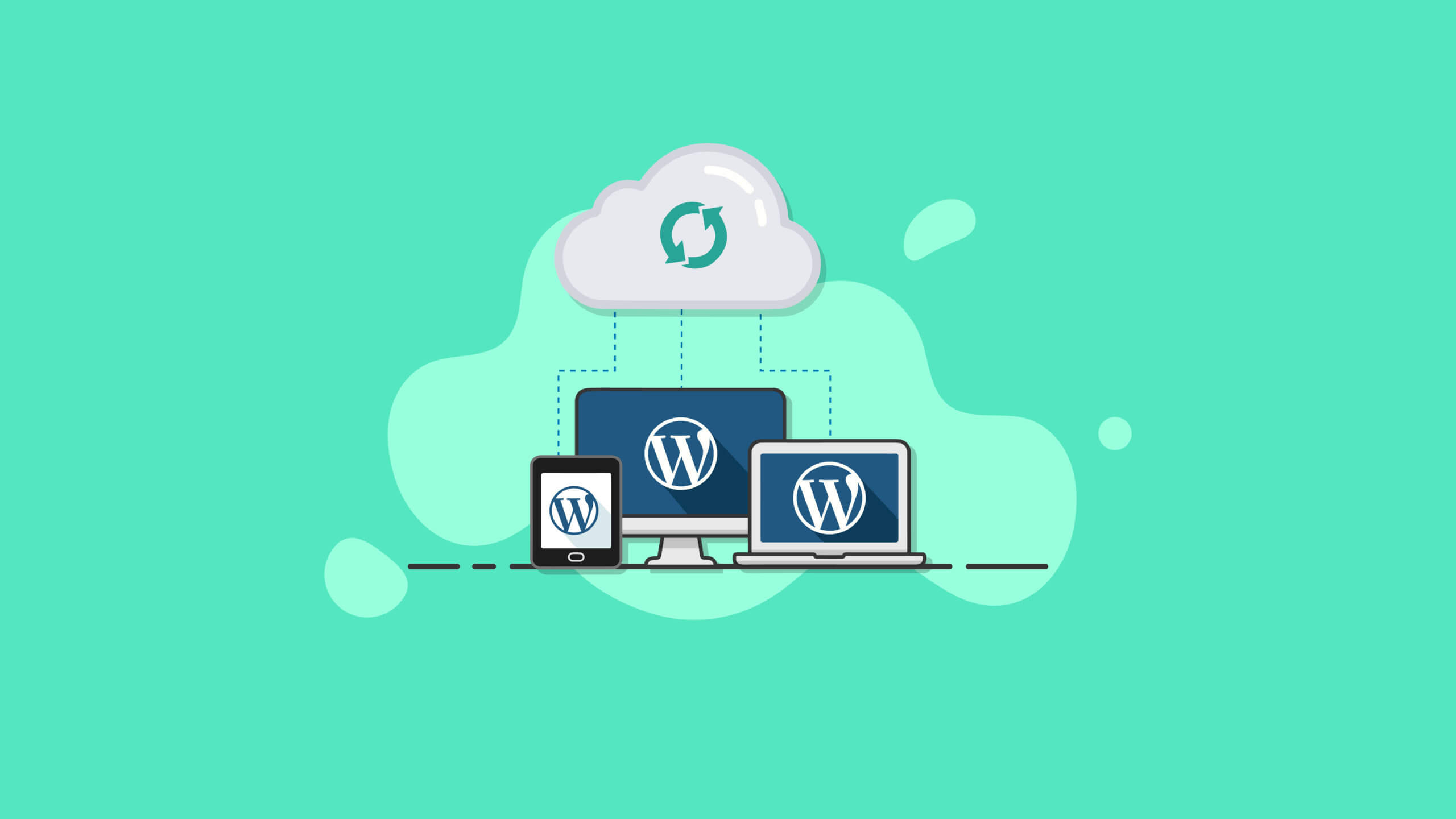
Best Practices and How-To's for Regularly Backing Up Your WordPress Site
Learn how to set up automatic backups and develop a backup strategy to ensure WordPress site security and data integrity with backup plugins like UpdraftPlus.

Rank Math SEO Setup: The Best Way to Hide Useless Categorized Directories
Use Rank Math SEO to hide useless categorized directories, simplify site structure, avoid duplicate content, and improve WordPress site SEO ranking and crawling efficiency.

 简体中文
简体中文  English
  日本語
日本語  Français
  Español



