





arrange in order
Best Practices and How-To's for Regularly Backing Up Your WordPress Site
Learn how to set up automatic backups and develop a backup strategy to ensure WordPress site security and data integrity with backup plugins like UpdraftPlus.
I get a 502 error in my browser, should I clear my cache, change browsers, or wait?
Is it a network problem when the website shows 502 Bad Gateway error? This article teaches you simple ways to determine the cause, switch browsers, clear the cache or wait for recovery, no longer confused.
WordPress website loading slowly? Practical Optimization Advice Revealed
Teach you step-by-step to optimize your WordPress website speed, including cache settings, image compression, CDN usage and database cleanup, to improve your visitor experience and search ranking.
In the cloud era, why are 502 errors still not completely eliminated?
502 Bad Gateway errors are still common in the cloud era. This article provides an in-depth analysis of the root causes and common triggers to help you better cope with website outages.
Building an Internationalized WordPress Website with Different Domains and Subdomains
This article describes in detail how to build an internationalized WordPress website with different domain names and sub-domains, including the advantages and disadvantages, implementation, applicable scenarios and SEO optimization suggestions to help enterprises expand the global market.
Analyzing from an Operational Perspective: Is Frequent 502 Error Reporting a Technical Issue or a Service Selection Issue?
502 error is not only a technical problem, but also about the server configuration and operation rhythm match. In this paper, we analyze the root cause of frequent 502 from an operational point of view to help webmasters accurately investigate and optimize the stability of the site.

SSL Certificate Management in WordPress Multi-Domain Configuration
Learn how to properly manage SSL certificates in WordPress multi-domain configurations to secure your website, improve SEO rankings, and simplify the certificate renewal and management process.

Complete Guide to Installing WordPress Plugins with WP-CLI
This tutorial explains how to install, enable and manage WordPress plugins using WP-CLI. Learn how to simplify the plugin installation process via the command line for developers.
How to resolve Cloudflare Error 1016 (Origin DNS Error)?
Learn how to resolve Cloudflare Error 1016 (Origin DNS Error), ensure DNS records are configured correctly, and restore website access.
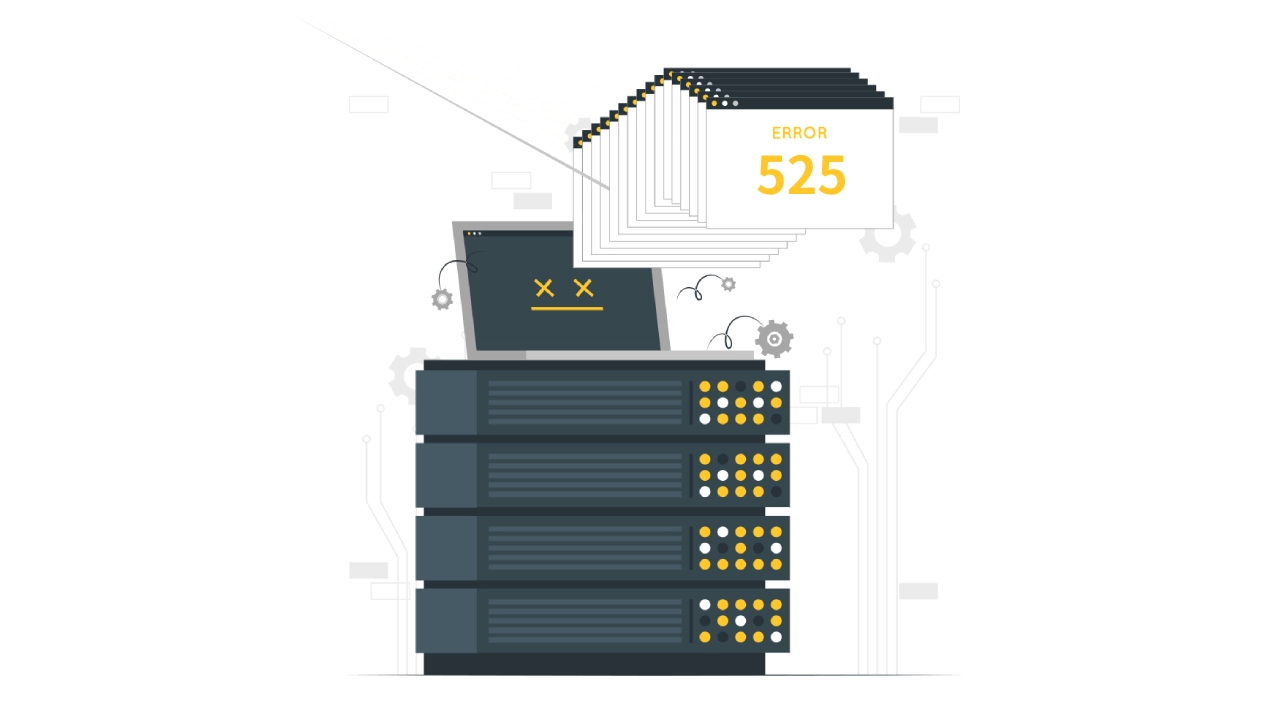
Cloudflare Bug 525 Workaround Guide: Fixing SSL Handshake Failures
Encountering Cloudflare Error 525 Understand what causes SSL handshake failures and get practical tips for resolving TLS issues to quickly restore site access.
How to Fix Cloudflare Error 521: Fix Web Server Configuration Error
Learn how to resolve Cloudflare error 521, ensure that your web server, ports, and SSL certificates are properly configured, and restore normal access.
How to Fix Cloudflare DDoS Protection Mistakenly Killing Normal Traffic
Learn how to solve the problem of mistakenly killing normal traffic by adjusting Cloudflare's protection level, enabling Challenge Mode, and using IP whitelisting to ensure website security and user access experience.





