



Google Search ConsoleTotal 8 articles
arrange in order
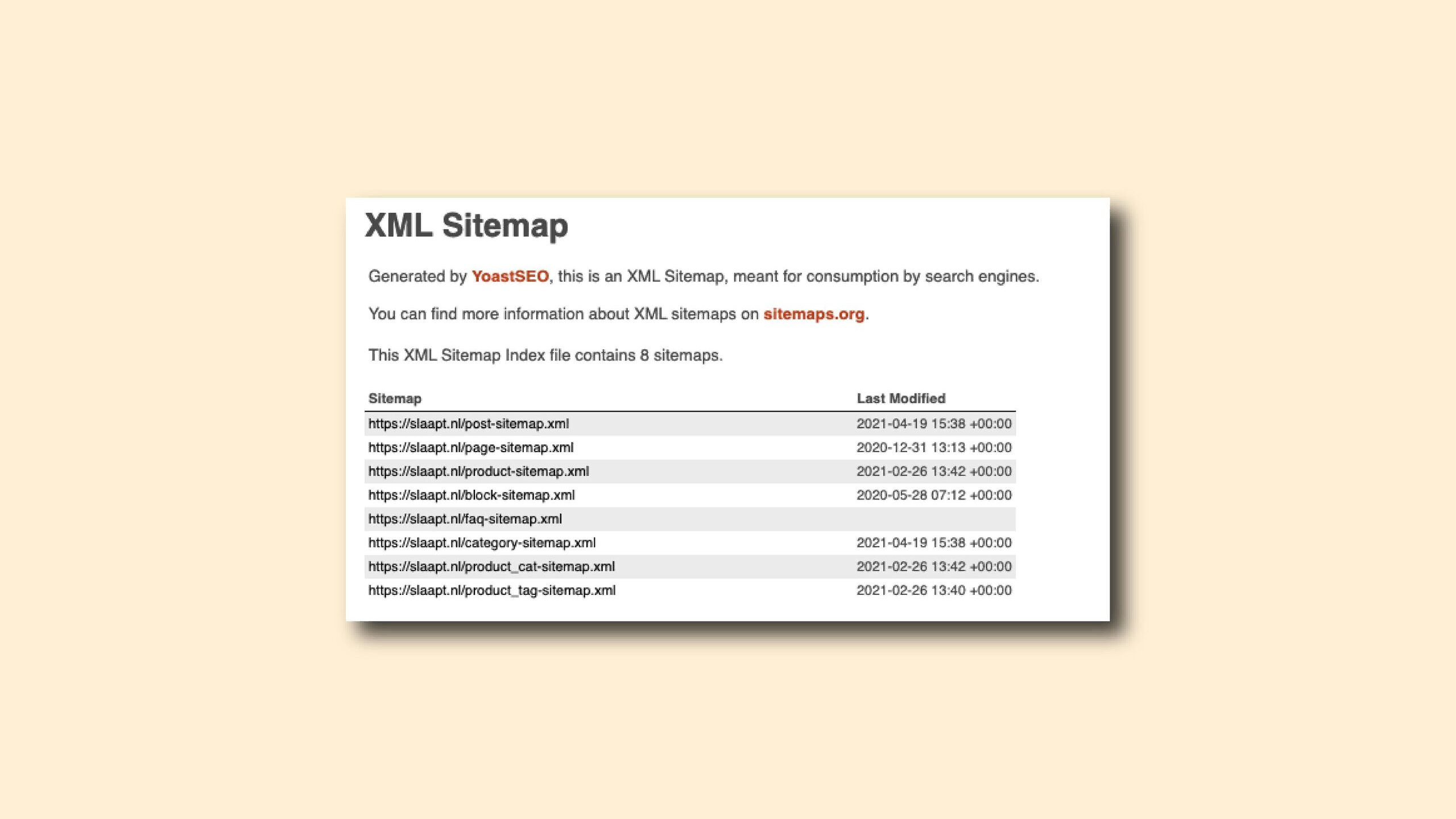
Changed your SEO plugin? Don't forget to move to Google Search Console!
When you change to a new WordPress SEO plugin, the address of your sitemap usually changes. If you don't update it in Google Search Console in time, search engine crawlers may still be circling around the old address, which will slow down the inclusion of your new posts!
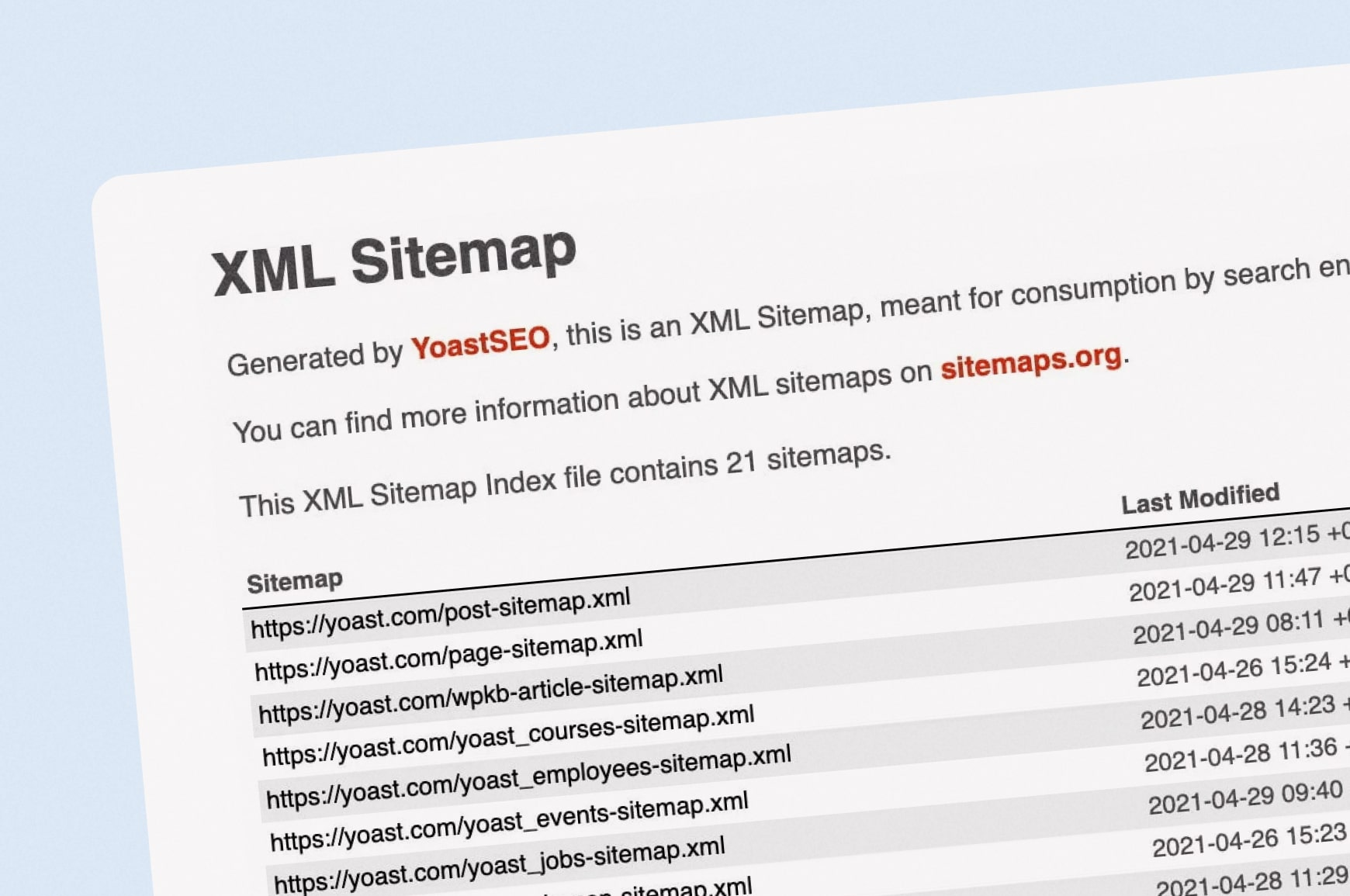
The SEO Impact of Changing XML Sitemap Positions: A Real-World Analysis
This article analyzes in detail the impact of changing the location of the site map on the efficiency of search engine crawling, and provides the best practices for updating the site map to help webmasters avoid the negative impact of SEO and improve the ranking of the website.
The First Essential Step for Beginner Website Builders: Step-by-Step Guide to Registering and Adding Google Search Console + Google Analytics 4 (2026 Latest Edition)
2026 Ultimate Tutorial: Step-by-Step Guide to Adding Google Search Console and GA4 From Domain Verification to Data Tracking—A Complete Walkthrough Essential for New Website Builders to Boost Indexing Efficiency and Data Analytics Capabilities

Webmasters must have five free SEO tool recommendations
Want to improve your website ranking? This article recommends five free SEO tools, including Google Search Console, Ahrefs Webmaster Tools, Ubersuggest, GTmetrix & AnswerThePublic, to help webmasters quickly complete keyword research, website analysis and performance optimization,...

Website not open? Use this trick to teach you to find out the "redirection error" culprit!
Website frequently bounces or can't open? Use Google Search Console to find out the redirection culprits in three steps, fix the recurring bounces completely, and get your website back to normal!
SEOPress and Google Search Console work together to boost SEO rankings and click-through rates!
Optimize your SEO strategy in real time with SEOPress, which works perfectly with Google Search Console, to boost your website rankings, increase traffic, and set you apart from the competition!

How to use Google Search Console in conjunction with weight lookup tools to optimize website traffic
Explore how to use a combination of Google Search Console and weighting tools to analyze keywords and on-page performance, optimize website traffic, and improve SEO results.

How to use Google Analytics and Google Search Console to monitor the SEO performance of a CMS website?
Learn how to use Google Analytics and Google Search Console to monitor the SEO performance of your CMS website, analyze traffic sources, keyword rankings, crawl status, and make sure your content gets picked up by Google quickly and improves search rankings.

 简体中文
简体中文  English
  日本語
日本語  Français
  Español



