





arrange in order

WordPress subscription form binding coupon process: from subscription to the complete closed loop of automatic coupon (detailed version)
Detailed explanation of the complete process of WordPress subscription form binding coupons: WooCommerce create coupons, subscription triggered auto-coupon, email delivery and SMTP configuration, Double Opt-in validation, anti-misuse and data tracking, quickly build a sustainable subscription coupon growth closed loop.

Complete Guide to Setting Up WooCommerce Subscription Coupons for New Users (from 0 to Automation)
This guide explains in detail how to set up WooCommerce new user subscription coupons, including auto-sending, usage restrictions and conversion optimization, to help boost first-time order conversions.

WooCommerce and Schema Markup: How to Improve Click-Through Rates and Visibility
Improve search visibility and click-through rates on product pages by applying Schema markup to your WooCommerce site. This article explains how to optimize your online store with rich text results, rating tags, and FAQ tags.

A Complete Guide to WooCommerce SEO Optimization for Luxury Ecommerce Sites
A complete guide to SEO optimization for luxury e-commerce WooCommerce, covering keyword layout, content strategy, outbound link building and technical optimization to help boost Google rankings and conversions

WoodMart Theme WooCommerce Product Grid with Rotator Feature
Understand the WooCommerce product grid and rotation features of WoodMart theme, support custom product display, optimize page layout, and enhance the visual effect of the store. Master product filtering, paging, sorting and rotation configurations for a more flexible and efficient online sales experience.
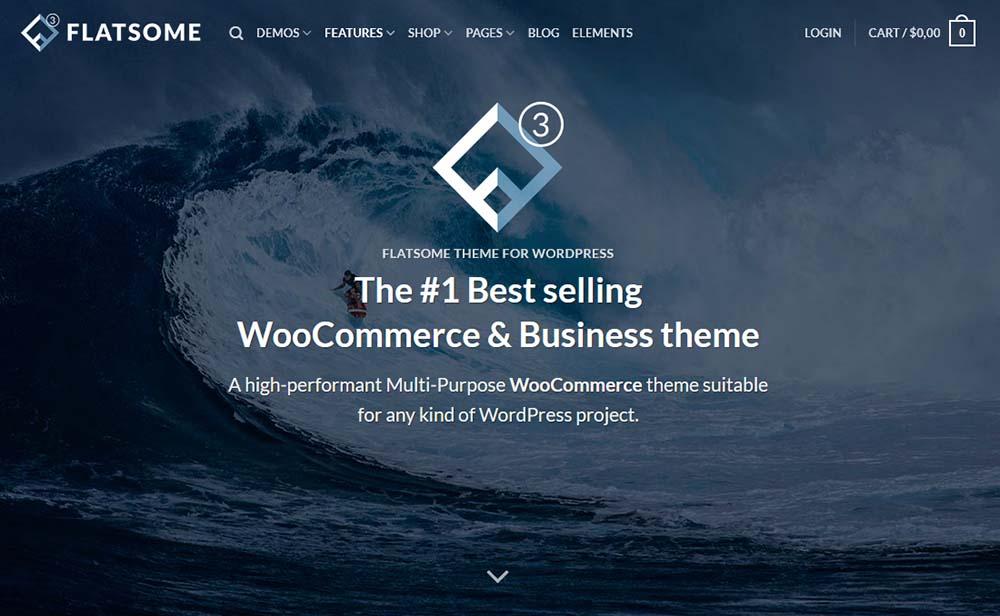
Fatsome Theme Overview: Clean and Powerful Design for WordPress Websites
Fatsome Theme is a clean and powerful WordPress theme for business, blog and e-commerce websites. Offering responsive design, SEO optimization, fast loading and rich customization options, it helps users build professional websites with ease.

Don't Miss! How to use Instagram and Facebook to help WooCommerce store sales explode?
Learn how to increase brand exposure, optimize the shopping experience, target ads and convert sales with WooCommerce that works seamlessly with Instagram and Facebook. Make social media your secret weapon to boost sales!

Enhance your e-commerce experience by customizing the "Order Confirmation" page with Blocksy 2
Learn how to customize personalized order confirmation pages for your WooCommerce store with Blocksy 2's Custom Thank You Pages module to enhance customer experience and create more marketing opportunities.
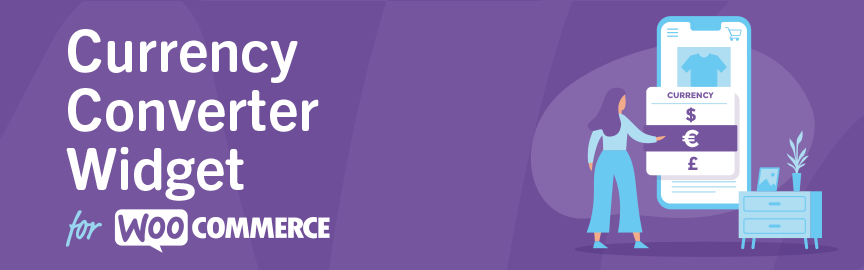
Complete Guide to the WooCommerce Multi-Currency Price Switching Widget (Currency Converter Widget)
Currency Converter Widget supports multi-currency display in WooCommerce store, integrated exchange rate service, front-end switching price symbols, flexible and practical operation.

WoodMart Conditional Sidebar Setup Tutorial: Easy Page Control with Plugins
Want your WoodMart store page to display different sidebars based on categories? This tutorial teaches you to customize conditional sidebar settings with the Content Aware Sidebars plugin, which is easy to use and improves conversion results.

Build a consistently profitable subscription system with WooCommerce and easily earn over $10,000 a month!
Want to make your e-commerce business realize long-term stable income? Easily create and manage product subscriptions, set up auto-renewals, and boost customer loyalty and repurchase rates with the WooCommerce Subscriptions plugin. Master these tips now and drive your eCommerce business growth!

WooCommerce vs Magento: Which open source e-commerce CMS is better for your online store?
Compare the pros and cons of two open source e-commerce platforms, WooCommerce and Magento, to help you choose the best e-commerce CMS for your online store.Understand the features, pricing, and scenarios where both platforms are applicable to make an informed decision.

WoodMart Theme WooCommerce Estimate Delivery Feature Setting
This article details how to enable and configure the WooCommerce Estimated Delivery feature in your WoodMart theme. By setting delivery dates, configuring shipping zones, specifying skip dates, and more, stores are able to provide customers with accurate delivery time expectations, increase shopping transparency and optimize...

How to change "Add to Cart" button text in WooCommerce
Learn how to modify the Add to Cart button text in WooCommerce with the Loco Translate plugin and custom CSS. This article provides detailed steps to help customize the button text and style according to your needs, enhancing the personalization and user experience of your website.
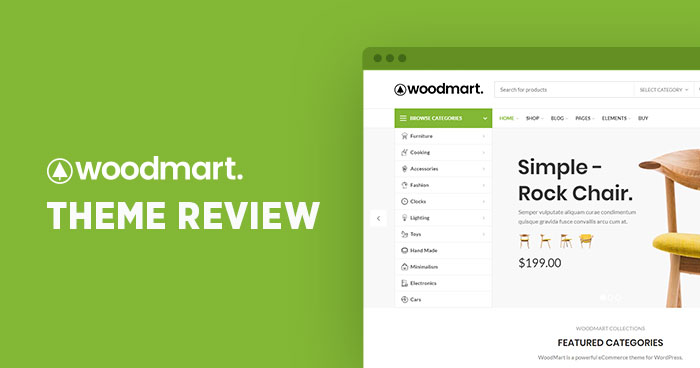
How to Enable and Optimize the Compare Products Feature in the Woodmart Theme (Complete Setup Guide)
Learn how to enable and optimize the Compare feature in the Woodmart theme. Step-by-step setup for Compare pages, field display, button styling, and category comparison functionality to enhance the user shopping experience and boost conversion rates.

From Passivity to Mastery! WooCommerce Teaches You How to Get Out of the Amazon Rut!
Still overwhelmed by traffic rolls and expensive ads at Amazon?WooCommerce is becoming a secret weapon for small sellers to fight back against Amazon!

Adding Different Types of Products in WooCommerce: A Complete Guide
Learn how to add different types of products to your WooCommerce store, including simple products, combo products, and external/affiliate products. Follow this guide to easily set up products, provide a smooth shopping experience, and improve store efficiency.

Localizing Payments for Global Customers: The Ultimate Combination of Airwallex Multi-Currency and WooCommerce
By integrating Airwallex and WooCommerce, we create an e-commerce system that supports global local payment and multi-currency settlement, significantly reducing handling fees, increasing conversion rates, and accelerating the efficiency of cross-border e-commerce fund flow.

How to Use Custom WooCommerce Product Information Tags in Blocksy 2
Learn how to enable and use custom product tags in Blocksy 2 to help merchants add personalized content to each product page, enhance the customer shopping experience and increase conversions. With a simple setup, merchants can add more valuable information to their products.

Not Receiving Coupons After WordPress Subscription? 7 Most Common Reasons & Complete Solutions
Not receiving coupons after WordPress subscription? This article details the 7 most common reasons, covering a complete troubleshooting method for subscription plugins, WooCommerce coupons, email delivery and server configuration.

How to Add PayPal Personal Payment Account in WooCommerce Theme Website
A complete step-by-step explanation of adding a PayPal personal collection account to a WooCommerce website, including code, API setup, and testing the payment process.

How to Manage Multiple Regions and Currencies with WooCommerce
Explains how to configure WooCommerce with multi-region taxes, currency switching, and multi-language sites for cross-border e-commerce business for multiple countries.

WooCommerce Blocks: Local Pickup in Detail
Comprehensive analysis of WooCommerce Blocks local self-pickup function, support for multiple self-pickup point settings, tax calculation, interface customization and the old version of the way to compare.

Kadence Teaching: A Complete Guide to Kadence Theme Sidebars
Learn how to add and manage sidebars in Kadence Theme, this article includes site-wide and individual page sidebar settings, WooCommerce sidebar configuration, and how to enable sticky sidebars to make your WordPress website layout more flexible and interactive.

Practical Tips on How to Quickly Improve Google Ranking for WooCommerce Standalone Sites
Master WooCommerce standalone website SEO optimization techniques, covering keyword layout, content strategy, outbound link building and technical optimization, to quickly improve Google rankings and conversion rates.

How to Optimize WooCommerce Store with Yoast SEO: Improve Ecommerce Website Ranking and Traffic
Learn how to optimize your WooCommerce store's product pages, category pages, and tag pages with Yoast SEO to improve search engine rankings, increase traffic and boost conversions.
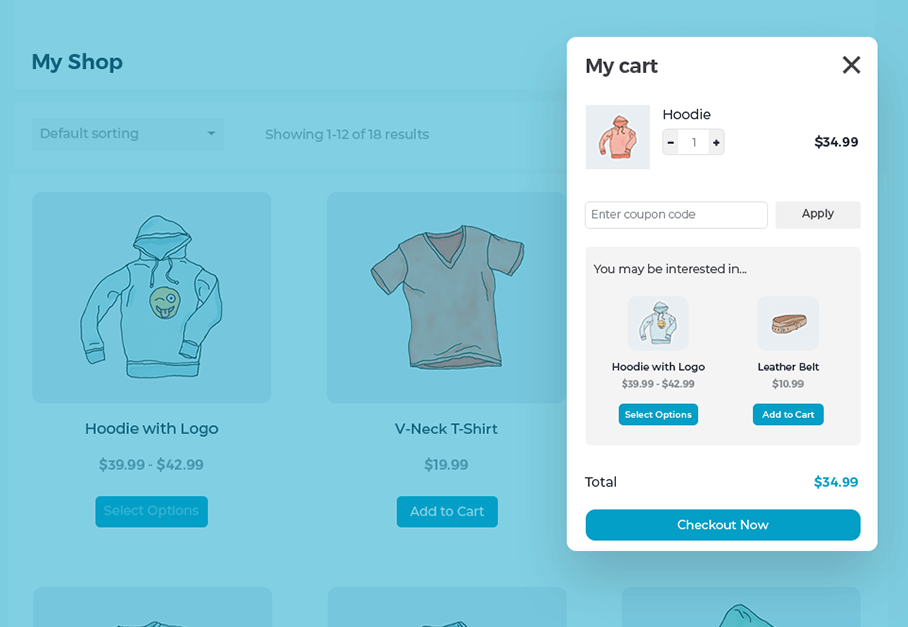
Create a Popup WooCommerce Cart with the WooCommerce Fast Cart Plugin
WooCommerce Fast Cart plugin makes shopping more convenient, supports pop-up shopping cart, fast checkout and recommended products features, reduces bouncing, optimizes the shopping process and improves the order completion rate.

A complete guide to configuring WooCommerce's offline payment methods: Cash on Delivery, Check Payment, Bank Transfer
This tutorial explains how to enable and configure Payment on Delivery, Payment by Check and Bank Transfer in WooCommerce for various offline checkout needs.

WooCommerce product diagrams are blurry, the culprit of user churn that you're overlooking?
The blurring of product images may lead to traffic loss and conversion decline, this article explains the reasons for the blurring of WooCommerce images and optimization methods to improve the visual effect.

Adding Variation Swatches to WooCommerce Products with blocksy 2
Learn how to improve the intuitiveness and aesthetics of your WooCommerce store product displays with blocksy 2's variant color palette feature. Use visual options such as images, colors, and buttons to enhance user experience and increase conversions.

 简体中文
简体中文  English
  日本語
日本語  Français
  Español



