





arrange in order

Quickly Build a WordPress Multisite with WP-CLI (Multisite)
Introduces how to use WP-CLI to quickly enable WordPress multisite functionality, covering the command line operation, rewrite rule settings and backend management and other complete steps.

How to Import HTML Files into WordPress: A Step-by-Step Guide to Three Simple Methods
A detailed step-by-step guide that teaches you how to import HTML into WordPress, including how-to's for the Classic Editor, Block Editor, and Page Builder, to help you easily retain your design, optimize your development, and achieve deep customization.

Comprehensive Guide: 8 Ways How to Remove Sidebars in WordPress
What is a sidebar in WordPress? A WordPress sidebar is a widget area, usually located on the left or right side of a website page, used to display additional information or a navigation menu. It allows for additional content to be added next to the main content and is an important part of a website's layout. Sidebars...
How to add internal and external links to WordPress posts?
Learn how to add internal and external links to your WordPress posts to improve site interaction, optimize SEO performance, and master anchor text selection and link management techniques.

Kadence Tutorial: Creating Sticky & Transparent Headers
Use Kadence Advanced Header Module to easily realize sticky header and transparent header effects. Detailed explanation of the setup method and style adjustment will help you optimize the design of the top of the page for desktop and mobile devices.
How to Add Age Verification to WordPress with Elementor
Use Elementor with HappyAddons plugin to easily add age verification functionality to WordPress websites, adapt to mobile and improve content access control.

Detailed tutorial: how to copy pages in WordPress using plugins or manual methods
How to Copy Pages in WordPress Using WordPress Plugins Dedicated plugins are one of the most straightforward ways to copy WordPress pages. These tools are designed to simplify the copying process and make it accessible to users of all skill levels. This article will detail how to use various...
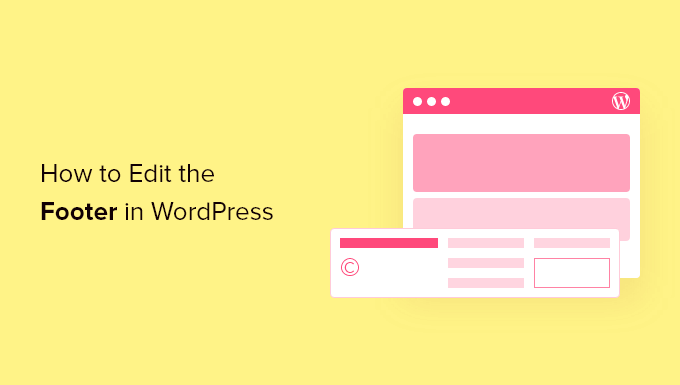
How to Customize WordPress Header and Footer? You can do it without changing the code
Want to customize your WordPress header and footer but don't know how to code? This guide teaches you how to do it quickly with theme features, plugins, or Elementor to easily enhance your brand image.

WoodMart multilingual site setup with different language sidebars
Teach you to set independent sidebar content for different language pages in WoodMart multilingual website, adapting WPML or Polylang plugin.
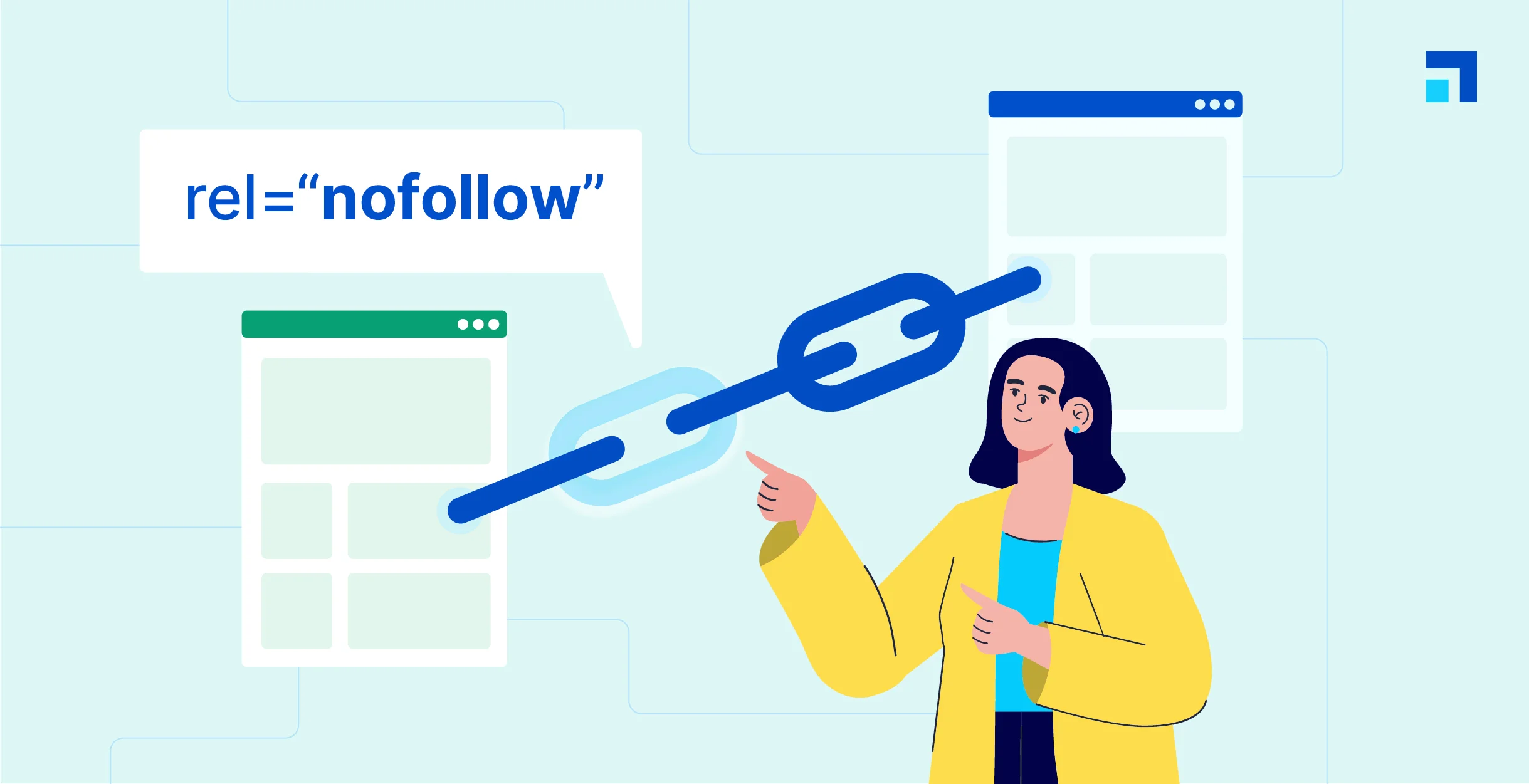
WordPress Beginner's Guide: How to Easily Add Nofollow Links to Boost SEO
What are Nofollow links? Nofollow links are a type of link that tells search engines not to pass any link authority from your page to other websites. Any link can be made into a nofollow link by adding the rel='nofollow' attribute. Why make...
How to Fix WordPress Posts Returning 404 Errors
Are you experiencing 404 errors when accessing your WordPress admin area and blog? This is the error that occurs when you try to open a post and see a "404 Not Found" message. Why is my WordPress post returning a 404 error? WordPress posts show...

Kadence Teaching: 7 Tips for Creating a Professional Website (2025 Update Guide)
Learn how to use Kadence to optimize your website design, improve loading speed, and strengthen your brand image. This guide covers template selection, navigation optimization, mobile adaptation, and other practical tips to make your website more professional!





