





arrange in order

How to Change the Default Text Selection Color in WordPress
Learn how to easily change the WordPress default text selection color through theme settings or CSS code to make your website design more aesthetically pleasing, improve user experience, and maintain brand color scheme consistency.
How to Fix "Missing Temporary Folder" Error in WordPress
The "Missing Temporary Folder" error in WordPress is also a serious error that prevents administrators from uploading images, updating themes and plugins, or even updating the WordPress core, which can seriously hamper the functionality of a website. But don't panic, this error can be fixed...
How to Fix WordPress Posts Returning 404 Errors
Are you experiencing 404 errors when accessing your WordPress admin area and blog? This is the error that occurs when you try to open a post and see a "404 Not Found" message. Why is my WordPress post returning a 404 error? WordPress posts show...
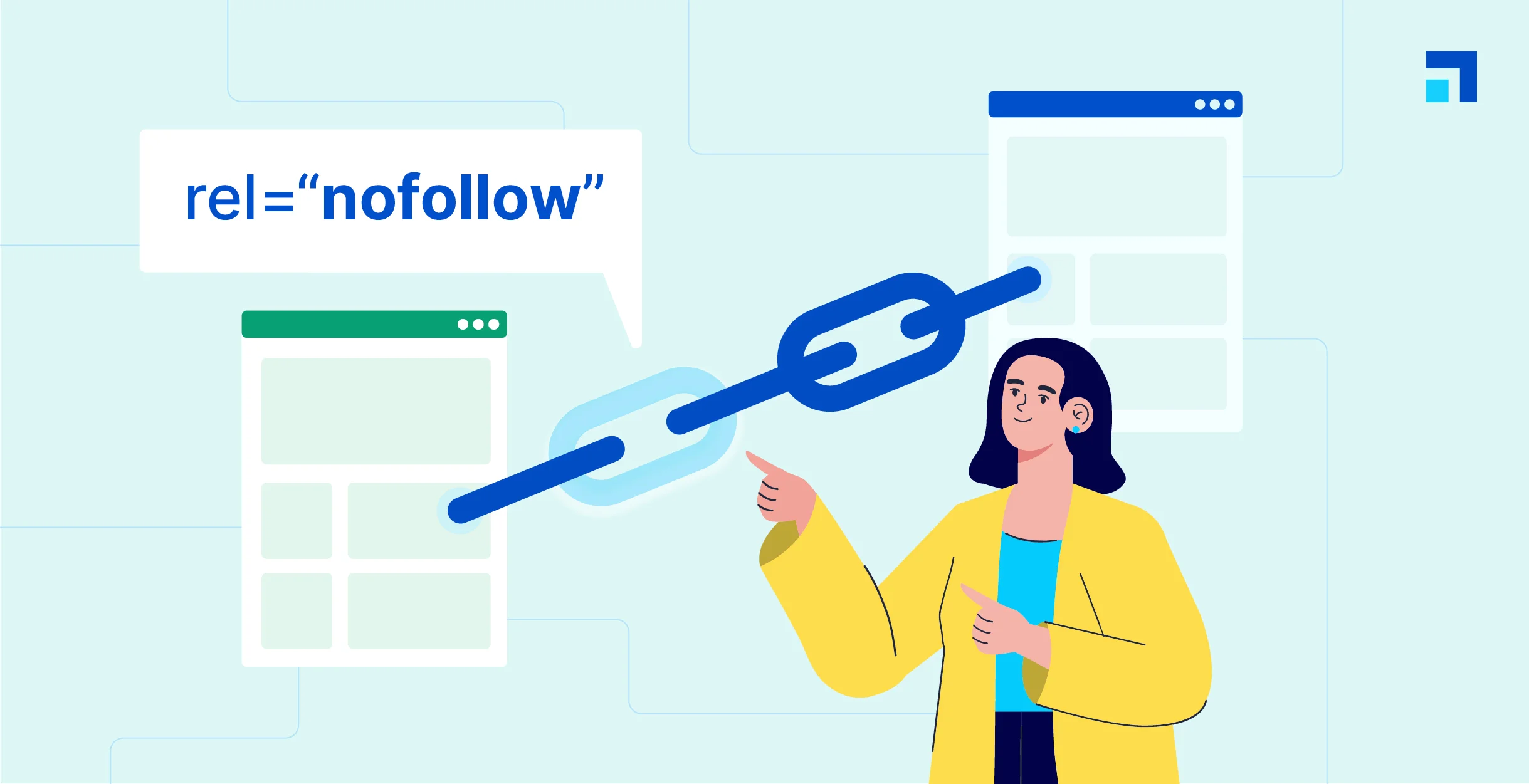
WordPress Beginner's Guide: How to Easily Add Nofollow Links to Boost SEO
What are Nofollow links? Nofollow links are a type of link that tells search engines not to pass any link authority from your page to other websites. Any link can be made into a nofollow link by adding the rel='nofollow' attribute. Why make...

How to Effectively Manage and Remove WordPress Blocks to Improve User Experience
During the WordPress website management process, you may encounter situations where you need to delete, hide or manage blocks. In this article, we will detail how to effectively manage and remove blocks in WordPress in different scenarios to improve the user experience and editing efficiency of your website. Why remove...

How to Upload HTML Pages to WordPress Correctly and Avoid 404 Errors
In some cases, it may be necessary to upload HTML pages to your WordPress site. For example, there may be static HTML pages from an older site or a particularly favorite static template that you wish to integrate into your current site. However, simply uploading HTML pages to WordPr...

Detailed tutorial: how to copy pages in WordPress using plugins or manual methods
How to Copy Pages in WordPress Using WordPress Plugins Dedicated plugins are one of the most straightforward ways to copy WordPress pages. These tools are designed to simplify the copying process and make it accessible to users of all skill levels. This article will detail how to use various...

Comprehensive Guide: 8 Ways How to Remove Sidebars in WordPress
What is a sidebar in WordPress? A WordPress sidebar is a widget area, usually located on the left or right side of a website page, used to display additional information or a navigation menu. It allows for additional content to be added next to the main content and is an important part of a website's layout. Sidebars...

How to easily modify the WordPress footer copyright text: three practical methods explained
What is WordPress Footer Copyrighted Text? WordPress footer copyright text is the text at the bottom of your website. By default, WordPress displays a copyright notice such as "Powered by WordPress". Why do I need to change the footer copyright text? Brand image is important...





