



WordPress TutorialTotal 33 articles
arrange in order

Quickly Build a WordPress Multisite with WP-CLI (Multisite)
Introduces how to use WP-CLI to quickly enable WordPress multisite functionality, covering the command line operation, rewrite rule settings and backend management and other complete steps.
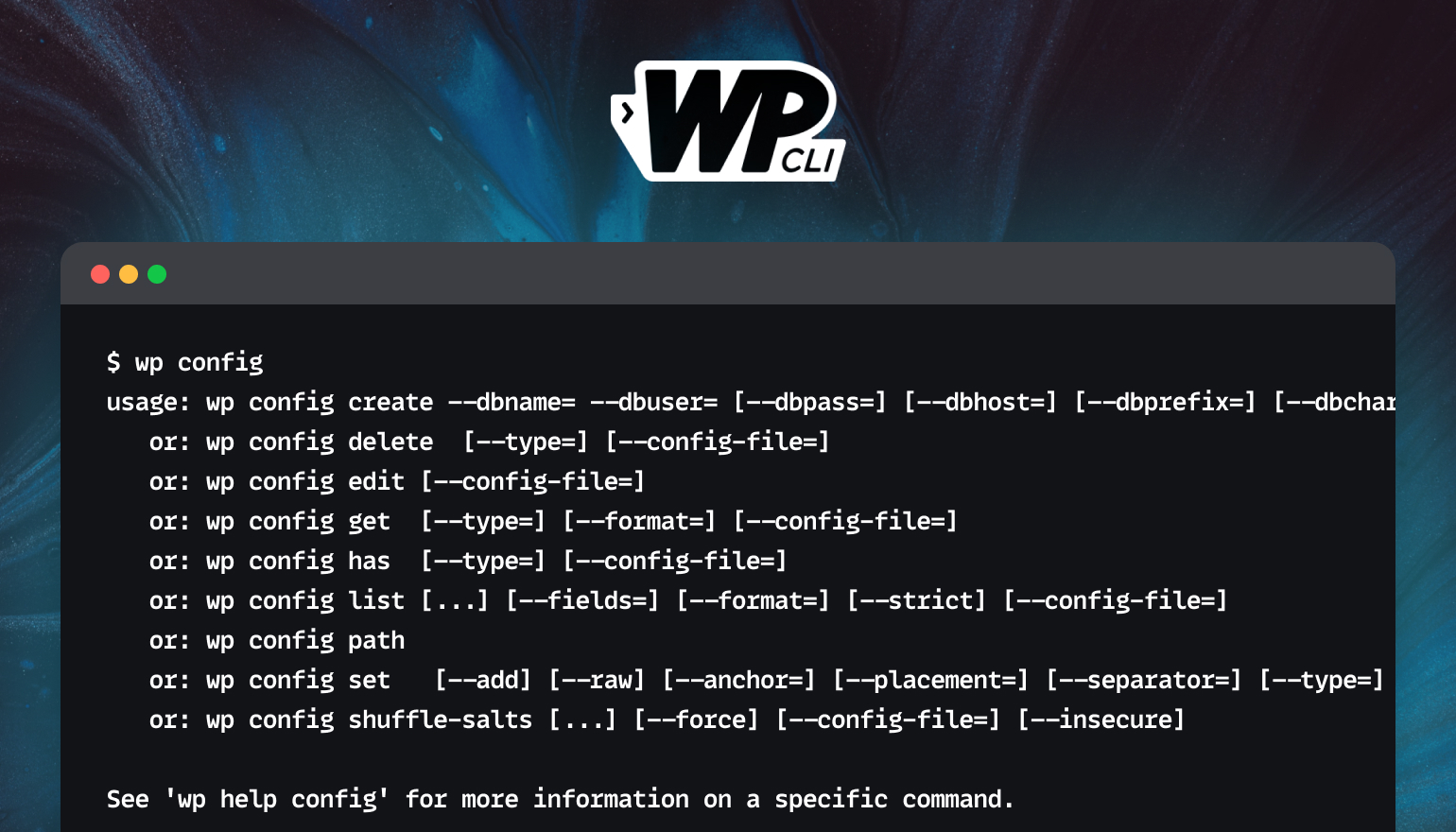
Full tutorial on installing plugins and theme zip files using WP-CLI
This tutorial describes how to use WP-CLI to install plugins and theme ZIP files from third parties to improve WordPress development efficiency for developers and VPS users.

How to use HTML Block in WordPress and WoodMart Themes
Introduces how to use HTML Block in WordPress and WoodMart to unify the display of information content, and realize the flexible call and management of multi-area layout.
GenerateBlocks Pro Styles Migration Tutorial: Upgrading from Old Global Styles to the New System
This tutorial describes how to migrate old GenerateBlocks Pro styles to the new global style system for more flexible page design and centralized management.
How to Add Age Verification to WordPress with Elementor
Use Elementor with HappyAddons plugin to easily add age verification functionality to WordPress websites, adapt to mobile and improve content access control.

Kadence Tutorial: Modal Popup Block User Guide
Learn how to use Kadence Blocks Pro's Modal pop-up block to set up pop-up links, content editing, style adjustments, animation effects, and customized trigger links to quickly improve page interactivity and user experience.

Kadence Tutorial: Creating Sticky & Transparent Headers
Use Kadence Advanced Header Module to easily realize sticky header and transparent header effects. Detailed explanation of the setup method and style adjustment will help you optimize the design of the top of the page for desktop and mobile devices.

Create an interactive timeline page with Avada, are you using these hidden features correctly?
Explain the 8 hidden tricks of Avada Builder for building interactive timeline pages to help you create visually flexible and powerful content displays.

ERR_TOO_MANY_REDIRECTS: what is the cause and how to fix it?
Encountering ERR_TOO_MANY_REDIRECTS error? This article analyzes the top 10 solutions in detail, including clearing cache, checking .htaccess rules, fixing HTTPS configurations, optimizing CDN settings, etc., to help you quickly fix the redirection loop problem,...

WordPress Tutorial: Add a Personalized Mouse Pointer to Your Website with Nexter Blocks
Want to make your website stand out? Use the Nexter Blocks plugin to add custom mouse cursor effects to WordPress, such as dinosaur icons, circle follows, and more, for a creative and interactive experience without writing code.

Astra Tutorial: How to hide the display of articles, pages or other types of titles
When you create a WordPress website with Astra theme, you can hide page or post titles via visual buttons or functions.php code. This article introduces two practical methods for single page setup and batch processing scenarios.
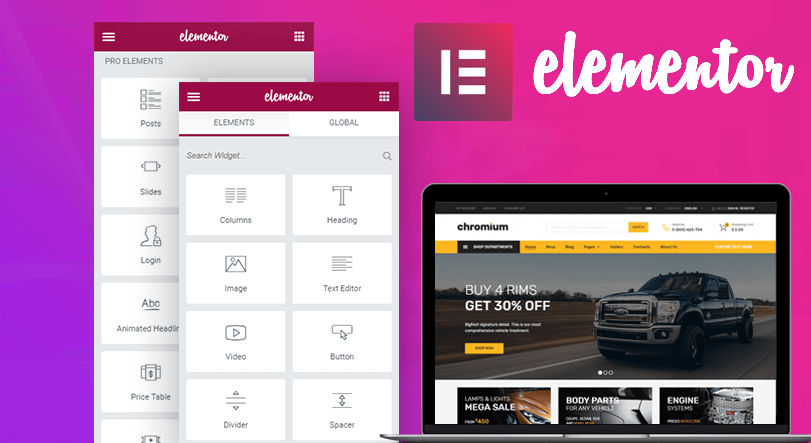
Free Elementor templates to implement video background design tutorials
Quickly add video backgrounds with free Elementor templates to optimize visual effects and enhance web appeal and page presentation.

Hands-on Tutorial: How to Customize Rank Math XML Sitemap Path by Keywords
Want to change the default sitemap_index.xml path? This article details how to customize the XML sitemap URL through the Rank Math Filter.

WordPress Website Backup and Restore: How to Prevent Data Loss
Master WordPress website backup and recovery techniques to prevent data loss. Detailed explanation of plug-in recommendations, manual operation, backup strategy and security to protect the stable operation of the site.
How to add internal and external links to WordPress posts?
Learn how to add internal and external links to your WordPress posts to improve site interaction, optimize SEO performance, and master anchor text selection and link management techniques.

How to Safely Downgrade WordPress: Full Tutorial (Manual & Plugin Methods)
Learn how to safely downgrade WordPress, including manual methods and tutorials on using the Core Rollback plugin to avoid compatibility issues. Take full backups, test staging sites, and take the necessary security measures to ensure your site is stable.
How to Create Custom Widgets on WordPress
Learn how to create and customize WordPress widgets, add personalized content modules, and enhance site features such as social media dynamics, navigation tools, and search bar display. Detailed steps and tips to easily optimize your website layout!
How to embed a Facebook page on WordPress?
Learn how to dynamically embed a Facebook page into a WordPress website through plugins and manual methods, including timeline, video, comments, and album displays, to increase brand awareness and user interaction.

WoodMart multilingual site setup with different language sidebars
Teach you to set independent sidebar content for different language pages in WoodMart multilingual website, adapting WPML or Polylang plugin.
How to add a "members only" download feature to a WordPress website? Full Tutorial
Quickly implement members-only downloads for your WordPress site with the Simple Membership and Download Monitor plugins, no coding required.
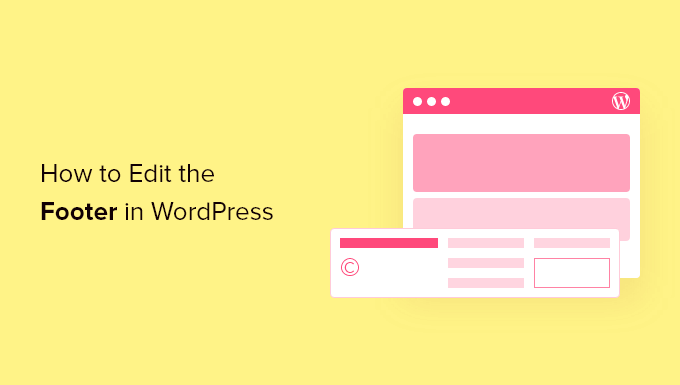
How to Customize WordPress Header and Footer? You can do it without changing the code
Want to customize your WordPress header and footer but don't know how to code? This guide teaches you how to do it quickly with theme features, plugins, or Elementor to easily enhance your brand image.

Kadence Teaching: 7 Tips for Creating a Professional Website (2025 Update Guide)
Learn how to use Kadence to optimize your website design, improve loading speed, and strengthen your brand image. This guide covers template selection, navigation optimization, mobile adaptation, and other practical tips to make your website more professional!

How to Import HTML Files into WordPress: A Step-by-Step Guide to Three Simple Methods
A detailed step-by-step guide that teaches you how to import HTML into WordPress, including how-to's for the Classic Editor, Block Editor, and Page Builder, to help you easily retain your design, optimize your development, and achieve deep customization.

WooPayments Integrates with Google Pay: Enabling a Fast, Secure Checkout Experience for All
Learn to turn on Google Pay in WooPayments, mastering the steps to enable it, button customization, testing methods and compatibility for a smoother, more secure checkout that works for stores worldwide.

Comprehensive Guide: 8 Ways How to Remove Sidebars in WordPress
What is a sidebar in WordPress? A WordPress sidebar is a widget area, usually located on the left or right side of a website page, used to display additional information or a navigation menu. It allows for additional content to be added next to the main content and is an important part of a website's layout. Sidebars...

How to easily modify the WordPress footer copyright text: three practical methods explained
What is WordPress Footer Copyrighted Text? WordPress footer copyright text is the text at the bottom of your website. By default, WordPress displays a copyright notice such as "Powered by WordPress". Why do I need to change the footer copyright text? Brand image is important...

Detailed tutorial: how to copy pages in WordPress using plugins or manual methods
How to Copy Pages in WordPress Using WordPress Plugins Dedicated plugins are one of the most straightforward ways to copy WordPress pages. These tools are designed to simplify the copying process and make it accessible to users of all skill levels. This article will detail how to use various...
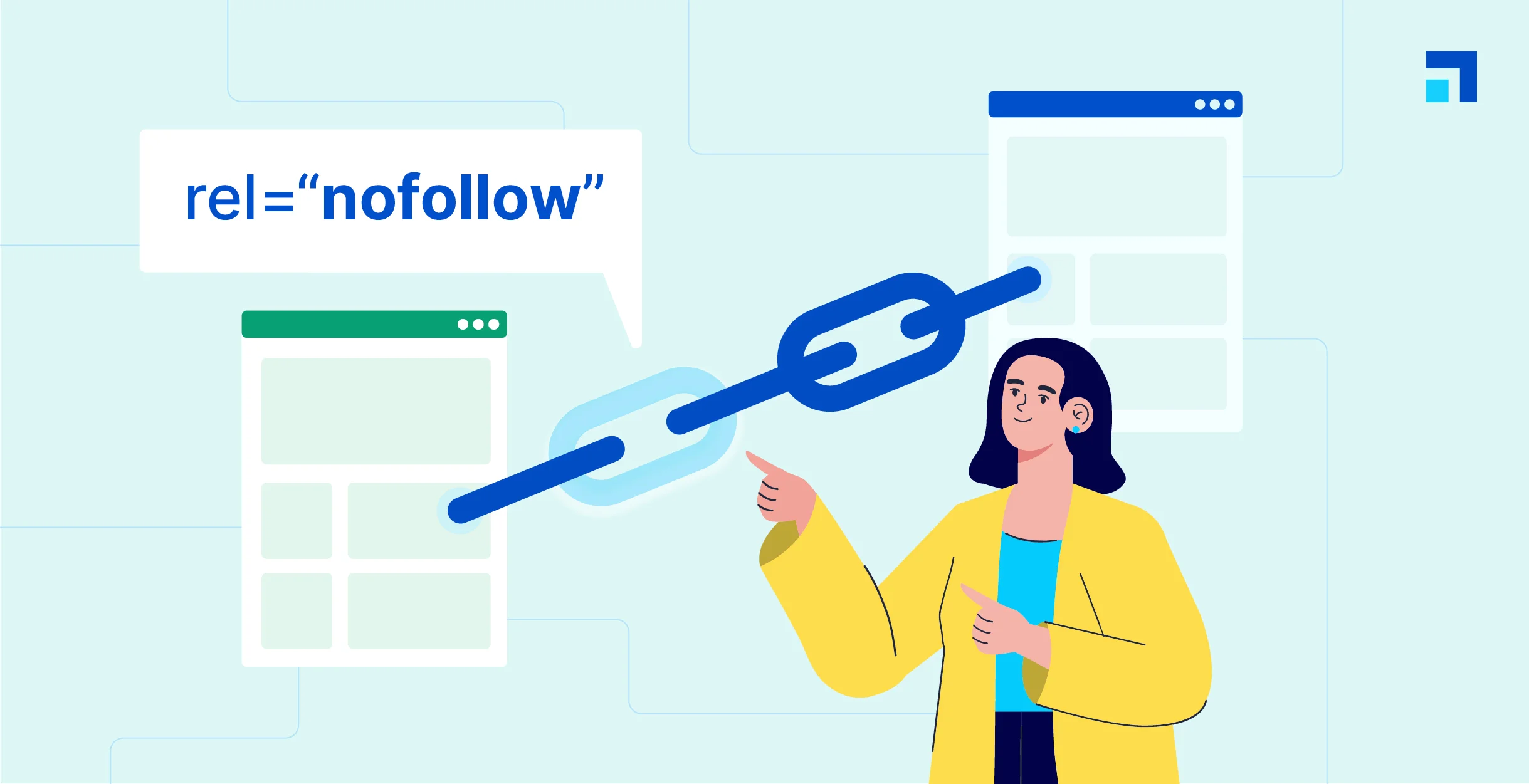
WordPress Beginner's Guide: How to Easily Add Nofollow Links to Boost SEO
What are Nofollow links? Nofollow links are a type of link that tells search engines not to pass any link authority from your page to other websites. Any link can be made into a nofollow link by adding the rel='nofollow' attribute. Why make...

How to Effectively Manage and Remove WordPress Blocks to Improve User Experience
During the WordPress website management process, you may encounter situations where you need to delete, hide or manage blocks. In this article, we will detail how to effectively manage and remove blocks in WordPress in different scenarios to improve the user experience and editing efficiency of your website. Why remove...

How to Change the Default Text Selection Color in WordPress
Learn how to easily change the WordPress default text selection color through theme settings or CSS code to make your website design more aesthetically pleasing, improve user experience, and maintain brand color scheme consistency.

 简体中文
简体中文  English
  日本語
日本語  Français
  Español



