





arrange in order

How Open Source CMS Supports Custom Development and Integration
Learn how open source CMSs support custom development and system integration through plugins, templates, and APIs. Cover hands-on tips for building effective content platforms, including WordPress, Drupal, and Strapi.
Elementor Secure Mode for Mobile Optimization: How to Improve Mobile User Experience?
Understand the real impact of Elementor's security model on mobile presentation, and master practical tips and responsive design recommendations to enhance the mobile user experience during debugging and development.
How can Elementor Safe Mode help optimize site performance and reduce resource consumption?
Get a deeper understanding of how Elementor Security Mode can help troubleshoot plugin conflicts, reduce page resource consumption, improve loading speed, and provide a smoother, more efficient user experience and performance guarantee for WordPress sites.

Best Practices for Content Creation and Management in an Open Source CMS
Master the best practices of open source CMS (e.g. WordPress, Drupal, Joomla) in content creation and management, from strategy planning, editorial collaboration to SEO optimization, to enhance the efficiency and professionalism of website content.
Elementor Secure Mode vs Debug Mode: Which is better for your workflow?
Understand the core difference between Elementor Safe Mode and Debug Mode, master how to quickly locate and solve common problems such as website loading, white screen, plugin conflicts, etc., to improve your WordPress development and design efficiency. Understand the core difference between Elementor safe mode and debug mode, master...
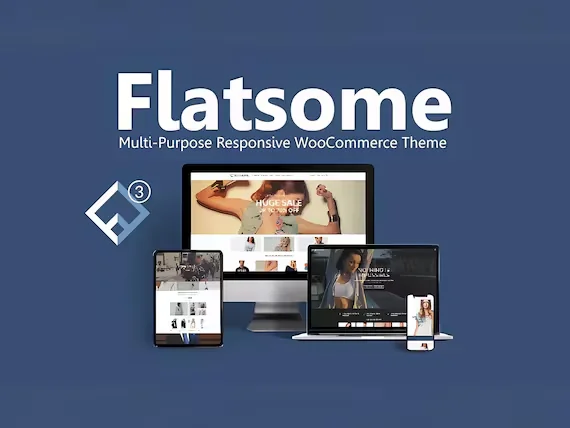
Responsive design of the Flatsome theme: perfect display on all devices!
Learn how Flatsome theme can achieve perfect website display on all kinds of devices such as cell phones, tablets and desktops through responsive layout, media query and navigation optimization, and comprehensively improve user experience and access efficiency.
How to Troubleshoot Incompatibility with Themes via Elementor Safe Mode
Use Elementor Safe Mode to quickly troubleshoot conflicts between themes or plug-ins and editors, solve common failures such as page failure to load, wrong style, etc., and improve WordPress website stability.
Open source CMS security: how to protect your site from hackers?
Learn how to comprehensively improve the security of your open source CMS website by updating the CMS, using strong passwords, restricting login attempts, setting up firewalls, and other methods to prevent hacker attacks and ensure stable site operation.
Elementor Safe Mode and Website Backup: How to Synchronize Your Website Security
Learn how to troubleshoot plugin conflicts with Elementor Safe Mode and secure your WordPress site with regular backups. This article provides complete instructions and advice to help you secure a stable website.
A deeper look at WordPress add_action hooks
Solve WordPress add_action hooks and learn how to execute custom functions at different action moments. This post provides detailed examples and best practices to help developers easily master the use of WordPress hooks.

Professional WordPress patches: the key to ensuring website security and performance
Learn how to improve your site's security, fix vulnerabilities, and optimize performance by installing WordPress patches on a regular basis. This article provides a complete guide on WordPress core, plugin, and theme updates to help you keep your website running stably.

How to build a personal blog and content creation platform using open source CMS
Learn how to build a personal blog and content creation platform with an open source CMS such as WordPress, Ghost, Joomla, and more. This article provides a complete guide from choosing the right CMS to content creation to help you quickly launch and optimize your blogging platform.

 简体中文
简体中文  English
  日本語
日本語  Français
  Español



