



WordPressTotal 539 articles
arrange in order

Say Goodbye to Manual Entry: How to Automate Your Marketing with WordPress Forms and Mailchimp
Still manually entering customer emails? This article teaches you how to quickly connect WordPress forms with Mailchimp, automate data synchronization through APIs, and capture leads in real time. Learn to utilize conditional logic subgroups, so that the email open rate and conversion rate increased dramatically.

How to Seamlessly Synchronize Form Data to CRM System with WordPress Plugin
Carrying lead information manually is not only time-consuming, but also error-prone. This article will teach you how to utilize the WordPress plugin to automate the interface between your form data and your CRM system. We'll explain in detail the API connection, field mapping, and secure transfer.

How to make more professional Elementor forms? A complete guide to optimization, from color schemes to borders
Comprehensive analysis of professional Elementor form how to achieve uniform color scheme, border details and responsive optimization, to help improve readability and overall design quality, suitable for all kinds of websites.
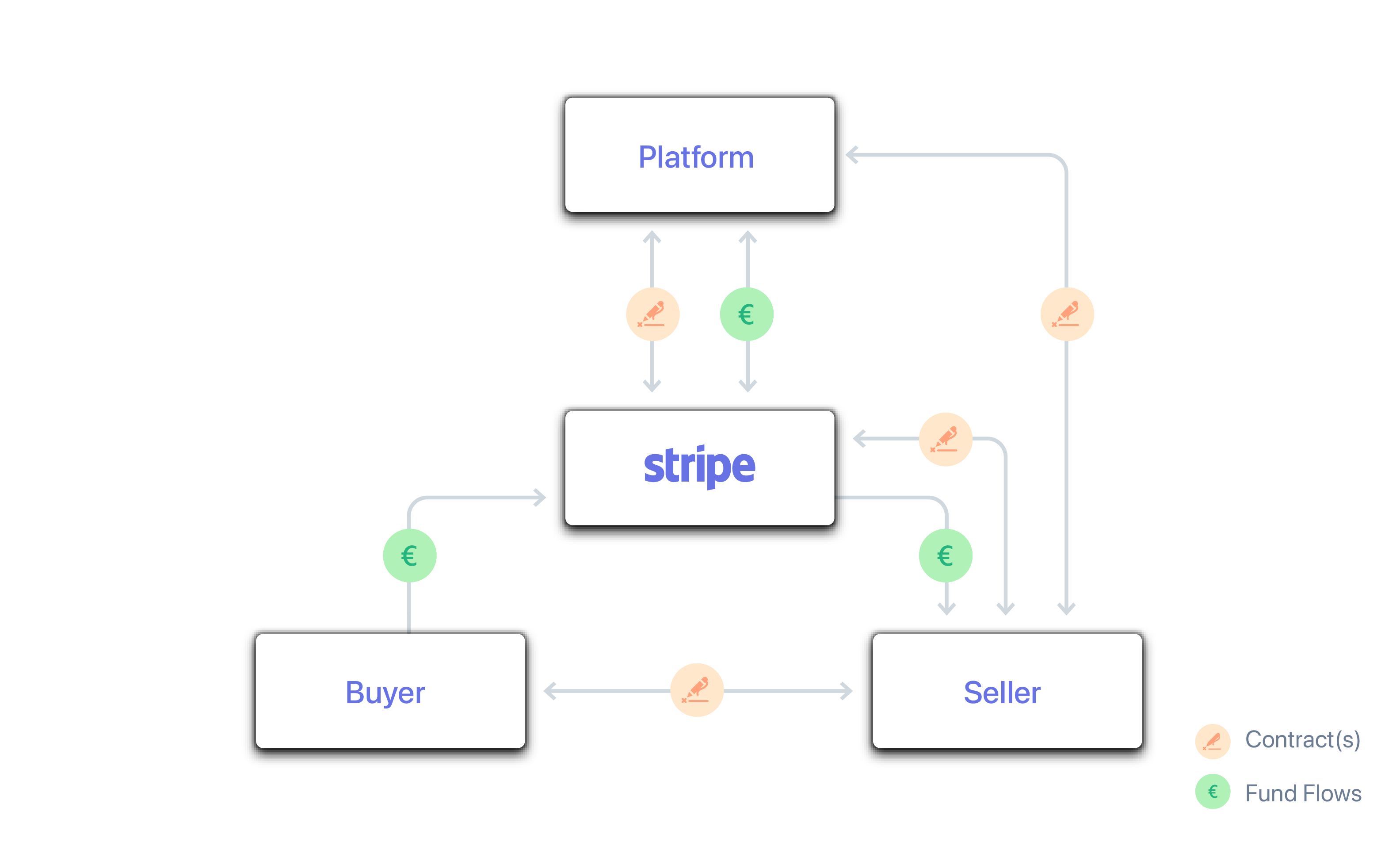
How to Process Global Payments with Stripe Connect in WordPress: A Complete Hands-On Guide
A lot of webmasters are looking for a great way to handle global payments, and Stripe Connect is a great tool to help automate your platform's split. This article will take you step-by-step through the setup, which covers all the details from backend configuration to fund distribution.

Is Nexter Blocks good: what page scenarios are they good for (with common conflicts)?
The nexter blocks are suitable for landing pages, service pages and article enhancement modules; common conflicts arise from JS delays/merges, theme style overrides and multi-block suite overlays.
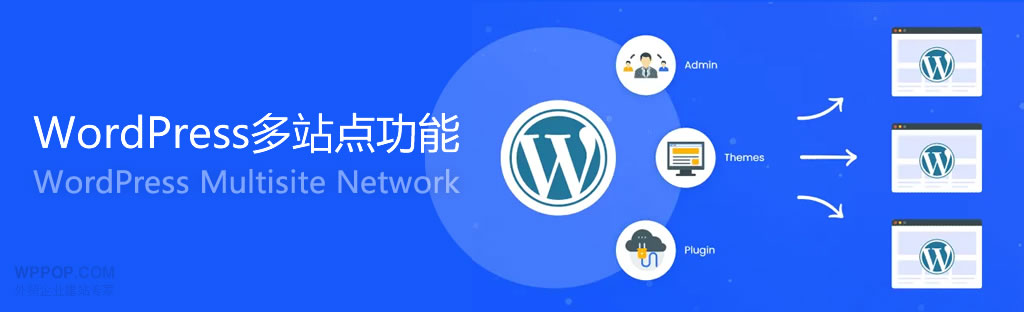
There is no more feedback section in the background of wordpress website in multisite environment? Explanation of the difference between the permissions of the sub-site and the main site
There is no more feedback section in the background of wordpress website? This article in-depth analysis of the multi-site environment of the main site and sub-site permission differences, explain the real reasons for the disappearance of the feedback column, and provide a complete troubleshooting and recovery program to help quickly solve the problem of the background of no feedback entry.
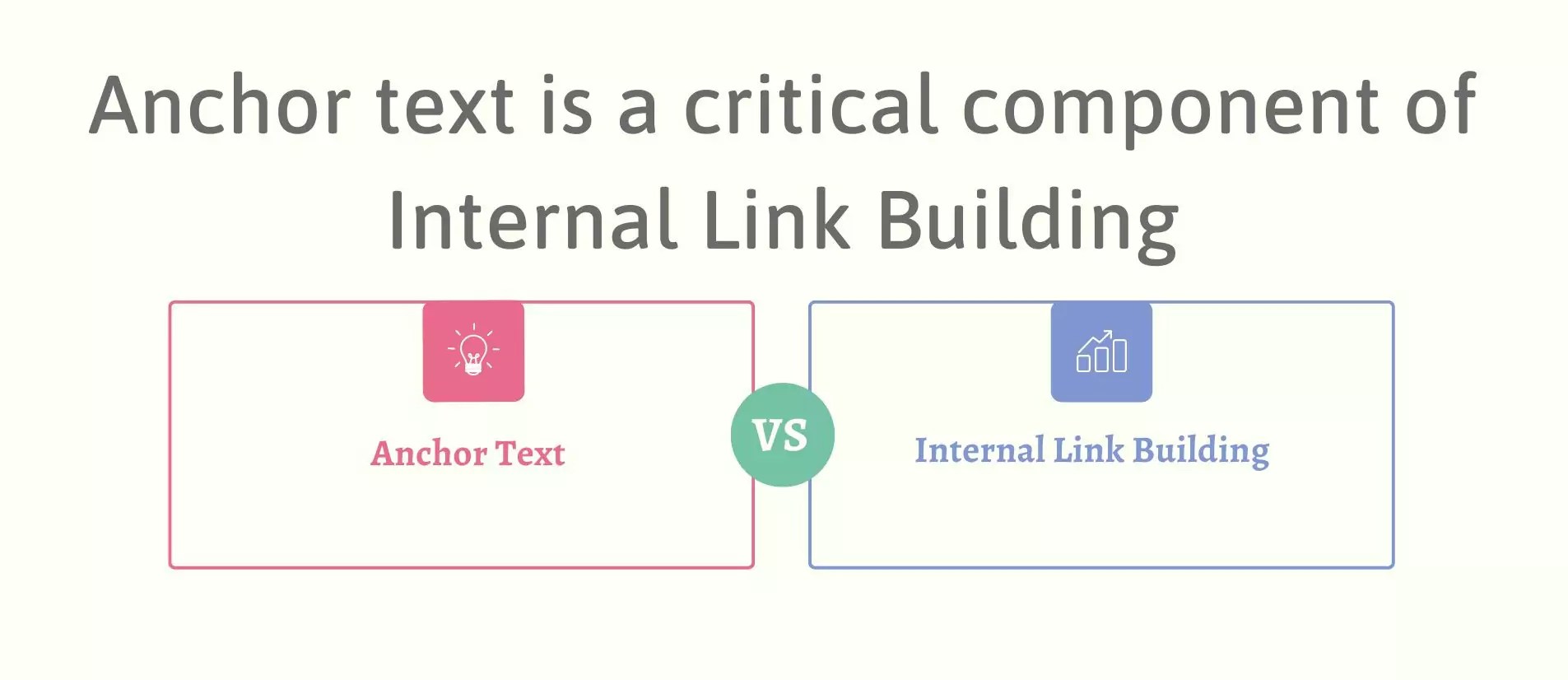
How to write anchor text for internal links: where to put the keywords to be natural and effective
It explains how to write anchor text for internal links, whether keywords should be placed in the body, title or module position more naturally, with the type of anchor text that can be directly applied and the writing process.

What image formats are supported by Imagify vs WP Smush and how does WebP support compare?
Want to improve the loading speed of your WordPress website? Image optimization is a critical first step. We compare in detail the real performance of Imagify and WP Smush in terms of format support and WebP conversion. The article analyzes the advantages and disadvantages of the two plugins and gives a proposal based on different budget...
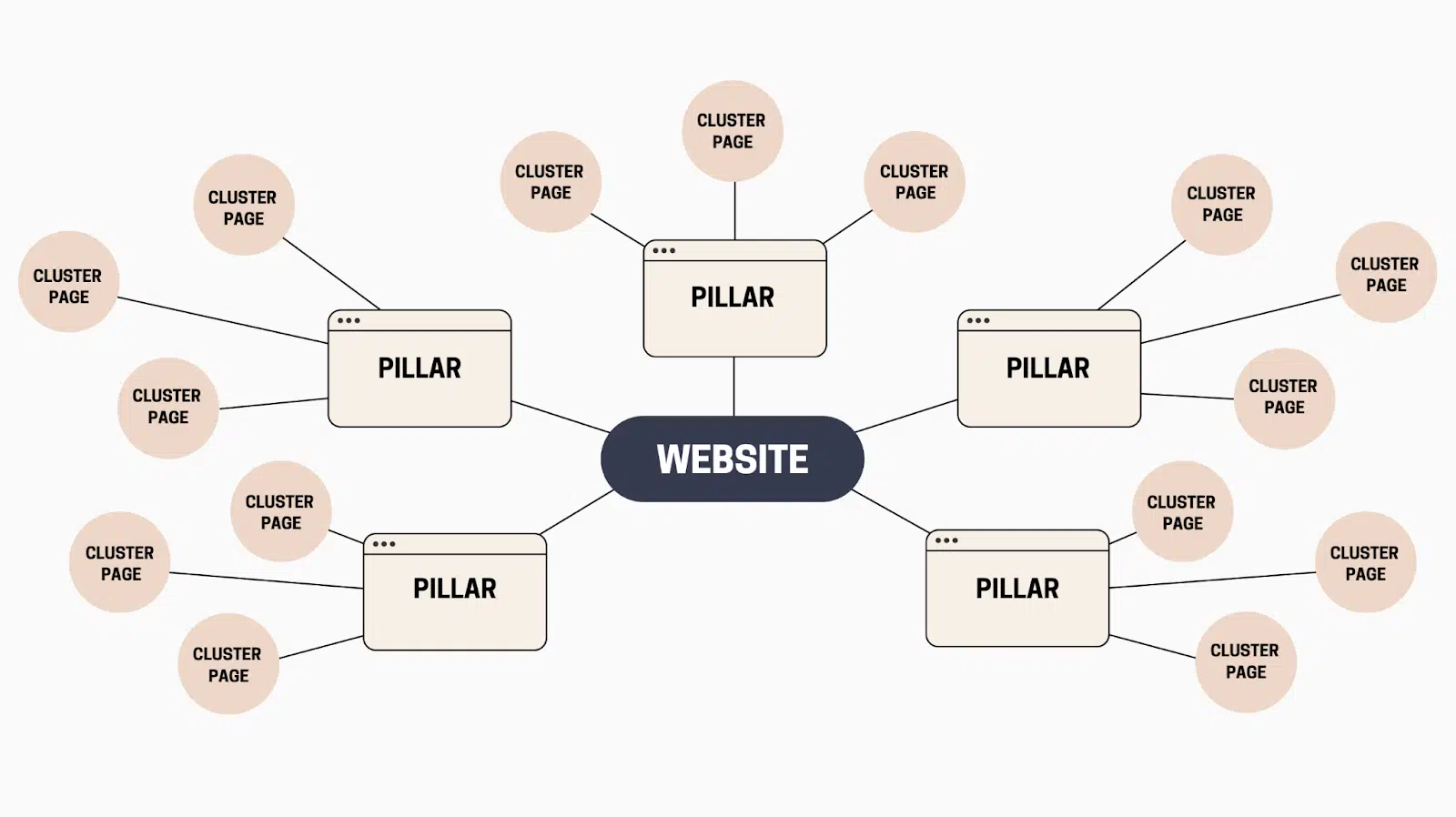
The relationship between internal links and keywords: how to use internal links to string rankings into a system
Speak clear keyword layering, anchor text writing and link path design, master the rules of internal link layout, the station page string into a stable ranking system.
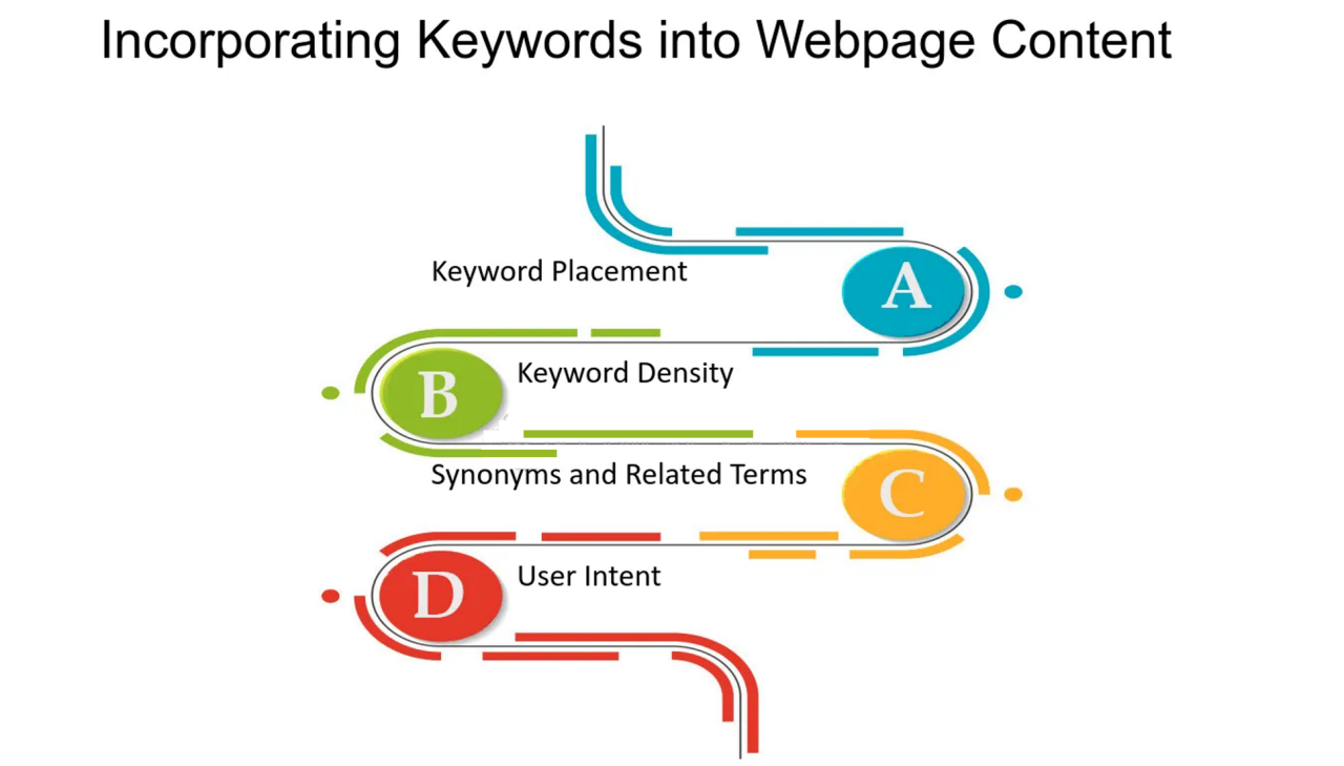
The complete method of integrating keywords naturally into your article: from structure to writing style, avoiding stacking also improves relevance
A detailed look at practical ways to incorporate keywords into your articles, from headlines and body copy to paragraph structure, to help content naturally boost Google rankings and click-through rates without keyword stacking.

Don't let images slow down your server: Imagify or WP Smush?
Is your WordPress site getting slower and slower? In the end, it's most likely the unprocessed raw images that are causing the problem. I recently tested two major plugins, Imagify and WP Smush, to see who could minimize the size and still maintain image quality.

Recommended WordPress Plugins for Subscription Coupons (Tested): From "Subscription Success→Automatic Coupons→Automatic Reminders" at Once!
Do you want to realize "Auto Send Coupon for Successful Subscription" in WordPress or WooCommerce? In this article, we compare and contrast MailPoet, FluentCRM, AutomateWoo and other plugins, and explain the subscription coupon process, anti-abuse settings and the best combination of combat, to help you quickly build a high turnover ...

Complete Guide to Setting Up WooCommerce Subscription Coupons for New Users (from 0 to Automation)
This guide explains in detail how to set up WooCommerce new user subscription coupons, including auto-sending, usage restrictions and conversion optimization, to help boost first-time order conversions.

WordPress Heartbeat Control how to set up the most reasonable (performance and functionality at the same time)
Explain the most reasonable settings for WordPress Heartbeat Control: FM or disable by backend/editor/frontend zones, reduce admin-ajax.php load and CPU usage, and take care of autosave and edit lock.

WordPress subscription form binding coupon process: from subscription to the complete closed loop of automatic coupon (detailed version)
Detailed explanation of the complete process of WordPress subscription form binding coupons: WooCommerce create coupons, subscription triggered auto-coupon, email delivery and SMTP configuration, Double Opt-in validation, anti-misuse and data tracking, quickly build a sustainable subscription coupon growth closed loop.

Elementor / Page Editor Stuttering Explained: Heartbeat, Autosave & Conflict Troubleshooting Guide
Explain in detail the reasons why Elementor/WordPress page editor lags: Heartbeat polling, auto-save and revision versions, plugin theme conflicts. Provide step-by-step troubleshooting and security optimization solutions without affecting the frontend experience.

Ahrefs vs Semrush Which is a better tool for newbies to do keyword research?
Compare and contrast the core functions, learning costs and practical experience of Ahrefs and Semrush, and comprehensively analyze how to choose the tool for newbies to do keyword research.

Don't Let HD Images Slow Down Your Checkout: A Hands-On Game of Imagify vs. WP Smush
This article is an in-depth review of the performance of Imagify and WP Smush, teaching you how to balance image quality and speed, and utilize WebP and AVIF technologies to effectively reduce LCP time consuming, so that no more potential orders will be lost due to the slow loading of web pages.

Imagify vs WP Smush: WordPress Image Optimization Plugin Comparison Analysis
Compare Imagify and WP Smush, two WordPress image optimization plugins, analyze their compression effect, WebP support, performance differences and applicable scenarios to help you choose the most suitable image optimization tool for your website.

Disable Heartbeat only in the backend: no impact on the frontend, no impact on the editing experience
Teach you to disable Heartbeat only on non-editing pages in WordPress backend, keep the autosave and edit lock, not affecting the frontend, reducing admin-ajax load and CPU usage.
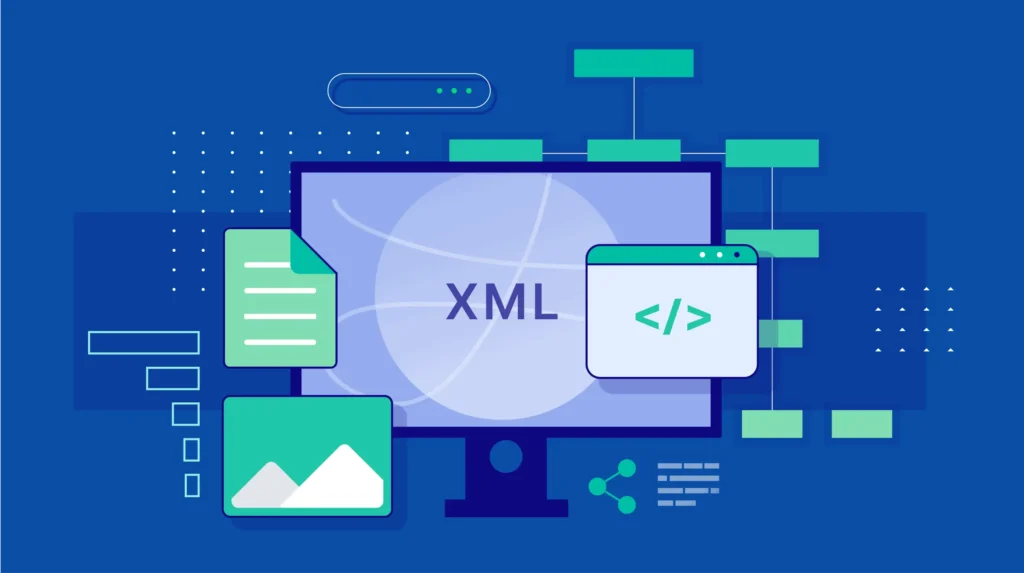
What is a Rank Math XML sitemap? How important is the site map location?
Understand the function and importance of Rank Math XML sitemaps and learn how to properly configure them to improve your website's SEO efficiency. Ensure your website content is crawled and indexed by search engines in a timely manner with simple steps.

What is Heartbeat? Why it slows down the WordPress backend and spikes the CPU
Comprehensively explains the working mechanism and role of WordPress Heartbeat API, analyzes why it leads to background lag, admin-ajax.php request surge and CPU spike, and provides judgment ideas and optimization direction to avoid blindly shutting down the risk.

Elementor templates vs. custom designs: which is better for your project?
Learn about the pros and cons of Elementor templates vs. custom designs to help you choose the most appropriate website building solution for your project needs, budget and time. Whether you're looking for a quick start or a unique design, this article provides you with detailed comparisons and advice.

WordPress email subscription giveaway coupon how to do (super-detailed long article: subscription → automatic coupon sending → anti-scratch → track conversion)
Teach you in WordPress/WooCommerce to realize the "subscription mailbox ¡ú automatically send coupons": form setup, welcome email, generate a unique coupon, anti-scratch restrictions, SMTP delivery and the common receipt of the coupon troubleshooting, to give you a complete process can be directly on the ground.

Accelerating Website Design with Elementor Templates: Tips for Increasing Efficiency
Learn how to use Elementor templates to boost your website design efficiency. This article details template selection, customization and tweaking tips and helps you accelerate your website development with real-world scenarios for businesses, e-commerce and blogs.

The Best Combination Solution for WordPress Email Subscription + Auto-Coupon (Full Process from Plugin Selection to Landing)
Systematically explains how WordPress and WooCommerce can realize "Automate Coupon Delivery after Email Subscription", in-depth comparison of MailPoet, FluentCRM, AutomateWoo, FunnelKit and other plugin combinations, and provides from subscription triggering, coupon anti-abuse, to the email delivery rate ...

Not Receiving Coupons After WordPress Subscription? 7 Most Common Reasons & Complete Solutions
Not receiving coupons after WordPress subscription? This article details the 7 most common reasons, covering a complete troubleshooting method for subscription plugins, WooCommerce coupons, email delivery and server configuration.

Elementor Plugin Template Library: How to pick the most suitable template?
This article explains in detail how to pick the most suitable template in the Elementor template library to help you easily create a professional and personalized website design based on your website needs, functional layout and user feedback.
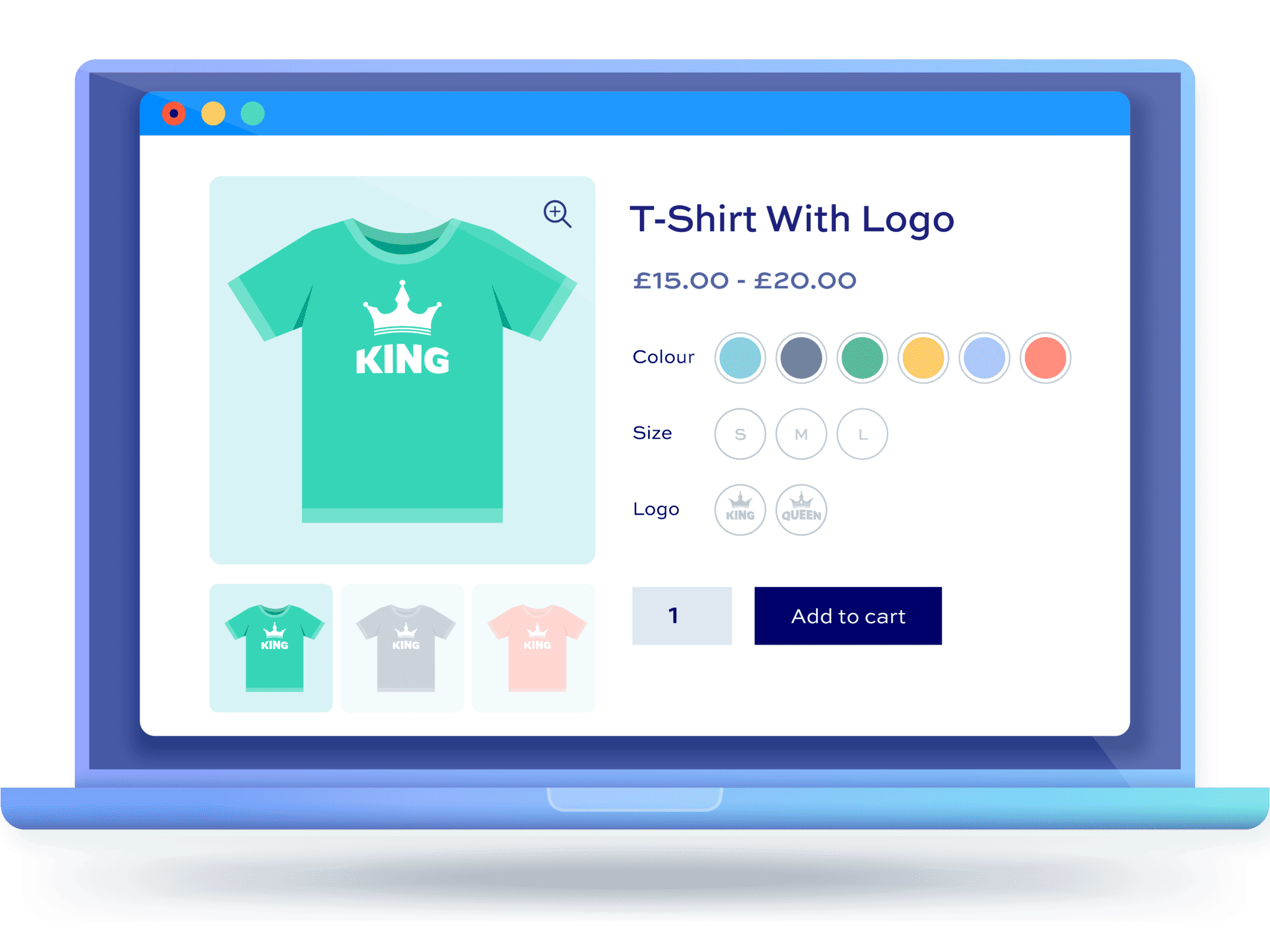
From Scratch: How to Set Up Multi-Spec and Multi-Attribute Products for WordPress Stores
This article details how to set up multi-size and multi-attribute products for your WordPress eCommerce store, helping you to enhance the shopping experience and optimize sales conversions, ensuring that each step is clear and easy to understand.
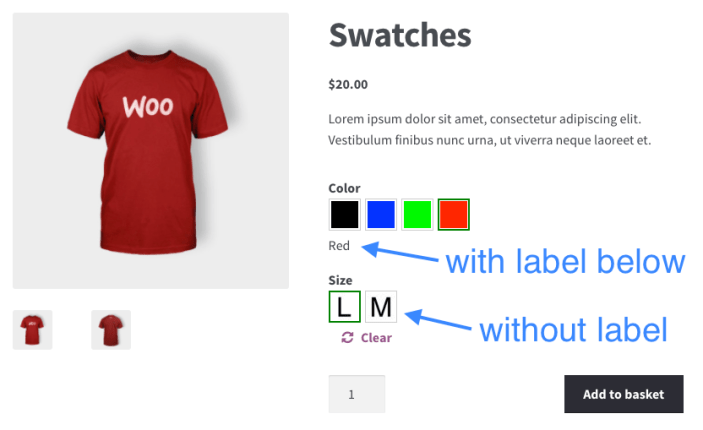
How to Ensure Product Multi-Specification Plugin Security and Compatibility in WordPress E-commerce Platforms
When building a WordPress e-commerce platform, it is crucial to choose and maintain a product multi-specification plugin. This article analyzes in detail how to ensure the security and compatibility of plug-ins to help the site run stably and improve user experience.

 简体中文
简体中文  English
  日本語
日本語  Français
  Español



