




Nexter blocks The key to whether it's good or not is whether it allows you to get the page out with fewer plugins and in a lighter way.Nexter blocks essentially adds a richer set of components and templates to Gutenberg (the block editor)., suitable for people who want to make a native editor with "More like a page builder effectThe site of "Nexter blocks". Below is a description of Nexter blocks according to the logic of "Suitable Scenario → Unsuitable Scenario → Common Conflicts → Examination and Repair", so that you can make a decision.

1. Which page scenarios are suitable for Nexter blocks?
1.1 Home and landing pages (conversion pages)
If you need to do it:
- Clear Hero area (main title + subtitle + buttons)
- Functional Selling Point Area (3-6 carded Features)
- Evaluation/Logo Wall/Comparison Table
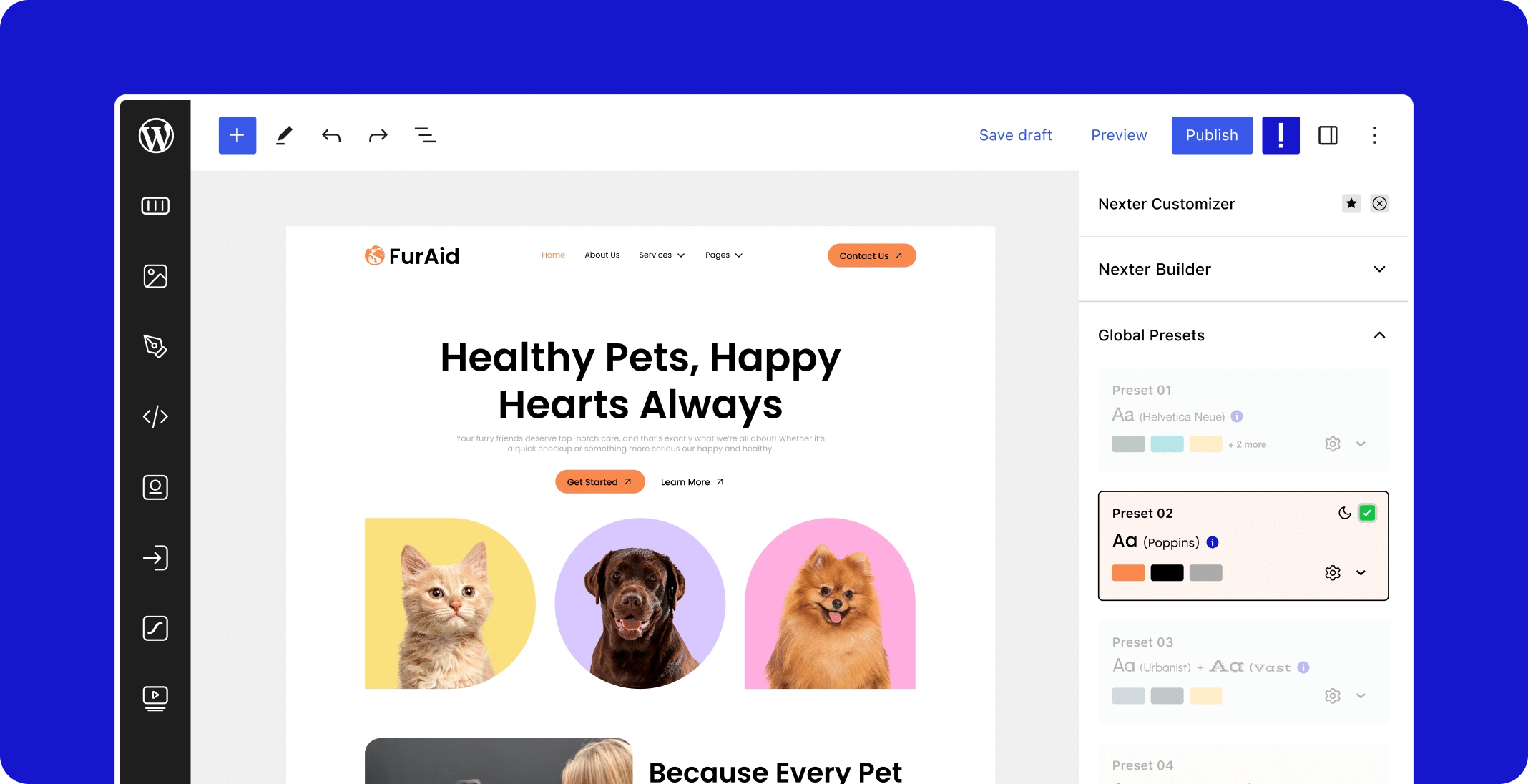
- CTA (form or button guidance)
The advantage of Nexter blocks is that it is possible to pile up a more complete landing page structure with blocks without introducing a full page builder.
Suitable for people: Small and medium-sized sites, content site conversion pages, lightweight e-commerce campaign pages.
1.2 Product/service presentation pages (structured information presentation)
For example, it's common for service-oriented websites:
- Service process (step bar/timeline)
- Price program (Plan card)
- FAQ Folding panels
- Case Presentation (Image + Copy Module)
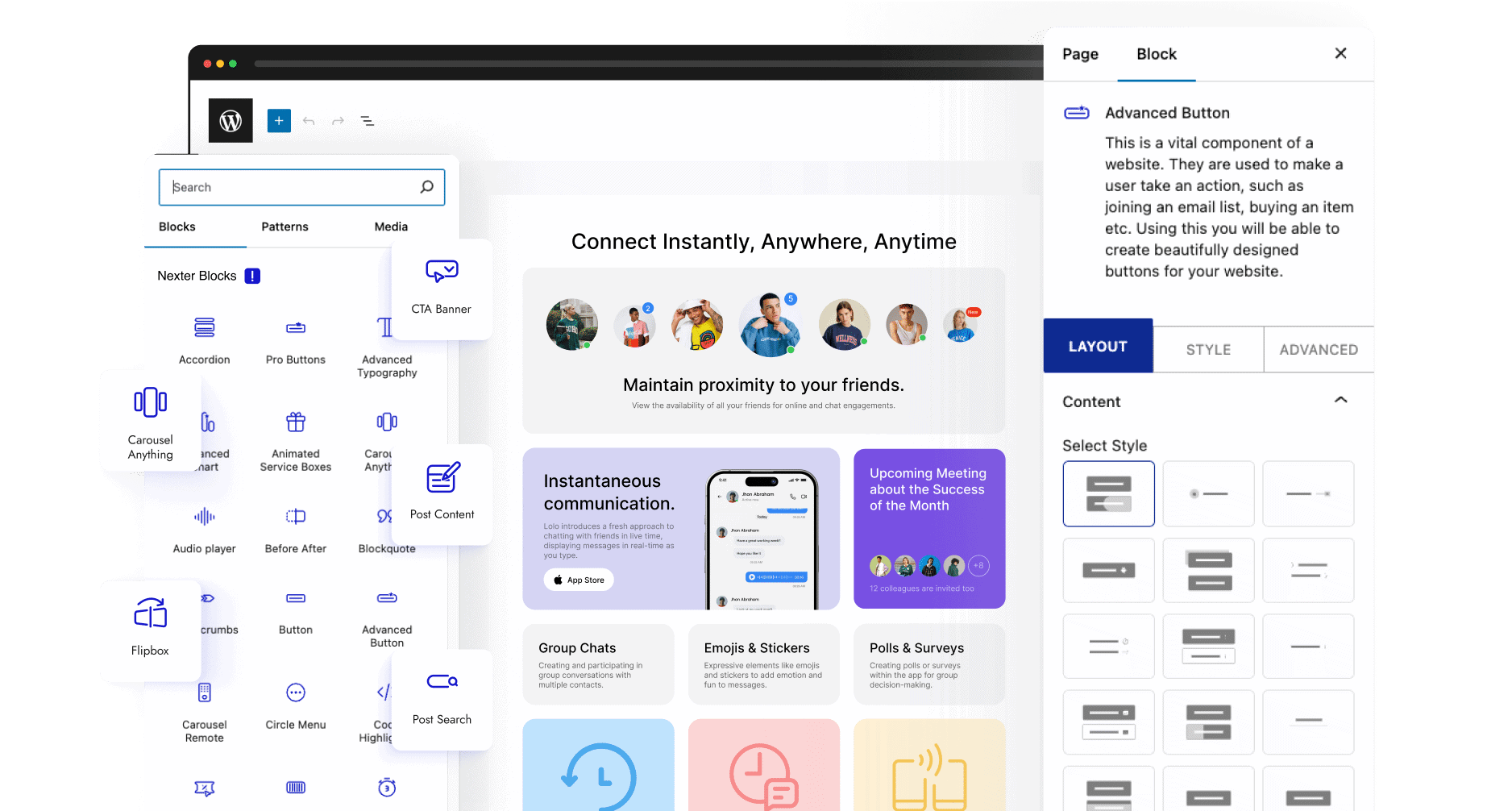
This type of page is the most important "clear structure, reusable modules", built with blocks of lower maintenance costs, subsequent updates are also more convenient.
1.3 Enhanced modules within blog posts
The article you want to insert:
- Table of Contents (TOC)
- Tip Boxes / Citation Blocks / Notes
- Compare and contrast cards, graphic lists, button guides
- Related ArticlesRecommended Modules
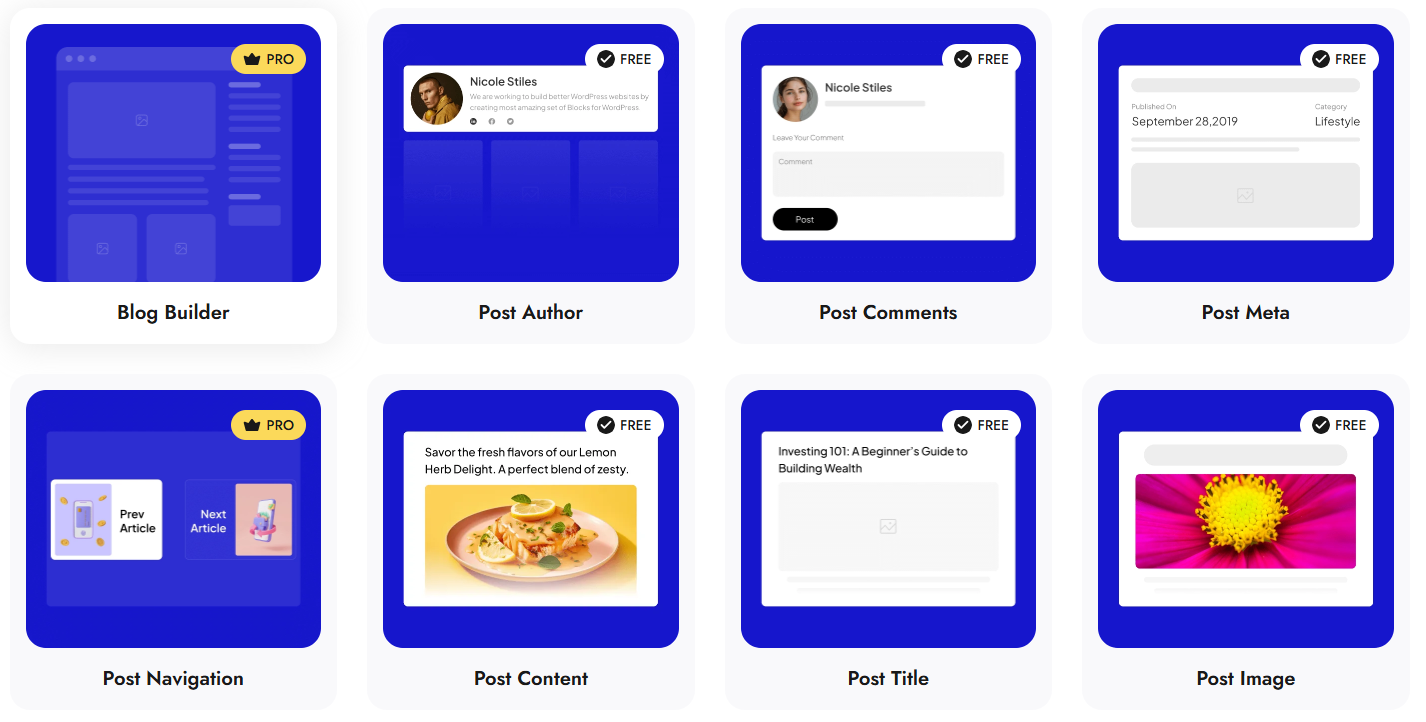
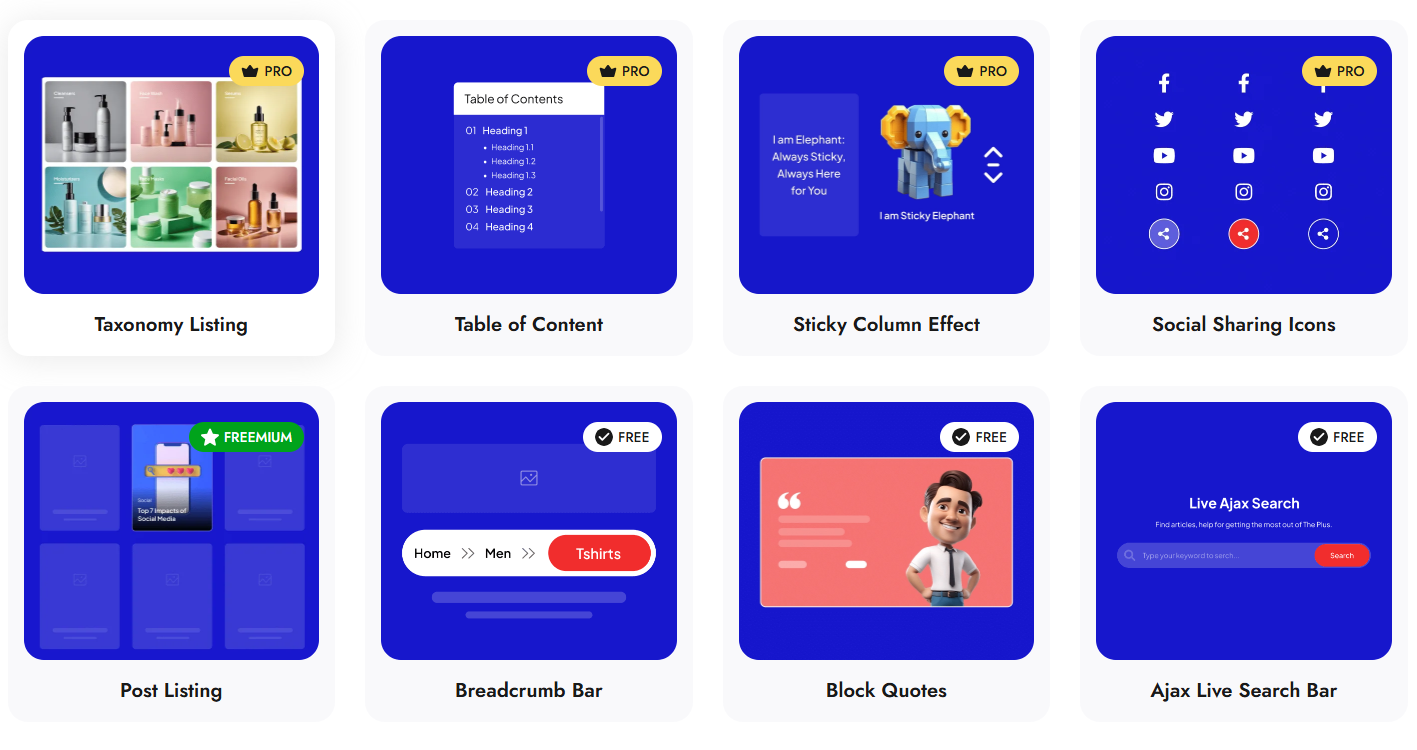
The value of Nexter blocks is to make the article layout more "readable" and tutorial-like, rather than just paragraphs and headings.
1.4 Footer/Sidebar/Site-wide components (off-site level)
If your theme or site structure allows for management with block templates (especially the block theme/site editor), Nexter blocks can complement some of the components, allowing you to write less code.
2. In which scenarios are Nexter blocks not recommended?
2.1 Designs that require extreme "pixel-level" layout freedom
Examples include branded websites with complex animations, super cascading layouts, and strong interactions.
This type of scenario is more the home of "full-featured builders" like Elementor/Bricks; Nexter blocks can do it, but they are more time consuming and subject to theme constraints.
2.2 The site has become heavily dependent on the Elementor ecosystem.
If a large number of pages in your site are maintained by Elementor and rely on its Theme Builder, Global Components, and Dynamic Content System, then reintroducing nexter blocks will often result:
- Split editorial experience (two systems on the same site)
- Difficult to standardize component styles
- Rising costs of conflict clearance
At this point it makes more sense: do it to the end within the Elementor system, or gradually migrate to the block system and don't mix it up too heavily.
3. What are the common conflicts? How to recognize them?
The following are the most common types of conflict that affect your experience, which you can quickly determine by clicking on "Phenomenon → Possible Causes".
3.1 Missing page styles, block styles not working
impunity: The block layout comes out, but the spacing, font, and button styles are not correct.
High-frequency causes::
- Global style overrides for themes (especially strongly styled themes)
- The caching/acceleration plugin does "remove unused CSS" and "merge/delay CSS".
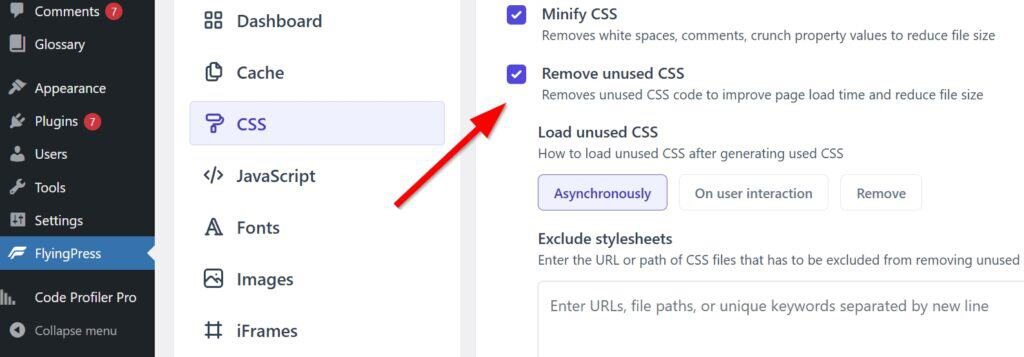
- CDN/cache not cleared causing old CSS to still be there
3.2 Backend editor lags, block panel loads slowly
impunity: Insert block slow, toggle setup panel card.
High-frequency causes::
- Enabling multiple Block Enhancement Plug-ins at the same time (e.g. multiple Blocks suite overlays)
- Browser plug-in/script injection (translation, ad blocking, screen recording, etc.)
- Overall site backend slowness (database, object caching, lack of PHP resources)
3.3 Animation/Scrolling Effect Exception
impunity: Animations don't trigger, scrolling appears jittery, and mobile is misaligned.
High-frequency causes::
- Other kinetic plugins are also controlling scrolling/animation
- Theme comes with scrolling animation with block animation overlay
- Excessive use of animations leads to performance issues on mobile
3.4 JS Delay, Merge Conflicts with Caching/Optimization Plugins
impunity: Frontend interactions fail, buttons click unresponsive, collapses/rotations don't work.
High-frequency causes::
- "Delay JS "" "Combine JS"Break up the dependency loading sequence
- Treating block-related scripts as "deferrable"
4. Practical advice on choices: should you use it or not?
4.1 Types of sites suitable for Nexter blocks
- Content Station, Tutorial Station, Company Service Station
- Wanted to use Gutenberg for a landing page, but didn't think the native blocks were enough
- Desire to reduce Elementor dependencies and lower long-term maintenance costs
If you want "lightweight, maintainable, and easy to hand off", nexter blocks are usually the way to go.
4.2 Less suitable situations
- You've been using Elementor heavily for templates and site-wide layouts
- You need highly customized visuals and kinetics (design draft driven)
- Your theme strongly relies on self-hosted shortcode/builder (which will override block styles)
5. Conflict resolution sequence (least time consuming)
When you feel that Nexter blocks "don't work well" or have an anomaly, it is recommended to arrange them in this order:
- Disable caching/optimization first(JS Delay, Merge, Remove Unused CSS) Tests
- Keep only one block enhancement plugin(Avoid stacking multiple Blocks kits)
- Switch to a "cleaner theme" for temporary testing (excluding theme overrides)
- Clean cache: plugin cache + CDN cache + browser cache
- Look again at backend performance (PHP/database/object caching)
At the core of this order is that the optimization and overlay plugins that are "most likely to cause false positives" are ranked first, before looking at themes and performance.
6. Conclusion
Nexter blocks It's friendly to the "use Gutenberg to build landing pages, enhance post structure, and reduce plugin stacking" type of needs, and is especially suitable for content sites and service-oriented sites. Its main pitfalls are not in the features themselves, but in the Theme Style Overrides together with Cache/optimize plugin JS/CSS processingThe conflict with the "multiple block suite overlay" is also a problem. You can basically minimize the risk by doing the above in the order of elimination.

Link to this article:https://www.361sale.com/en/86927The article is copyrighted and must be reproduced with attribution.


















![Emoji[wozuimei]-Photonflux.com | Professional WordPress repair service, worldwide, rapid response](https://www.361sale.com/wp-content/themes/zibll/img/smilies/wozuimei.gif)

![Emoticon[baoquan] - Photon Wave Network | Professional WordPress Repair Services, Worldwide Coverage, Rapid Response](https://www.361sale.com/wp-content/themes/zibll/img/smilies/baoquan.gif)


 简体中文
简体中文  English
  日本語
日本語  Français
  Español


No comments