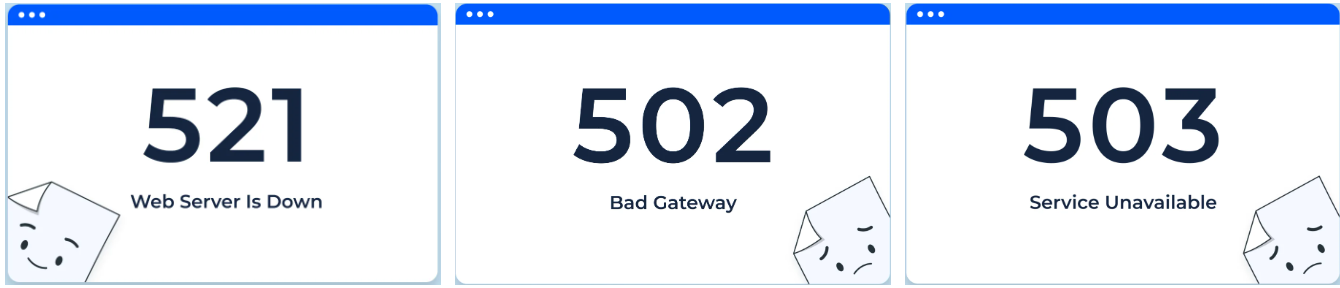





When troubleshooting website issues, encountering HTTP 521, 502 Bad Gateway, or 503 Service Unavailable errors typically indicates various types of backend problems. While these status codes all relate to server errors on the surface, their root causes, troubleshooting approaches, and resolution priorities differ. Understanding The Difference Between HTTP 521 and 502, 503This facilitates faster identification of the source of issues, determination of responsible parties, and development of more precise optimization solutions.
1. What exactly does HTTP 521 mean?
1.1 Origin and Meaning of HTTP 521
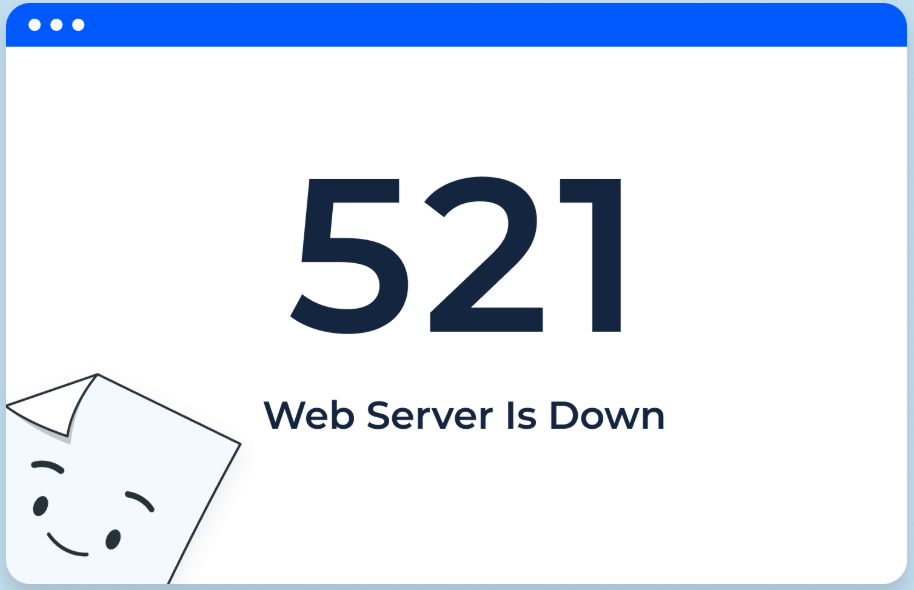
HTTP 521 is not a standard HTTP status code, but rather a custom error code defined by reverse proxies or CDN services like Cloudflare. It indicates that the CDN node successfully received the browser request but encountered an issue when attempting to reach the origin server—either the origin server failed to respond normally or the connection was refused. This error is typically described as "Web Server Is Down."
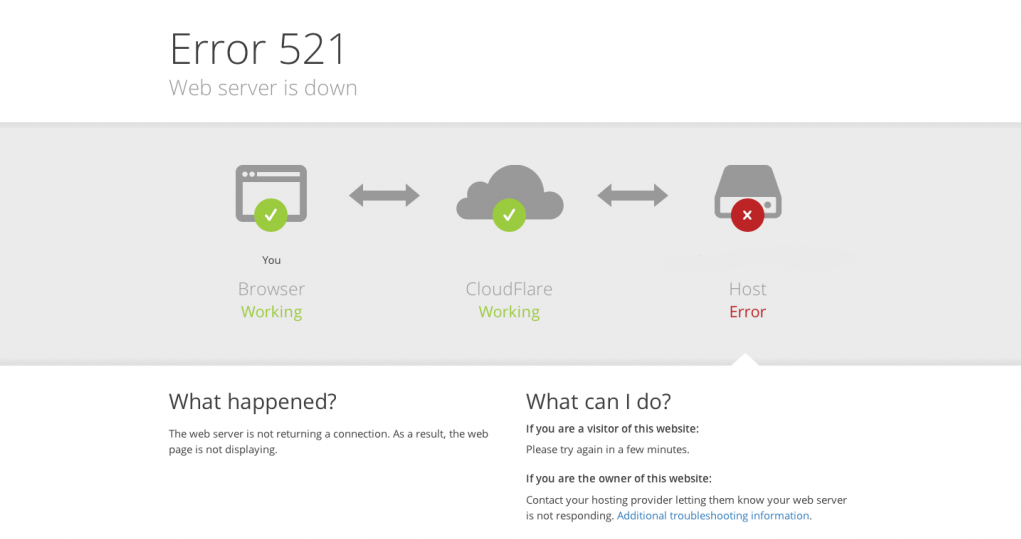
Typical scenarios include:
- The origin server's web server has crashed or the process has abnormally terminated.
- The origin server firewall blocked backend requests from the CDN.
- The origin server's listening port is incorrect or not running.
- The source IP configuration mismatch resulted in the connection being rejected.
Simply put, HTTP 521 is more indicative of issues like "the origin server is unreachable or refusing connections."
1.2 Overview of Troubleshooting Directions for HTTP 521 Errors
When encountering an HTTP 521 status code, troubleshooting typically involves the following steps:
- Verify that the origin server's web service is functioning properly (e.g., Nginx, Apache).
- Verify whether the server firewall and security groups permit access from CDN IP addresses.
- Verify that the source address, port, and protocol are configured correctly.
- Check the server error logs to determine whether high load, insufficient memory, or other issues exist.
II. 502 Bad Gateway: A "transitivity" error at the gateway or proxy layer
2.1 Basic Definition of 502
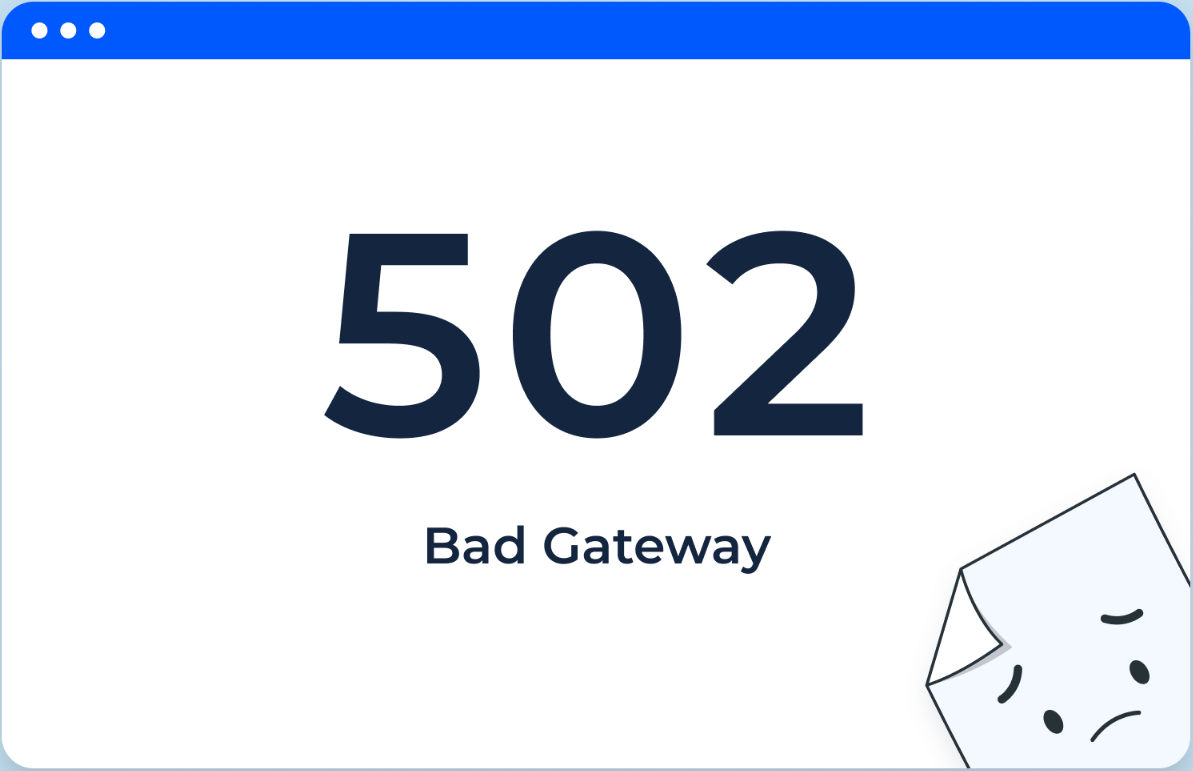
502 Bad Gateway is a standard HTTP status code returned by a gateway or proxy server. It indicates that the server acting as a gateway or proxy received an invalid response from an upstream server. This error is commonly encountered in Nginx, reverse proxy, and load balancer architectures.
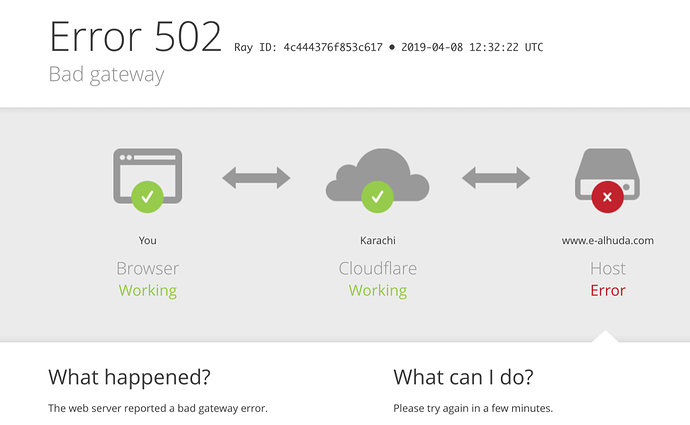
Typical scenarios include:
- Upstream application crashed or failed to listen on the specified port.
- The upstream response format is abnormal and is treated as an error by the proxy.
- Network instability or timeout between the gateway and upstream
In this scenario, the proxy itself is typically "online and functioning normally," with issues most often arising in the communication link between the proxy and the upstream service.
2.2 Architecture Signals When a 502 Error Occurs
A 502 error often reveals several potential issues within the architecture:
- Inconsistent multi-tier proxy or load balancing configuration
- Upstream PHP-FPM and application container startup failure
- The timeout threshold is set too low, causing long-running requests to be terminated prematurely.
Compared to HTTP 521, HTTP 502 more distinctly represents a "middle-tier issue," emphasizing that the gateway's upstream response is invalid rather than the origin server being completely unreachable.
Three,503 Service UnavailableServer "is temporarily unable to handle the load."
3.1 The Fundamental Meaning of 503
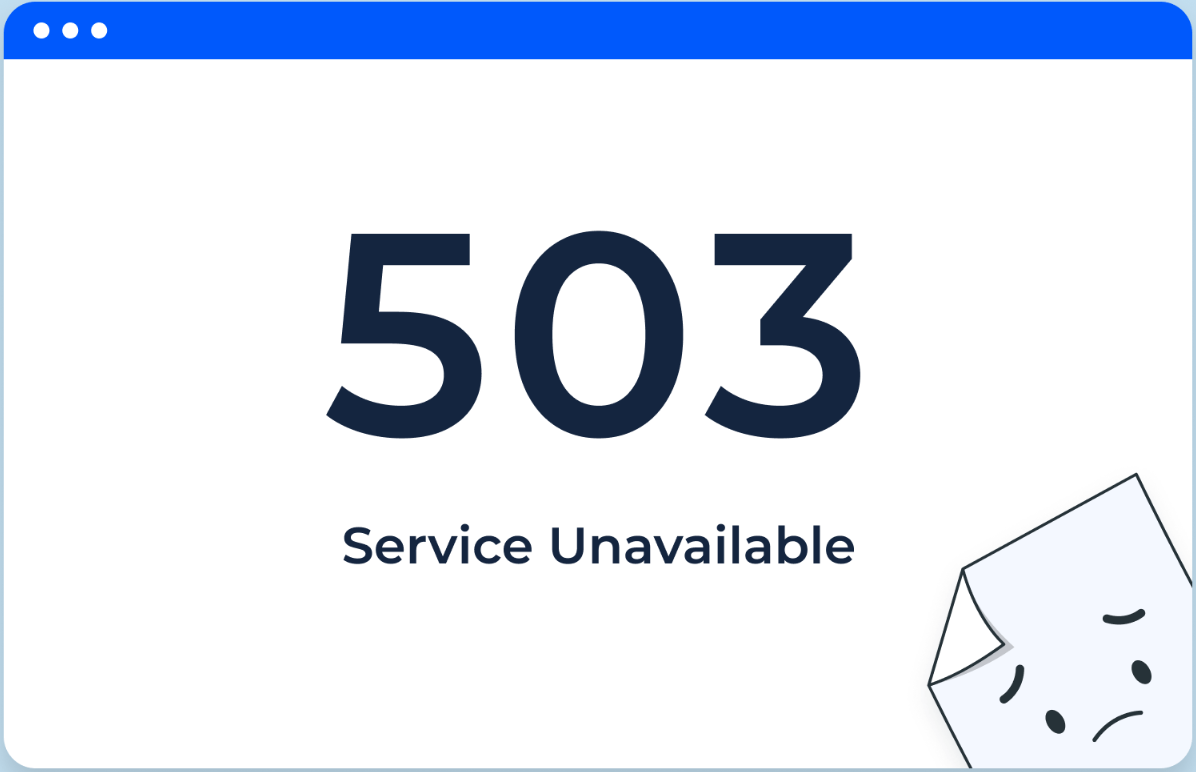
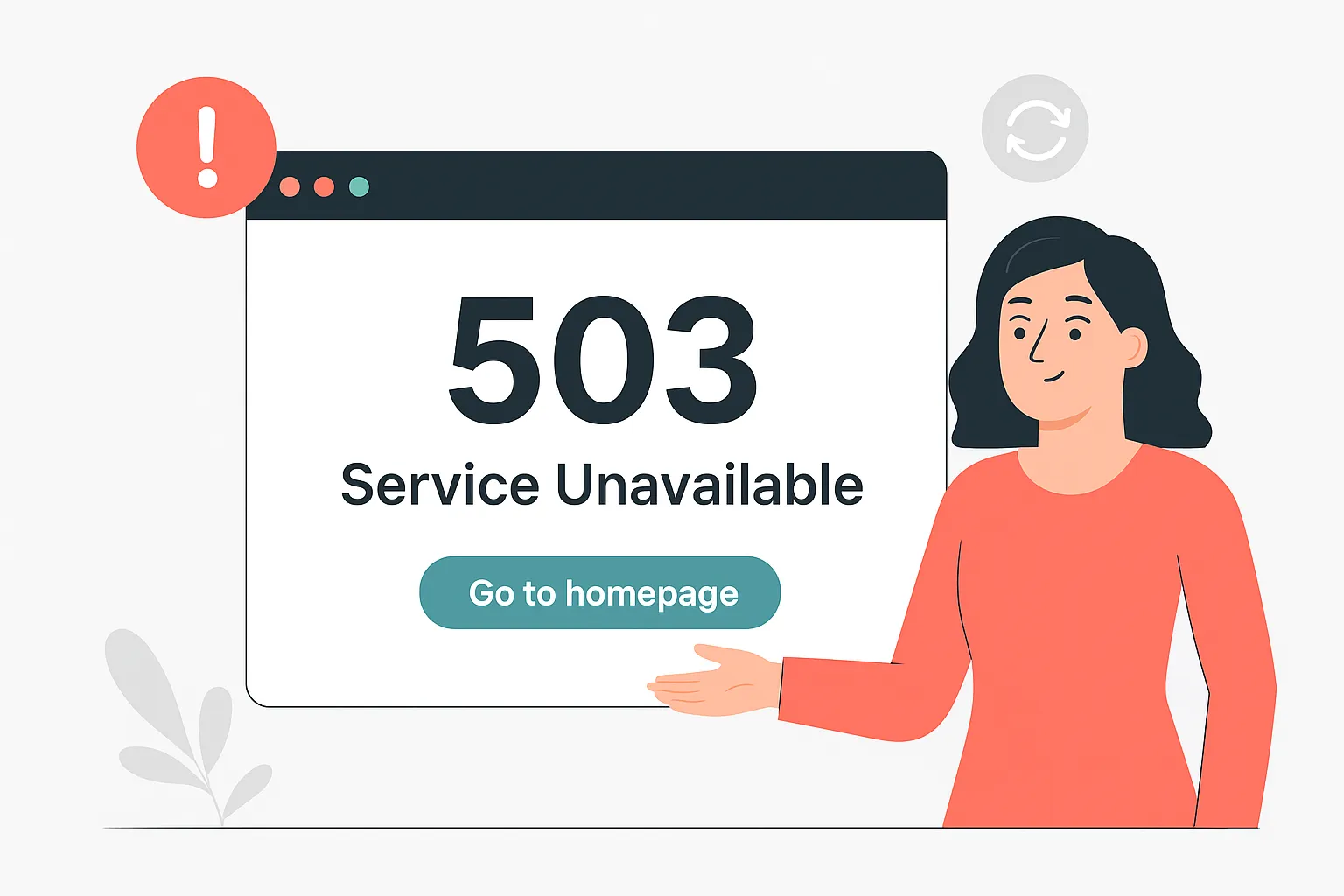
503 Service Unavailable is also a standard HTTP status code, indicating that the server is currently unable to process the request. Common causes include:
- The server experienced excessive load for a short period of time.
- Under maintenance or restarting
- The application layer proactively returns a 503 status code, indicating temporary downtime.
Unlike a 502 error, a 503 error typically indicates that the server is "deliberately" informing the client that the service is temporarily unavailable and can be retried later.
3.2 The Real-World Use of 503 in Website Operations
503 is commonly used for:
- Planned maintenance pages (e.g., during version switching or database migration)
- Rate limiting strategy under high concurrency, temporarily discarding some requests
- The application proactively triggers a circuit breaker to prevent a complete crash.
503 is more indicative of a "load or maintenance state" signal rather than a communication link error.
IV. HTTP 521 vs. 502 and 503: Key Differences at a Glance
After grasping the fundamental concepts, the differences between HTTP 521 and 502/503 can be summarized from several perspectives:
| status code | Full Name/Source | Who returned the error? | Core meaning | Common Triggering Causes Examples | Key Considerations for the Approach |
|---|---|---|---|---|---|
| 521 | Web Server Is Down (Cloudflare Custom) | CDN/proxy layer (such as Cloudflare) | The proxy layer can connect to the origin server's IP address, but the origin server either refuses the connection or fails to respond. | Origin server firewall blocking, Nginx/Apache crashes, origin server port not listening, process failure, etc. | First check if the origin server service is functioning normally, then examine the firewall and ports. |
| 502 | Bad Gateway (Standard HTTP Status Code) | Gateway/Reverse Proxy/Load Balancer | The gateway receives an invalid response or no response from the upstream server. | Upstream service crashes, PHP-FPM/Node processes failing, reverse proxy configuration errors, timeouts, etc. | Investigate the configuration and health status between the gateway and upstream services. |
| 503 | Service Unavailable (Standard HTTP Status Code) | Typically returned by the origin server's web server or application server. | The service is temporarily unavailable, primarily due to "proactive downtime" or overload protection. | Maintenance mode, rate limiting configuration, rolling deployments in progress, and downgrades due to resource shortages. | Review maintenance/throttling configurations and monitor resource and load conditions. |
Generally speaking, a 521 error tends to indicate that "the proxy cannot connect to the origin server or is rejected by it," a 502 error typically signifies that "the gateway cannot obtain a valid upstream response," while a 503 error signals that "the service is temporarily unavailable, either actively or passively."
V. How to Design Troubleshooting Priorities Based on Status Codes?
5.1 Facing Troubleshooting Approach for HTTP 521
When encountering HTTP 521, prioritize:
- Is the origin server down? Is the web service running?
- Does the origin server reject IPs from the CDN (firewall rules, host protection, port restrictions)?
- Has the origin address or port been modified but not synchronized in the CDN backend?
- Is there a resource limit that causes the server to terminate the connection passively?
Since HTTP 521 errors directly terminate the entire request chain, it is typically necessary to promptly eliminate the risk of the origin server being unavailable.
5.2 Facing Troubleshooting Path for 502
502 focuses on interface issues between the gateway and upstream systems. The following aspects can be addressed:
- Check reverse proxy configurations such as Nginx/HAProxy
- Check the status of upstream application services (such as PHP-FPM and Node.js processes)
- Check the error log to determine whether the issue is a response timeout, format error, etc.
- Adjust parameters such as timeout duration and connection count to prevent frequent timeouts under high concurrency.
In a multi-tier proxy architecture, it is recommended to perform layer-by-layer checks from the bottom up.
5.3 Facing Optimization Strategy for 503
503 errors are typically temporary issues, and the key lies in:
- Is the sudden surge in traffic causing resource depletion?
- Are any scheduled maintenance operations still in progress?
- Is there any misconfigured rate limiting or circuit breaker strategy?
- Should we scale up, add instances, or enable caching?
Frequent and persistent 503 errors often indicate insufficient overall capacity planning or inadequate strategies for handling peak traffic.
VI. How do these three factors differ in their impact on SEO and user trust?
Both search engines and user experience are affected by status codes:
- HTTP 521If this persists, search engine crawling will frequently fail and may be interpreted as severe site instability.
- 502Occasional occurrences have limited short-term impact, but frequent instances will reduce crawling efficiency.
- 503Appropriate use of 503 status codes in conjunction with the "Retry-After" header is more effective for protecting search engine rankings and index stability during maintenance periods.
Therefore, in practical operations, it is essential to minimize prolonged HTTP 521 and 502 errors while strategically employing 503 responses to strike a balance between maintenance needs and SEO considerations.

Link to this article:https://www.361sale.com/en/81867The article is copyrighted and must be reproduced with attribution.
















![Emoji[wozuimei]-Photonflux.com | Professional WordPress repair service, worldwide, rapid response](https://www.361sale.com/wp-content/themes/zibll/img/smilies/wozuimei.gif)

![Emoticon[baoquan] - Photon Wave Network | Professional WordPress Repair Services, Worldwide Coverage, Rapid Response](https://www.361sale.com/wp-content/themes/zibll/img/smilies/baoquan.gif)


 简体中文
简体中文  English
  日本語
日本語  Français
  Español


No comments