





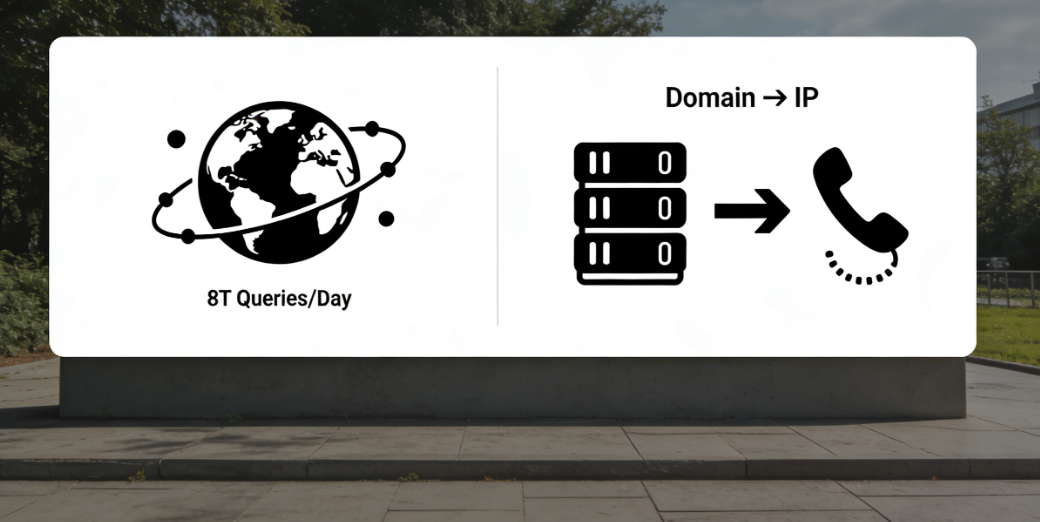
The Domain Name System (DNS) is the most fundamental and critical component of the internet's infrastructure. Functioning like a globally distributed phone directory, it processes over 8 trillion queries daily, responsible for translating human-readable domain names into machine-recognizable IP addresses. Any configuration discrepancies or information inconsistencies during this conversion process will directly result in website inaccessibility or service interruptions. Statistics indicate that approximately 35% of website availability issues stem from DNS-related causes.DNS configuration errorwhichCloudflare 1001Codes such as "DNS resolution error" accounted for over 181 TP3T in related failures.
When domain names fail to properly point to Cloudflare's servers, or when DNS records conflict or are missing, approximately 23% user requests cannot reach Cloudflare's edge network, resulting in an average service interruption of 3.2 hours. For website owners seeking to leverage Cloudflare services, a comprehensive, systematic DNS configuration verification process can reduce configuration-related failures by 72%. This is not only a necessary step before service activation but also the fundamental guarantee for sustained, stable operation. This guide provides a complete checklist ranging from basic validation to advanced troubleshooting, ensuring traffic is accurately and efficiently routed to the Cloudflare network.
I. Core Fundamentals: Domain Name Server Pointing and Proxy Status Verification
This stage ensures that the domain name is fully managed by Cloudflare, which is a prerequisite for all subsequent configurations to take effect.
1.1 Verify that the domain name servers have been successfully switched.
Modifying the domain name servers at your domain registrar is the first step to enable Cloudflare service.
- Check the currently active domain name servers: Use
whoiscommandOr use an online DNS lookup tool and enter your domain name. Verify that the returned DNS server addresses exactly match those provided by Cloudflare on the Overview page (typically[name].ns.cloudflare.com(in the form of). The global propagation of this change may take 24 to 48 hours. You can use DNS propagation check tools to monitor the latest status of its effectiveness across different regions.
- Verify the correctness of DNS server configurationLog in to your domain registrar's management panel and double-check the DNS server settings. Ensure the entered nameserver addresses are accurate, free of extra spaces or spelling errors, and that no old nameserver records remain.
1.2 Verify Cloudflare DNS Record List and Proxy Status
After successfully switching DNS servers, all DNS records should be managed in the "DNS" section of the Cloudflare dashboard.
- Verify the integrity of key recordsEnsure that the records necessary for website access have been added. For the main website, this typically includes one
ARecord (root domain)@maybeyourdomain.com(IPv4 address pointing to the origin server) and/or aAAAARecord (pointing to IPv6 address). ForwwwSubdomains, typically usingCNAMErecord (in sports etc)Point to the root domain, or useAThe record points directly to the IP address.
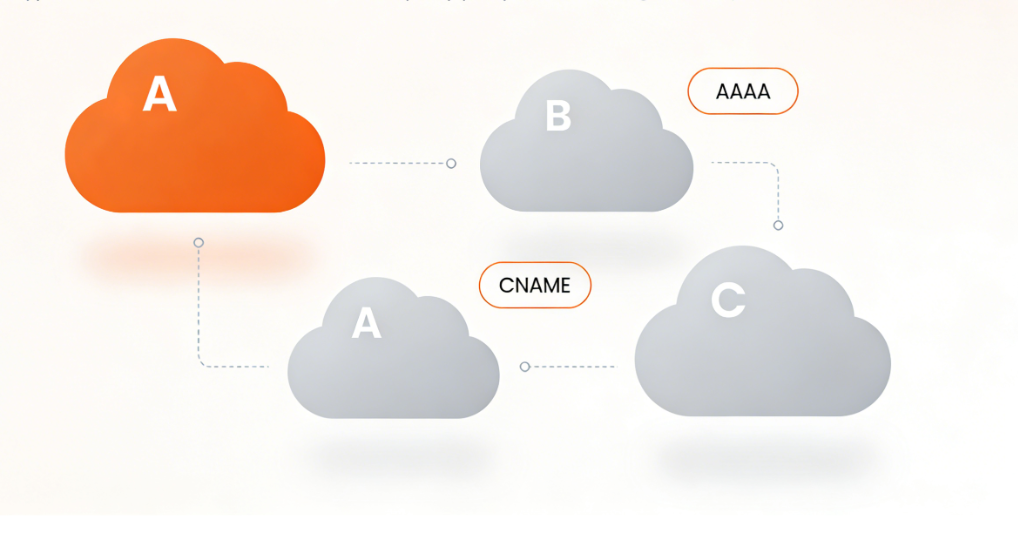
- Confirm proxy statusFor services requiring traffic proxying, security acceleration, and caching through Cloudflare, an orange cloud icon (status: "Proxied") should appear next to their DNS records. Services requiring pure DNS resolution only (such as mail exchange records)
MXRecords that should not be proxied (such as certain third-party API subdomains) should retain the gray cloud icon (status "DNS Only"). Incorrectly setting records that should not be proxied to a proxied status may cause service disruptions.
II. Record Configuration Deep Inspection: Avoiding Conflicts and Ensuring Accuracy
This phase involves reviewing the configuration details of each critical DNS record to eliminate potential conflicts.
2.1 Verifying the Correctness of the Origin Server IP Address
This is one of the most common configuration errors.
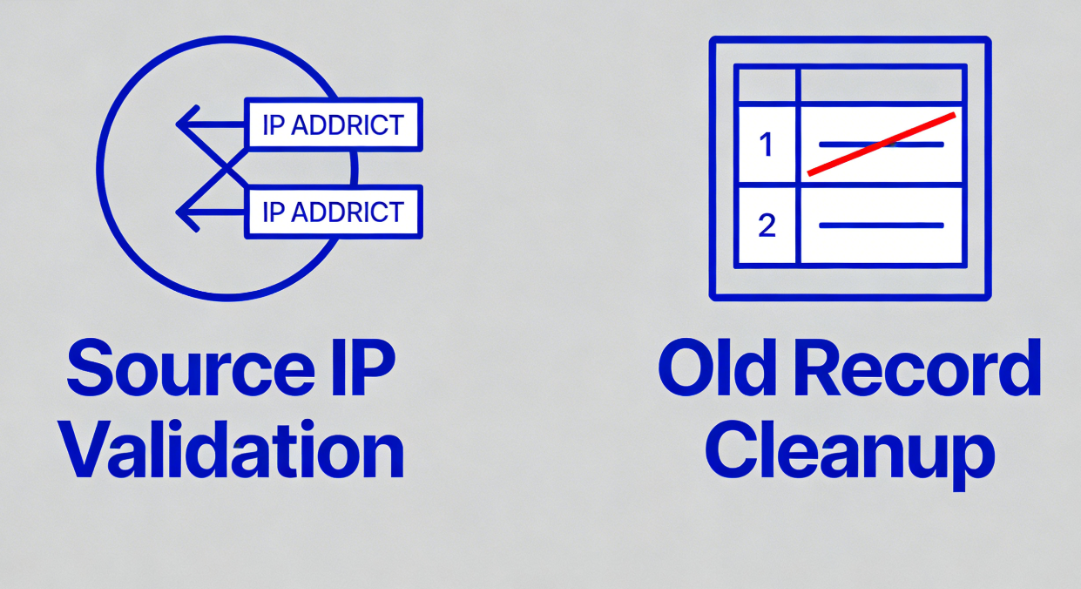
- Directly test the origin server connection: Use in the terminal
ping (computing)commandor online tools, test directlyARecord orAAAAThe source server IP address configured in the record. Ensure this IP address belongs to your currently active hosting server and that the server is properly configured to respond to requests. - Eliminate residual old recordsIn your old DNS provider's control panel, verify that all records pointing to the old host IP address have been completely removed.
A,AAAA,CNAMERecords. The coexistence of old and new records may lead to ambiguous resolution results, causing some users to be directed to expired services.
2.2 ProcessingCNAMEThe Specificity and Conflict of Records
CNAMERecords are exclusive, and their configuration requires special attention.
CNAMEConflict Resolution RulesAccording to DNS standards, if a domain name existsCNAMERecords should not contain any other types of entries (such asMX,TXT,NS,A). Check the root domain (@Is it configured simultaneously?CNAMEAlong with other records, this is an invalid configuration. The solution is typically to useA/AAAALog, or use Cloudflare'sCNAMEFlattening function (if supported).CNAMEValidity of the target chain: To ensure thatCNAMEThe target domain name itself can be resolved correctly and does not form a circular reference.
III. Advanced Troubleshooting and Performance Optimization Configuration
After confirming the basic configuration is correct, you can proceed with deeper inspections and optimizations to enhance reliability and responsiveness.
3.1 DNS Security Extensions Configuration Check
DNSSEC provides data integrity verification for DNS queries.
- State ConsistencyView in Cloudflare Dashboard under "DNS" > "Settings".DNSSEC StatusIf enabled, please verify that the DS records obtained from Cloudflare have been correctly configured with your domain registrar. Incorrect DNSSEC configuration may prevent your domain from resolving on certain strict validators.
- Periodic validationUse an online DNSSEC validation tool to check whether your domain's DNSSEC signature chain is complete and valid.

3.2 TTL Strategy and Failover Preparation
The TTL value determines how long DNS records are retained in caches at each level.
- TTL Settings for Critical RecordsFor critical production records, it is not recommended to use extremely high TTL values (such as 86400 seconds). During failover or migration scenarios, excessively high TTL values can significantly prolong the time required for global propagation. Consider setting values to 300 seconds or 600 seconds to strike a balance between stability and flexibility.
- Configure backup recordsFor services with high availability requirements, consider configuring multiple instances with different priorities.
AConfigure records or utilize Cloudflare's load balancing feature. Ensure the backup records point to a functional and ready-to-use server.
Conclusion: Incorporate DNS configuration into ongoing operational maintenance processes.
Completing the above checklist does not signify the end of DNS management tasks; rather, it should be viewed as the starting point of an ongoing operational process. DNS configurations should be integrated into standard change management procedures: any origin server migration, service architecture adjustment, or third-party service integration must be accompanied by corresponding review and updates to DNS records. Conduct regular (e.g., quarterly) audits of DNS record lists to purge obsolete entries and verify the validity of all record pointers.
Enable Cloudflare's DNS analytics to monitor resolution request volume and error rates. By implementing systematic, documented DNS management practices, you can fundamentally minimize DNS-related errors like Cloudflare 1001. This ensures network traffic consistently flows efficiently along designed, robust paths, establishing the most solid foundation for website security, performance, and reliability.

Link to this article:https://www.361sale.com/en/82247The article is copyrighted and must be reproduced with attribution.


















![Emoji[wozuimei]-Photonflux.com | Professional WordPress repair service, worldwide, rapid response](https://www.361sale.com/wp-content/themes/zibll/img/smilies/wozuimei.gif)

![Emoticon[baoquan] - Photon Wave Network | Professional WordPress Repair Services, Worldwide Coverage, Rapid Response](https://www.361sale.com/wp-content/themes/zibll/img/smilies/baoquan.gif)


 简体中文
简体中文  English
  日本語
日本語  Français
  Español


No comments