





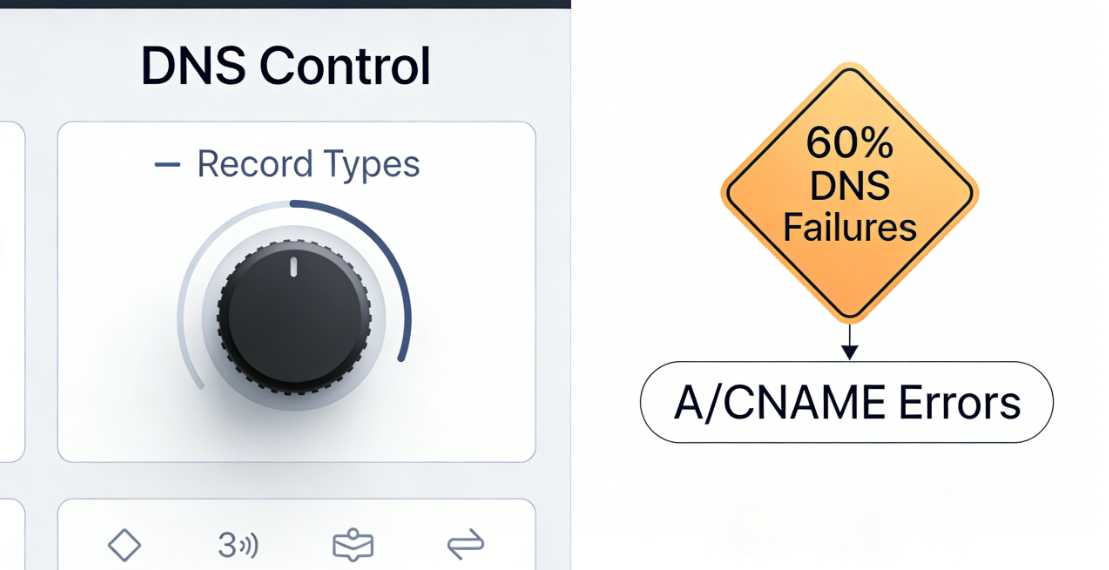
For administrators seeking deep control over their website infrastructure, the complex record types within DNS management panels represent both a source of power and a potential cause of failure. Data indicates that over 601,000 DNS-related website outages stem from erroneous A records orCNAME ConfigurationTheOrigin DNS ErrorSuch issues often stem not from abstract system failures, but directly from misconfigured specific record entries. Understanding how core DNS record types function and their common misconfiguration patterns represents a critical leap from reactive troubleshooting to proactive architecture design.
Chapter 1: Definition and Role Allocation of Core DNS Record Types
DNS records are fundamental statements within the Domain Name System instruction set, with each type performing a specific function. Clearly distinguishing their roles is essential to avoid configuration conflicts.
1.1 A Record: The Cornerstone of Address Records
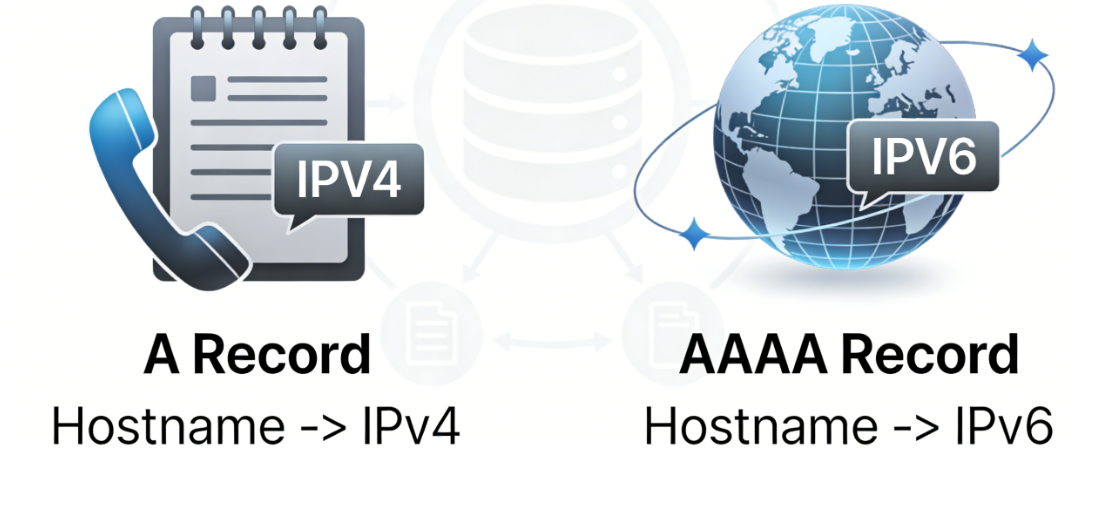
A records establish the most direct mapping relationship between a domain name and an IPv4 address. As the most fundamental and commonly used record type, they function similarly to entries in a phone book, mapping names to phone numbers.
- grammatical structure::
Hostname -> IPv4 Address - Typical Use Cases: Will
example.commaybewww.example.comThe IPv4 address pointing to the server (e.g.,93.184.216.34). - TTL AssociationIts TTL value directly impacts the speed at which global caches update after an IP address changes.
1.2 AAAA Records: Future-Oriented Address Mapping
AAAA recordParallel to the A record function, but pointing to IPv6 addresses. As IPv6 becomes more widespread, this record grows increasingly vital for modern network compatibility.
- grammatical structure::
Hostname -> IPv6 Address
1.3 CNAME Records: Standardized Aliases
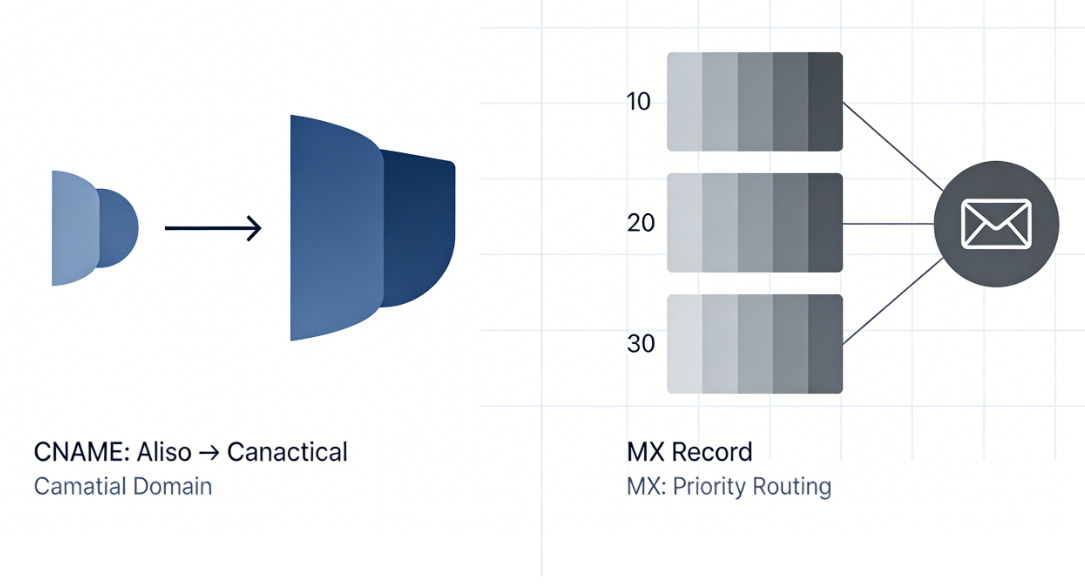
A CNAME record creates an alias for a domain name or subdomain, directing it to another canonical domain name. It does not point directly to an IP address but establishes an indirect domain-to-domain relationship.
- grammatical structure::
Alias -> Canonical Domain Name - Key ConstraintsCNAME records are exclusive. If a hostname has a CNAME record, it cannot simultaneously have any other type of record. It is often used to map
www.example.comPoint to the root domainexample.comor point the service to the hostname of a third-party provider.
1.4 MX Records: Dedicated Channels for Email Routing
MX recordSpecifies the mail server address designated to receive emails for this domain. Its configuration operates independently of web services, but errors can similarly cause service interruptions.
- grammatical structure::
Domain name -> Mail server hostname - Priority SettingsMX records contain priority values, where lower values indicate higher priority, used to define primary and secondary mail servers.
Chapter 2: The Generation Mechanism of Record Configuration Errors and Origin DNS Errors
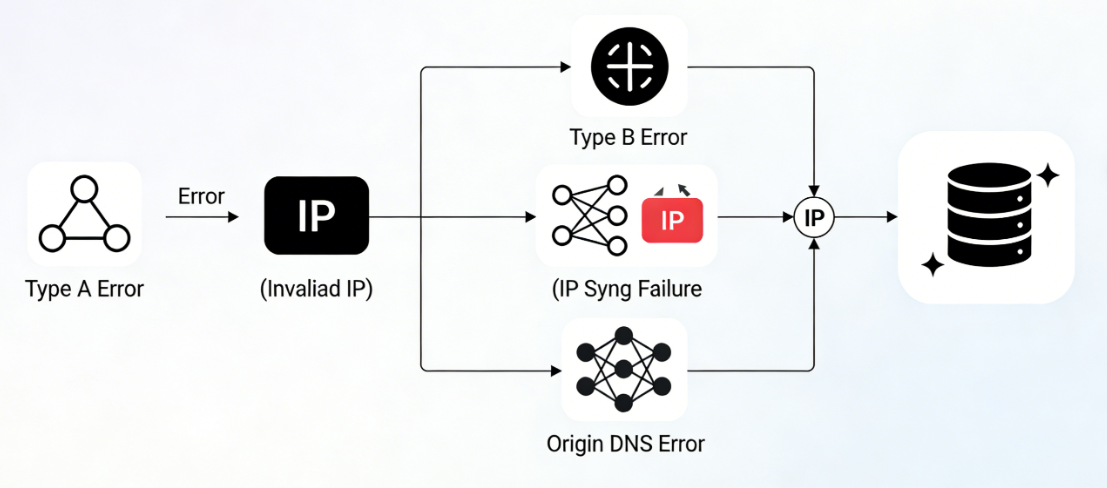
Incorrect record configurations do not cause DNS queries to fail immediately, but instead return misleading or invalid results, which in turn trigger downstream origin errors.
2.1 Critical Pitfalls in A Record Configuration
Errors in A records directly impact the resolution endpoint.
- Error Type A: Invalid IP Address ValuePointing the A record to an IP address not assigned to any server, or to the wrong server's IP. The query returns this incorrect IP, causing the client to attempt connecting to an invalid or unrelated target. The connection fails, appearing as server unresponsiveness.
- Error Type B: A record is out of sync with server statusThe server has been migrated to a new IP address, but the A record still points to the old IP. The old IP may have been released or reassigned to another service, resulting in connection failures or connections to the wrong host.
- ConsequencesThese errors cause CDN origin fetches or direct user connections to attempt establishing connections with invalid IP addresses. The underlying network protocol fails, and upper-layer applications report Origin DNS or connection errors.
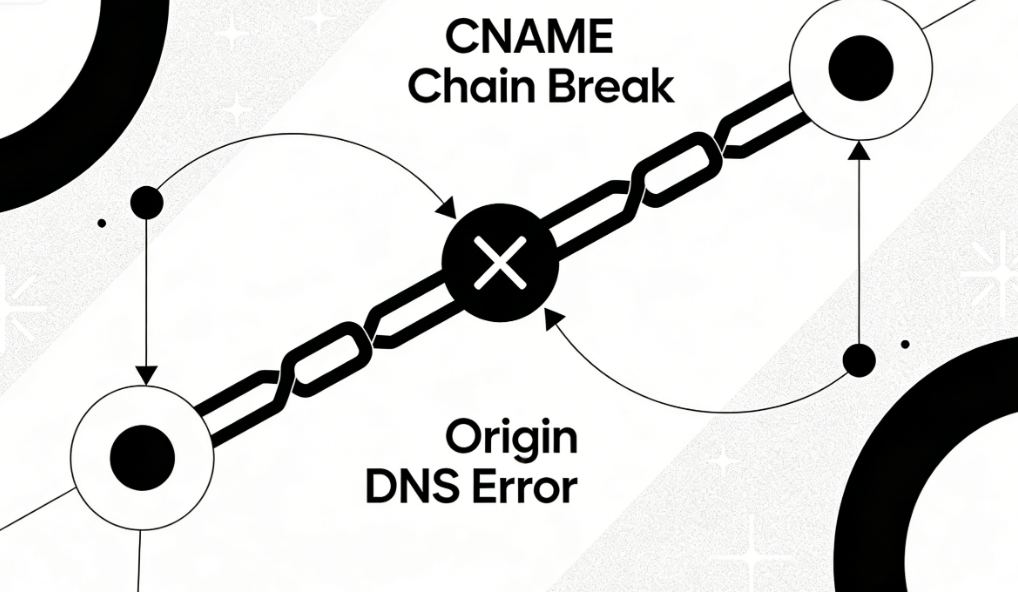
2.2 Cascading Failures in CNAME Record Configuration
The error with the CNAME lies in the broken chain of its pointers.
- Error Type A: Points to a non-existent domain nameThe canonical domain name in the CNAME record itself does not have a valid A record or AAAA record configured. For example, when
www.example.comCNAME points towebserver.example.comDemocratic Republic of the Congowebserver.example.comNo records defined. The resolution process breaks at this chain link, returning a "domain name does not exist" status. - Error Type B: Creating a Resolution LoopTwo or more CNAME records point to each other, forming an infinite loop. For example,
a.example.comCNAME points tob.example.combut (not)b.example.comAlso CNAME points toa.example.comThe DNS resolver will abandon the query and return an error upon detecting a loop. - Error Type C: Conflict with other records on the same hostnameAttempting to add MX, TXT, or another A record under a hostname that already has a CNAME record. This violates DNS protocol and leads to unpredictable resolution behavior, with specific errors varying depending on the DNS server implementation.
- ConsequencesThe break in the CNAME chain prevents resolution from reaching the final IP address, causing the CDN to be unable to determine the origin server's IP and directly throw an Origin DNS error.
2.3 Composite Errors in Mixed Configuration Scenarios
In real-world scenarios, errors often occur in a compound form.
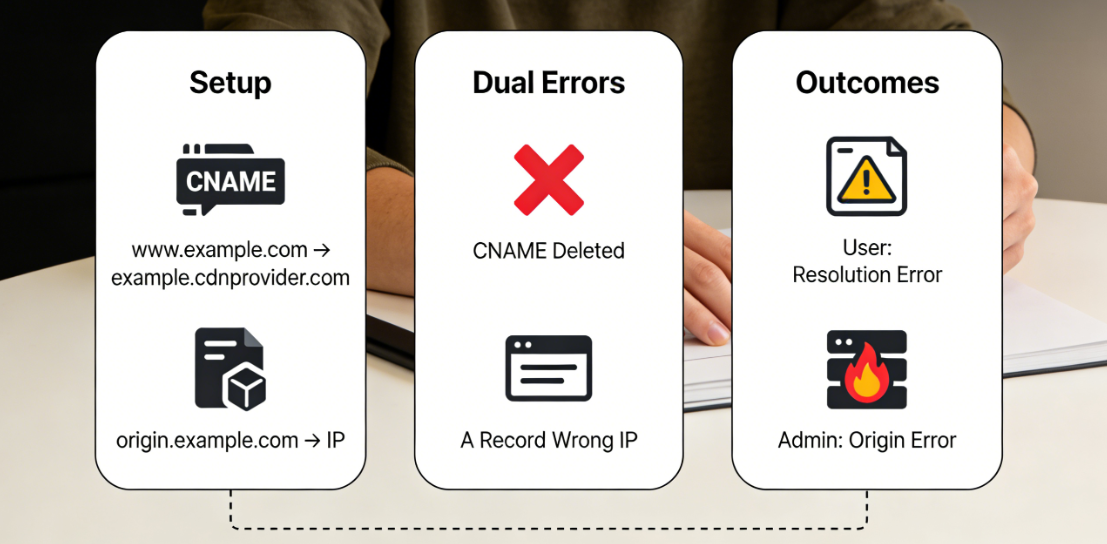
- Case Study: Chain of Errors in CDN Origin ConfigurationThe
- configureThe website uses a CDN.
www.example.comThe CNAME record points to the CDN provider's address.example.cdnprovider.comSet the origin server address in the CDN toorigin.example.comThe - Chain of errors::
origin.example.comThe A record points to an incorrect IP address (A record error).- Meanwhile.
www.example.comThe CNAME record was accidentally deleted, causing the primary website entry point to fail to resolve.
- show offUser access to the main site fails, CDN origin fetching also fails, simultaneously generating a user-facing resolution error and an administrator-facing origin error.
- configureThe website uses a CDN.
Chapter 3: Comparative Analysis of Positive and Negative Cases and Configuration Paradigms
Through comparative analysis, establish the correct configuration model.
3.1 Basic Website Hosting Scenarios
- goalPoint the root domain and the www subdomain to the same server IP.
- correct configuration::
example.comA record points to192.0.2.1www.example.comCNAME record points toexample.com
- Example of Incorrect Configuration::
example.comA record points to192.0.2.1www.example.comA record points to192.0.2.2(IP inconsistencies lead to content discrepancies or maintenance difficulties)- or in
www.example.comWhen an MX record is added to a domain that already has a CNAME record (violating protocol).
![Image [7] - DNS Record Engineering: In-Depth Analysis of Origin DNS Errors Caused by Misconfigured A Records and CNAME Records](https://www.361sale.com/wp-content/uploads/2025/12/20251209093029398-image.png)
3.2 Scenarios for Using Third-Party Services
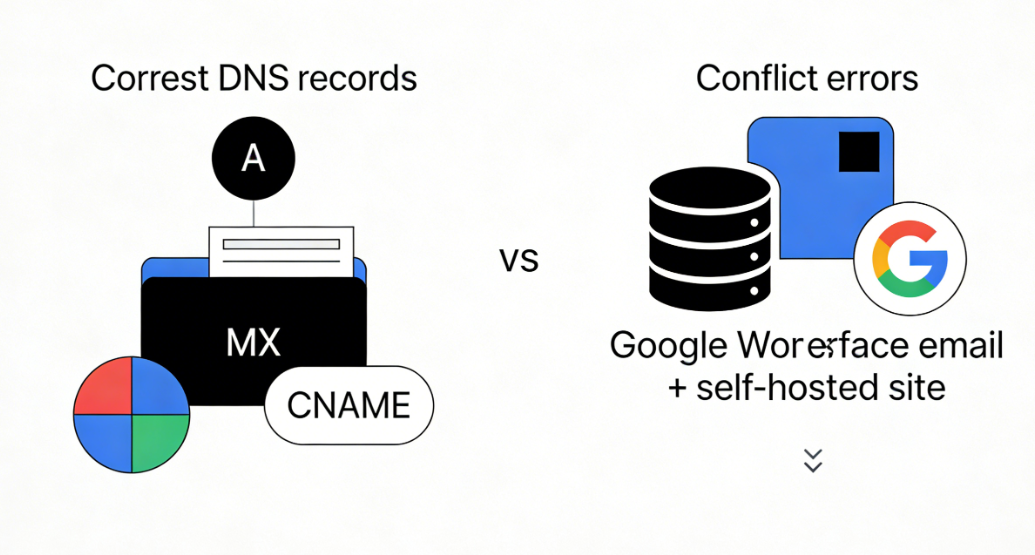
- goalEmail services will be managed through Google Workspace, while the website will be hosted on our own servers.
- correct configuration::
example.comA record points to192.0.2.1example.comMX record points toaspmx.l.google.com(Priority 1)www.example.comCNAME points toexample.com
- Example of Incorrect Configuration::
- Failure to configure MX records for the root domain resulted in emails being unable to be received.
- Attempting to access the root domain
example.comSet both an A record pointing to your own IP and a CNAME record pointing to a third party (resulting in a conflict).
3.3 CDN and Origin Server Separation Scenarios
- goalAccelerate websites via CDN, with origin servers isolated using independent subdomains.
- correct configuration::
origin.example.comA record points to the origin server's private IP address.192.0.2.100(This IP should be restricted to CDN access only)www.example.comCNAME points toexample.cdnprovider.net- Set the origin server address in the CDN panel to
origin.example.com
- Example of Incorrect Configuration::
origin.example.comRecords are missing or point to IP addresses that cannot be routed to the public network.- commander-in-chief (military)
origin.example.comAlso set as a CNAME and enable CDN proxy, causing a loop where the CDN fetches content back from its own nodes.
Chapter 4: Configuration Audit and Validation Methodology
Establish a systematic configuration verification process.
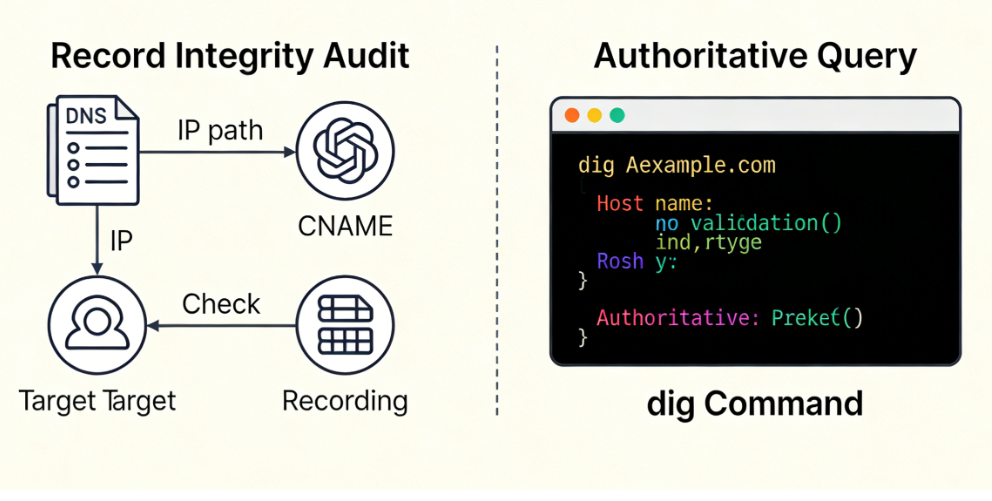
4.1 Record Integrity Audit
Regularly review DNS zone files to ensure:
- Each hostname used for critical services has exactly one path that terminates at an IP address.
- The target domain name pointed to by the CNAME record must exist and be configured correctly.
- There is no record type conflict.
4.2 Verification Using Authoritative Queries
utilization dig Coordination of Commands +trace Perform authoritative queries against specified record types to avoid cache interference.
dig A example.com @ns1.yourdnsprovider.comdig CNAME www.example.com @ns1.yourdnsprovider.com
summarize
The root cause of Origin DNS Errors at the DNS record level can be precisely traced to incorrect IP values in A records, broken pointing chains in CNAME records, or configuration conflicts between various record types. Advanced administrators demonstrate their expertise by no longer viewing the DNS panel as a mysterious black box, but rather by deconstructing it into a set of independently auditable and deducible logical statements—such as A, CNAME, and MX records.
By gaining a deep understanding of the functions, constraints, and error patterns associated with these record types, administrators can proactively design clear, robust, and conflict-free DNS architectures. This approach eliminates a broad category of availability failures caused by configuration errors at their source, enabling precise control over website naming and addressing systems.

Link to this article:https://www.361sale.com/en/82345The article is copyrighted and must be reproduced with attribution.




















![Emoji[wozuimei]-Photonflux.com | Professional WordPress repair service, worldwide, rapid response](https://www.361sale.com/wp-content/themes/zibll/img/smilies/wozuimei.gif)

![Emoticon[baoquan] - Photon Wave Network | Professional WordPress Repair Services, Worldwide Coverage, Rapid Response](https://www.361sale.com/wp-content/themes/zibll/img/smilies/baoquan.gif)


 简体中文
简体中文  English
  日本語
日本語  Français
  Español


No comments