





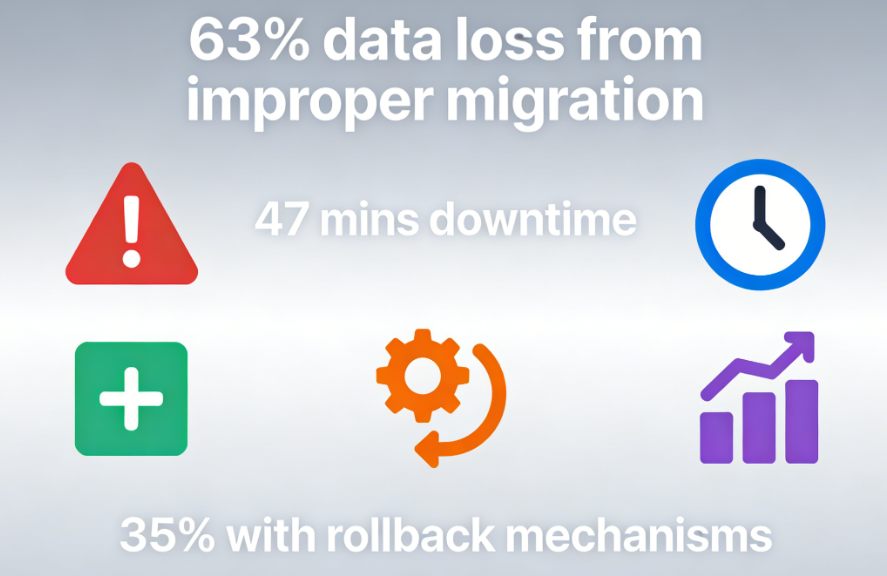
existWordPress PluginIn every developer's journey, there comes that pivotal moment—when a plugin requires an upgrade, and the user data within the database must evolve alongside it. This is a high-risk turning point. Data reveals that 631 out of 3T plugin data loss incidents stem from improper version migration, with each failed database change averaging 47 minutes of service disruption.Adding new fields, modifying indexes, optimizing storage structures—each step can jeopardize production data. More alarmingly, only 35% of developers have implemented comprehensive database migration rollback mechanisms for their plugins.
Chapter 1: Fragility in Migration and Resilience in Architecture
Imagine this scenario: Your plugin has 100,000 users, storing their behavioral data. The new version requires adding three analytics fields and rebuilding the index. A simpleALTER TABLEcommandBehind the scenes, disaster may lurk in the production environment—table locks causing service interruptions, non-null fields without default values leading to migration failures, not to mention the despair brought by the absence of rollback mechanisms.
This is why WordPress itself adopts a completely different philosophy. Its built-indbDeltafunction (math.)It represents a concept of intelligent evolution. This function does not execute blindly.SQL commandInstead of rushing to implement changes, we first understand the current state and then implement the minimum necessary changes. It checks whether fields exist and whether definitions are consistent, intelligently manages indexes, and atomizes operations as much as possible to reduce table lock time.
But relying solely ondbDeltaIt's like having a scalpel but no anesthesia or monitoring equipment. A complete migration system requires a version control mechanism that ensures every structural change is traceable, controllable, and reversible. This isn't merely a technical implementation—it's a fundamental responsibility toward user data.
Chapter 2: Building a Version Control System for Time Travel
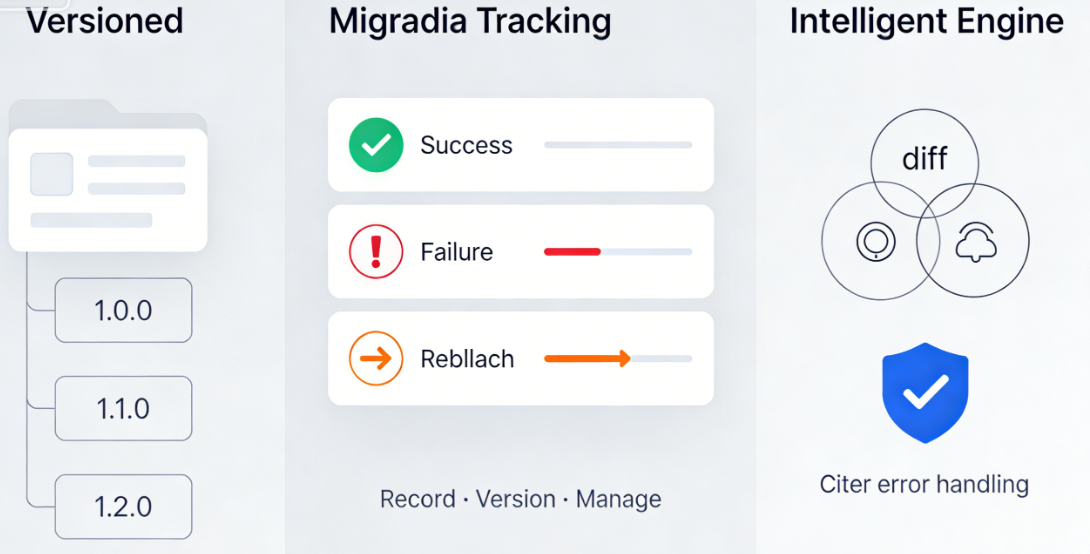
An excellent migration system begins with a simple principle: every database change should be recorded, versioned, and managed. This requires a metadata table to document the migration history—not just successes, but every attempt, failure, and rollback.
The true power of versioned migration lies in its organizational structure. Imagine a meticulously designed directory tree, with each version as a folder and each migration file as a step. This structure makes the evolutionary journey of the database crystal clear. From version 1.0.0, which created the initial tables, to version 1.1.0, which added user metadata fields, to version 1.2.0, which optimized indexes—each step is a self-contained, idempotent unit of operation.
The intelligent migration engine serves as the command center of this system. It detects differences between the current version and the target version, executing pending migration scripts in the correct sequence. More importantly, its approach to handling errors reflects engineering maturity—logging failure details, providing recovery paths, and performing rollbacks when necessary.
Chapter 3: Elegant Strategies for Massive Data Migration
When data volumes reach the millions, migration evolves from a technical challenge into an art form. A single operation may trigger database timeouts, memory exhaustion, or service interruptions. At this stage, a more elegant strategy is required—batch migration.
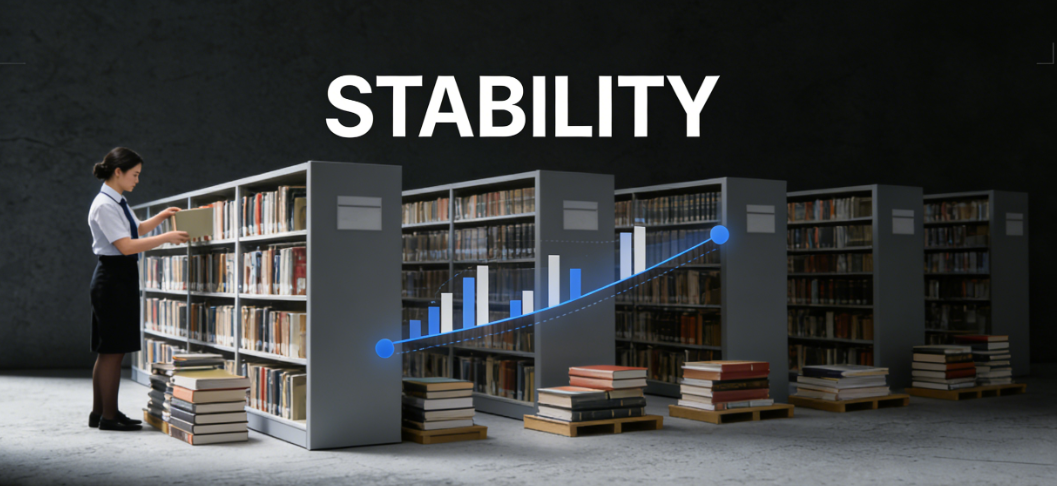
The art of batch migration lies in balancing speed and stability. It resembles a meticulous librarian organizing a vast book collection—rather than moving all books at once, they process them in batches, ensuring each set is correctly shelved before proceeding to the next. This approach maintains basic service availability during migration, as only a small number of records are locked at any given time.
Modern database systems provide more advanced tools. The online DDL feature introduced in MySQL 5.6 and later allows certain table structure changes to be performed without locking the entire table. Understanding and correctly utilizing these capabilities can significantly reduce the impact of migrations on service availability.
For data conversions that cannot be easily batch-processed—such as altering data storage formats—creative solutions are required. This sometimes involves creating shadow tables to gradually migrate data from the old structure to the new one, culminating in an atomic switchover. This process demands precise timing control and error handling, but when implemented correctly, it enables migration with zero downtime.
// Example: Core logic for safely adding new fields in batch processing $batch_size = 1000; $last_id = 0; while (true) {     // Process one batch of data per iteration
    $rows = $db->query("SELECT * FROM large_table WHERE id > $last_id LIMIT $batch_size"); if (empty($rows)) break; foreach ($rows as $row) {
        // Transform and update data process_row(row); last_id = row->id; } // Pause between batches to reduce database load sleep(0.1); }
Chapter 4: Safety Net Design for Rollback-Capable Systems
The most fundamental characteristic of any migration system is not how far it can advance, but how many steps it can safely roll back. Rollback capability is not a luxury, but a basic requirement for production environments.
Checkpoint MechanismThis forms the foundation of the rollback system. Before initiating any irreversible operation, the system creates a snapshot of the current state. This is not a full backup—which is impractical for large data tables—but rather sufficient information to reconstruct critical data. Sometimes this involves creating temporary backup tables; other times, it entails recording adequate metadata. The principle is to strike a balance between security and performance.
Atomic version updates ensure the system never remains in a "half-upgraded" state. Through database transactions and distributed locks, the system guarantees that migrations either succeed completely or fail entirely. This requires meticulous design, as certain database operations exhibit unique behavior within transactions, while others cannot be rolled back at all.
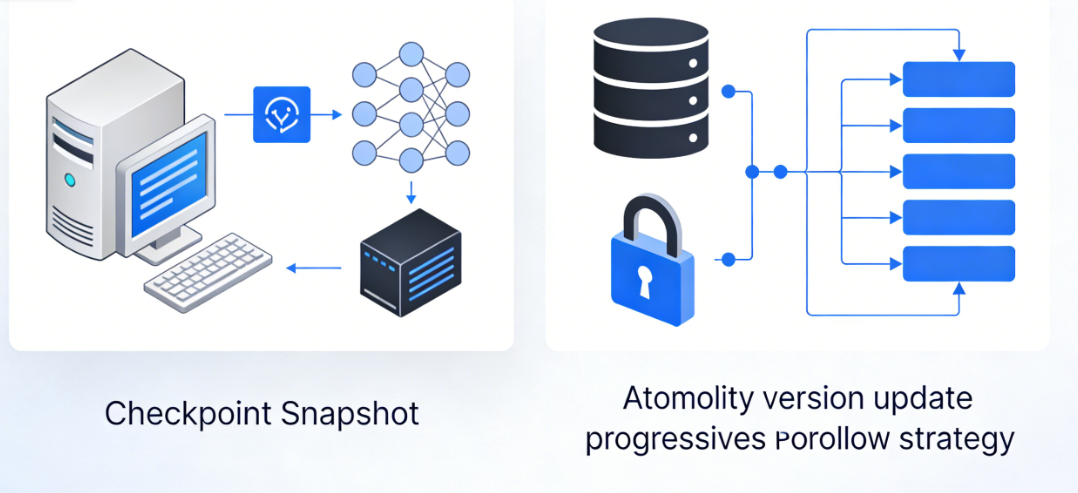
A progressive rollback strategy acknowledges that rollbacks themselves may fail. Therefore, robust systems do not assume rollbacks will always succeed. Instead, they design multi-level rollback strategies: prioritizing full rollbacks, followed by partial rollbacks to restore services, and finally resorting to manual intervention plans.
Chapter 5: From Technical Implementation to Team Culture
A truly excellent migration system ultimately transforms how teams work. It turns database changes from a daunting task into a predictable, manageable routine process.
Migration scripts serve as a medium for team communication. By authoring migration scripts, each developer not only implements technical changes but also conveys business intent and technical considerations. These scripts become living documentation, recording why a particular field was added, why an index was designed in a specific way, and what business requirements drove the change.
Testing migrations has become as critical as testing functional code. Simulate various scenarios in the development environment: normal migrations, recovery after migration failures, version rollbacks, and concurrent migration conflicts. These tests build confidence, empowering teams to execute complex changes in production environments.
// Core configuration example for migration version management define('PLUGIN_DB_VERSION', '1.3.0'); define('MIGRATION_HISTORY_TABLE', 'plugin_migrations');

// Version check and automatic migration entry point if (get_option('plugin_db_version') !== PLUGIN_DB_VERSION) {     run_migrations(get_option('plugin_db_version'), PLUGIN_DB_VERSION); }
Monitoring and visualization make the migration process transparent. Dashboards display migration progress, performance impacts, and potential issues. When teams can see migration status in real time, anxiety decreases and a sense of control increases. This transparency builds trust in the system and allows problems to be detected before they affect users.
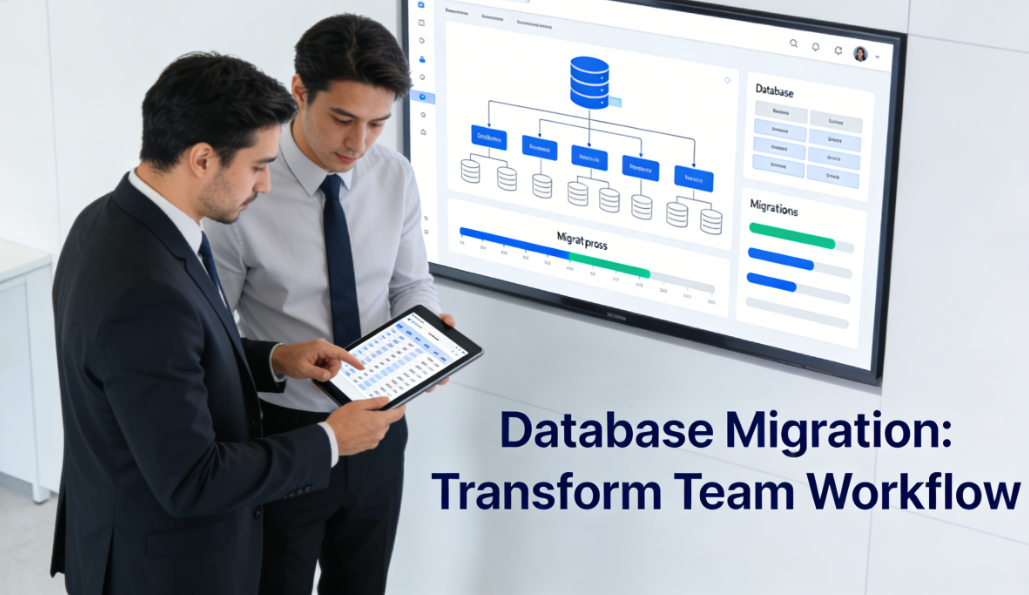
Ultimately, a mature migration system cultivates a sense of data responsibility across the entire team. Every developer understands that they are not merely modifying code, but safeguarding users' data assets. This responsibility manifests in meticulous reviews before each migration, rigorous testing, and comprehensive rollback plans.
The art of database migration is, at its core, the art of change management. In a world where software is constantly evolving, mastering the ability to handle shifts in data structures gracefully is a fundamental skill every WordPress plugin developer must possess. This goes beyond merely updating plugin functionality; it is the cornerstone for building user trust and ensuring business continuity. When data can safely traverse the river of versions, the plugin itself gains the potential for enduring vitality.

Link to this article:https://www.361sale.com/en/82563The article is copyrighted and must be reproduced with attribution.



















![Emoji[wozuimei]-Photonflux.com | Professional WordPress repair service, worldwide, rapid response](https://www.361sale.com/wp-content/themes/zibll/img/smilies/wozuimei.gif)

![Emoticon[baoquan] - Photon Wave Network | Professional WordPress Repair Services, Worldwide Coverage, Rapid Response](https://www.361sale.com/wp-content/themes/zibll/img/smilies/baoquan.gif)


 简体中文
简体中文  English
  日本語
日本語  Français
  Español


No comments