





WordPress Subscription Not Receiving Coupons, is the use of subscription pop-ups, email marketing or WooCommerce Automated CouponsOne of the most common issues that trigger user complaints when it comes to functionality.
Many webmasters will find that: the subscription process looks completely normal, and the user successfully submits the email, but the coupon email never arrives.
This is not necessarily a bug in the plugin itself, but rather the result of multiple links stacked on top of each other.

I. Subscription Success ≠ Coupon Sent (This is the most common misunderstanding)
In WordPress, "Subscription Successful" and "Coupon Sent Successfully" are typicallyTwo completely separate processesThe
Common Misunderstandings
Many webmasters think that by default:
- User Submission Email
- The page says "Subscription Successful"
- The system must have already sent the coupon
But actually:
- The subscription plugin is only responsible forCollection mailboxes
- The coupon plugin is only responsible forGenerate Coupons
- It's the mail system that's responsible.Really Send Mail
As soon as one of these links is disconnected, the user encounters the WordPress Subscription Not Receiving Coupons of the problem.
Reason 1: The subscription plugin doesn't really trigger the "Send Coupon" action.
Problem Performance II, Reason 1: The subscription plugin does not really trigger the "Send Coupon" action.
- Subscription success alerts are normal
- You can see the subscription email in the background
- But there is no record of any coupons being sent
Core reasons
Many subscription pluginsDefault is only responsible for collecting mailboxes, and is not automatically linked to the coupon function.
If you're using an application based on the WordPress of the subscription plugin, one of the following additional settings is usually required:
- Triggering a Webhook
- Binding the automatic mail process
- Docking WooCommerce Coupon Logic

prescription
Please check:
- Whether or not "Send email after successful subscription" is enabled
- Whether or not specific coupons or email templates are tied to it
- Are the correct triggers set (e.g. first time subscription)
Reason 2: The coupon itself is not activated or has expired.
Performance of the problem
- Mail system normal
- Mail logs show "Sent"
- Users clicked and found the coupon was invalid and not even displayed
Common Configuration Errors
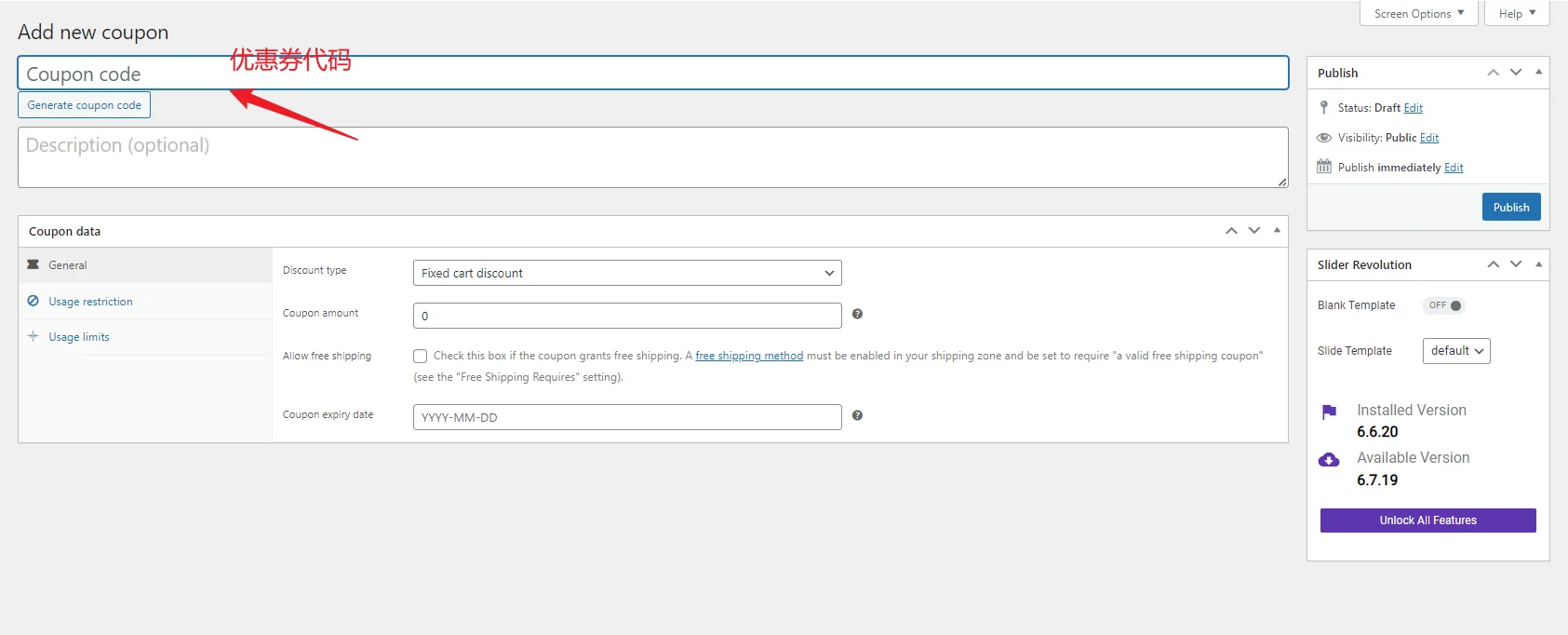
exist WooCommerce in which coupons have multiple restrictions that can easily be overlooked:
- Coupon not checked "Enable"
- Start/end time set but expired
- Maximum number of uses reached
- For logged in users only
prescription
Go to WooCommerce → Coupons and check them one by one:
- Coupon Status Enabled or Not
- Whether the validity period covers the current time
- Whether the limit on the number of uses is reasonable
- Whether user roles or email domains are restricted
Reason 3: The email was actually sent, but was blocked in the spam mailbox.
Performance of the problem
- You test your own e-mail to see if you can't get it.
- Inconsistent behavior across mailboxes (Gmail yes, Outlook no)
Core reasons
WordPress uses wp_mail()The majority of servers do notNot suitable for direct marketing emailsThe
The result:
- The email was flagged as Spam
- or directly intercepted by the mail service provider
This is the cause of WordPress Subscription Not Receiving Coupons (used form a nominal expression)High-frequency causesThe

prescription
It is highly recommended to configure SMTP and use a specialized outgoing mail service, for example:
- SMTP Plugin
- Independent Mail Service Provider
Check at the same time:
- SPF / DKIM / DMARC Configurable or not
- Whether the sender's mailbox is a real domain name mailbox (not Gmail, QQ)
Reason 4: Coupon variable not correctly inserted in the e-mail template
Performance of the problem
- Subscribers receive emails
- But there is no coupon code in the email or it shows up as empty
common error
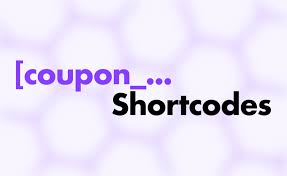
- Wrong shortcode used
- Coupon variable misspelled
- Variable rule change after plugin update
Example:
{coupon_code}put down as{coupon}- The plug-in requires the use of the
{{coupon_code}}but still using the old format
prescription
Be sure:
- Use the official variable format provided by the plugin
- Send a "Real Test Email"
- Don't just rely on the preview function
Reason 5: User did not complete "double subscription confirmation"
Performance of the problem
- Users fill in the mailbox
- The mailbox is not visible in the backend
- or the status reads "not confirmed".
Core reasons
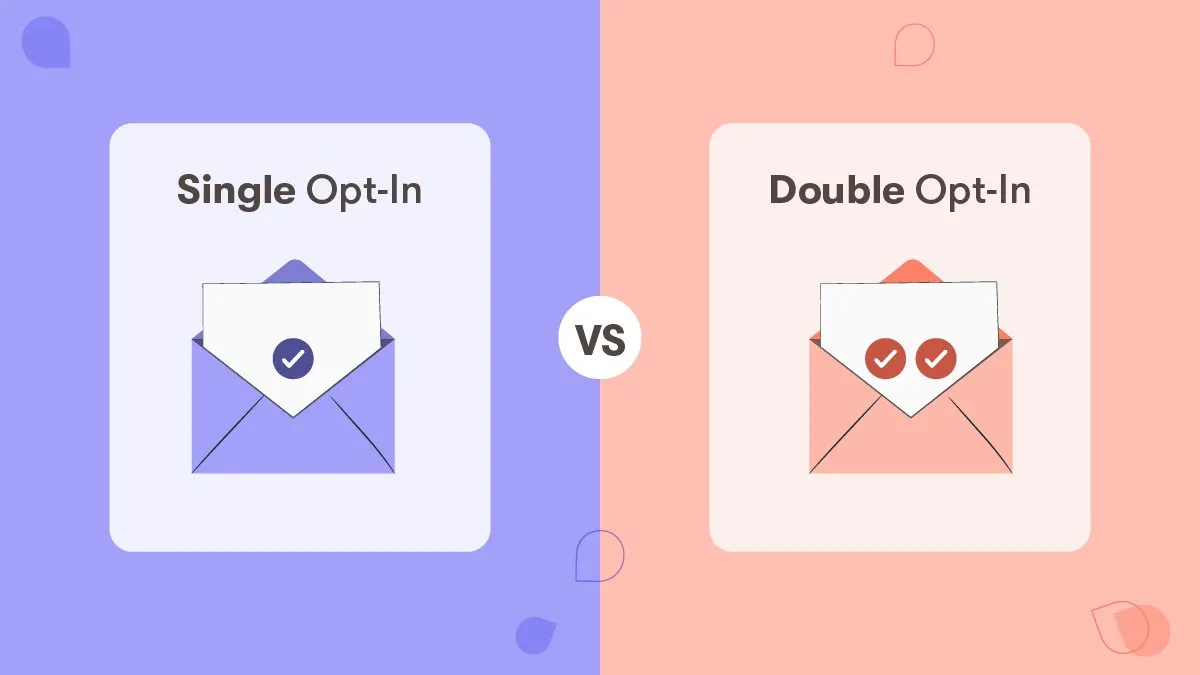
Some subscription systems are enabled Double Opt-in::
Process for:
- User Submission Email
- System sends confirmation email
- User clicks to confirm
- before the coupon is triggered to be sent
If the email from step 2 is not received, step 4 will never happen.
prescription
You can choose:
- Close Double Opt-in
- Or clearly state in the confirmation email that you will not receive the coupon until you have confirmed it.
Reason 6: The server or host restricts the frequency of mail delivery
Performance of the problem
- Normal for small subscriptions
- Subscription Peak Mass Failure
Common Scenarios
- Web hosting limits the number of messages per hour
- Shared IP blacklisted by other sites
prescription
- Checking the host's mail delivery limits
- Use of third parties SMTP service
- Send marketing emails separately from system emails
Reason 7: Cache, CDN, or Firewall Blocking Subscription Requests

Performance of the problem
- The front-end displays "Subscription Successful".
- No data is recorded in the background
Core reasons
- Pages are cached
- Ajax requests blocked by CDN or firewalls
- The form is not really submitted to the server
prescription
- Disable caching for subscription pages
- Whitelisting form interfaces
- Check if the browser Network request was returned successfully
IX. How to systematically troubleshoot WordPress subscriptions that do not receive coupons?
It is recommended that you troubleshoot in the following order:
- Whether the subscription event was actually triggered
- Is the coupon valid and active
- Whether the mail was sent successfully (log)
- Whether mail is blocked or not
- Are the template variables correct
- Whether there is double confirmation
- Server and caching environment is normal
As long as they are checked in order.Almost all 100%s have been able to locate the source of the problem.The
Conclusion: This is a "process problem", not a single plug-in problem!
WordPress Subscription Not Receiving CouponsIt's never a plugin that's "broken", it's aBreakpoints in the complete automated process

Link to this article:https://www.361sale.com/en/86200The article is copyrighted and must be reproduced with attribution.


















![Emoji[wozuimei]-Photonflux.com | Professional WordPress repair service, worldwide, rapid response](https://www.361sale.com/wp-content/themes/zibll/img/smilies/wozuimei.gif)

![Emoticon[baoquan] - Photon Wave Network | Professional WordPress Repair Services, Worldwide Coverage, Rapid Response](https://www.361sale.com/wp-content/themes/zibll/img/smilies/baoquan.gif)


 简体中文
简体中文  English
  日本語
日本語  Français
  Español


No comments