





arrange in order

WooCommerce Beginner's Guide: How to Get Started and Optimize Your E-Commerce Site Quickly
This article provides a comprehensive guide for WooCommerce newbies, covering how to quickly install WooCommerce, configure store settings, add products, set up payment and shipping methods, manage orders and customers, and more. To help you get started and optimize your eCommerce site quickly...

Newbie tutorial: in-depth understanding of Google SEO, optimize the structure of WordPress pages, quickly improve site ranking
This article details how to improve your website's ranking in search engines through a range of optimization tools, covering how Google search works, key factors in website crawling and indexing, SEO optimization steps, and tips on using the RankMath plugin for SEO settings....
From the Ground Up: How to Quickly Install and Configure WooCommerce in a Kadence Theme
Learn how to install and configure WooCommerce from scratch in a Kadence theme to create a fully functional online store. Master theme customization, product management, performance optimization and user experience enhancement to create an efficient e-commerce platform.

How to Fix "Sorry, this file type is not allowed for security reasons" Error in WordPress
Encountering "Sorry, this file type is not allowed for security reasons" error when uploading files in WordPress? This guide provides 7 easy ways, including modifying wp-config.php, tweaking .htaccess, using plugins, checking file extensions, and more, to help you lightly...

Elementor Preview Page Not Loading: Causes and Solutions
Encountered the problem that Elementor preview page can not be loaded? This article explains in detail the common causes of the problem, such as theme settings, plugin conflicts, server configuration, etc., and provides a step-by-step solution to help you easily restore the page preview function.

Elementor for Beginners: Web Design Tutorials from Scratch in 1 Second!
Elementor Tutorials, WordPress Design, Elementor Installation, Elementor Editor, Website Design, Elementor for Beginners, Page Builder Plugin, Elementor Widgets, Elementor Custom Styles, Responsive Design, Elementor Pro, Elementor Models...
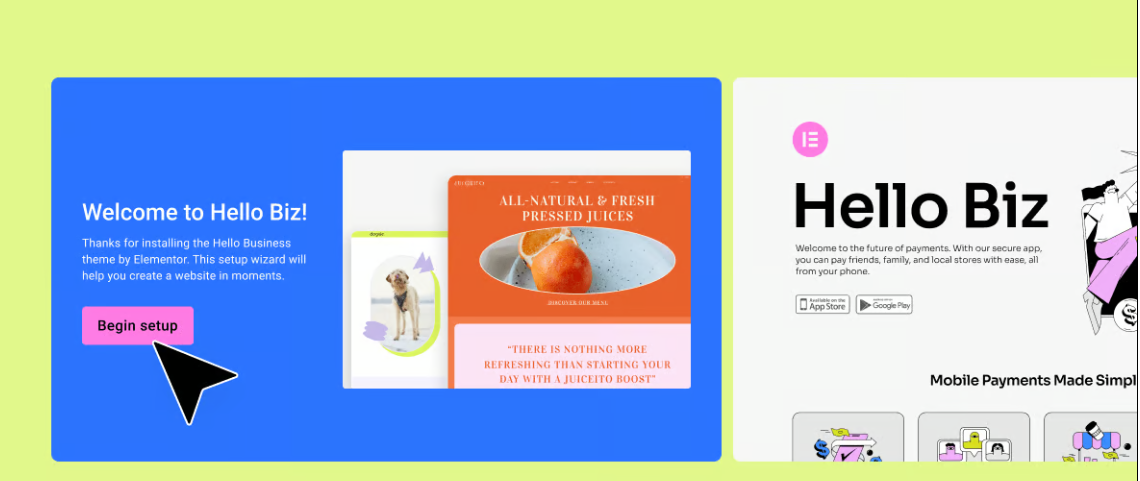
Hello Biz: A WordPress Theme Tailored for Beginners
Hello Biz is a WordPress theme designed for small businesses and freelancers that is easy to use and offers professional templates and widgets to help you quickly build a responsive website and launch your online business.

Open Source CMS and SEO: How to make sure your content is indexed quickly by Google
How to get your open source CMS website (WordPress, Joomla, Drupal) accepted by Google quickly? This guide explains SEO best practices in detail, including sitemap submission, robots.txt configuration, URL structure optimization, application of structured data, site loading speed improvement, etc....
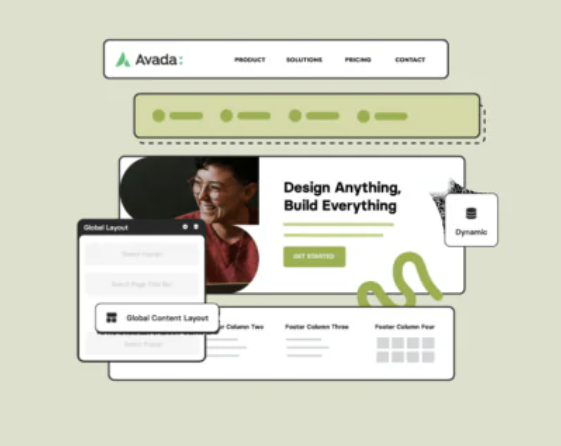
Avada page title bar settings in detail: from basic to advanced
This article explains how to set and customize page title bar in Avada theme, from enabling/disabling title bar to adjusting style, font, background and breadcrumb navigation. Enhance your website's user experience and SEO results with these settings!

Elementor AI: How to use AI to modify CSS and code to beautify your login page
Enhance your login page design with Elementor AI modifications to CSS and code to optimize page load speed, enhance interactivity, save development time and improve user experience. This article details how to customize buttons, backgrounds, fonts, and animations with AI to create engaging...

Building Your Own Open Source CMS Website: From Selection to Deployment
From selection to deployment, this article describes in detail how to build an open source CMS website to help you choose the right system (e.g., WordPress, Joomla, Drupal, etc.), configure the basic plug-ins and themes, optimize the site's performance and security, and ensure that the site is released smoothly. Let you in the shortest ...

How to integrate a CDN into a CMS website (e.g. WordPress)
This article describes how to integrate a CDN into a WordPress website to help improve site loading speed, reduce latency, and enhance security. It includes detailed steps on choosing the right CDN provider, installing plugin configurations, and more to help optimize website performance.

 简体中文
简体中文  English
  日本語
日本語  Français
  Español



