





arrange in order

Quickly Build a WordPress Multisite with WP-CLI (Multisite)
Introduces how to use WP-CLI to quickly enable WordPress multisite functionality, covering the command line operation, rewrite rule settings and backend management and other complete steps.

How to install a theme using WP-CLI
Explains the whole process of installing WordPress themes using WP-CLI, from preparing the environment, finding themes, to installing and enabling them, suitable for both developers and efficient operation and maintenance scenarios.

How to Downgrade WordPress Version with WP-CLI
If you encounter errors after updating WordPress, you can use WP-CLI to downgrade WordPress to a specific version. This article explains how to downgrade WordPress version using WP-CLI with complete steps and notes.

Complete Guide to Installing WordPress Plugins with WP-CLI
This tutorial explains how to install, enable and manage WordPress plugins using WP-CLI. Learn how to simplify the plugin installation process via the command line for developers.

How to Install WordPress with WP-CLI
Installing WordPress through WP-CLI makes the process of building a website more efficient. This article details the steps to install WordPress using WP-CLI, including folder creation, WordPress download, configuring wp-config.php and the final installation process.
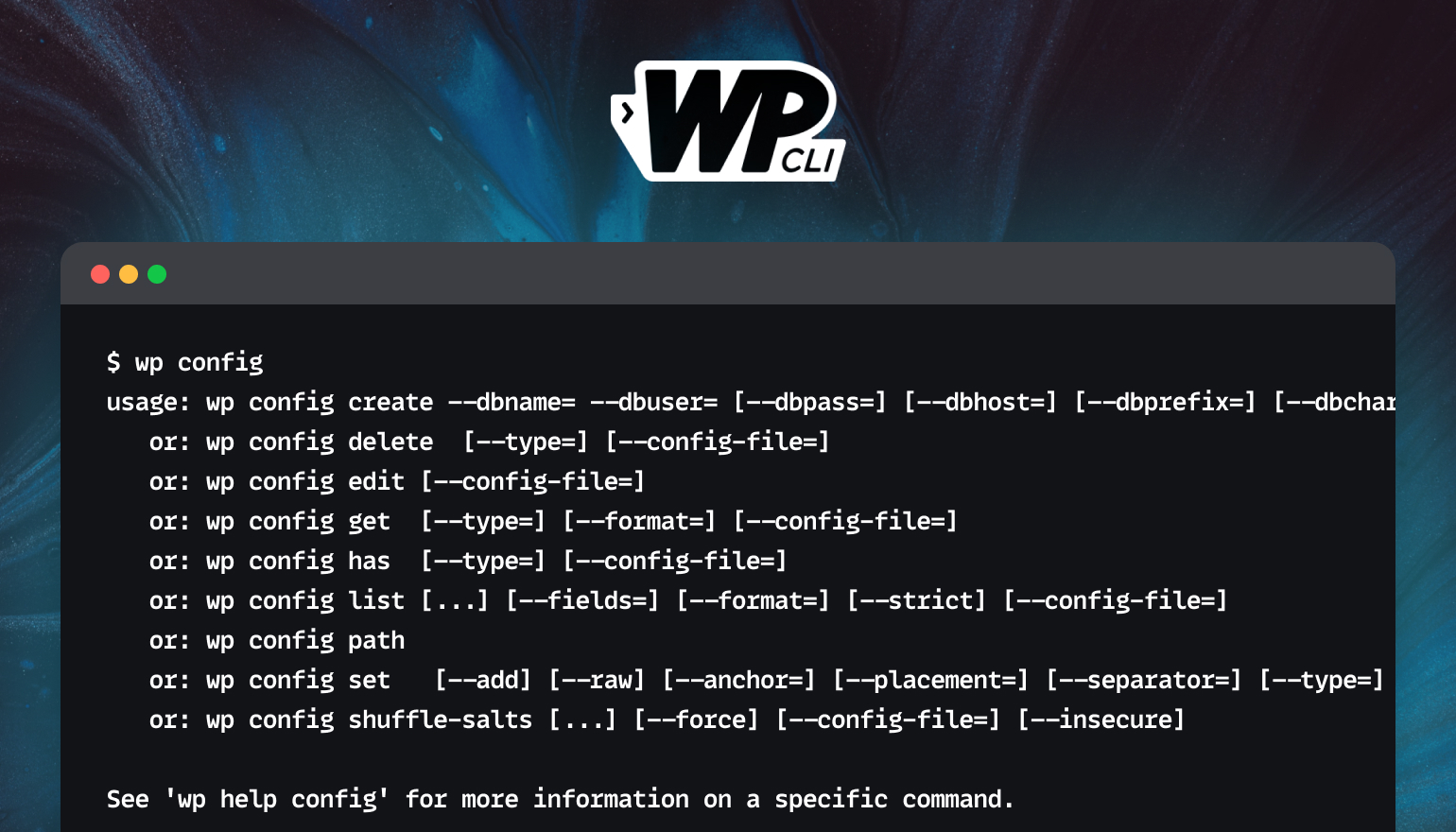
Full tutorial on installing plugins and theme zip files using WP-CLI
This tutorial describes how to use WP-CLI to install plugins and theme ZIP files from third parties to improve WordPress development efficiency for developers and VPS users.

Testing WordPress 6.9 Beta 1: A Comprehensive Guide
WordPress 6.9 Beta 1 is now in open beta, bringing with it a new template manager, command panel, capabilities API and performance optimizations. This post organizes testing methods, key updates and developer highlights to help better experience the new version.

WP-CLI Chinese Getting Started Tutorial: WordPress Command Line Operation Guide
WP-CLI is the official command line tool of WordPress, which can be used to install plugins, create posts, export database and other operations, suitable for batch processing and automated maintenance. This article provides a complete introduction to teaching and common command examples.

How to Reset WordPress Password with WP-CLI
Learn how to quickly reset your WordPress password using WP-CLI for VPS environments. Manage WordPress from the command line to increase efficiency and save time.

How to Install WP-CLI on Linux
This article describes in detail how to install WP-CLI on a Linux system, covering the process of downloading the Phar build file, checking the file for executability, turning it into an executable, and testing the installation process, allowing you to manage your WordPress website more efficiently from the command line.





