




Elementor Page 23
Elementor is a powerful drag and drop page builder for WordPress that makes it easy for users to create responsive websites. Known for its user-friendly interface that allows even non-developers to create professional-looking pages without writing a single line of code, Elementor offers a wealth of widgets, templates, and design options that grant complete creative freedom to improve the functionality and aesthetics of your website, making it the tool of choice for beginners and experienced developers looking to streamline their website design workflow.
arrange in order

SEO Optimization Guide: Increase Content Visibility and Traffic with Loop Grid
Optimize Headlines, Abstracts, Schema and Internal Links with Elementor's Loop Grid to improve overall website SEO and content visibility.
Elementor Ultimate Tutorial: From Installation to Use, Build a Professional WordPress Website Fast
This tutorial explains in detail the features, installation steps and usage of Elementor to help you quickly master Elementor, build professional-grade website pages in WordPress from scratch, and easily realize drag-and-drop design and responsive layout.
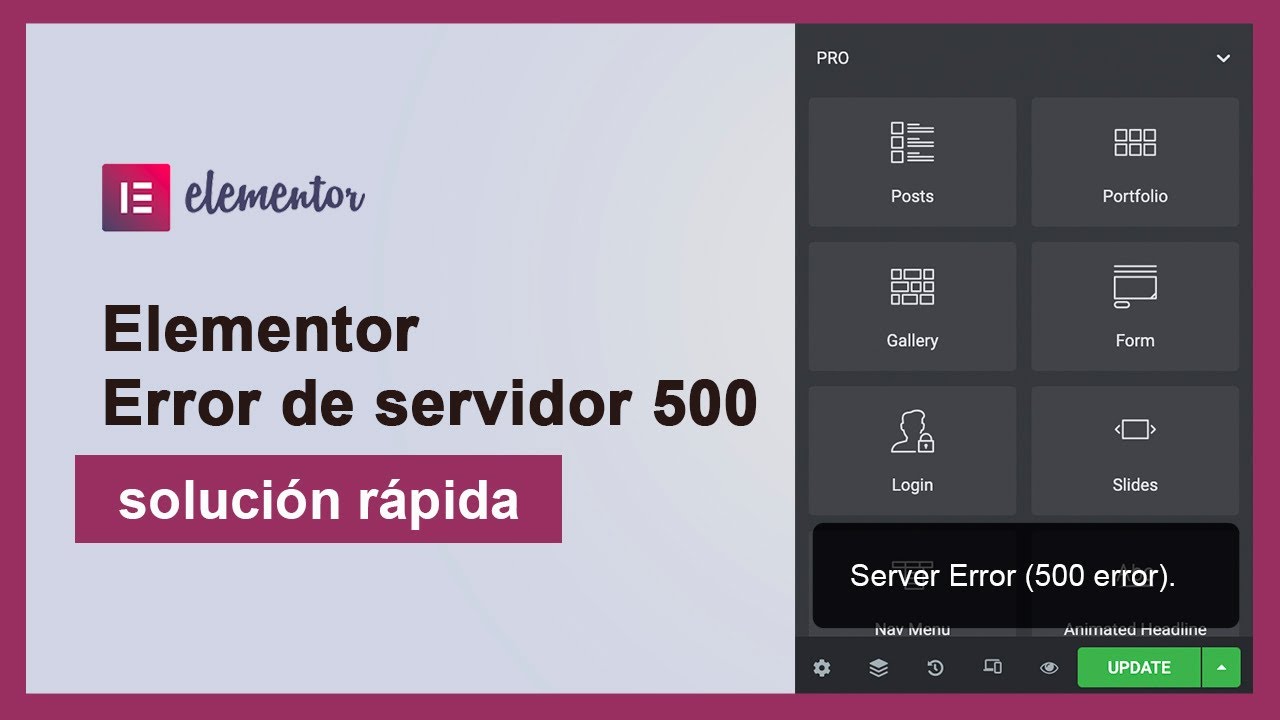
Troubleshooting and Fixing Elementor Editor Error 500 Guide
Detailed analysis of Elementor editor 500 error common causes and fixes, suitable for WordPress newbies and website maintainers reference.

2025 Image Optimization Guide: essential tips to improve website speed and SEO rankings
Image optimization continues to be an important factor in website performance. This article breaks down 2025 image optimization best practices in detail, including choosing the right image format, resizing, compressing images, enabling lazy loading, optimizing metadata, and more, to help improve website speed and SEO rankings.

WoodMart Theme Compatibility with Elementor Issues and Solutions
When building a WordPress site using the WoodMart theme in conjunction with Elementor, you may encounter problems such as the editor not loading, misaligned layouts, missing styles, etc. This guide provides tips for optimizing PHP memory, cleaning the cache, disabling conflicting plugins, and more. This guide provides tips for optimizing PHP memory, cleaning cache, adjusting CSS resource loading, disabling conflicting plugins, etc....

Don't want to break the rules and don't want the hassle? Here's how to get rid of cookie reminders with Elementor popups.
Easily create GDPR and CCPA compliant Cookie Consent popups using Elementor Pro's popup builder. The tutorial includes detailed steps from template selection to trigger setup without writing any code.

Creating Custom Post Listing Page Templates with Elementor Pro: A Detailed Tutorial
Customize WordPress article listing page templates with Elementor Pro to easily personalize the layout and optimize the user experience. This tutorial explains the steps to create templates, style adjustments, dynamic content display and display conditions to help you create a unique archive...

Container and Column Width Settings in Elementor: Tips for Creating Beautifully Structured Web Pages
Learn how to set the width of containers and columns in Elementor to flexibly adjust the page layout, optimize the user experience, and ensure that the page displays perfectly on a variety of devices through responsive design.

How do I get Elementor to support the WebP image format?
Teach you how to load WebP images correctly in Elementor, improve loading speed, work with plugins, CDN and caching to optimize website performance and SEO results.

Optimize your website's images: Improve your website's performance with the Image Optimizer plugin from Elementor.
Use the Image Optimizer plugin to automatically optimize all images on your WordPress site, reduce image file sizes, and improve site loading speed. It supports automatic compression, batch optimization and format conversion to help your website improve performance, user experience and SEO ranking.

Make Elementor pages move! Essential Addons animations explained!
Add interactive animation effects to your Elementor website with the Essential Addons plugin to make page elements move and enhance visual appeal. This article describes in detail how to use the plugin for images, text and containers and other elements to set dynamic effects, to enhance site interactivity and use...

How to create and customize headers and footers with Elementor Free Edition
Learn how to use the free version of Elementor and the ElementsKit plugin to easily create and customize the header and footer of your WordPress website, entirely through a visual interface, with no coding experience required.





