




Elementor Page 21
Elementor is a powerful drag and drop page builder for WordPress that makes it easy for users to create responsive websites. Known for its user-friendly interface that allows even non-developers to create professional-looking pages without writing a single line of code, Elementor offers a wealth of widgets, templates, and design options that grant complete creative freedom to improve the functionality and aesthetics of your website, making it the tool of choice for beginners and experienced developers looking to streamline their website design workflow.
arrange in order

Elementor failed to load? 3 Ways to Fix "Please Enable Safe Mode" Problems
Encountered Elementor prompt "Please enable safe mode"? In this article, we share three common solutions to quickly restore editor functionality, suitable for novice troubleshooting.

Free Is Not Bliss: Five Security Risks of Elementor Pro Cracked Version
Using a cracked version of Elementor Pro hides multiple risks, including hacked websites, failure to update, data leaks and SEO losses, so stop using pirated plugins.
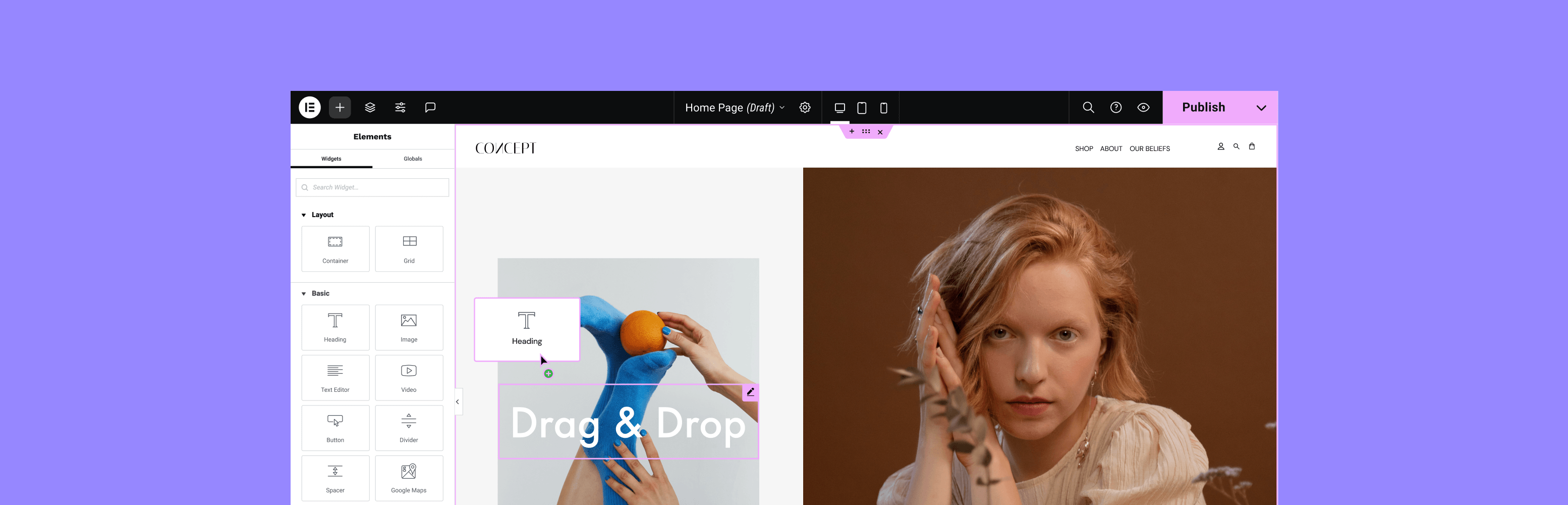
How Elementor Plugin Templates Enhance Website User Experience
Discover how to elevate your website design with Elementor plugin templates. Not only can you rapidly build professional pages, but you can also enhance interactivity and personalization, improve user experience, and help your website stand out.
Elementor free templates to achieve multi-language page operation guide
Teach you to use Elementor free templates combined with Polylang plugin to create multilingual pages, easy to create Chinese and English websites without relying on paid tools.

Adding the_content() correctly to a custom PHP template eliminates Elementor errors.
Add the_content() function to custom PHP templates to resolve page blanks and loading failures and allow Elementor content to render properly.
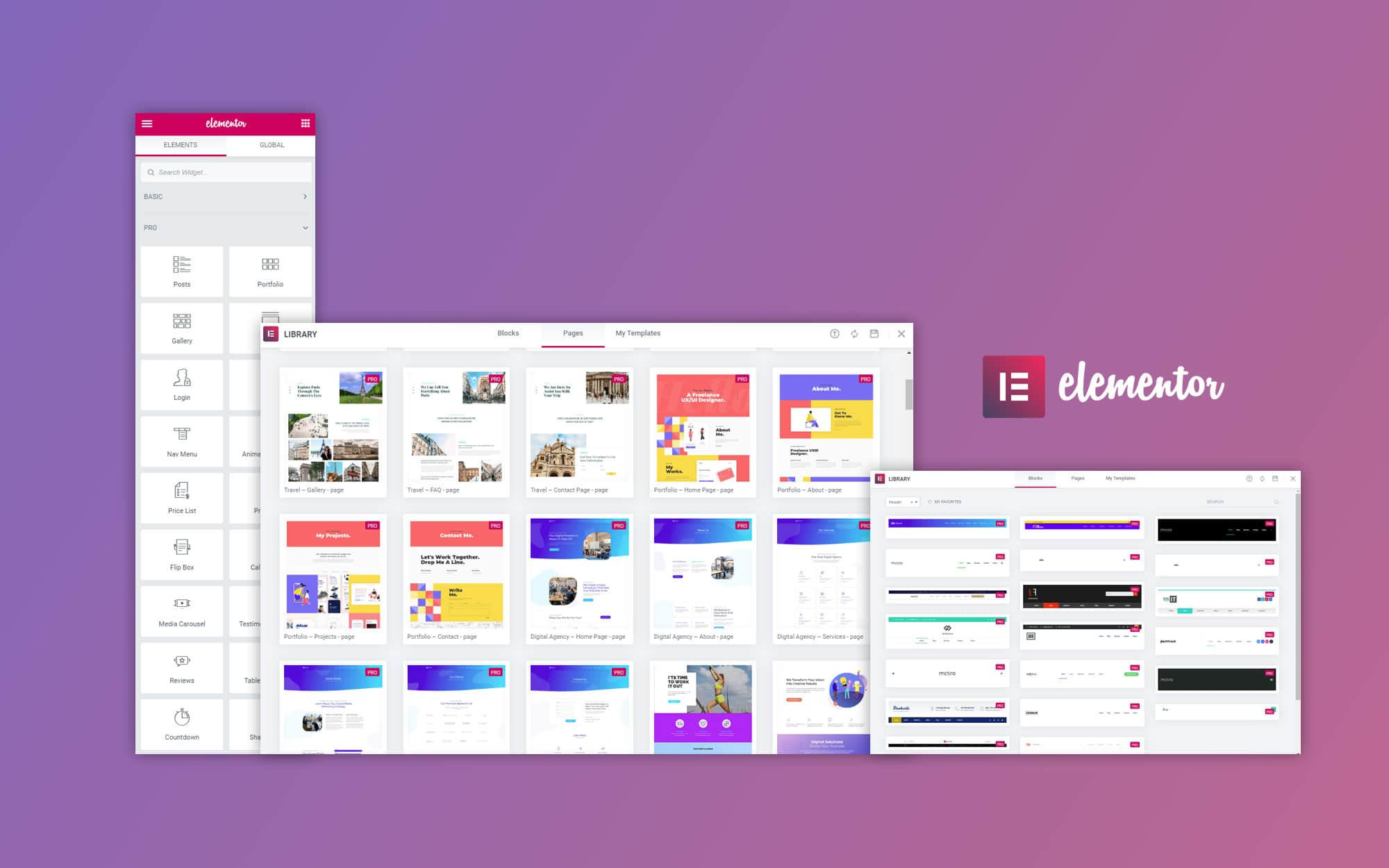
Case Study: Successfully Optimizing a Corporate Website with the Elementor Plugin
Through real-life case studies, show how Elementor plug-ins can help companies quickly build beautiful and efficient websites that enhance user experience and business results. Understand the advantages and practical application effects of Elementor in enterprise website construction.

Elementor Template Marketplace: How to pick the best template?
Choosing the right Elementor template is crucial in WordPress website building. This article shares how to pick the most suitable template to improve the quality of website design and save development time, and provides practical platform recommendations and selection tips to help you build an efficient and quality website.

Blogger must-have: how ElementsKit can improve the article reading experience
Discover how ElementsKit optimizes typography, navigation, and interactive features to make the blog reading experience smoother and help make posts more engaging for readers.
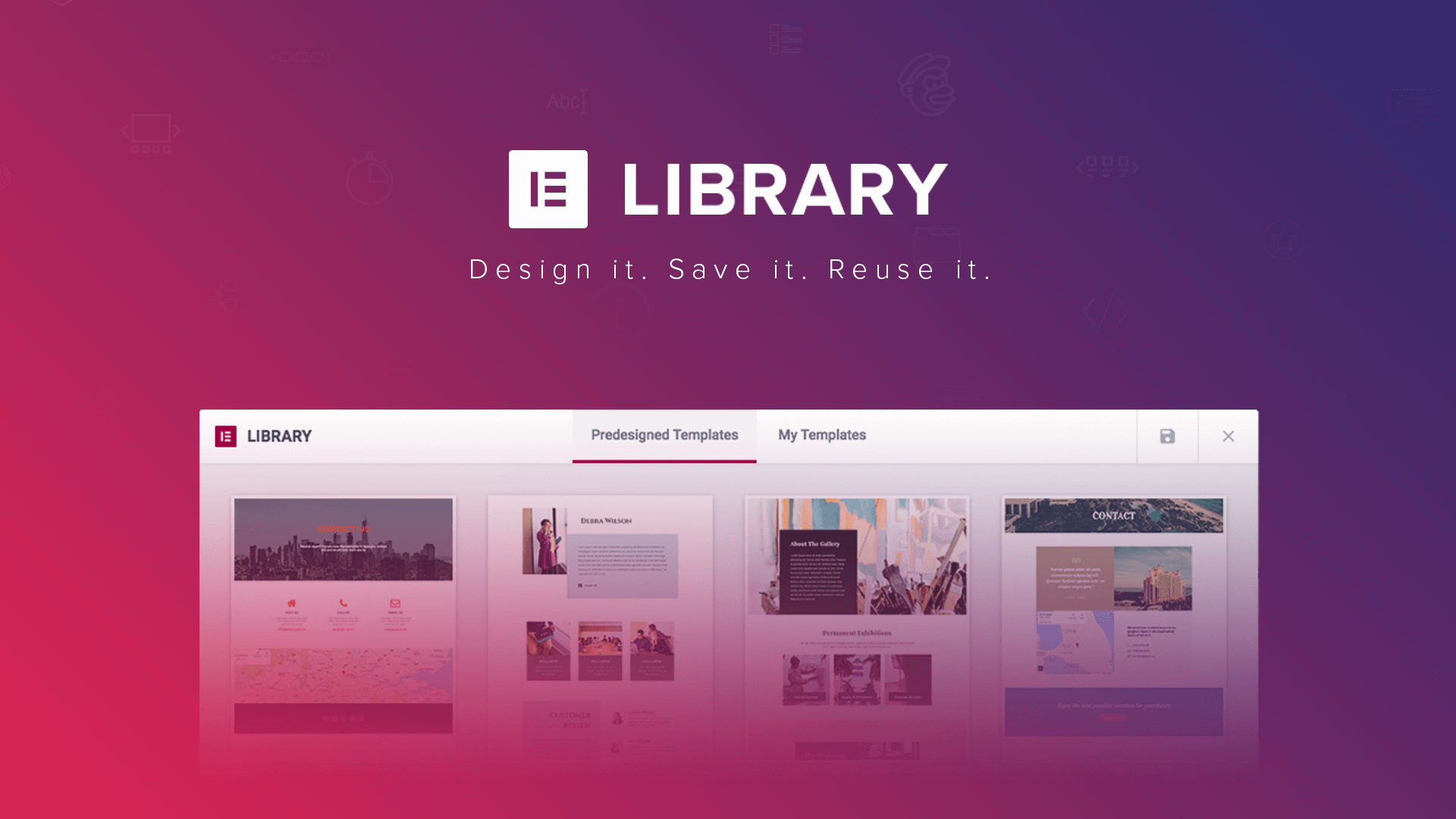
Elementor Plugin Template Library: How to pick the most suitable template?
This article explains in detail how to pick the most suitable template in the Elementor template library to help you easily create a professional and personalized website design based on your website needs, functional layout and user feedback.
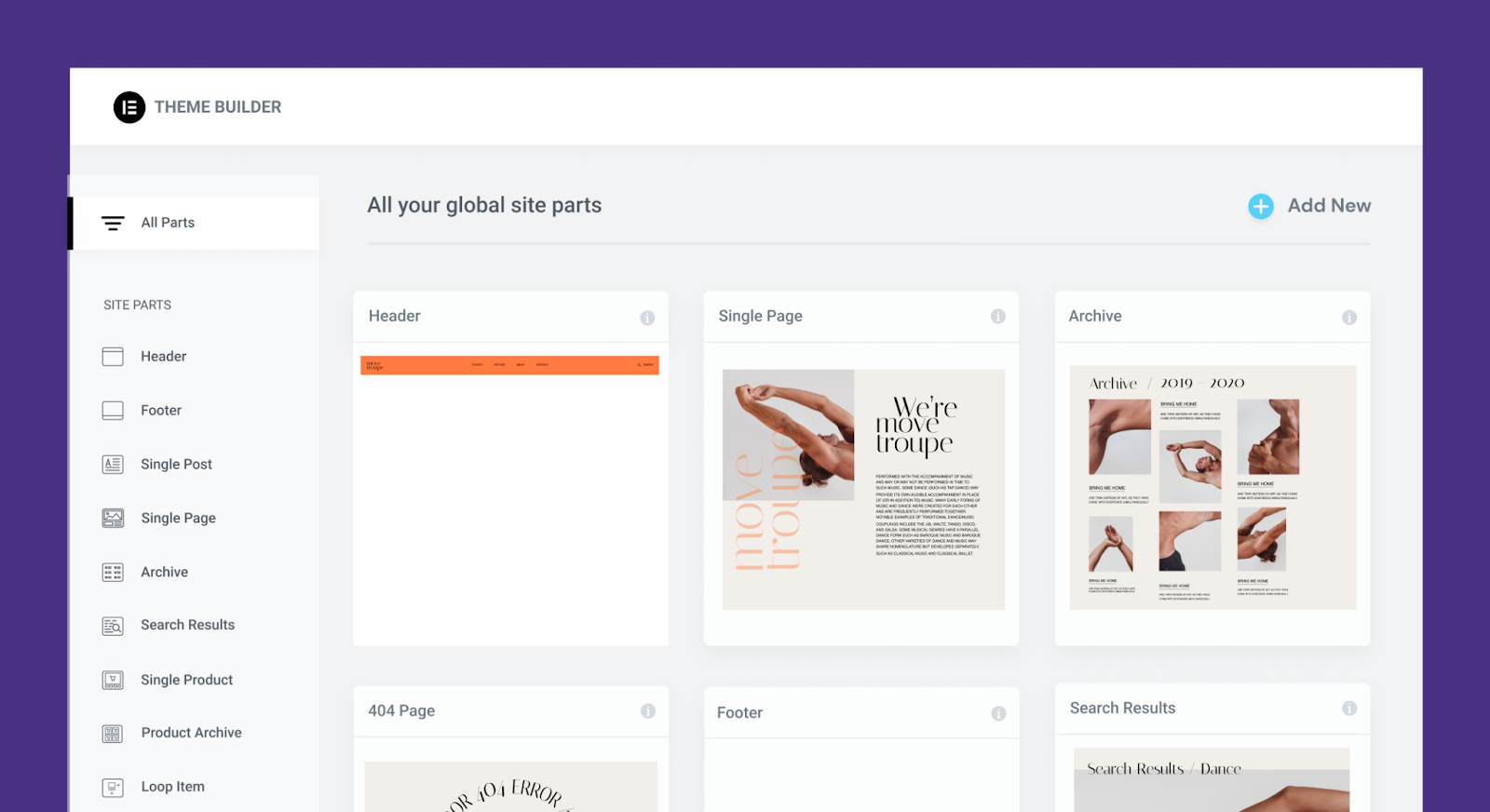
How to choose the best Elementor template for your website
Learn how to choose the best Elementor template for your site's goals, functional needs, and budget. Understand elements of responsive design, load speed and compatibility to create websites that are both beautiful and functional.
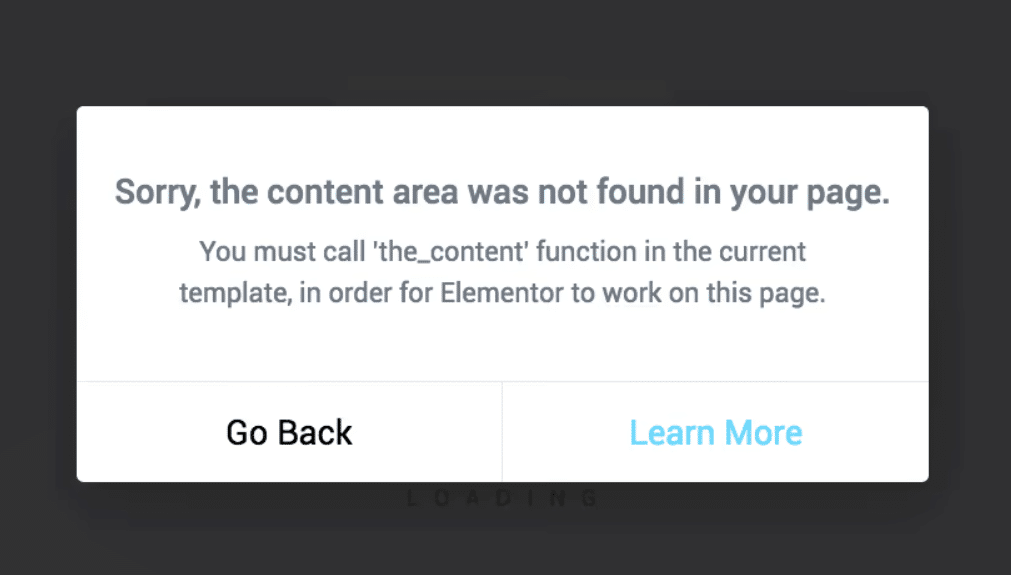
Elementor reports error "You must call the content function".
Detailed tutorial on how to restore page editing functionality when Elementor reports the error "You must call the content function".

How to disable and re-enable Elementor to solve the problem of not loading out
Experiencing Elementor pages not loading and blank editors? This article shows you how to disable and re-enable the plugin to quickly troubleshoot and solve common problems.





