




Elementor Page 37
Elementor is a powerful drag and drop page builder for WordPress that makes it easy for users to create responsive websites. Known for its user-friendly interface that allows even non-developers to create professional-looking pages without writing a single line of code, Elementor offers a wealth of widgets, templates, and design options that grant complete creative freedom to improve the functionality and aesthetics of your website, making it the tool of choice for beginners and experienced developers looking to streamline their website design workflow.
arrange in order

How to Create Richly Structured and Beautifully Designed Mega Menus with Elementor
Super Menu is a tool that gives you the flexibility to create stylish, powerful menus that are perfect for adding more navigation options and visual elements to your website. If you're looking to add creativity and personality to your website's navigation system, Super Menu is an excellent choice. In this...

Top 5 Elementor Plugins for WordPress and WooCommerce Websites
With additional plugins, you can further extend Elementor functionality and make your website more interactive and visually appealing. In this article, we'll dive into 5 top Elementor plugins that not only enhance design freedom, but also bring a wealth of widgets,...
The Ultimate Guide to Fully Optimizing Elementor's Website Speed: Improving Performance and User Experience
Learn how to optimize the speed of WordPress sites built on Elementor to improve performance and user experience. This guide covers CSS optimization, cache settings, database cleanup, image compression, and other advanced techniques to help improve search engine rankings and reduce load times.

How to Create Landing Pages in WordPress with Artificial Intelligence
Use AI to quickly create professional, high-converting landing pages in WordPress with no coding skills required. This article describes the pros and cons of AI landing pages and provides a detailed guide to Elementor to help you easily optimize SEO and increase conversions.
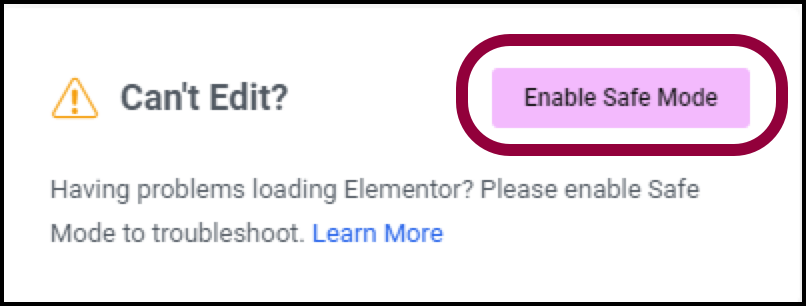
Why using Elementor Safe Mode speeds up website debugging
Learn how to speed up the website debugging process by enabling Elementor Safe Mode. This article describes how Safe Mode can be used to isolate plugin conflicts, optimize page load speeds, and reduce cache interference to improve the efficiency of Elementor page builds and troubleshooting.

Why must Elementor templates include the_content function?
In-depth analysis of Elementor templates why you must call the_content function, to avoid content does not display, page blanks and other common problems, and provide accurate and practical fixes.

Elementor's practical approach to avoiding content errors
Explain the common causes and solutions of content errors in Elementor template development, and recommend the correct usage to avoid the_content error.

Elementor Font Settings Not Working? Resolving Gutenberg Conflicts
Elementor Font Settings Not Working in Gutenberg? This article shares practical ways to resolve typography conflicts and make your website style uniform and consistent.

Elementor Secure Mode for Mobile Optimization: How to Improve Mobile User Experience?
Understand the real impact of Elementor's security model on mobile presentation, and master practical tips and responsive design recommendations to enhance the mobile user experience during debugging and development.
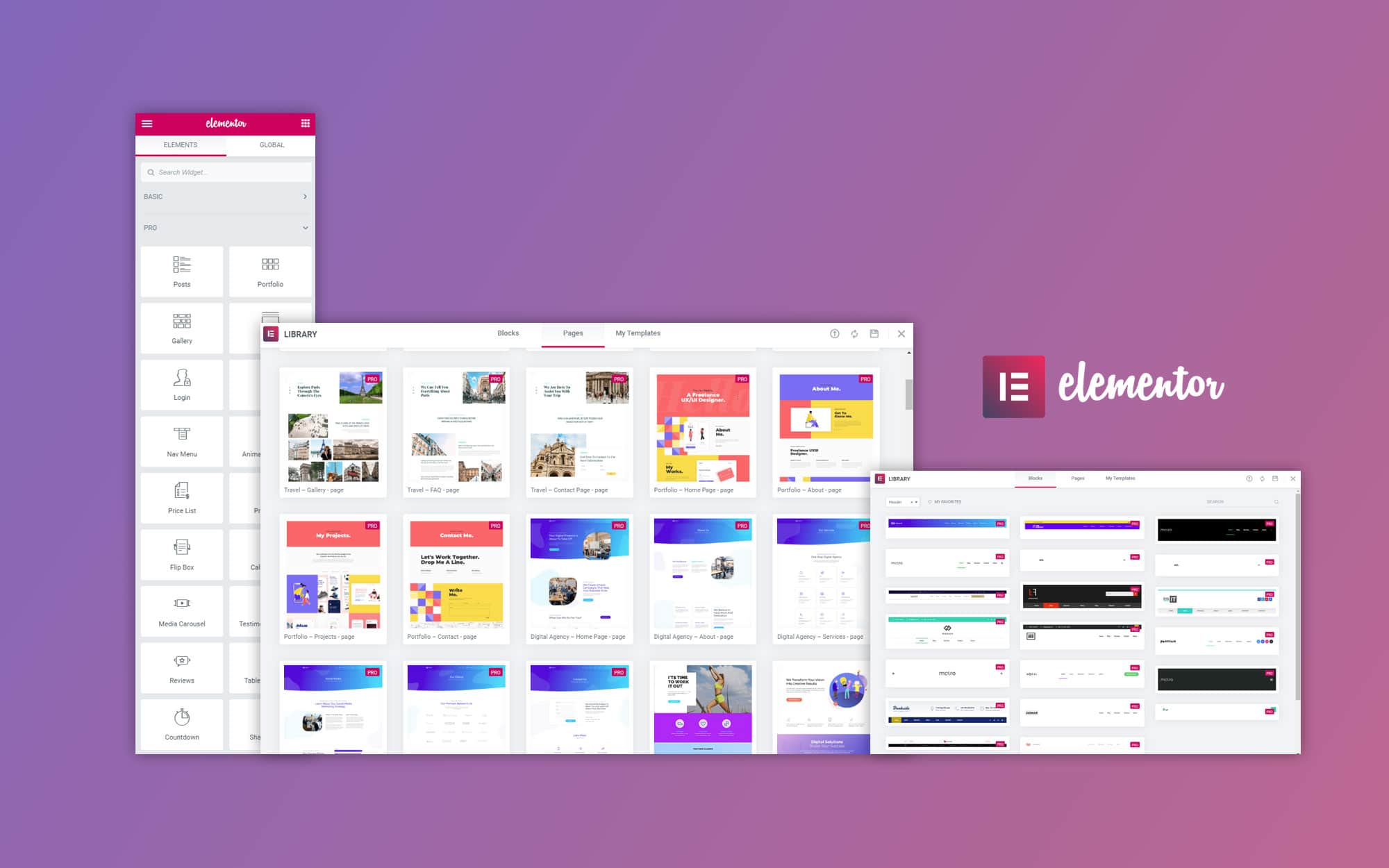
How to Make a Personal Portfolio with Free Elementor Templates
Learn how to create a personalized personal portfolio website with free Elementor templates to optimize the layout, showcase your work, and increase your website exposure.

Quick Fix Guide to Resolve Elementor "You Must Call the Content Function" Error
A quick fix for the "must call content function" error in Elementor, covering theme settings, plugin conflicts, PHP versions, and Elementor updates, to help get the editor back in working order.

Webmaster Buzz: ElementsKit Implementation of FAQs, Price Lists, and CTAs
How powerful is ElementsKit? What makes countless webmasters crazy recommend it?FAQ, price list and CTA button three modules easy to deal with, the user experience and conversion rate double enhancement, quickly take a look at the practical skills!





