


Elementor Page 4
Elementor is a powerful drag and drop page builder for WordPress that makes it easy for users to create responsive websites. Known for its user-friendly interface that allows even non-developers to create professional-looking pages without writing a single line of code, Elementor offers a wealth of widgets, templates, and design options that grant complete creative freedom to improve the functionality and aesthetics of your website, making it the tool of choice for beginners and experienced developers looking to streamline their website design workflow.
arrange in order
Stop self-destructing your SEO! With cracked Elementor Pro, your website is quietly turning into a scrap site!
Elementor Pro crack plugin seems to save money, but it is a hidden risk. It could be silently slowing down your site's speed, security and SEO performance, and in severe cases, even getting you blackballed from search engines.

Vigilance! The Elementor Pro you're using may be a pirated version? These 3 tricks will help you to check the authenticity in seconds!
Elementor Pro is widely cracked and spread, are you unintentionally stepping on the mine? Quickly determine the authenticity of the plugin with these three steps and stay away from website security risks and functionality malfunctions!

Don't be fooled! Cracking Elementor Pro is "planting a bomb" on your website!
Cracking Elementor Pro may seem like saving money, but it actually involves multiple risks in terms of security, compatibility, and law. Once a website is hit, the damage is far greater than the cost of the original. Don't take the risk, the free version + security plugin can create a high quality website.

Loop Carousel responsive optimization tips to outperform your peers!
Discover how to enhance the user experience on mobile and desktop by setting up Loop Carousel's responsive effects, optimizing the sliding experience, ensuring a smooth display, and improving conversion rates.
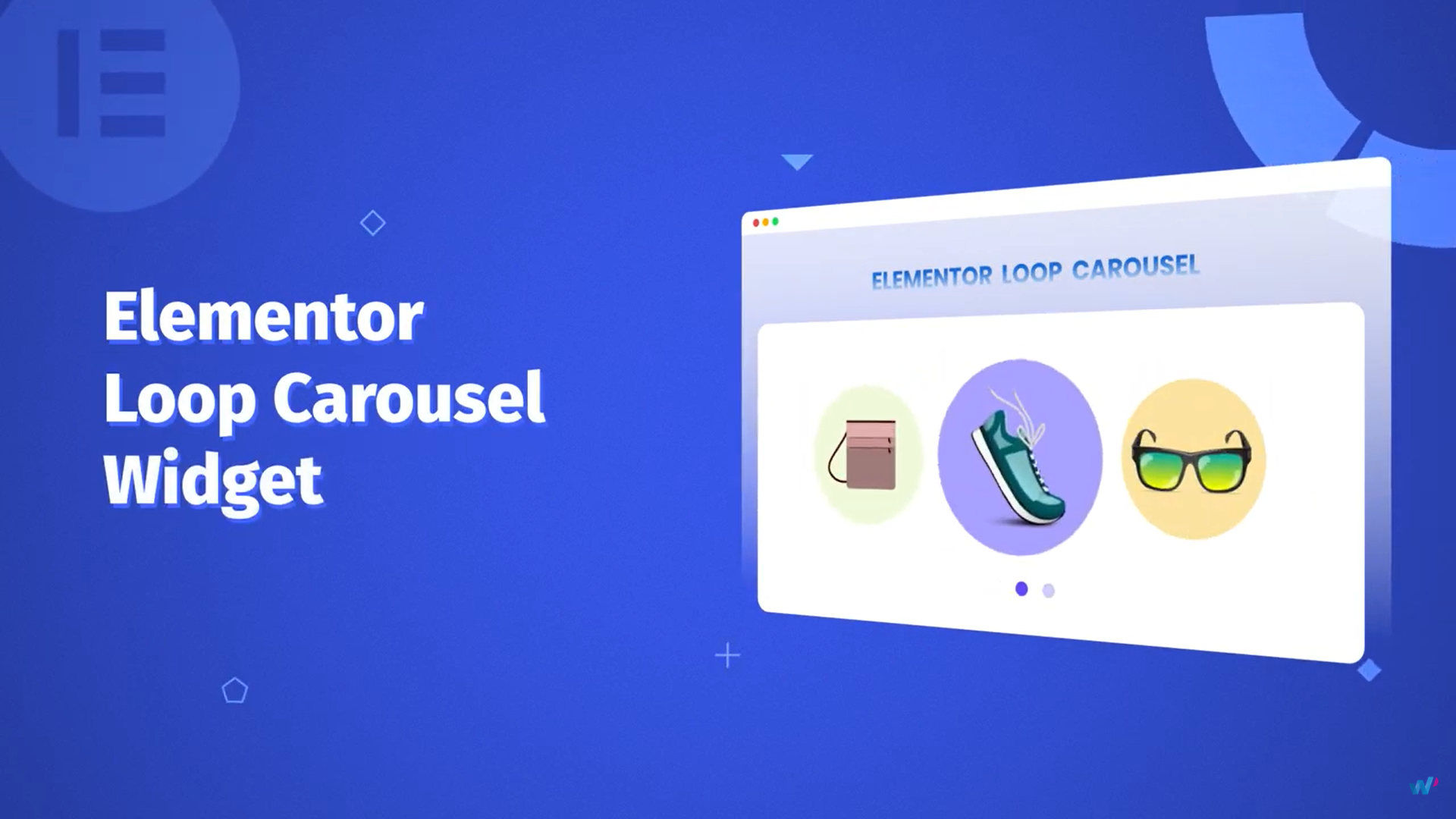
WordPress Rotation won't adjust? No wonder no one is looking at your front page! This article saves you!
Loop Carousel is a great tool to improve the visual and information display efficiency of homepage. This article teaches you how to set the rotation speed, adjust the number of displays per screen, and optimize the user experience with real-world suggestions to make your website more eye-catching and professional.

Teach you to make a pop-up testimonial article rotation block in 3 minutes! Super nice sliding effect to get this way!
Want to improve user dwell time? Elementor Pro's Loop Carousel feature allows you to quickly build a rotating module of recommended posts, which is highly visual and interactive, suitable for PC and cell phones, and suitable for all blog sites!

Elementor Pro Cracked Don't use it again! It ruins not only your website, but your rankings and security!
Cracking Elementor Pro may seem like a money saver, but it's a risky business. This article takes you to see the real gap between the original version and the cracked version to avoid stepping into the pit.

Slow website, downgraded, and illegal? Cracking the truth behind Elementor Pro scares you!
Stop using Elementor Pro cracked version! This article recommends five free or low-cost legal alternatives to help you easily build professional, high-performance WordPress websites while avoiding security risks and legal issues.

The answer to the question of whether Kadence themes are perfectly compatible with Elementor Optimized Markup is surprising!
Is Kadence theme compatible with Elementor Optimized Markup? This article provides an in-depth analysis of compatibility issues, testing results and optimization suggestions to help you improve WordPress website performance and stability.

How to Use Multilingual Features in Elementor with Polylang
Want to build a WordPress multilingual website? This article teaches you how to use Elementor with Polylang plugin, to create language-independent pages and menus, and quickly realize multi-language switching and content translation, the whole process does not need to pay for plug-ins, suitable for beginners and enterprise website use.

Elementor with Woodmart create flexible e-commerce page layout guide
Learn how to use Elementor to customize the layout of Woodmart pages, and design homepage, product page and other e-commerce pages flexibly without programming to build a high-quality WooCommerce store.

Elementor affects page speed after changing fonts? Optimization Methods
Page slowdown after modifying Elementor fonts? This tutorial details the impact of font loading on speed and optimization methods, including local caching, font preloading and plugin configuration tips.
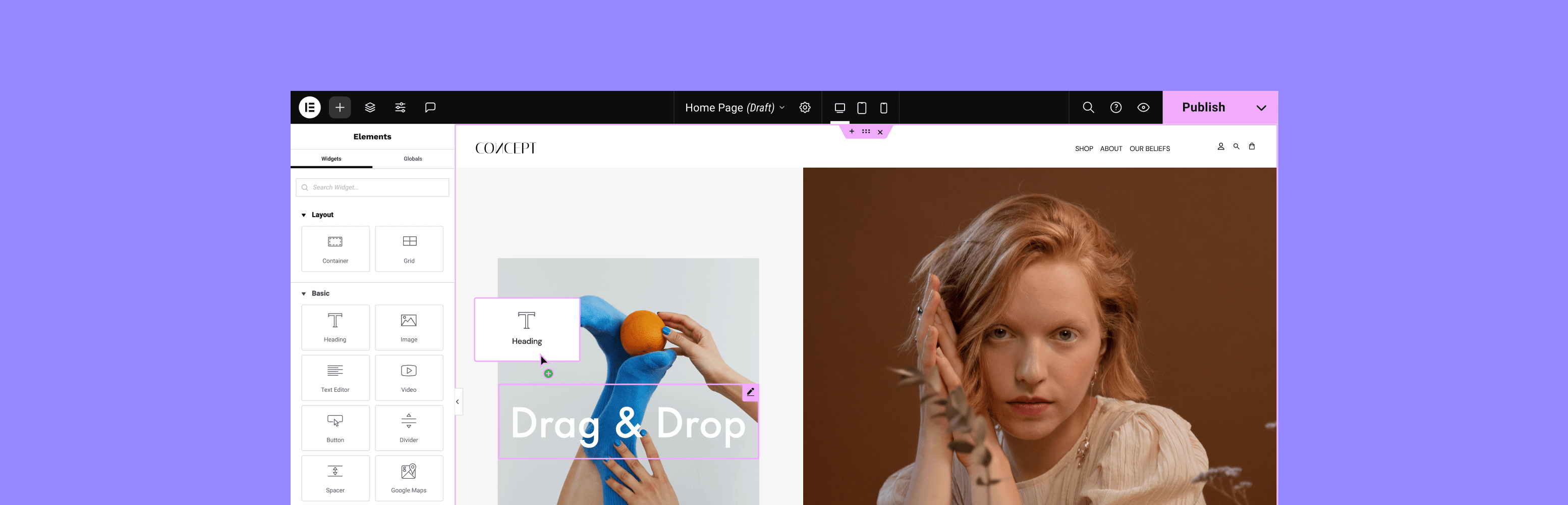
Customizing WordPress Sidebar Appearance and Content with Elementor
Build a flexible and beautiful WordPress sidebar with Elementor, with drag-and-drop editing, custom layouts and mobile optimization, without writing code, to improve user experience and conversion rates.

Layout messed up after Elementor optimization markup is turned on? Solutions to Common Problems
Confusing page layout after turning on Elementor optimization markup? This article comprehensively analyzes the causes of the problem and solutions to help you easily adapt to the new structure, improve performance and SEO performance!
ERR_TOO_MANY_REDIRECTS after page building with Elementor?
Encounter Elementor page infinite jump or ERR_TOO_MANY_REDIRECTS error? This article analyzes in detail the common reasons for the jump cycle, and provides WordPress address settings, cache plugin conflicts, SSL configuration and other practical solutions to help you quickly restore the page to normal ...

What to do if the theme is not compatible with Elementor? Identifying and resolving failed load problem templates
Elementor load failure or page style error may be due to theme incompatibility. This article will take you to identify the causes of conflict between WordPress themes and Elementor, provide a detailed troubleshooting process and solution templates, and recommend compatible themes to help you successfully repair the site.

How do I get Elementor to support the WebP image format?
Teach you how to load WebP images correctly in Elementor, improve loading speed, work with plugins, CDN and caching to optimize website performance and SEO results.
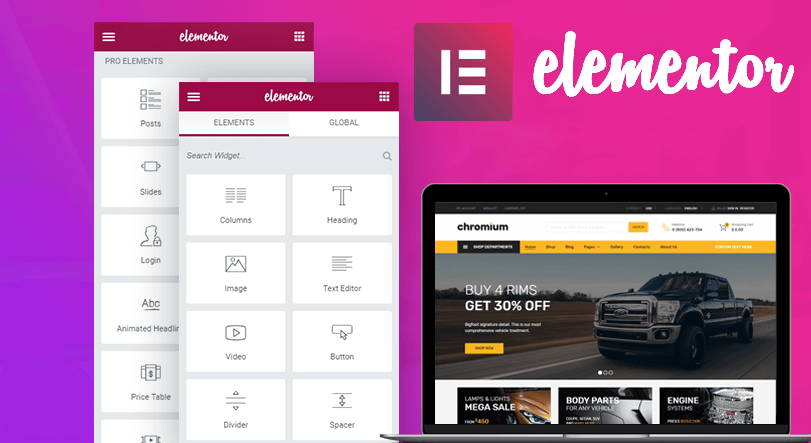
How to Enable Elementor Optimized Markup to Improve Page Load Performance
Elementor's Optimized Markup feature dramatically reduces redundant HTML structures and improves page load speed and Core Web Vitals performance. This article explains in detail how it works, how to enable it, and how it improves performance, which is suitable for newbies.

TranslatePress vs Polylang: which free plugin is better for Elementor users?
An in-depth comparison of TranslatePress and Polylang, two free multilingual plugins, analyzing their compatibility with Elementor, translation experience and SEO performance, to help you choose the most suitable website translation solution.

Does using Elementor Optimized Markup break the page layout? Full Analysis and Enablement Recommendations
Elementor Optimized Markup is a great way to improve your site's performance, but does it break the page layout? This article provides a comprehensive explanation of how it works, common problems, and recommendations for enabling it to help you safely use it for WordPress optimization.

Backdoor Code and Data Hijacking Behind Elementor Pro Cracked Plugin Revealed
Behind the cracked Elementor Pro plugin, there are hidden risks of remote control, data theft and page tampering. The article analyzes the typical tactics and reminds to avoid using illegal plugins.
Elementor Editor V4 Getting Started: A First Look at the Next-Generation Editing Experience (2025 Update)
Elementor Editor V4 is new, bringing a new interface and structure layout. This article explains the steps and features of Elementor Editor V4, which is suitable for website builders to test and explore.

Elementor fonts not displaying? Checking Theme CSS Overrides
Invalid Elementor font settings? This article explains the theme CSS override Elementor font common causes and troubleshooting methods to help you solve the font does not display the problem, to achieve consistent font style effect.
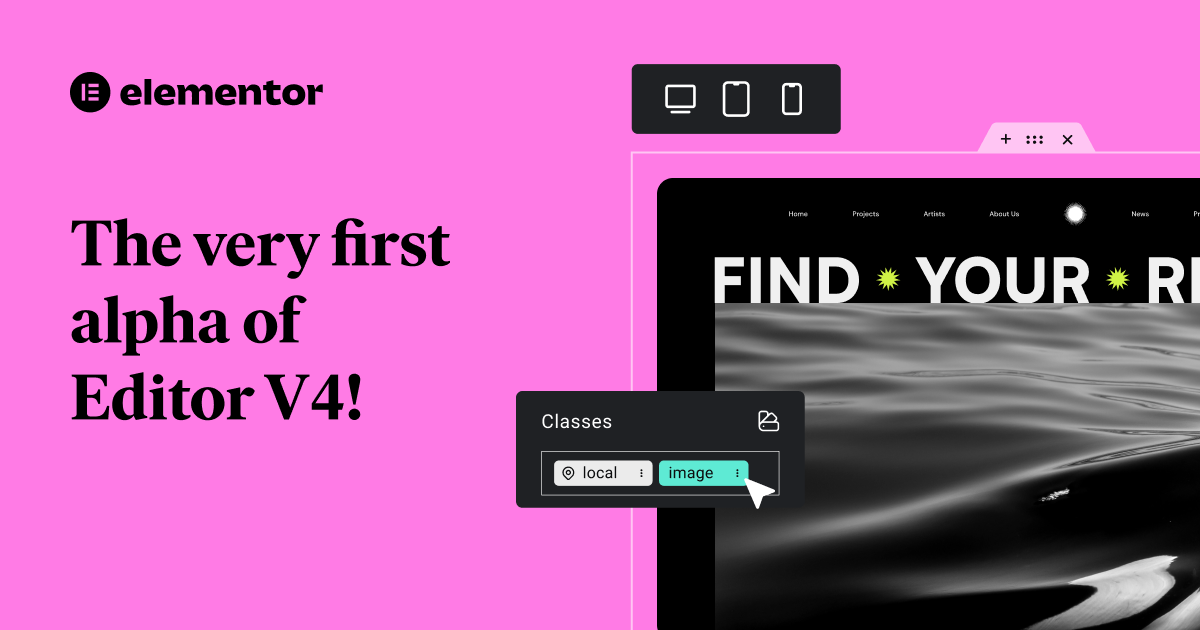
Elementor 3.30 update released: Editor V4 more powerful, cloud templates online
Elementor 3.30 introduces Editor V4 core enhancements and cloud-based templates to optimize editing efficiency and team collaboration.

Free vs Paid: Elementor Multilingual Plugin Comparison, Who is the best solution for multilingual website building?
Want to add multi-language support to your Elementor website and don't know whether to choose a free plugin or a paid version? This article compares the features, performance and application scenarios of TranslatePress, WPML, Polylang and other major plugins to help you make the most informed choice.

Does Elementor Font Unresponsiveness Affect SEO? Font Rendering and Accessibility Explained
Elementor font changes not working? Learn why, the impact on SEO, and the best way to set fonts to improve accessibility and load performance.

WordPress Theme Incompatible with Elementor? A Complete Guide to Identifying and Resolving Conflicting Issues
Experiencing white screen, messy styles, or save failures with Elementor? This article analyzes the reasons why WordPress themes are incompatible with Elementor, and provides detailed troubleshooting and solutions to help you create a stable and smooth visual editing experience.

Elementor Product Page Layout Recommendations: Tips for Increasing Conversions
Recommend a variety of Elementor product detail page layout, optimize information display and purchase path, help conversion rate increase.

Optimizing Backend Performance with Elementor Secure Mode: Improving Developer Productivity
Elementor background loading slow, editor white screen lag how to do? This article explains how to use Elementor Safe Mode to troubleshoot plugin conflicts and improve backend performance, which can greatly improve developer productivity and easily optimize WordPress website experience.

Elementor Free Implementation of Product Label Switching Module
Teach you to use the free version of Elementor to create a product details module with label switching, the page is more neat, the content is more clearly categorized, suitable for display-type websites.

 简体中文
简体中文  English
  日本語
日本語  Français
  Español



