


Elementor Page 5
Elementor is a powerful drag and drop page builder for WordPress that makes it easy for users to create responsive websites. Known for its user-friendly interface that allows even non-developers to create professional-looking pages without writing a single line of code, Elementor offers a wealth of widgets, templates, and design options that grant complete creative freedom to improve the functionality and aesthetics of your website, making it the tool of choice for beginners and experienced developers looking to streamline their website design workflow.
arrange in order

Advantages and disadvantages of Elementor global font system design analysis
An in-depth analysis of the pros and cons of Elementor's global font system, and how to properly configure global fonts in WordPress sites to improve design consistency and brand professionalism.

Elementor Loading Stuck/Unresponsive? Practical Tips for Optimizing Site Performance
Elementor loading lag or slow response of the editor is a common problem. In this article, we've compiled 7 practical tips from hosting environment, plugin configuration to caching strategy, to help you fully optimize Elementor performance, so that the editing experience is smoother and the website loads faster.

Can a cracked version of the Elementor plugin cause a WooCommerce data breach?
The use of cracked Elementor plugin may lead to WooCommerce order data leakage, script injection and the whole site is hacked, it is recommended to replace the genuine plugin immediately.
Elementor Fonts not changing? Clearing the Cache and Hard Refreshing the Browser
Elementor fonts not working after modification? This article analyzes the cause with cache cleanup, hard refresh and troubleshooting methods to quickly solve the font not updating problem.

Elementor free version of the product details page creation tutorials
Teach you to use Elementor free version of the production of simple product details page, graphic display, button guide, mobile adaptation at once, suitable for novice site.

Tips for Handling Elementor Load Failures and Cache Plugin Conflicts: A One-Stop Troubleshooting and Fixing Guide
Elementor editor load failure, page white screen, style does not update, mostly from the interference of caching plug-ins. This article explains the causes of conflict and repair steps, covering WP Rocket, LiteSpeed Cache, Autoptimize and other mainstream plug-ins, to help you quickly troubleshoot and resolve Elem...
Troubleshooting and Fixing Elementor Editor Error 500 Guide
Detailed analysis of Elementor editor 500 error common causes and fixes, suitable for WordPress newbies and website maintainers reference.

Elementor global fonts not applied? Five possible setup errors
Elementor global fonts not working? This article analyzes module not set as default, not saved settings, theme CSS overrides, caching and Google Fonts loading issues to help quickly troubleshoot and resolve them.

Tips for handling Elementor load failures and cache plugin conflicts
What should I do if Elementor fails to load? This guide analyzes in detail the common causes of conflict between Elementor and caching plugins, and provides practical troubleshooting tips and solutions to help you quickly restore editor functionality and site stability.

How to troubleshoot a server configuration issue where the Elementor editor won't open?
Elementor editor can not open may be closely related to your server configuration. This article explains the key PHP parameters that affect the loading of Elementor, REST API status and extension dependencies, and provides practical troubleshooting and optimization suggestions to help you quickly restore the editor function.

Plugin conflict causing Elementor loading exception? One Click Troubleshooting and Solution
Elementor can not be loaded out is likely to be due to plug-in conflicts. This article analyzes in detail the common types of conflicts, specific performance and troubleshooting methods, and provide a key to enable safe mode, console log analysis and caching plug-in exclusion settings and other solutions to help you quickly restore editor functionality ...

Quick Fix Guide to Resolve Elementor "You Must Call the Content Function" Error
A quick fix for the "must call content function" error in Elementor, covering theme settings, plugin conflicts, PHP versions, and Elementor updates, to help get the editor back in working order.

How do I diagnose Elementor not loading issues using the browser console and debugging tools?
Experiencing Elementor editor loading failure, white screen or stuck? This tutorial teaches you how to use the browser console and developer tools, step-by-step troubleshooting JavaScript errors, network request anomalies, CSS hiding and other issues, and efficiently diagnose the root cause of Elementor can not be loaded....

How to Avoid Elementor Conflicts with Caching Plugins and Optimize Load Speed
Learn how to resolve Elementor's conflicts with caching plugins, avoid "must call content function" errors, and optimize your site's loading speed and performance.

Can "Elementor Pro Hack" really save you money? What do you know about the hidden costs?
Using a cracked version of Elementor Pro may seem to save you money, but the security hazards, legal risks, and compatibility issues that come with it could cost you more. Learn about the advantages of genuine Elementor Pro and avoid unnecessary hassles.

Elementor White Screen or Infinite Loading Ultimate Fix Collection
White screen or infinite loading problem in Elementor editor? This guide provides a complete set of troubleshooting and fixing methods from plugin conflicts, cache settings, server configuration, REST API to console errors.

Elementor Integration Guide with Content Functions for WordPress Custom Themes
The solution to Elementor prompting the_content function error teaches you to properly integrate the content display structure in WordPress custom themes.
Elementor vs WPBakery: which is better for WoodMart theme?
Compare the pros and cons of Elementor and WPBakery in the WoodMart theme to help you choose the best builder for your e-commerce site.
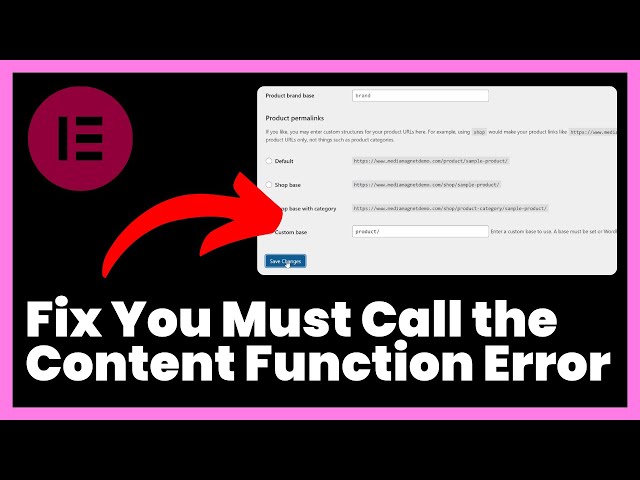
How to fix Elementor "You Must Call the Content Function" error?
Learn how to resolve the Elementor 'You Must Call the Content Function' error and quickly fix content function issues in custom templates.
Can Elementor free templates be used for e-commerce sites?
Is Elementor free template suitable for e-commerce? An in-depth analysis of WooCommerce compatibility, risks and upgrade paths to help you make an informed choice.
Replace common widgets (forms, slideshows, action responses) with a combination of these plugins for the Elementor Pro version
Introducing a portfolio of free plugins to replace Elementor Pro's forms, slideshows, and dynamic effects modules for web projects on a budget.

How to achieve seamless page recovery with Elementor Safe Mode?
Elementor editor won't open? Page loading failed? With Elementor Safe Mode, you can seamlessly diagnose and fix page problems, quickly troubleshoot plugin conflicts, and realize safe and efficient page recovery operations.

Enhancing UI/UX Design with Elementor Safe Mode: Ensuring Effective and Functional Designs
Learn how to optimize your WordPress site's UI/UX design with Elementor Secure Mode, solving common problems such as plugin conflicts and cluttered layouts, and building a high-quality page experience that is both beautiful and functional.

Common Problems and Solutions to Elementor's Safety Model: Addressing Design Challenges
What should I do if my Elementor page fails to load, the editor is white screened, or the style is messed up? This guide analyzes in detail how to use Elementor Safe Mode, the causes of common failures and precise solutions to help you efficiently troubleshoot website problems.
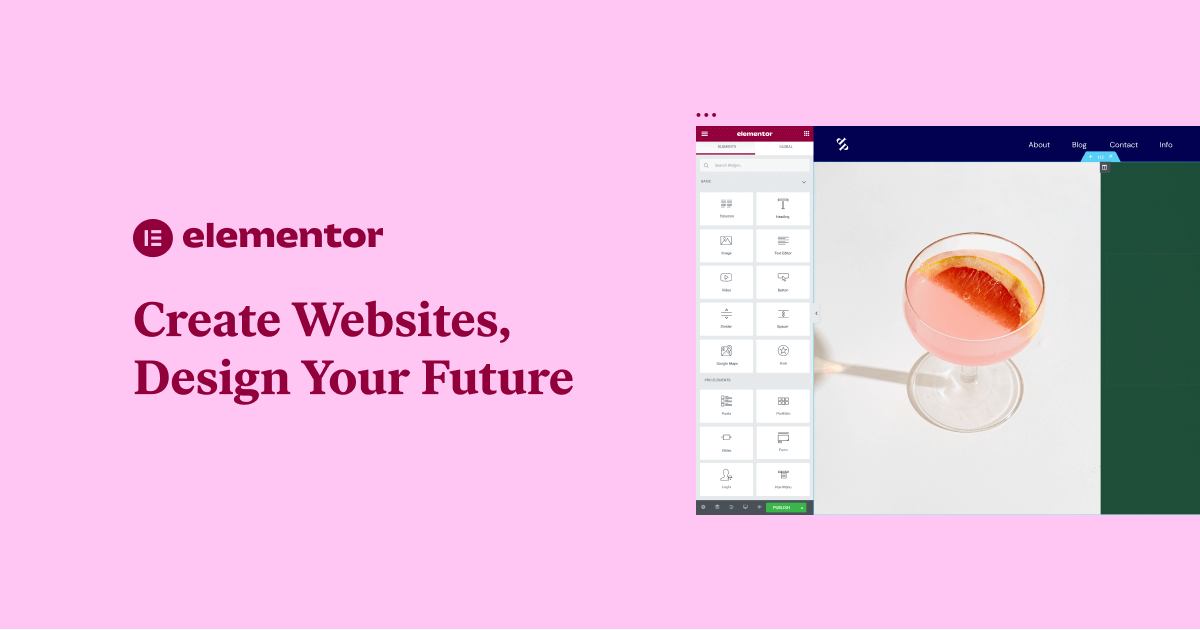
Elementor free templates not working? Three common errors and solutions
Solve the problem that Elementor free templates can't be loaded or edited by providing solutions to three common errors to ensure that the templates are displayed and edited properly.
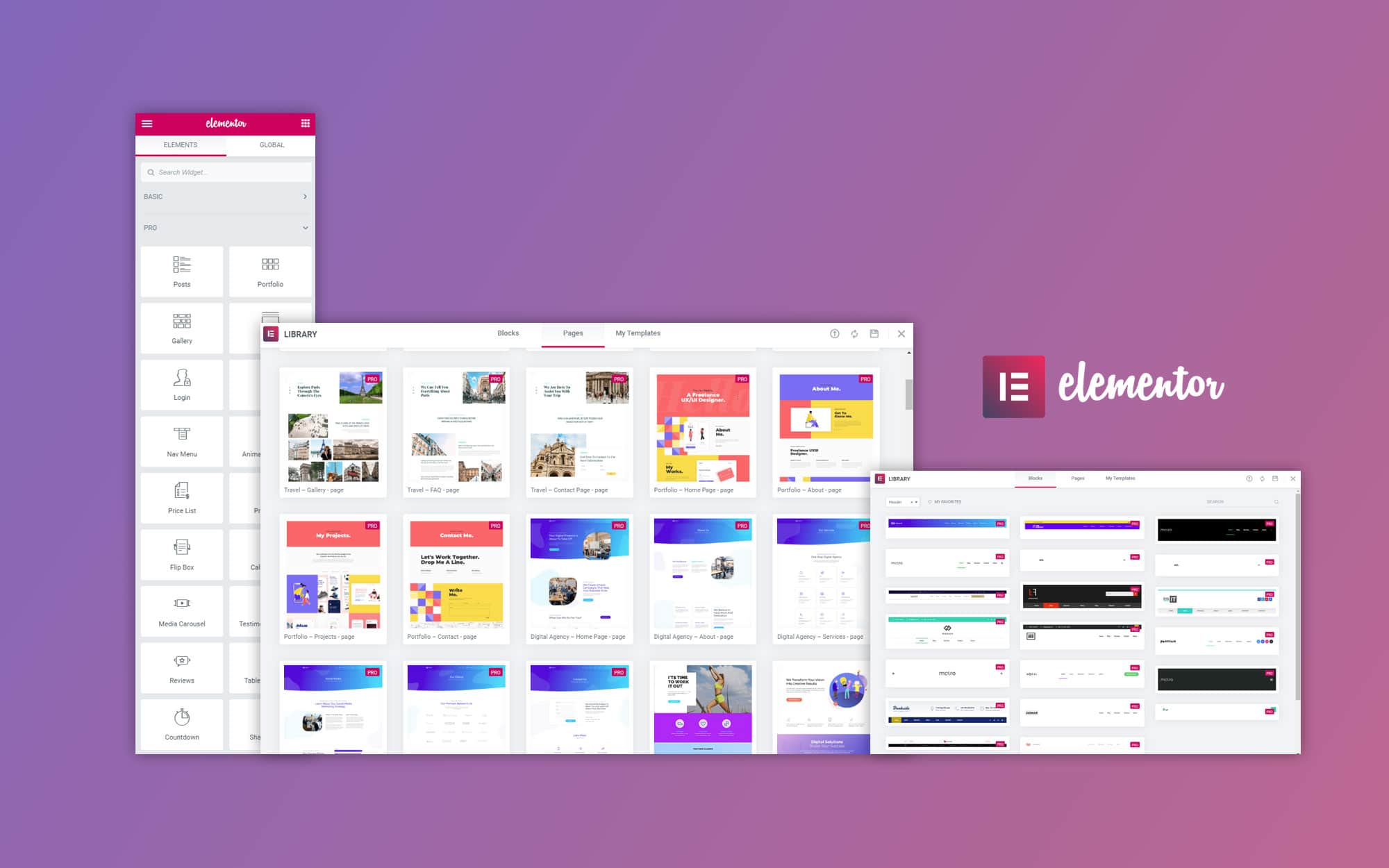
How to Make a Personal Portfolio with Free Elementor Templates
Learn how to create a personalized personal portfolio website with free Elementor templates to optimize the layout, showcase your work, and increase your website exposure.
Five Risks of Using Illegal Versions of Elementor Pro, a Web Security Issue That Can't Be Ignored
Using an illegal version of Elementor Pro poses multiple risks such as security breaches, lagging updates, missing features, etc. Be aware of these potential hazards to ensure your website's security.
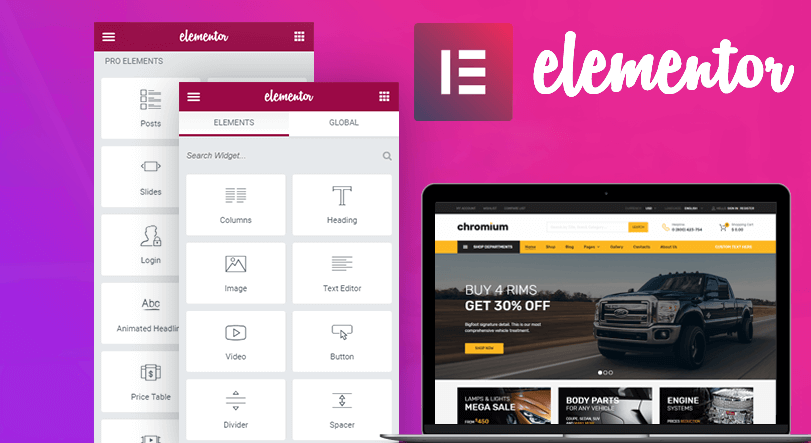
How to Build Event Pages and Landing Pages Quickly with Elementor Free Templates
With Elementor free templates, quickly build professional campaign pages and landing pages, easily customize content, optimize page design, and improve user experience and conversion rates.

Elementor Load Failure Common Causes Explained and Quick Fix Guide
Elementor load does not come out how to do? This article analyzes in detail the common reasons for Elementor load failure, including plugin conflicts, theme incompatibility, server restrictions, etc., and provides safe mode troubleshooting, cache cleanup, PHP configuration optimization and other quick fixes to help you efficiently recover ...

Elementor Secure Mode Support for Large-Scale E-Commerce Sites: Ensuring Stability at High Traffic Volumes
In-depth analysis of how Elementor's security model helps large-scale e-commerce websites maintain stable operation in high-traffic scenarios, covering design troubleshooting, plug-in conflict handling, performance optimization, and deployment recommendations to help build an efficient e-commerce experience.

 简体中文
简体中文  English
  日本語
日本語  Français
  Español



