




Elementor Page 41
Elementor is a powerful drag and drop page builder for WordPress that makes it easy for users to create responsive websites. Known for its user-friendly interface that allows even non-developers to create professional-looking pages without writing a single line of code, Elementor offers a wealth of widgets, templates, and design options that grant complete creative freedom to improve the functionality and aesthetics of your website, making it the tool of choice for beginners and experienced developers looking to streamline their website design workflow.
arrange in order

Archive template not working? Don't blame Elementor just yet—understand this first.
You've created and activated the Archive template, yet nothing changed on the frontend? The issue isn't with Elementor, but with your theme's loading priority and Loop control. This article systematically breaks down WordPress Archive page loading logic, helping you understand once and for all why templates might "fail"...
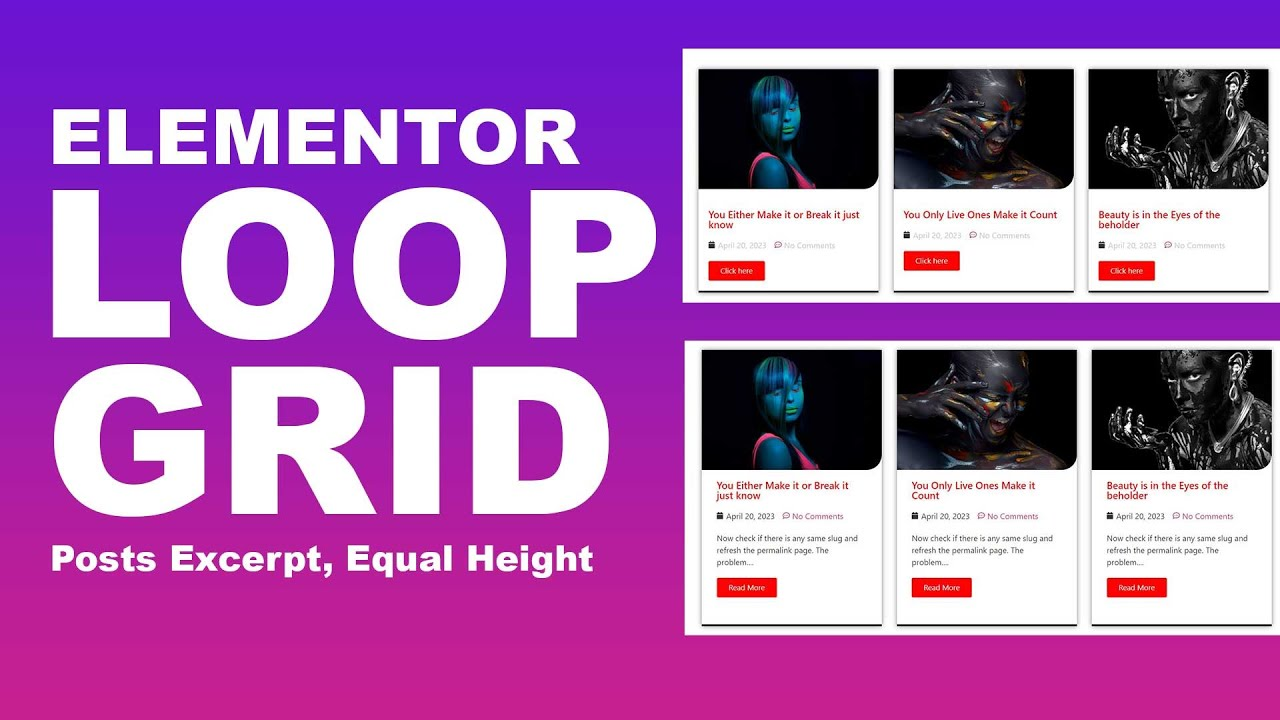
Gutenberg (Query Loop) vs Elementor Loop Grid: Pros, Cons, and Migration Recommendations
Comparing the pros and cons of Gutenberg Query Loop and Elementor Loop Grid, this guide provides selection strategies and migration recommendations for list pages, archive pages, and feature pages—helping you avoid pitfalls and build more reliably.
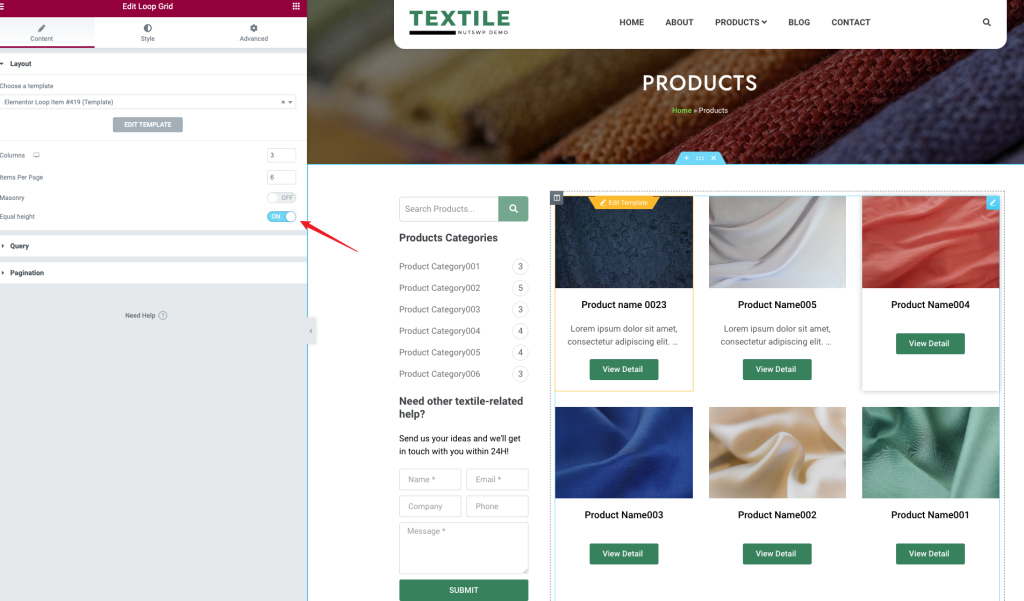
Common Misconceptions About Loop Grid: Looks Like You Know How to Use It, But You're Just Going Through the Motions
Is your Loop Grid list page always messy, unclickable, and failing to update content? This guide breaks down the causes and solutions in simple steps—perfect for beginners to follow and optimize directly.

Loop Grid is Laggy: Step-by-Step Guide to "Where to Look and How to View" Explained in One Go
Is your looping grid lagging? Learn how to step-by-step check TTFB, image size, cache hits, and rendering bottlenecks in your browser, Elementor, and WordPress to quickly pinpoint the cause.

Blocksy vs Elementor: How to Choose for WordPress Website Building in 2026
Blocksy vs Elementor: How to Choose? From Performance, Maintenance to Marketing Efficiency, Here's Your 2026 WordPress Website Building Roadmap: Choose Blocksy for Content Sites, Use Elementor for Landing Pages.
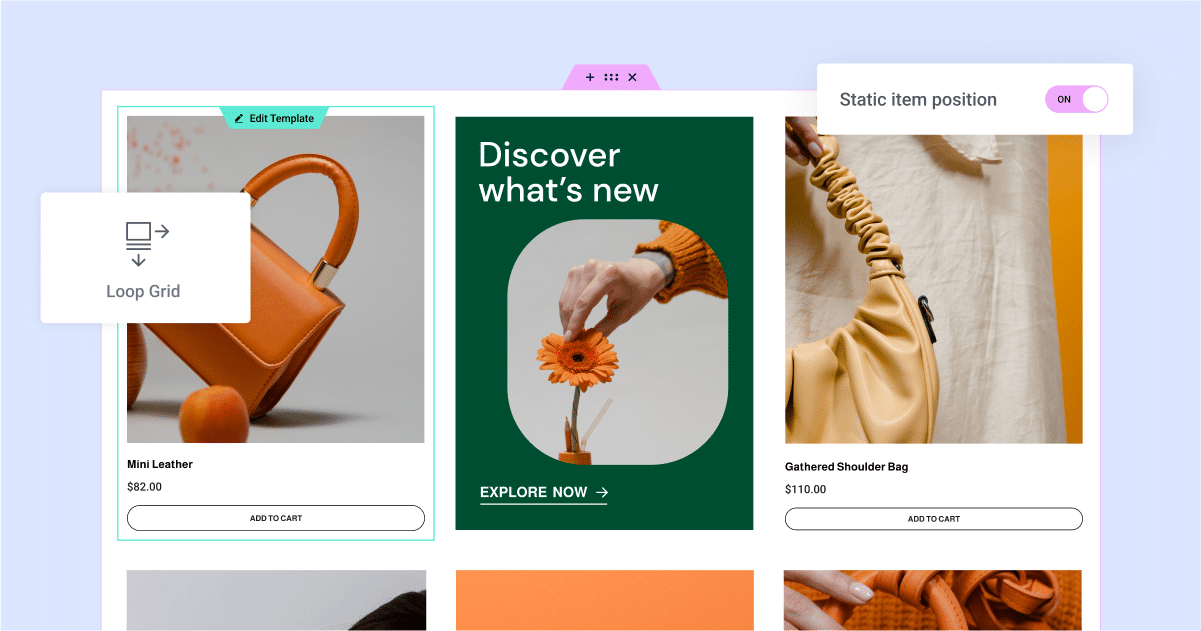
Dynamic Content + Loop Grid: Why It Works for "E-commerce-Style" List Pages
Dynamic content paired with a fluid grid system enables rapid creation of e-commerce-style listing pages: Uniform card design, automatic updates, support for filtering, sorting, and pagination, making maintenance hassle-free.
Product List Page with Loop Grid: How to Arrange Price, Rating, and Promotion Labels (Including Settings Location and Steps)
How to Create a WooCommerce Product Listing Page with Elementor Loop Grid: Add price, rating, and Sale Flash badges to Loop Items, set column count, spacing, and responsive layout. Includes solutions for common issues like inconsistent card heights and badge misalignment.
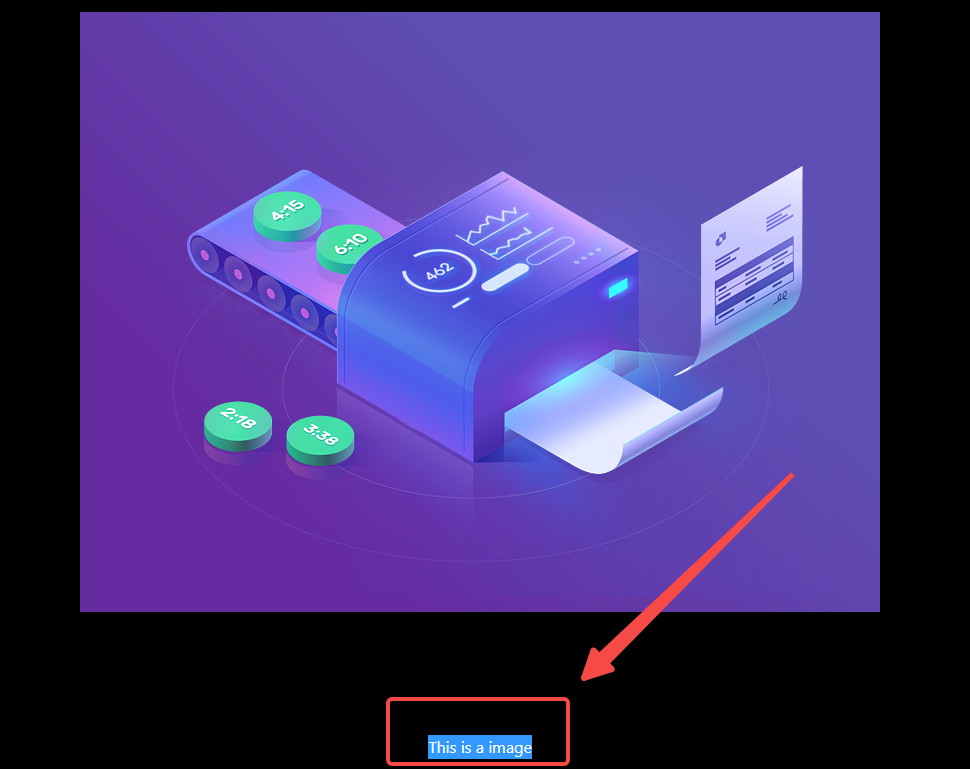
Does Elementor Lightbox have any impact on SEO? How search engines crawl pop-up content
This article systematically analyzes whether Elementor Lightbox affects SEO, from the search engine crawling mechanism, JavaScript rendering logic to the actual implementation of Elementor pop-up windows, in-depth analysis of what content can be safely put into the Lightbox, what practices may affect the inclusion and ...

Choosing the Best Elementor Plugin Templates: Feature Comparison and Recommendations
When building a WordPress website, choosing the right Elementor plugin template can significantly boost design efficiency. This article compares several leading plugins on the market and offers practical recommendations to help you quickly find the best fit.
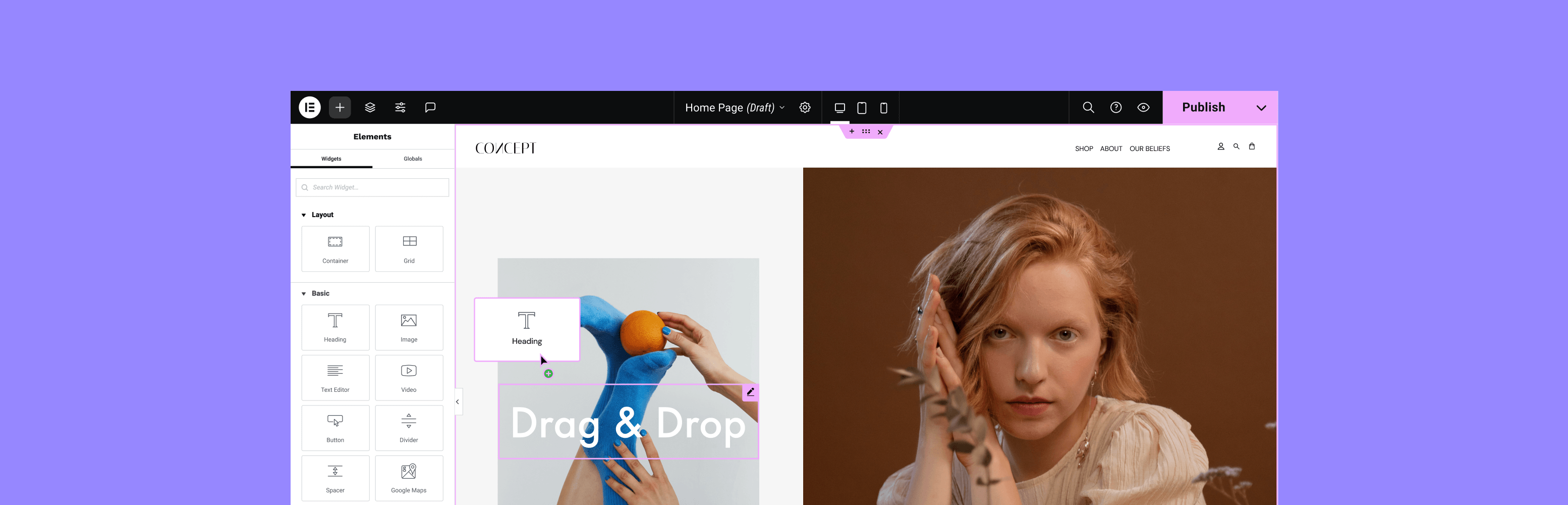
How Elementor Plugin Templates Enhance Website User Experience
Discover how to elevate your website design with Elementor plugin templates. Not only can you rapidly build professional pages, but you can also enhance interactivity and personalization, improve user experience, and help your website stand out.

Complete Guide: How to Install and Use the Elementor Plugin Template
Learn how to install and use the Elementor plugin templates to boost your website design efficiency with simple steps. Whether it's a corporate website or a personal blog, Elementor templates help you quickly build professional pages.
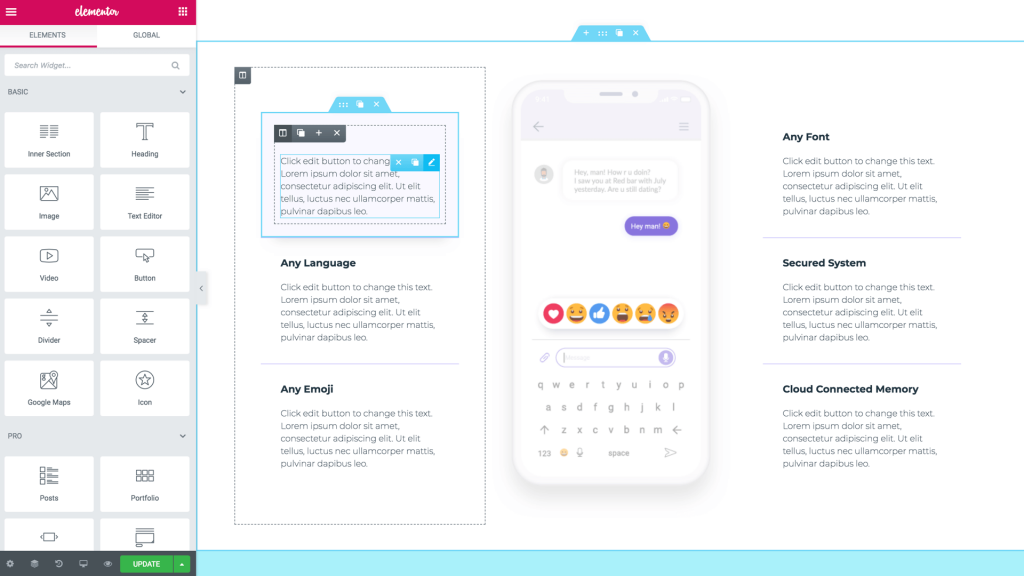
Improve SEO: Optimize Page Structure with the Elementor Plug-in Template Plugin
Use Elementor plugin to unify the page structure, clarify the title hierarchy and content order, improve the efficiency of search engine understanding, and establish a stable and sustainable SEO foundation for WordPress websites.





