




Elementor Page 40
Elementor is a powerful drag and drop page builder for WordPress that makes it easy for users to create responsive websites. Known for its user-friendly interface that allows even non-developers to create professional-looking pages without writing a single line of code, Elementor offers a wealth of widgets, templates, and design options that grant complete creative freedom to improve the functionality and aesthetics of your website, making it the tool of choice for beginners and experienced developers looking to streamline their website design workflow.
arrange in order

A Complete Beginner's Guide to Adding Template Archives in Elementor: Create Your Archive Page from Scratch
Want to make your website more attractive and efficient? Learn how to create powerful archive pages with Elementor to enhance user experience, optimize site structure, and boost SEO rankings! Click to get started building your archive pages now!

Elementor Tables from an SEO Perspective: When Does Using Tables Benefit Rankings?
Analyzing Elementor Tables from an SEO Perspective: Advantages in Parameter Display, Content Comparison, and Structured Expression. Explaining When Tables Most Effectively Enhance Readability and Ranking Performance.

How to Add a Site-Wide Announcement Bar and Top Notification Using Elementor Custom Code
Create eye-catching announcement bars with just one click using Elementor Custom Code. Boost marketing conversions, holiday campaign visibility, and site-wide notification effectiveness. Even beginners can quickly create professional alert bars.

What's the Difference Between Archive Templates and Single Templates? Common Pitfalls for Elementor Beginners
Many beginners start off using Archive and Single templates incorrectly in Elementor, leading to messy category pages and broken SEO. This article thoroughly explains the differences between the two—from page logic and use cases to actual outcomes—helping you avoid these pitfalls once and for all.
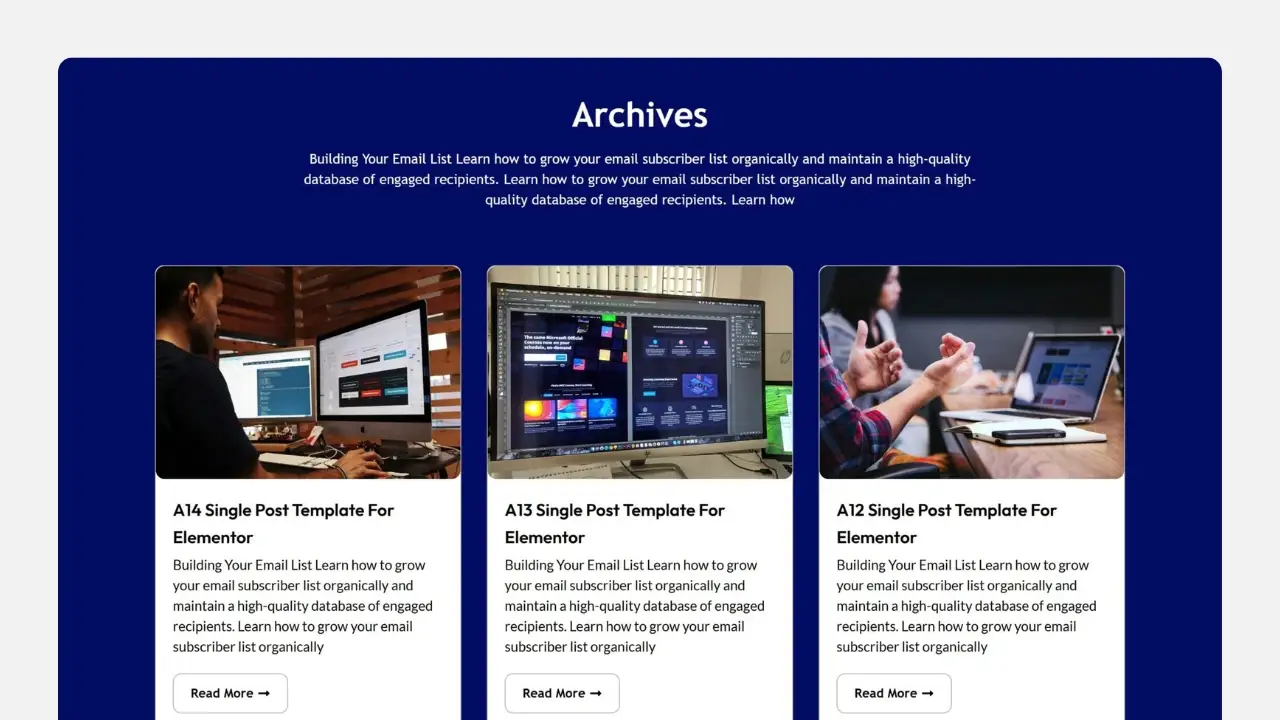
Why isn't your Elementor Archive template working? 90% users are stuck on these 5 issues.
Archive template created but no changes at all? This isn't an Elementor bug—it's caused by 5 hidden settings. We'll break down display conditions, theme priority, page types, and caching issues all at once, so even beginners can fix it quickly.

Category pages not generating orders or ranking? The Archive template is quietly solving these e-commerce challenges.
Are your category pages just auto-generated? Then you're wasting traffic for nothing. This article thoroughly dissects how the Archive template solves the core e-commerce pain points of category pages failing to rank and convert.
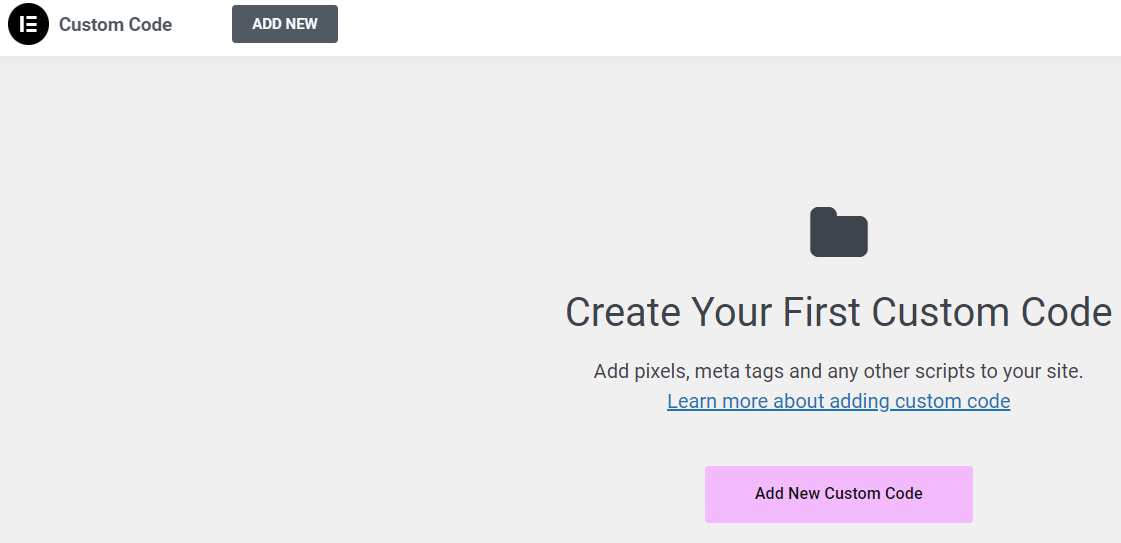
90% used the code in the wrong location: Elementor Custom Code instead of functions.php
Where should code go? Misusing Custom Code can cause chaos, while errors in functions.php lead to blank screens. This article clearly defines the true boundaries between Elementor Custom Code and functions.php, helping you avoid pitfalls and maintain your site more easily.

The folks at 90% are using the wrong Loop Grid: that's not how Archive templates are built!
Many people use Elementor to build Archive template directly drag Loop Grid, the result is that the classification page more and more chaotic, SEO weight dispersion. This article explains the correct positioning and practical usage of Loop Grid in Archive.

What is a Loop Grid? Understand the Purpose and Advantages of Loop Grids in 3 Minutes
Loop Grid is a tool for batch-generating lists of template cards. This article explains its purpose and advantages in plain language, and teaches you how to create templates, set queries, and configure responsive column counts in Elementor.
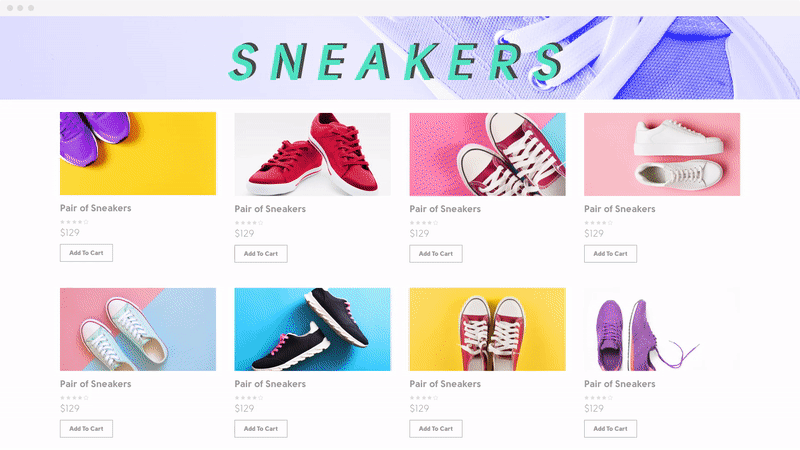
Archive Templates and Dynamic Tags: Many WordPress Sites Actually Use Them Wrong from the Start
Many WordPress sites have Archive pages that appear normal at first glance, but their structure is fundamentally flawed from the start. Mixing Archive templates with dynamic tags leads to unstable SEO and skyrocketing maintenance costs. This article explains once and for all how Archive pages should truly be implemented.

Why doesn't the front-end page change after adding the Archive template?
Added the Archive template but no changes? Don't panic. This article uses an 8-step troubleshooting method to quickly pinpoint the cause: Naming paths, Cache, Template priority, Permissions, Error reporting, Function restrictions, Plugin conflicts, Permalinks. Solve frontend display issues once and for all.

Loop Grid Pagination/Load More/Infinite Scrolling: Impact on SEO and User Experience (Simplified Version)
Should you use pagination, load more, or infinite scrolling for looping grids? This article clearly explains their differences in SEO indexing and browsing experience in simple terms, and provides recommendations for category pages, portfolios, and product lists.





