




woocommerce Page 27
Focus on the latest marketing technologies and operational practices in the cross-border industry
arrange in order
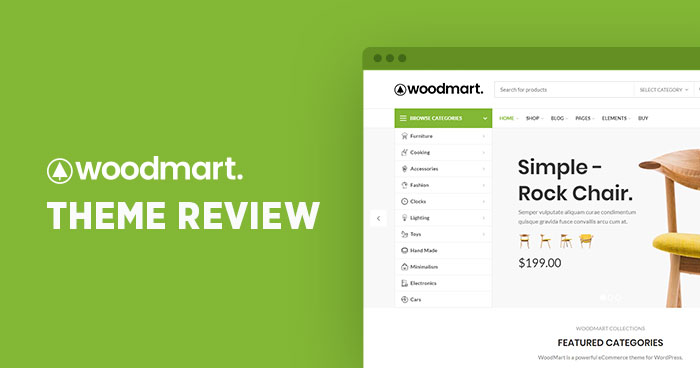
Product Features and Procedures in WoodMart Themes
This article introduces three core product features of WoodMart theme: visitor counter, sales counter and inventory progress bar, and provides detailed configuration steps to help WooCommerce store to improve page interaction and purchase conversion.

WooCommerce Active Product Filters Block User Guide
Introduces the role of the Active Product Filters block in WooCommerce, how to add it, where to recommend it, and practical tips to help optimize the product filtering process.
The Right Way to Enable CDN Acceleration for WooCommerce Stores
Comprehensively explains how to enable CDN for WooCommerce websites and plugin configuration tips to improve loading speed, reduce server stress, and enhance performance during peak promotional periods.

Where to see WooCommerce orders - 3 minutes to get all your orders!
Easily master where to look for WooCommerce orders with a quick beginner's guide to order management, detail viewing, and FAQ resolution.

Ecommerce Plugin Recommendations: 5 Must-Have Tools to Boost Conversions
Featured 5 e-commerce plugin recommendations covering cart salvage, smart pop-ups, product recommendations, trust building and email marketing to improve conversion rates across the board.
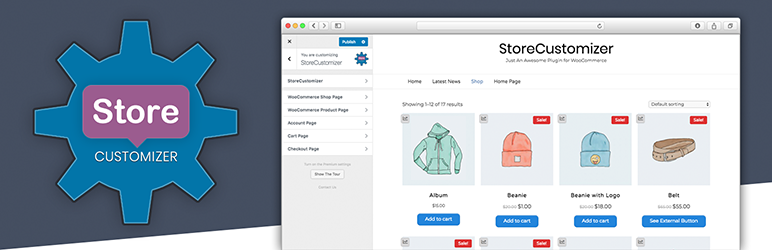
Multiple Specifications, Multiple Attributes, Multiple Prices: How to Flexibly Manage Them on WordPress Product Pages
This guide explains how to manage products in WordPress using multiple specifications, attributes, and pricing options. It helps merchants streamline backend operations and improve inventory and pricing management efficiency.

Kadence Themes with Elementor: Creating Highly Customizable Web Pages
Learn how to use the Kadence theme in conjunction with the Elementor page builder to create a highly customizable and performance-optimized WordPress website. This article will detail installation, design, optimization, and advanced feature integration to help you easily create pages that meet your needs.
WooCommerce 10.2.1 Update Released: WordPress 6.9 Compatibility & Critical Fixes
WooCommerce 10.2.1 Stable has been released, focusing on improving WordPress 6.9 compatibility, fixing AMP plugin conflicts, refund order scripts and RTL language price display issues.

Stripe Connect Platform Charging Guide: How to Set Up Automatic Commissions for Your Multi-Merchant Marketplace
I'll walk you through how to set up platform charging with Stripe Connect. By adjusting simple code parameters, you can automate commission withdrawals and optimize the flow of funds to your merchant accounts.

How to Display Categories and Subcategories in WooCommerce
Setting up product categories and subcategories in your WooCommerce store not only improves user experience, but also optimizes SEO rankings. This guide details how to show, hide, and sort WooCommerce product categories, as well as customize category display through plugins and code...
From the Ground Up: How to Quickly Install and Configure WooCommerce in a Kadence Theme
Learn how to install and configure WooCommerce from scratch in a Kadence theme to create a fully functional online store. Master theme customization, product management, performance optimization and user experience enhancement to create an efficient e-commerce platform.

WooCommerce REST API: Integration, Administration and Troubleshooting Guide
Achieve efficient management of your e-commerce store with the WooCommerce REST API. From API integration and testing to managing products, orders, and customers using the REST API, a comprehensive breakdown of the features and benefits of the WooCommerce API helps you save time and optimize business processes.





