




woocommerce Page 29
Focus on the latest marketing technologies and operational practices in the cross-border industry
arrange in order

How to Improve WordPress Page Building Efficiency with Kadence Blocks and the Gutenberg Editor
Discover how Kadence Blocks works seamlessly with the Gutenberg editor to enhance the page-building experience of your WordPress site. Learn how to easily create high-quality, interactive pages with its powerful design options, responsive layouts, and dynamic content features.

WooCommerce shopping cart product quantity and content of the real-time update display method
Add AJAX dynamic update function in WooCommerce shopping cart to allow customers to view the cart content and the number of products at any time. This article describes how to display shopping cart information in the navigation bar and realize automatic update through code to improve the shopping experience.
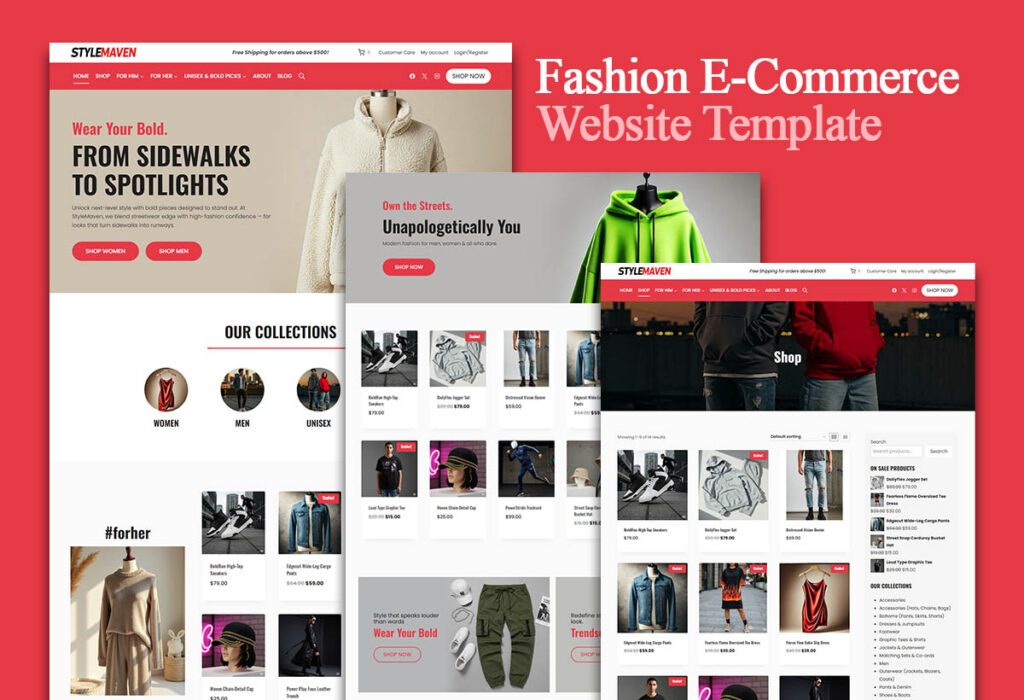
Use the Elementor plugin with WooCommerce to create the perfect e-commerce site!
Learn how to combine the Elementor plugin for external templates with the WooCommerce plugin to create a powerful and visually appealing e-commerce site that improves customer experience and conversion rates.
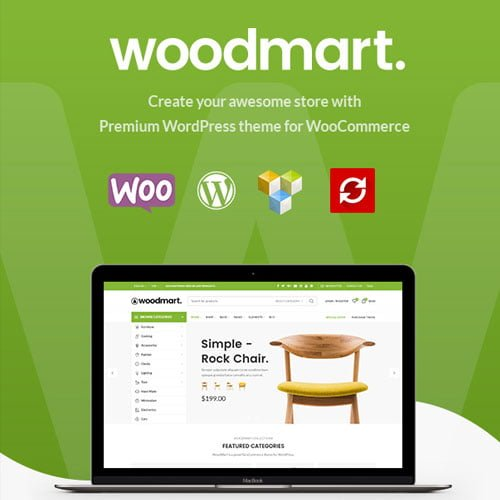
Say goodbye to plugin overlays! Build Fast, High-Converting E-Commerce Websites with WoodMart
WoodMart theme integrates a variety of e-commerce features, reduces plugin dependency, improves performance and security, and makes WordPress e-commerce site more efficient and stable.

How to test payments with a WooPayments test account and upgrade to a full account
Learn how to use a WooPayments test account to simulate the payment process without real money or personal information. Also learn how to upgrade your test account to a full account to start receiving real payments.
How to Add Custom Currencies and Symbols in WooCommerce
This tutorial teaches you how to add custom currencies and their symbols to your WooCommerce store to enhance the shopping experience and increase user conversions. With simple steps, it makes it easy for you to manage your store's currency options.

How to customize WooCommerce product variants?
Learn how to customize WooCommerce product variables with code and plugins, including adding attributes, generating variables, optimizing performance, and resolving common issues to provide a more engaging shopping experience for your customers and improve your site's competitiveness.

How to Edit/Delete Fields and Emails in WooCommerce Custom Checkout Fields
Learn how to add, edit, and save custom fields on the WooCommerce checkout page, remove additional information, customize the checkout button, and display custom field information in order management and email templates to meet business needs.

80% WooCommerce Tax Mistakes Sellers Make, Have You Been Hit?
An in-depth analysis of common WooCommerce tax mistakes and proper configuration methods to help sellers avoid losses, improve compliance and customer satisfaction.

WooPayments Configuration Guide: Complete Setup and Optimization Explained
Learn how to quickly configure WooPayments in WooCommerce, including enabling test mode, checkout methods, and quick payment and fraud prevention settings for easy online collections.

How to use Kadence themes with WooCommerce to create the perfect online store
Learn how to use Kadence themes and WooCommerce plugins to create a powerful and beautifully designed online store. This article explains the installation, setup, design, and optimization process in detail to help you create an efficient e-commerce platform with ease.
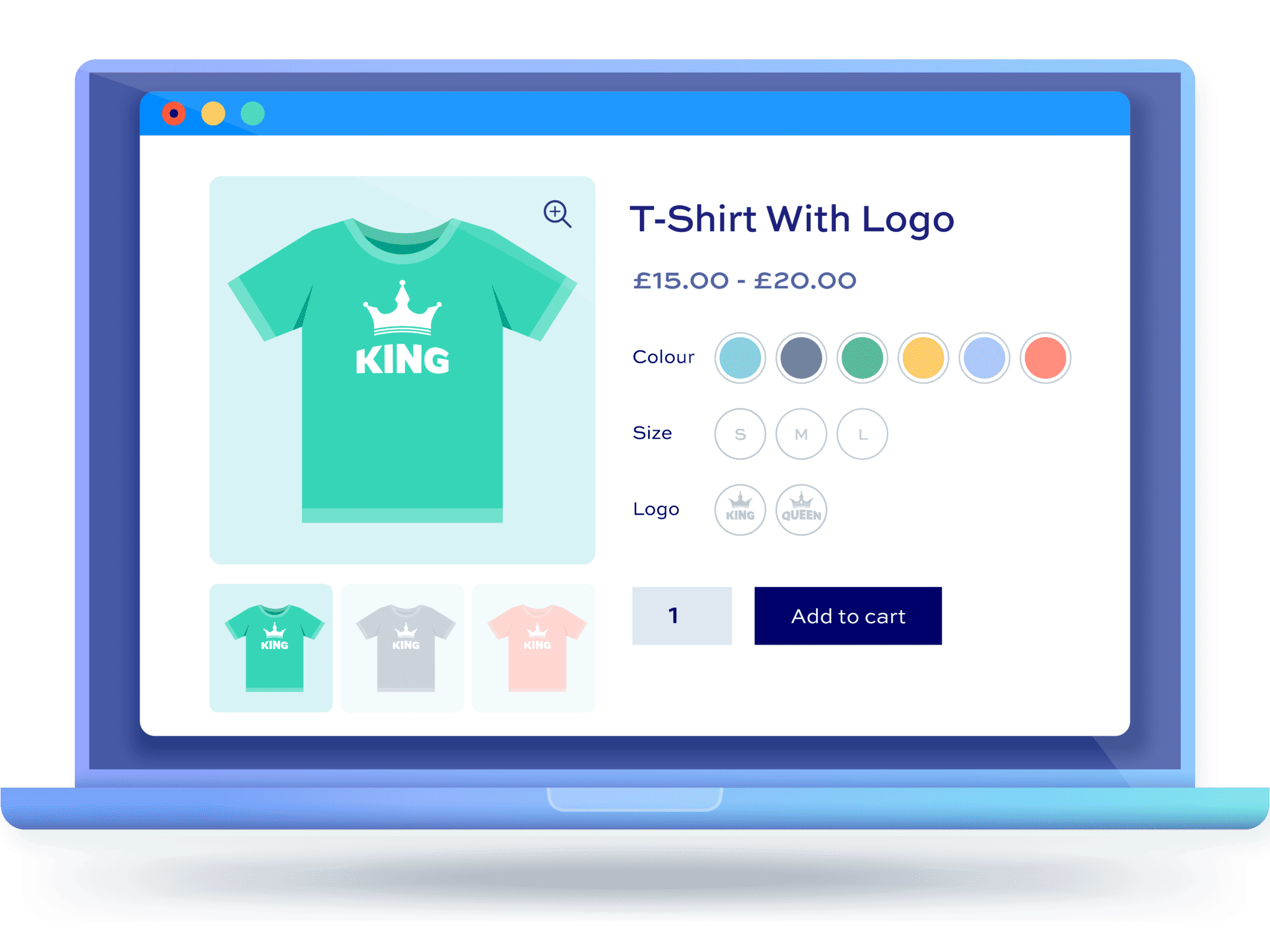
From Scratch: How to Set Up Multi-Spec and Multi-Attribute Products for WordPress Stores
This article details how to set up multi-size and multi-attribute products for your WordPress eCommerce store, helping you to enhance the shopping experience and optimize sales conversions, ensuring that each step is clear and easy to understand.





