




woocommerce Page 42
Focus on the latest marketing technologies and operational practices in the cross-border industry
arrange in order
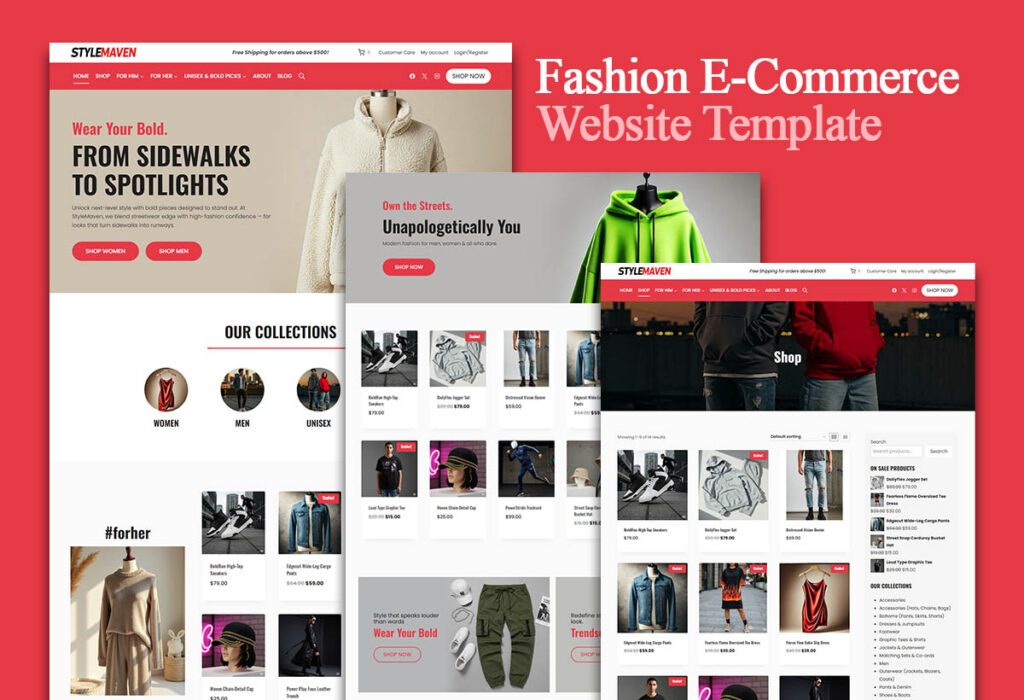
Use the Elementor plugin with WooCommerce to create the perfect e-commerce site!
Learn how to combine the Elementor plugin for external templates with the WooCommerce plugin to create a powerful and visually appealing e-commerce site that improves customer experience and conversion rates.
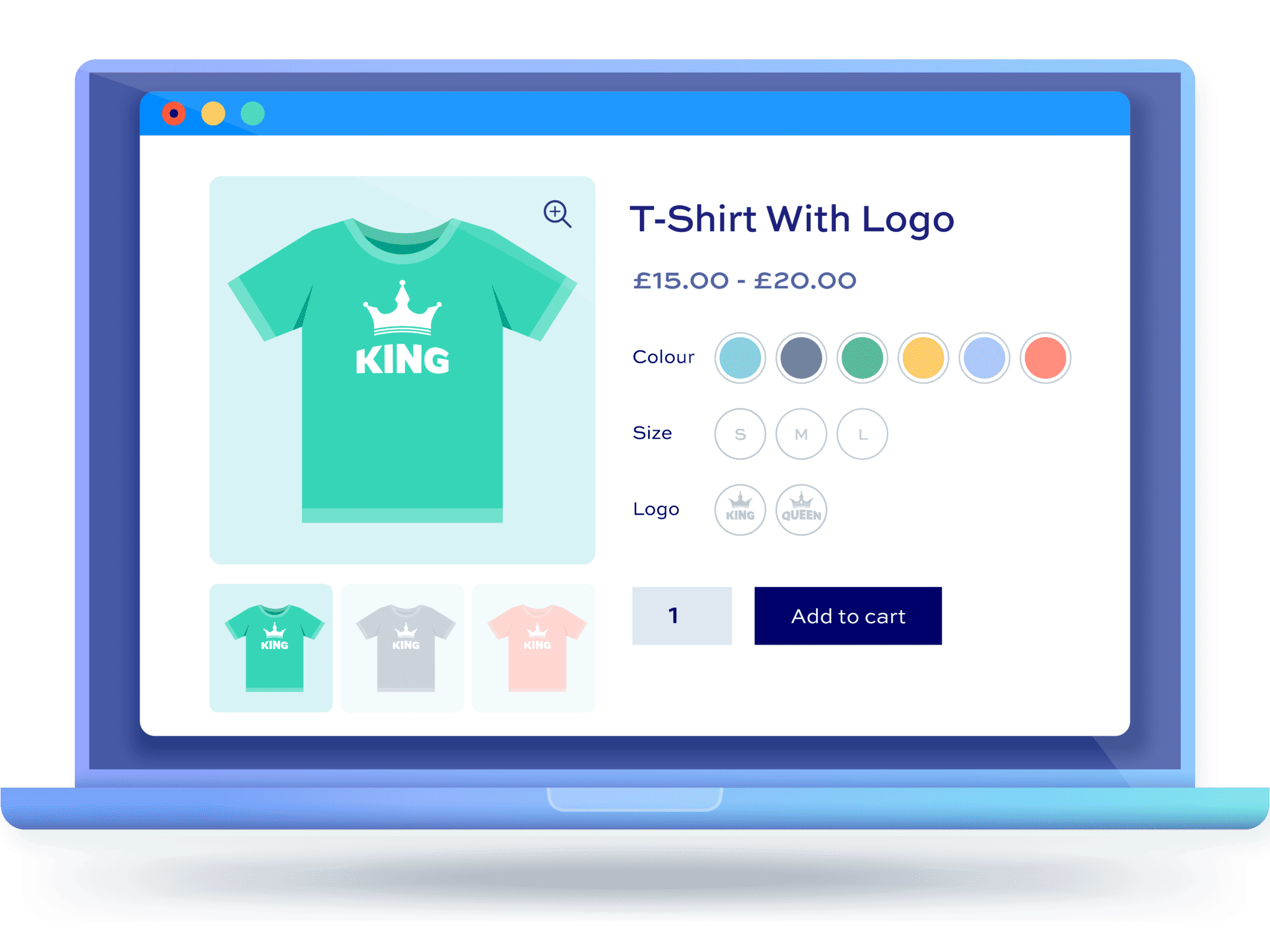
From Scratch: How to Set Up Multi-Spec and Multi-Attribute Products for WordPress Stores
This article details how to set up multi-size and multi-attribute products for your WordPress eCommerce store, helping you to enhance the shopping experience and optimize sales conversions, ensuring that each step is clear and easy to understand.

How do WordPress subscription product refunds work? Refund Rules and Compliance Advice for Coupon Orders
Learn how to handle refunds for WordPress subscription products and coupon orders, set up compliant refund policies, and avoid complaints and legal issues.
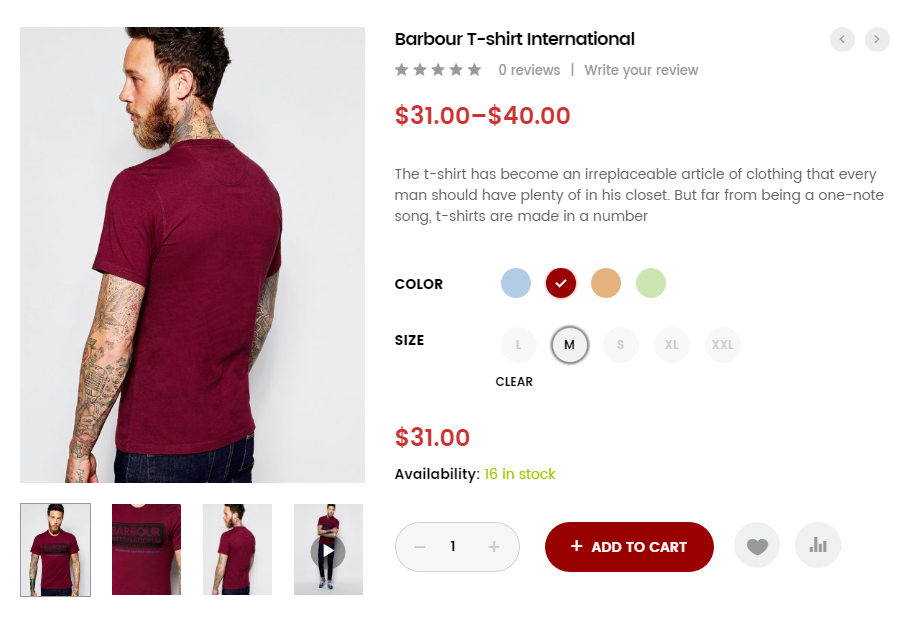
How WordPress Multi-Spec Plugin Integrates with Inventory Management System
Learn how to integrate the WordPress Multi-Spec plugin with an inventory management system to improve the efficiency of inventory management on your e-commerce site, avoid overselling and out-of-stock issues, and optimize the customer shopping experience.
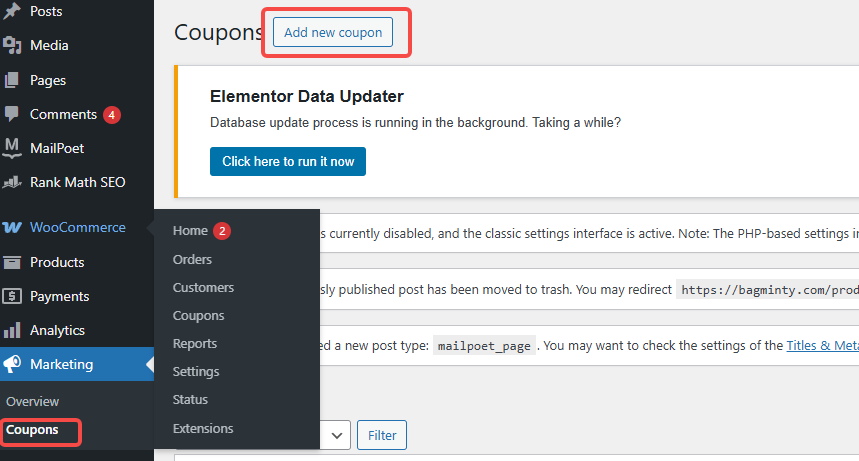
Coupon not working? Check These 5 Places First (WooCommerce General)
In WooCommerce, coupons that don't work can affect sales and customer experience. This article describes five common checkpoints to help merchants solve the problem of coupons not working and improve the effectiveness of promotions.

How to set up "Auto Send Coupon for Successful Subscription" in WordPress? A Complete Hands-On Guide (from 0 to Automation)
Detailed explanation of WordPress how to automatically send coupons after successful subscription, covering WooCommerce coupon settings, subscription forms, email trigger logic and common problems, suitable for blogs and e-commerce site hands-on reference.

Complete Guide to Setting Up WooCommerce Subscription Coupons for New Users (from 0 to Automation)
This guide explains in detail how to set up WooCommerce new user subscription coupons, including auto-sending, usage restrictions and conversion optimization, to help boost first-time order conversions.

Recommended WordPress Plugins for Subscription Coupons (Tested): From "Subscription Success→Automatic Coupons→Automatic Reminders" at Once!
Do you want to realize "Auto Send Coupon for Successful Subscription" in WordPress or WooCommerce? In this article, we compare and contrast MailPoet, FluentCRM, AutomateWoo and other plugins, and explain the subscription coupon process, anti-abuse settings and the best combination of combat, to help you quickly build a high turnover ...

Not Receiving Coupons After WordPress Subscription? 7 Most Common Reasons & Complete Solutions
Not receiving coupons after WordPress subscription? This article details the 7 most common reasons, covering a complete troubleshooting method for subscription plugins, WooCommerce coupons, email delivery and server configuration.

The Best Combination Solution for WordPress Email Subscription + Auto-Coupon (Full Process from Plugin Selection to Landing)
Systematically explains how WordPress and WooCommerce can realize "Automate Coupon Delivery after Email Subscription", in-depth comparison of MailPoet, FluentCRM, AutomateWoo, FunnelKit and other plugin combinations, and provides from subscription triggering, coupon anti-abuse, to the email delivery rate ...

WordPress subscription form binding coupon process: from subscription to the complete closed loop of automatic coupon (detailed version)
Detailed explanation of the complete process of WordPress subscription form binding coupons: WooCommerce create coupons, subscription triggered auto-coupon, email delivery and SMTP configuration, Double Opt-in validation, anti-misuse and data tracking, quickly build a sustainable subscription coupon growth closed loop.
How to Translate WooCommerce Extensions with Loco Translate PRO
Learn how to create custom translations for WooCommerce extensions using the Loco Translate plugin. This article details translation steps, considerations, and best practices to ensure that translations are not overwritten when updated.





