




woocommerce Page 5
Focus on the latest marketing technologies and operational practices in the cross-border industry
arrange in order

How to Optimize Responsive Design for Mobile to Enhance Ecommerce User Experience with WooCommerce
In the era of mobile e-commerce, users are more and more inclined to shop and transact on mobile devices. Therefore, for e-commerce platforms, optimizing the mobile experience has become a crucial part.WooCommerce, as a powerful e-commerce platform, has many advantages and features...

Building a Multilingual WooCommerce Store: A Comprehensive Guide and Practical Tips
Engaging a global audience is critical to the success of any online store. One effective way to expand your reach is to make your e-commerce store multilingual. According to the Bright Plugins website, offering content in multiple languages can increase online sales by as much as 100%. through...
An In-Depth Look at WooCommerce Analytics: The Best Tools and Metrics for Improving Online Store Performance
WooCommerce Analytics comes as a native tool that allows users to easily track customer behavior and product performance. In this article, we'll take a closer look at WooCommerce's analytics tools and discuss three advanced tools that offer powerful analytics capabilities. Using Woo...
10 Practical Ways to Optimize WooCommerce for Higher Conversion Rates
Optimizing for WooCommerce requires a combination of marketing and internet expertise to create the ideal storefront for your customers. Here are 10 simple ways, backed by data, to increase conversions. WooCommerce Conversion Rate Optimization (CRO) is a way to improve the success of your eCommerce...
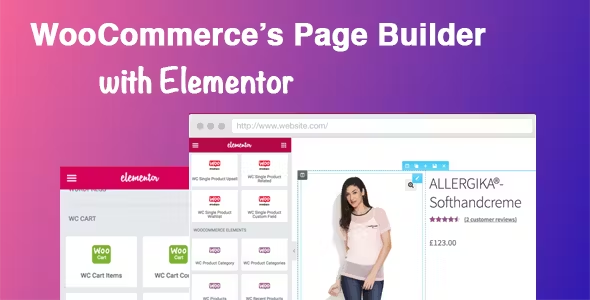
Easily Build Highly Customizable Online Stores with WooCommerce and Elementor: The Complete Guide
Building an online store with WordPress is easy with the powerful eCommerce features of WooCommerce and the flexible, no-code design of Elementor. This guide will take you through how to use WooCommerce with Elementor, starting with installation and customization...
How to Password Protect Posts, Pages and WooCommerce Products
If you want to password protect individual posts, pages, or WooCommerce products, WordPress actually includes a built-in feature to help you set it up via its Visibility settings. The visibility settings will be found in the WordPress editor, so you can use them for our above...

How to choose and optimize the best image size for WooCommerce products
For WooCommerce users, choosing the right image size not only improves the user experience, but also increases sales. Images that are too small do not showcase products effectively, while images that are too large slow down the site and cause potential customers to leave before making a purchase. Therefore, implementing image sizes...

WooCommerce Payment Gateway Guide: How to Choose, Setup and Manage a Payment Gateway to Ensure the Success of Your Online Store
In this guide, we'll go over how WooCommerce payment gateways work, which ones to choose, and all the best practices. How do WooCommerce payment gateways work? On WooCommerce, payment gateways can be downloaded and added to the store's wor...
How to Configure a Payment Gateway in WooCommerce: A Detailed Guide
This guide will show you step-by-step how to configure a payment gateway in WooCommerce. With the right setup, your customers can securely purchase your products or services without any hassle. Let's get started! Overview of Payment Gateways in WooCommerce With electric...
Detailed Guide: How to Configure and Optimize Shipping Settings in WooCommerce
Setting up shipping in WooCommerce may seem difficult, but it's crucial to running a successful online store. It's almost impossible to manage an online store without a well-organized shipping setup. This guide for beginners on configuring shipping settings, defining shipping zones, and adding shipping methods...
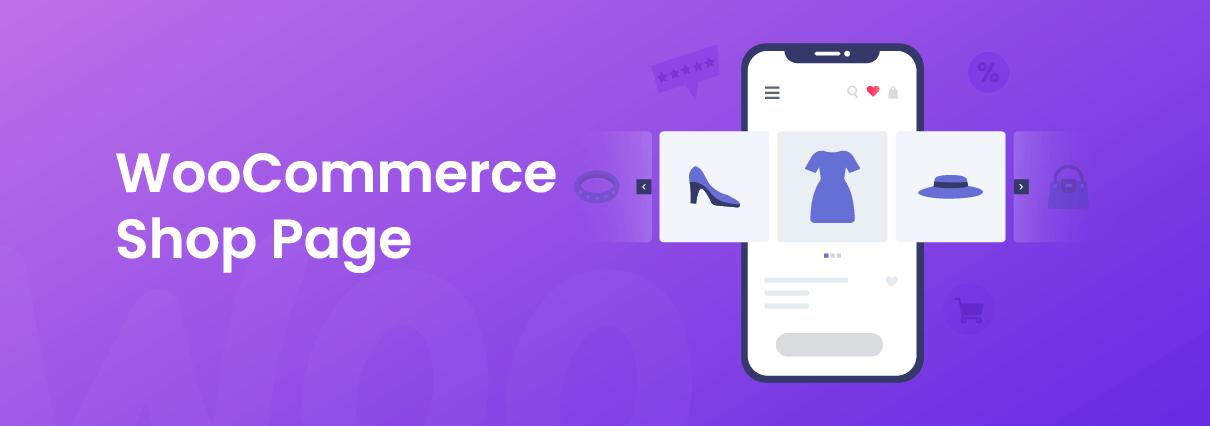
How to Fully Customize and Optimize Your WooCommerce Store Pages
Building your website with WordPress and WooCommerce allows you to fully own your store and use a flexible framework to build systems and designs as unique as you dream. Today we're going to discuss building a WooCommerce store page and how you should customize it...
Total Optimization: Dramatically Improve E-Commerce Efficiency with WooCommerce Automation
Taking full advantage of the features and applications available on WooCommerce can save you significant time. In this article, we'll explore the best ways to automate WooCommerce and clear your schedule. 1. Customer Communication Automation Contacting customers individually can be very time-consuming.WooCommerce e...





